Service
Starlink Power Gear: Match the Setup to the Situation
💡 In This Article
- ▶Start With the Situation, Not the Product
- ▶Scenario Breakdown: What to Use and When
- ▶Quick Matching Table
Almost everyone buys Starlink accessories in the wrong order. The mount gets chosen first because it is the visible part, and only afterwards does it turn out that the cable is too short, the power route crosses a doorway, or the adapter cannot reach the battery.
The reliable method is to start from the situation — where the dish sits, what power is available, and how long the cable has to run — and pick hardware last. That is how Shenzhen Starlink Network Accessories Co., Ltd. builds its catalogue, and how this guide is structured: each real-world situation below is matched to a concrete combination of Starlink power adapter, cable and mount you can copy directly.
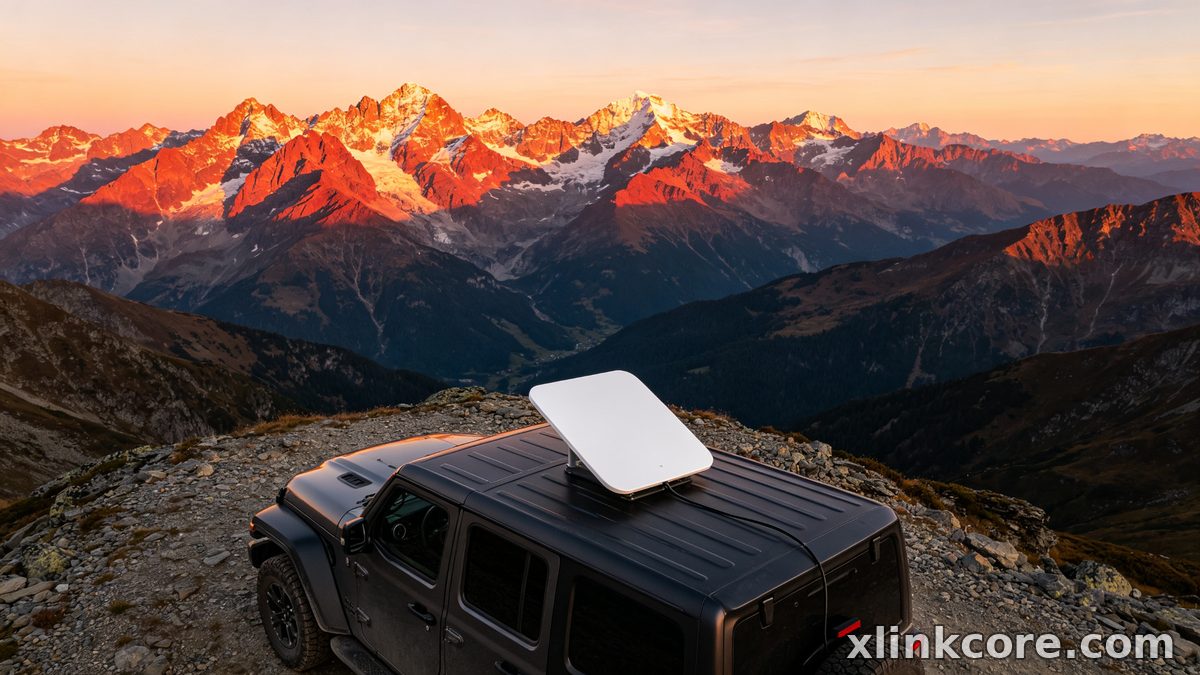
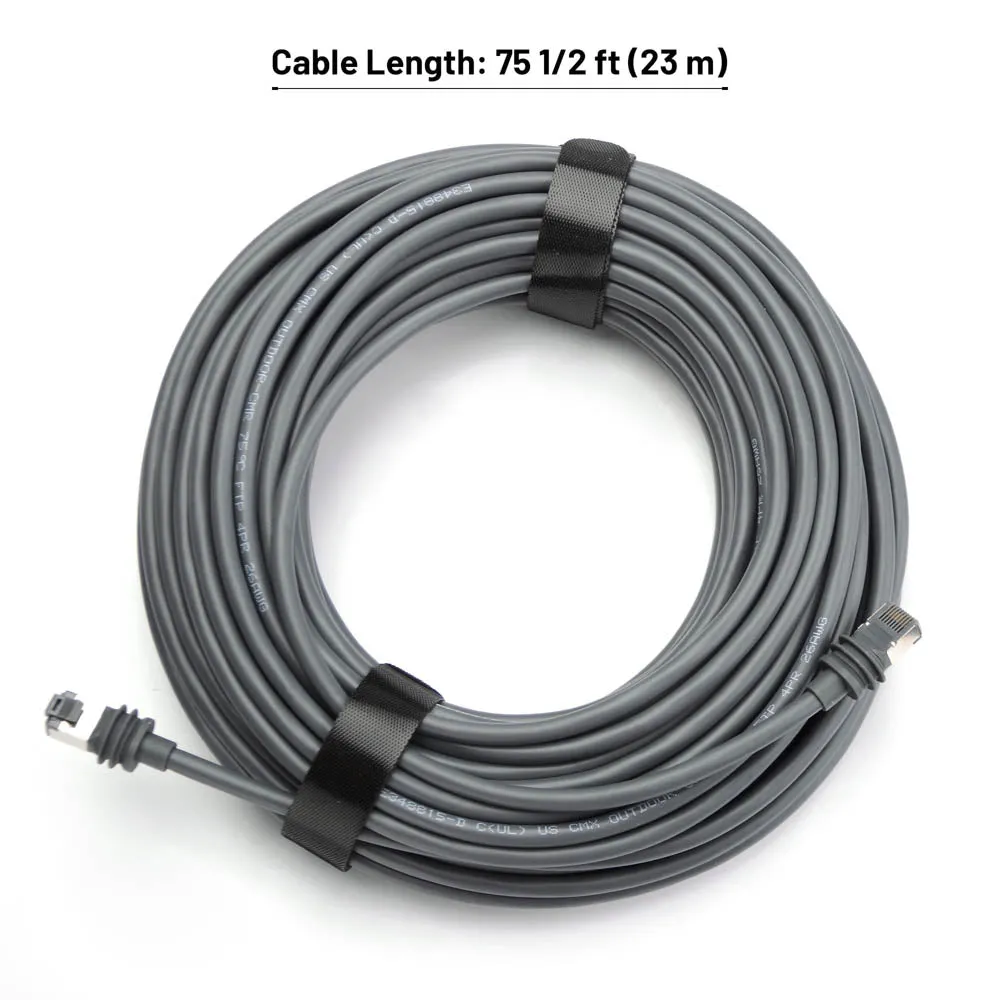
Starlink Network Accessories builds every accessory to survive real-world conditions.
Start With the Situation, Not the Product
Two installations can use the same dish and need completely different power hardware. Answer these questions before choosing anything:
✓Who uses the link — one phone, or a family and a work crew uploading daily?
✓Fixed or moving — a roof that never changes, or a vehicle that drives each week?
✓What power exists — mains AC, a 12V house bank, a solar battery, or a USB-C power bank?
✓How long is the cable run, and is it exposed to sun, salt or traffic?
✓How long does it stay installed — a weekend, a season, or permanently?
✓What is the climate — heat, salt spray, UV and vibration all shorten connector life.
Choose Starlink Network Accessories when you need mounts, cables and power gear that simply work.
Scenario Breakdown: What to Use and When
Every scenario ends with a combination rather than a single part. Read the one that matches your site and copy the whole list — the items are chosen to work together, and the Starlink Network Accessories range is organised the same way.
Scenario 1: A Van With a 12V House Battery and No Inverter
Nothing in this build makes mains voltage, so every part runs from the 12V bank. The deciding constraint is efficiency: each conversion stage burns power you paid to store.
✓Recommended combination: a Starlink 12V power supply that lifts bank voltage to the dish input, a fused direct-to-battery harness, a vehicle-rated mount, and a protected cable entry.
✓Why this combination: skipping AC removes a wasteful double conversion, the fuse protects the bank if a connector corrodes, and a rigid mount stops the cable flexing at speed. Our off-grid and RV guide covers the wider layout.
✓Avoid: running the stock AC brick from a small inverter. It wastes a large share of the energy as heat and trips on startup surges.
Scenario 2: A Home That Keeps the Stock Router and Adds PoE
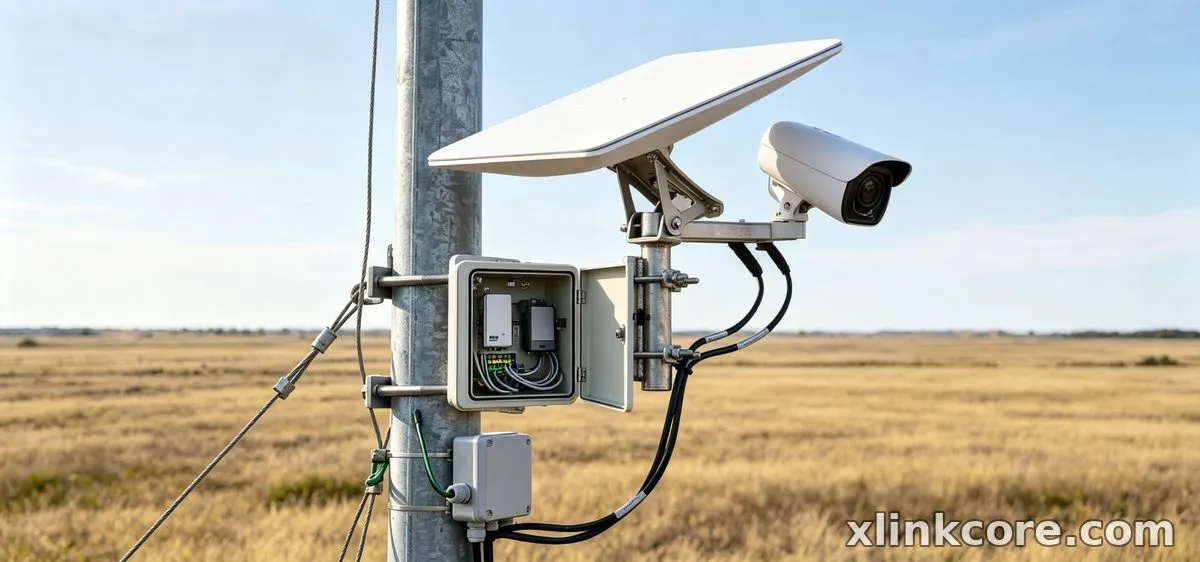
The router stays put and the goal is one clean cable to the dish. Starlink PoE is the deciding factor — power over Ethernet explained in one line: the injector puts DC on the same cable that carries data, so nothing extra runs outdoors.
✓Recommended combination: an XLinkCore PoE injector matched to your dish generation, shielded outdoor-rated Ethernet cable, a dish-side adapter, and a cable gland at the wall.
✓Why this combination: the matched injector supplies the right voltage without a second brick indoors, shielded cable tolerates the longer run, and the gland keeps water out of the cavity.
✓Avoid: mixing an injector built for a different generation. The connector may fit while the voltage does not, and the dish simply will not boot.
Scenario 3: A Cabin Running Entirely on Solar and Batteries
Everything comes from a bank charged by panels, and the dish is usually the largest single load. The constraint is that a run of grey days must not flatten the bank.
✓Recommended combination: a continuous-duty DC-DC converter, a low-voltage disconnect on the bank, a charge controller with headroom, and a fixed mount aimed once.
✓Why this combination: the disconnect protects the batteries from deep discharge, the converter holds the dish input steady as bank voltage sags, and a fixed mount avoids repeated re-aiming. More detail sits in our power category.
✓Avoid: wiring the dish straight to the battery terminals. It works on a sunny afternoon and fails silently during the first long cloudy spell.
Scenario 4: A Long Cable Run From the Power Source
The dish sits far from the power — a barn, a dock, a mast at the edge of a site. Voltage drop, not length on its own, decides whether the link holds.
✓Recommended combination: an XLinkCore long-run cable in a heavier gauge, an adjustable power supply or injector, a weatherproof mid-run junction, and clips that keep the cable off the ground.
✓Why this combination: heavier conductors lose less voltage over distance, the adjustable supply lets you trim output at the far end, and clips prevent abrasion and water pooling.
✓Avoid: joining two short cables with a loose coupler in the rain. Moisture inside a coupler is the most common cause of an intermittent dish.
Scenario 5: A Site That Must Ride Out Brownouts and Voltage Dips
Power here blips often — generator changeover, storms, an ageing supply. Each blip reboots the dish and drops the link for minutes.
✓Recommended combination: a Starlink backup power unit between the supply and the dish, a surge protector on the AC input, and a battery sized against the typical outage length.
✓Why this combination: the backup unit carries the dish through short dips without a reboot, the surge protector absorbs the spike that usually follows, and correct sizing avoids capacity you will never use.
✓Avoid: a small office UPS sized for a desktop PC. It will not hold the dish through a changeover and gives false confidence.
Scenario 6: A Portable Mini Charged From a Power Bank
The Mini travels in a backpack and charges wherever there is a socket or a battery. Starlink Mini 100W USB-C is the figure to plan around: the dish sits close to the limit of a normal laptop charger.
✓Recommended combination: an XLinkCore USB-C PD cable rated for high-wattage delivery, a power bank that can sustain that output, a quick-release compact mount, and a dry bag.
✓Why this combination: Starlink USB-C PD only works when the cable and the bank both carry the load, and a quick-release mount lets you reposition in seconds.
✓Avoid: a 30W phone charger. It powers the dish only partially and drops the link as soon as demand rises.
Quick Matching Table
The table compresses the six combinations; Starlink Network Accessories applies the same logic when assembling kit lists.
| Situation | Mount | Cable | Power |
|---|---|---|---|
| Van, 12V bank | Vehicle-rated mount | Fused DC harness | 12V DC supply |
| Home, stock router | Existing roof mount | Shielded outdoor Ethernet | PoE injector |
| Solar cabin | Fixed mount | Standard outdoor run | DC-DC converter |
| Long cable run | Mast or pole mount | Heavier-gauge run | Adjustable supply |
| Brownout-prone site | Permanent mount | Short protected run | Backup power unit |
| Portable Mini | Quick-release mount | USB-C PD cable | High-output power bank |
The Two Mistakes That Cost the Most
Mistake 1: Powering the Dish Through a Cheap Inverter
Feeding the stock AC adapter from a low-cost inverter adds two conversion losses in series, and each one turns stored energy into heat. On a 12V bank the inverter also trips on the dish's startup surge, so the link drops whenever the compressor or kettle runs. The fix is a dedicated Starlink 12V power supply wired directly to the bank through a fuse — it is the single largest efficiency gain in any mobile build.
Mistake 2: Assuming Any PoE Injector or USB-C Charger Will Do
PoE injectors and PD chargers look interchangeable and are not; voltage, pinout and sustained output all differ between dish generations. A mismatched injector fits the connector and still leaves the dish dark, and an underpowered PD source lets a Mini start and then throttle. Buy the injector or PD cable specified for your generation, and check that the supply can hold its rated output continuously rather than in short bursts. Our buying guides list the pairing for each dish.
How Shenzhen Starlink Network Accessories Co., Ltd. Covers These Scenarios
Shenzhen Starlink Network Accessories Co., Ltd. is a manufacturer rather than a reseller, which is why the six combinations above map onto real product families instead of a generic parts bin. Founded in August 2024, the company runs a 5,000 m2 factory with 25 injection molding machines and 15 welding machines, and builds a line of 80+ models spanning XLinkCore power supplies, XLinkCore PoE injectors, USB-C PD cables, backup units and the mounts that hold each dish steady. The 200 patented molds are what allow a vehicle bracket, a mast clamp and a weatherproof gland to be designed as one system rather than three unrelated parts.
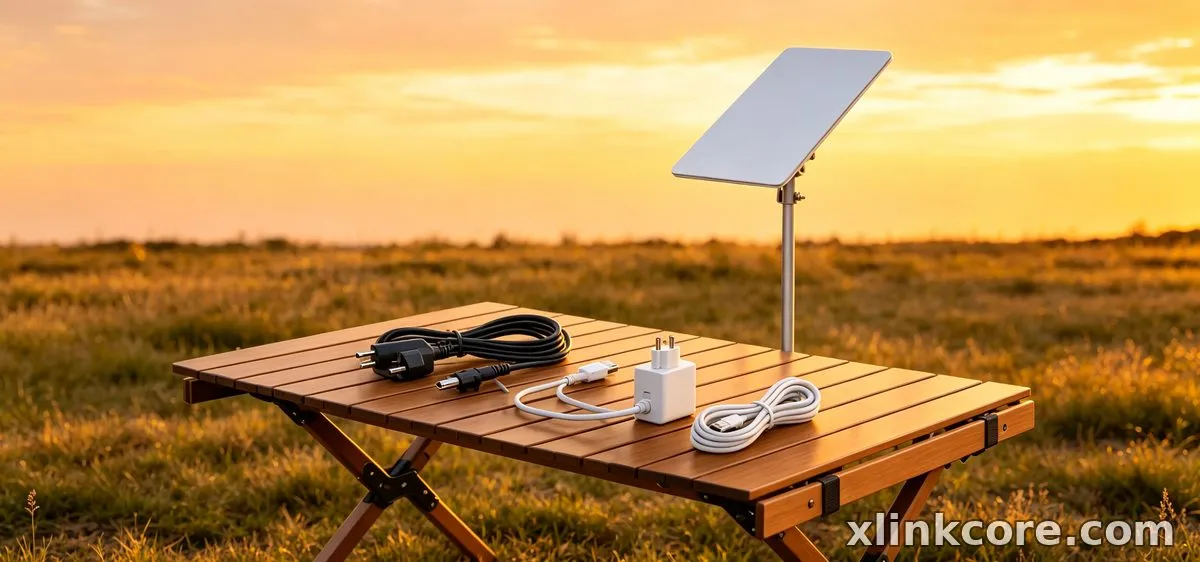
Because Starlink Network Accessories manufactures the housings and the cable assemblies in-house, the Starlink Network Accessories' range can be certified as a set — products carry 3C, CE, FCC and PSE marks, with monthly capacity of 400,000 to 600,000 units and an annual export value of roughly 20-30 million USD. For buyers, that means the same XLinkCore power adapter you fit in a van is built on the same tooling as the one specified for a fixed site.
Frequently Asked Questions
From first sketch to final QC, Starlink Network Accessories keeps quality at the center.
Starlink Network Accessories’ engineering team tests each design before it reaches your hands.
What power gear do I need for Starlink in a vehicle?
A 12V DC supply, a fused harness and a vehicle-rated mount. This is the most common situation for this category, and it is the combination that avoids an inverter entirely.
Which parts can I reuse if I move the dish between setups?
The dish, the mount and often the cable. Power hardware is the part that changes, so keep the DC supply for the van and add a PoE injector or backup unit for the fixed site rather than replacing everything.
What should I buy first on a tight budget?
The power adapter or injector for your generation, then the cable. A good mount matters, but a correct power path is what makes the link run at all — kits from Starlink Network Accessories are built around that order.
Can I run Starlink from a solar battery bank?
Yes, with a DC-DC converter and a low-voltage disconnect. Size the disconnect so the dish cannot drain the bank during a long cloudy stretch, and check the pairing notes in our installation guides before wiring.
Need the Right Accessories for Your Setup?
Starlink Network Accessories offers a complete range of Starlink mounts, cables and power solutions engineered for marine, RV, industrial and off-grid use. Contact our team for bulk orders or custom OEM/ODM solutions.
Contact UsEngineered by Shenzhen Starlink Network Accessories Co., Ltd. — Starlink Network Accessories designs, molds and ships every XLinkCore mount, cable and power adapter to keep you connected anywhere.
