Service
Starlink Power by Scenario: What to Use and When
💡 In This Article
- ▶Start With the Situation, Not the Product
- ▶Scenario Breakdown: What to Use and When
- ▶Quick Matching Table
Almost everyone buys Starlink accessories in the wrong order: the mount is chosen first, then the installer discovers the cable is too short, the power route does not exist, or the dish needs an adapter nobody budgeted for. By then the holes are already in the roof.
The reliable method runs backwards from the situation — where the dish sits, whether it moves, and what power is genuinely available — and picks parts last. That is how Shenzhen Starlink Network Accessories Co., Ltd. designs its catalogue, and it is how this guide maps the most common real-world power situations to a concrete combination of Starlink power hardware you can shop from directly.
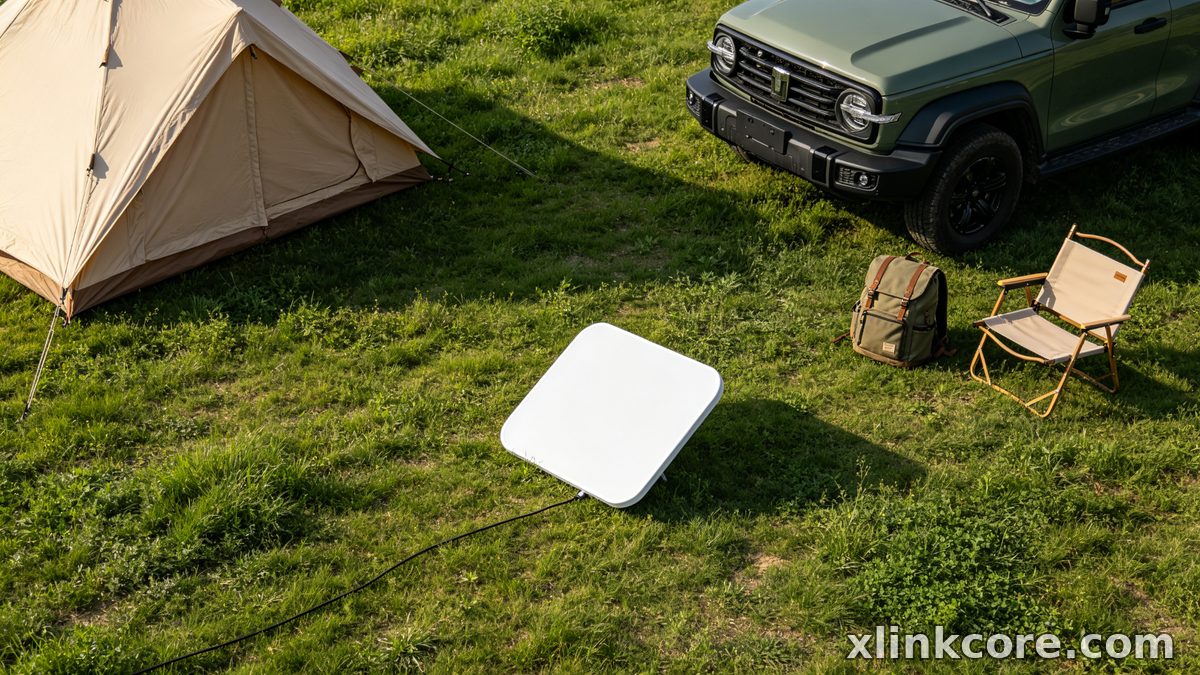
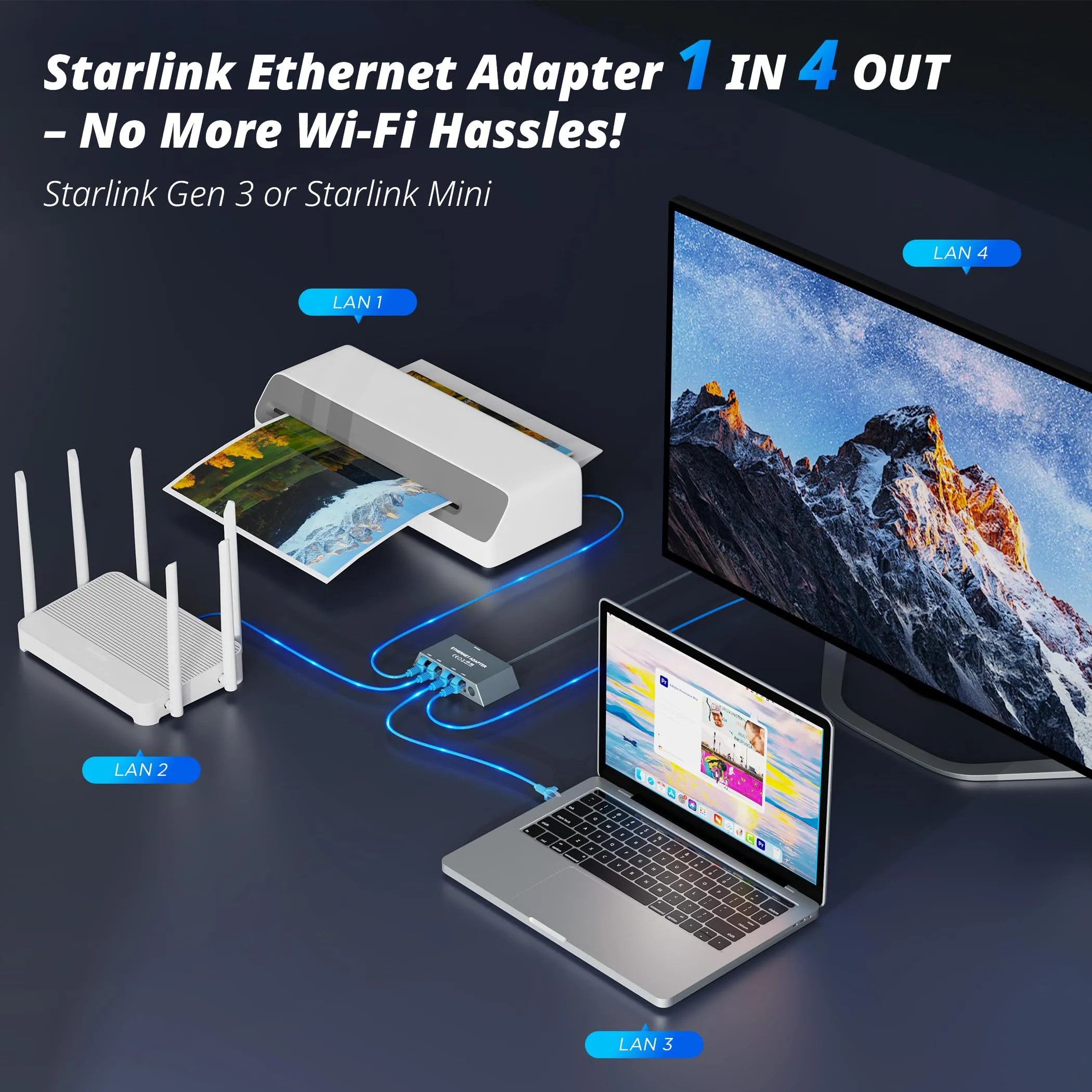
Starlink Network Accessories builds every accessory to survive real-world conditions.
Start With the Situation, Not the Product
Six questions settle almost every combination before a single part number matters. Answer them in order and most of the catalogue eliminates itself.
✓Who uses it: a household that never touches the dish, or a crew that rigs and de-rigs every week.
✓Fixed or moving: bolted down for years, or travelling at highway speed on a van roof.
✓Power available: mains AC, a 12V or 24V battery bank, solar, or only a USB-C outlet.
✓Cable run: how far the dish sits from the power source, and how much of that run is outdoors.
✓Installation life: a weekend, a season, or a permanent install that has to survive a decade of weather.
✓Exposure: salt, UV, dust, heat and vibration all shorten the life of anything not built for them.
Starlink Network Accessories builds its range around that order of thinking rather than a product-first catalogue.
Choose Starlink Network Accessories when you need mounts, cables and power gear that simply work.
Scenario Breakdown: What to Use and When
Each situation below names one combination. The power method decides the accessories, not the other way round — which is why any clear explanation of Starlink power over Ethernet starts with where the router and the power source actually sit.
Scenario 1: A Van With a 12V House Battery and No Inverter
The dish runs from the house bank for hours at a time, and every conversion loss comes straight out of usable capacity. The constraint is efficiency: nothing in the chain that wastes power or drains when the dish is off.
✓Recommended combination: a 12V DC step-up converter sold as a Starlink 12V power supply, a fused direct run to the house bank, a short dish-side cable, and a low-profile roof mount with a sealed cable entry.
✓Why this combination: an XLinkCore DC converter feeds the dish straight from the bank, so nothing is lost going DC to AC and back, and the fuse stops one fault from flattening the whole system.
✓Avoid: running the dish from a cigarette-lighter inverter. Inrush trips the plug, voltage sags under load, and the dish reboots mid-session.
Scenario 2: A Home That Keeps the Stock Router and Adds PoE
The router stays where the provider left it while the dish sits far away on a roof or at the end of a garden. The constraint is a single clean cable carrying both data and power to an indoor termination point.
✓Recommended combination: a dish-matched Starlink power adapter / PoE injector, an outdoor-rated cable in the correct length, an entry-point surge protector, and a wall or roof entry mount.
✓Why this combination: an XLinkCore PoE injector supplies the dish's own power profile while the router keeps doing its job, and the surge protector is cheap insurance on a rooftop run.
✓Avoid: a generic 802.3af/at switch. Standard PoE does not speak the dish's power language, and the dish simply will not boot.
Scenario 3: A Fully Off-Grid Cabin Running on Solar and Batteries
There is no grid to fall back on, so the dish becomes one load among several in a system sized in advance. The Starlink solar power setup that works is the one budgeted for the dish from day one, not added at the end.
✓Recommended combination: a solar array and MPPT controller sized with the dish in the load budget, a lithium bank, a 12V or 24V DC converter from Starlink Network Accessories' power range, and a battery monitor showing live draw.
✓Why this combination: a DC converter is the most efficient path from bank to dish, and a monitor turns guesswork into a number you can act on before the bank drains.
✓Avoid: bolting the dish onto an undersized lead-acid bank through an inverter. The dish's steady draw plus inverter overhead is what empties those systems overnight.
Scenario 4: A Long Cable Run From the Power Source
The dish is far from the router or battery and a good share of the route is outdoors. The constraint is voltage drop over distance and water finding every joint along the way.
✓Recommended combination: a single run at the longest supported length for that dish generation, outdoor conduit, a drip loop at the entry point, and a surge protector at the indoor end.
✓Why this combination: buying the right length once beats splicing, and conduit protects the jacket from UV and abrasion over years of sun.
✓Avoid: daisy-chaining two short cables with a loose barrel connector. Every joint is a water trap and a voltage drop you cannot diagnose from indoors.
Scenario 5: A Site That Has to Ride Out Brownouts and Voltage Dips
Mains flickers, generators switch over, and the link drops every time. The constraint is not total run time but clean, uninterrupted power through short events.
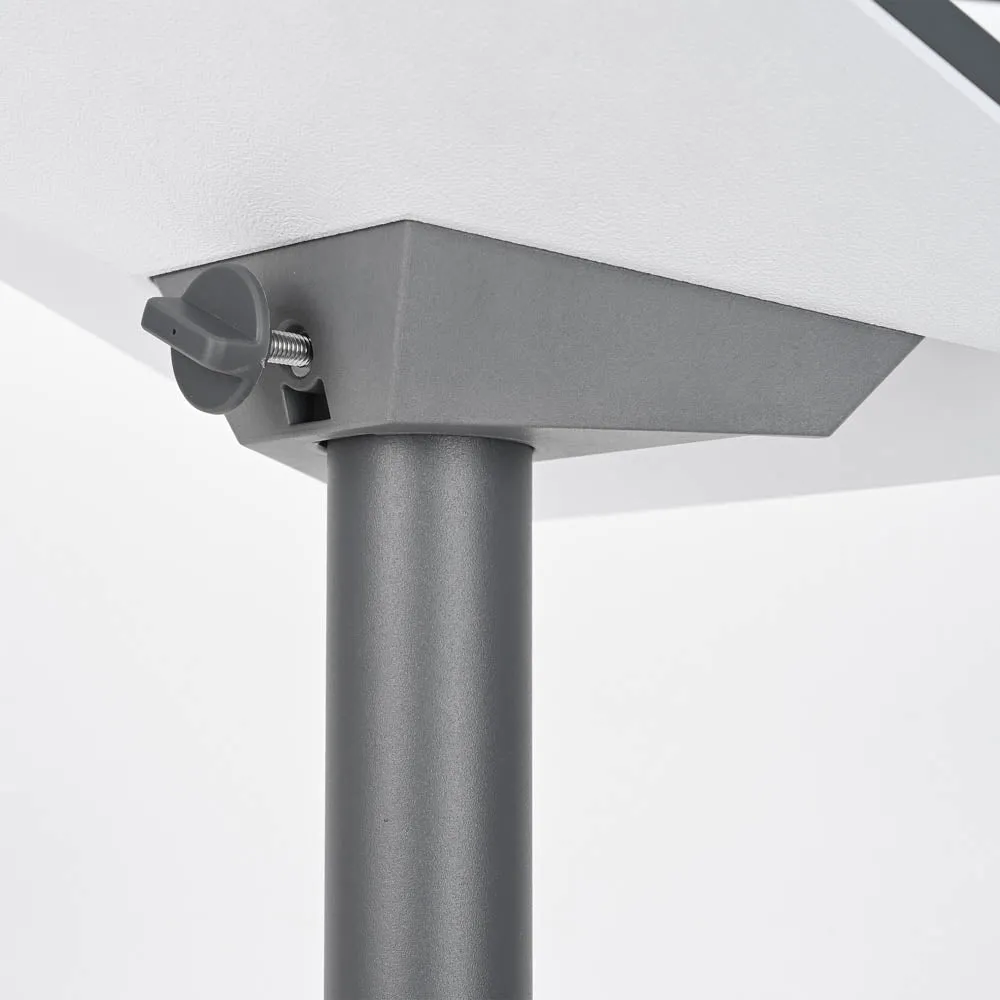
✓Recommended combination: a Starlink backup power unit or small UPS sized for the dish plus router, a DC converter fed from the same protected bus, and a surge protector upstream.
✓Why this combination: the battery buffer absorbs the dip, so the dish does not re-acquire the satellite during a five-second outage.
✓Avoid: a UPS sized only for the router. The dish is usually the bigger load, so a router-only unit drops the link anyway.
Scenario 6: A Portable Mini Charged From a Power Bank
The dish travels in a backpack and takes power wherever a USB-C outlet exists. The constraint is that only a proper PD source will run it, and only for as long as it is asked to.
✓Recommended combination: a high-output USB-C PD power bank or car charger that supports the Mini's demand, a short certified USB-C cable, a portable or suction mount, and a weatherproof cover for wet days.
✓Why this combination: Starlink USB-C PD negotiation is strict, so a source that cannot hold the required profile will drop the dish even when its capacity looks generous.
✓Avoid: a phone charger or a low-wattage PD port. It may run the dish for a minute and then cut out, which is why so many Starlink Mini 100W USB-C searches end in frustration.
Quick Matching Table
| Situation | Mount | Cable | Power |
|---|---|---|---|
| Van, 12V bank, no inverter | Low-profile roof mount | Short dish cable | 12V DC step-up converter |
| Home, stock router, add PoE | Wall or roof entry | Outdoor-rated, correct length | Dish-matched PoE injector |
| Off-grid solar cabin | Fixed pole or roof mount | UV-rated long run | Solar, MPPT, DC converter |
| Long cable run | Gable or roof mount | Longest supported length | PoE at indoor end |
| Brownout-prone site | Fixed mount, sealed entry | Protected run, surge at entry | Battery backup unit |
| Portable Mini | Portable or suction mount | Short certified USB-C | High-output USB-C PD bank |
Starlink Network Accessories' product lines cover every column above, and a Starlink buying guide can confirm the exact fit for your dish generation before you order.
The Two Mistakes That Cost the Most
Buying the cable before the power route is settled
Length is the last decision, not the first. Most failed installs start with a cable bought for the distance as the crow flies, ignoring the vertical drop, the drip loop and the indoor slack needed to reach the router. Measure the full path with a string, add a sensible margin, then order one length from Starlink Network Accessories' cable range instead of joining two shorter runs.
Running a Standard dish through an inverter from a 12V socket
A cabin socket, its wiring and a small inverter are sized for a phone or a laptop, not for a dish that draws continuously for hours. The result is a plug that trips on start-up, a voltage sag that reboots the dish, and a converter that quietly overheats. The fix is a dedicated fused DC converter such as an XLinkCore 12V power supply wired straight to the battery, with the socket left out of the circuit entirely.
How Shenzhen Starlink Network Accessories Co., Ltd. Covers These Scenarios
Founded in August 2024, Shenzhen Starlink Network Accessories Co., Ltd. manufactures the XLinkCore brand specifically so that these combinations exist as products rather than workarounds. The line runs to 80+ models covering power adapters, PoE injectors, 12V and 24V DC converters, USB-C PD cables, surge protection and the mounts that hold the cable entry steady. Production happens in a 5,000 m2 factory equipped with 25 injection molding machines and 15 welding machines, using 200 patented molds, which is why the same connector geometry appears across dish generations instead of changing every season.
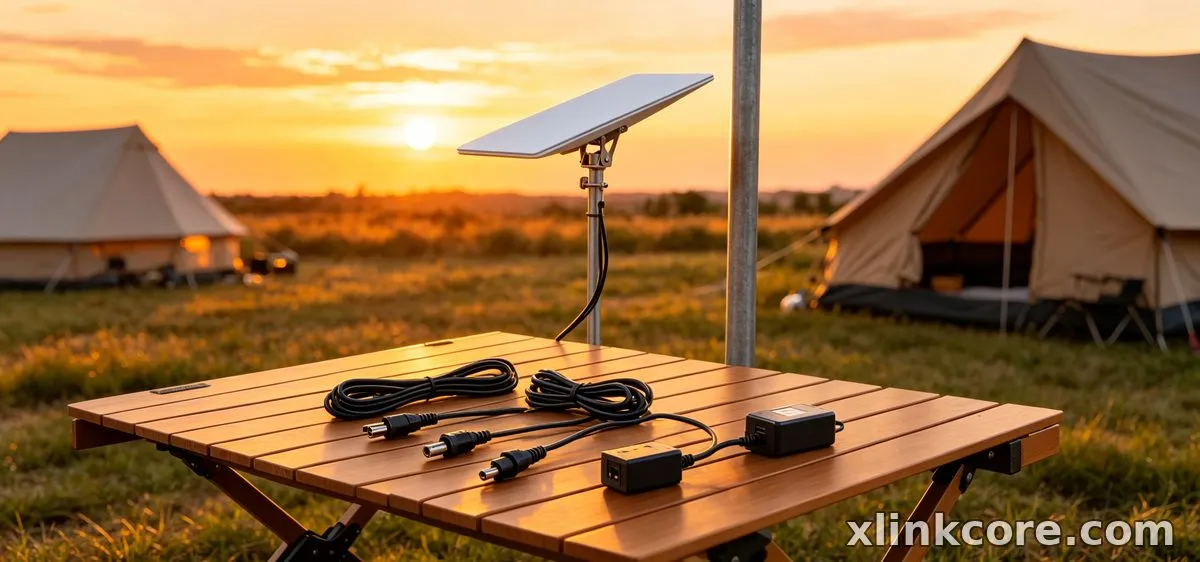
Monthly output of 400,000 to 600,000 units and an annual export value of roughly 20 to 30 million USD reflect how much of this hardware now ships to RV, marine and off-grid users, and every product line is certified 3C / CE / FCC / PSE. Starlink Network Accessories maps its catalogue to the scenarios above: the power range for converters and adapters, the RV and off-grid selection for battery-based installs, and the Mini accessories for portable USB-C PD setups.
Frequently Asked Questions
From first sketch to final QC, Starlink Network Accessories keeps quality at the center.
Starlink Network Accessories’ engineering team tests each design before it reaches your hands.
What do I need to power Starlink from a 12V battery?
A fused DC step-up converter wired directly to the bank, a correctly sized cable to the dish, and a mount that seals the entry point. Skip the inverter entirely — the converter from Starlink Network Accessories' range is the whole point of a 12V install.
Can I reuse accessories if I move the dish between situations?
The mount and cable usually travel with the dish; the power side rarely does. A vehicle converter is not a substitute for a home PoE injector or a solar-fed DC converter, so plan for one power device per situation and share everything else.
What should I buy first on a tight budget?
Buy the power device that matches where the dish will spend most of its time, then the cable in the right length. Mounts and covers can follow; a wrong-voltage supply or a cable that is a metre short stops the install cold.
Does a Starlink battery backup keep the link up during an outage?
It does, provided it is sized for the dish plus the router rather than the router alone. A small unit that only carries the router will keep the lights on but still drop the connection, so check the total load before choosing.
Why will my USB-C power bank not run the Mini?
Most banks advertise capacity, not sustained output, and the Mini needs a PD source that holds its required profile continuously. Use a high-output XLinkCore USB-C PD cable with a bank rated well above the minimum, and test it before you rely on it off-grid.
Need the Right Accessories for Your Setup?
Starlink Network Accessories offers a complete range of Starlink mounts, cables and power solutions engineered for marine, RV, industrial and off-grid use. Contact our team for bulk orders or custom OEM/ODM solutions.
Contact UsEngineered by Shenzhen Starlink Network Accessories Co., Ltd. — Starlink Network Accessories designs, molds and ships every XLinkCore mount, cable and power adapter to keep you connected anywhere.
