Service
Starlink Power Systems: PoE, DC Conversion, and Backup
💡 In This Article
- ▶Why Starlink Power Planning Matters
- ▶Starlink Power Over Ethernet Explained
- ▶How to Power Starlink With 12V
Starlink dishes are specific about power. Standard and Standard 4X hardware expects a known input range, Mini is far more flexible, and every version behaves differently when voltage sags. Choosing the wrong Starlink power adapter is one of the fastest routes to reboots, slow satellite acquisition, or a dish that simply will not come online at a remote site. That is why Shenzhen Starlink Network Accessories Co., Ltd., founded in August 2024, builds power hardware as a system rather than a box of loose parts: adapters, injectors, DC converters, and cables designed to match the dish you actually own.
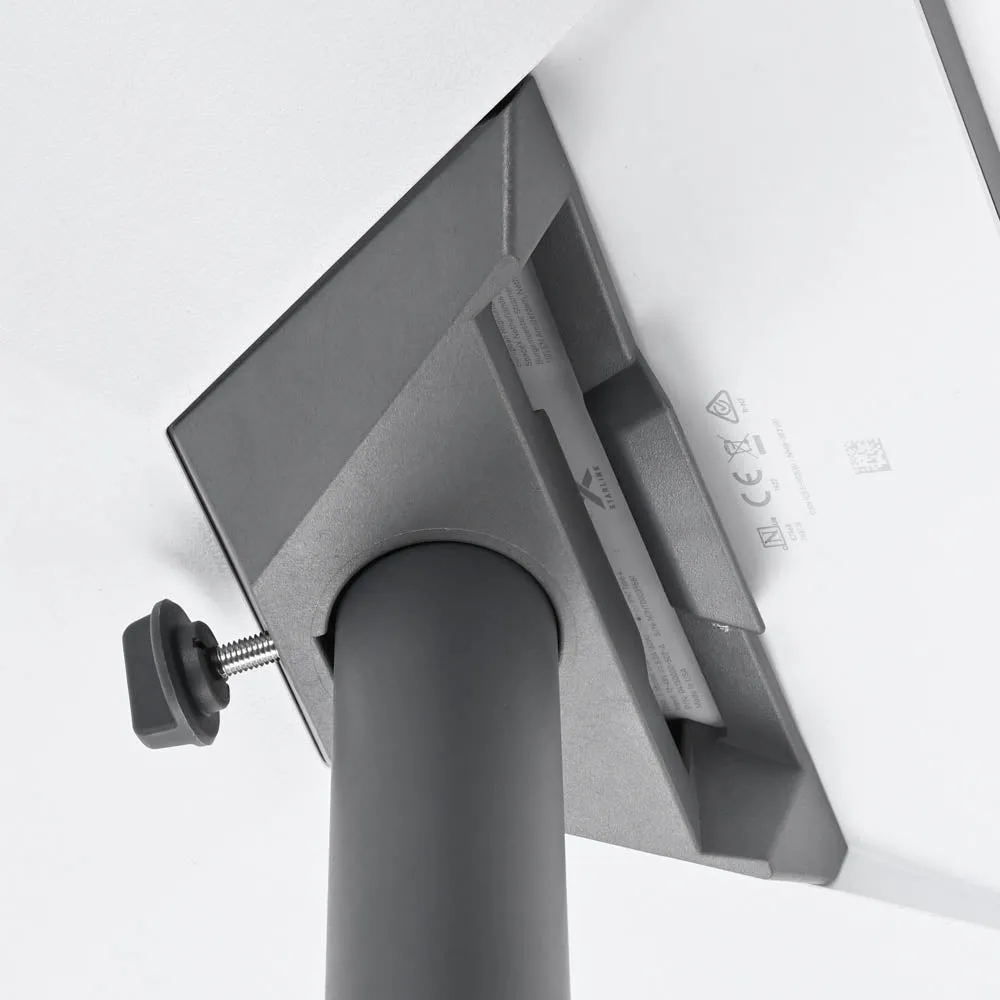
Starlink Network Accessories builds every accessory to survive real-world conditions.

Why Starlink Power Planning Matters
Start by deciding where the electricity comes from. Mains AC, a 12V vehicle circuit, a solar battery bank, and a portable power station all behave differently under load, and each one changes the converter you need. The full range of Starlink power solutions is organized around that single question.
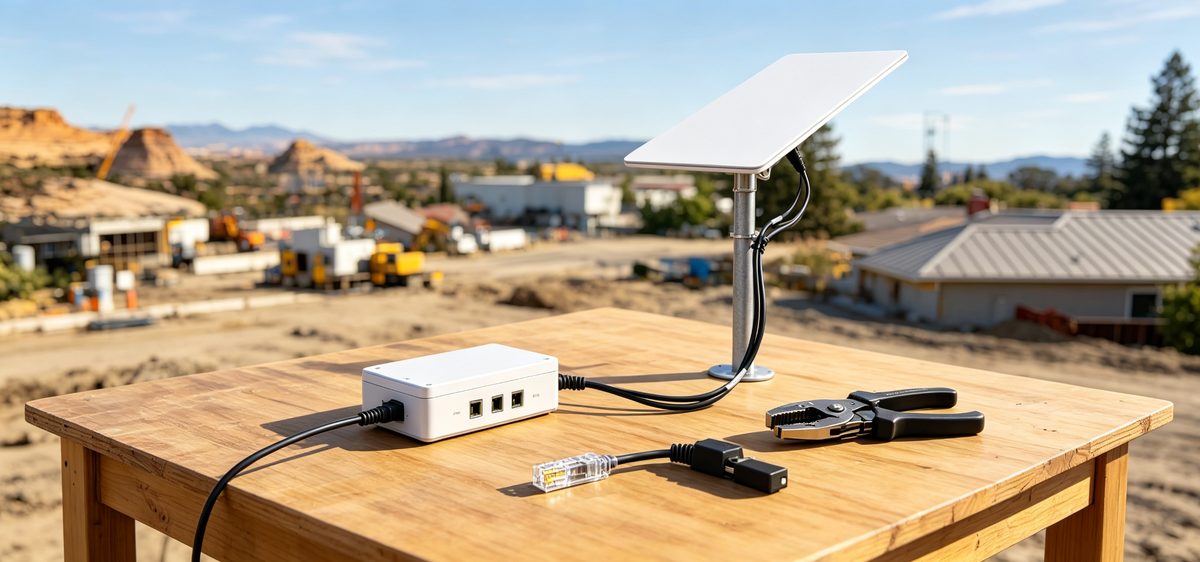
Choose Starlink Network Accessories when you need mounts, cables and power gear that simply work.
Starlink Power Over Ethernet Explained
Starlink PoE is the cleanest option when you want one cable to carry everything. An injector pushes the correct voltage up the Ethernet run, and the dish receives data and power together. The catch: older Standard dishes use a non-standard pinout, so a generic 802.3af/at switch will not drive them. You need an injector rated for the dish's real wattage and pin layout.
✓Confirm your dish generation before ordering any injector.
✓Match injector output to the dish's rated draw, with headroom for cold-weather startup.
✓Keep runs short unless the injector is specified for long-cable voltage drop.
✓Use shielded, outdoor-rated cable with grounding where it enters the building.
The same logic applies to installation: a neat, grounded run protects both the power hardware and the dish. Starlink Network Accessories manufactures injectors around these constraints rather than around generic office networking specs, and the XLinkCore range is built to the same brief.
How to Power Starlink With 12V
A Starlink 12V power supply is rarely a straight wire. Most dishes want a higher, stable voltage than a battery delivers, especially when a fridge or inverter is pulling the same bank down. A DC-DC step-up converter holds output steady while input swings, which is what keeps the dish locked on. That is the practical answer to how to power Starlink with 12V: convert, stabilise, then feed.
✓Fuse the feed at the battery, not at the converter.
✓Size cable for the converter's input current, not the dish's output wattage.
✓Mount converters where they get airflow; heat is the usual failure cause.
✓Test the full load before you trust the setup on a long trip.
Starlink Network Accessories makes 12V and 24V DC conversion hardware for exactly this kind of mobile and off-grid use, where input voltage moves all day long.
Starlink USB-C PD for Mini
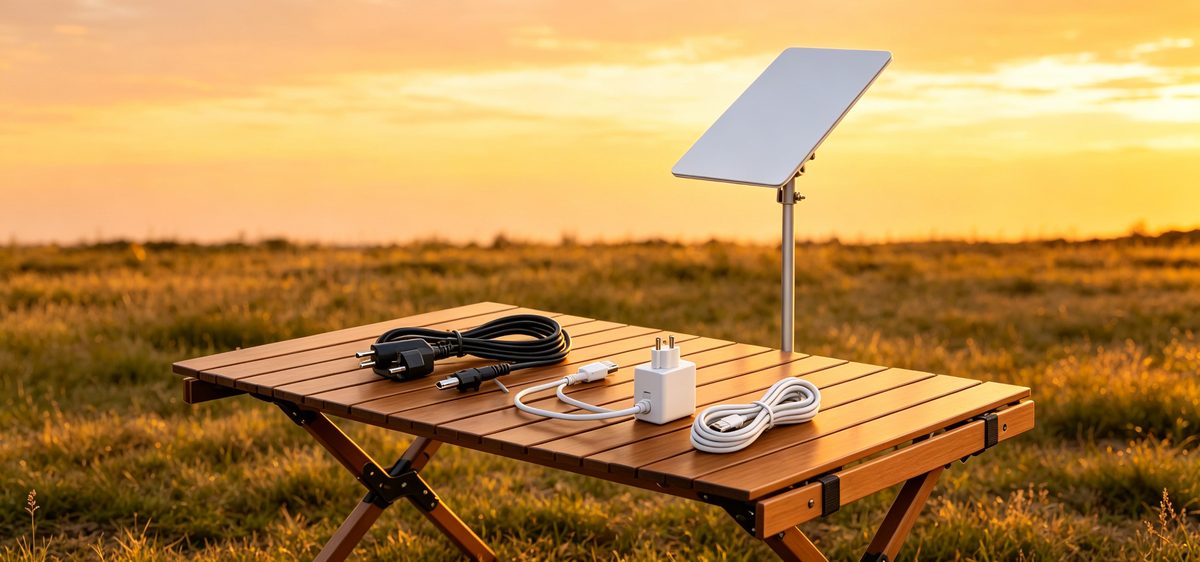
The Mini changed the conversation. A Starlink Mini 100W USB-C supply can run the dish from a quality power bank or a capable USB-C PD charger, which makes it genuinely portable. Not every 100W port delivers a clean, sustained 100W, though. Cheap chargers fold under continuous load, and the dish drops offline mid-session.
Look for a Starlink USB-C PD source that holds its rated output rather than peaking briefly, and check the cable as well as the charger. For fixed installs a dedicated DC supply is still the calmer choice, but for hiking, boats, and day trips, XLinkCore USB-C PD hardware is hard to beat.
Starlink Battery Backup and Inverters
Starlink battery backup protects the connection during grid flickers, generator changeovers, and cloudy stretches. The simplest approach is a DC-native battery bank feeding the dish through a converter, which avoids inverter losses entirely. If you must run an inverter, remember that every conversion step costs efficiency.
✓DC-to-DC setups lose far less power than DC-to-AC-to-DC.
✓Size the battery for overnight draw, not just peak wattage.
✓Use LiFePO4 for depth of discharge and cycle life in mobile builds.
✓Keep a low-voltage cutoff so the dish never drains the bank flat.
Starlink Network Accessories' battery-ready DC kits are designed so the cutoff, fusing, and converter behave as one unit. For vehicle layouts, the RV and off-grid guides walk through bank sizing and cable routing step by step.
Starlink Solar Power Setup in Practice
A Starlink solar power setup is really a power budget exercise. Add the dish's average draw, the converter's losses, and any router or accessory load, then size panels and battery for the worst season you plan to travel through. Winter, shade, and panel angle all cut real output well below the label rating.
Practical habits matter: run the dish on a schedule rather than 24/7, keep the converter close to the battery, and check connections monthly on anything that vibrates. Reliability comes from the whole chain, not from one premium component, which is why converters from Starlink Network Accessories are specified with real losses in mind.
Choosing the Right XLinkCore Power Adapter
Match the adapter to three things: dish version, input source, and environment. Indoor hardware fails fast outdoors, and undersized connectors heat up under continuous load. XLinkCore products are specified by input range, output, connector type, and ingress rating, so you can compare like for like instead of guessing. The buying guides cover connector compatibility across dish generations.
Shenzhen Starlink Network Accessories Co., Ltd. maintains a product line of more than 80 models, built in a 5,000 m2 factory with 25 injection molding machines and 15 welding machines. That scale is why a specific voltage, connector, or cable length is usually already in the catalogue.
Manufacturer Quality Behind the Hardware
From first sketch to final QC, Starlink Network Accessories keeps quality at the center.
Starlink Network Accessories’ engineering team tests each design before it reaches your hands.
Power hardware lives or dies on consistency. Shenzhen Starlink Network Accessories Co., Ltd. produces 400,000 to 600,000 units a month and exports roughly 20 to 30 million USD annually, which only works if tolerances hold batch after batch. Products are certified 3C, CE, FCC, and PSE, and the tooling library now includes 200 patented molds developed for Starlink-compatible accessories.
That engineering depth is why XLinkCore power adapters, XLinkCore DC converters, and XLinkCore PoE injectors can be tuned to real dish behaviour rather than to generic ratings. Starlink Network Accessories tests against the load profiles customers actually see: cold mornings, thin wiring, tired batteries, and long cable runs.
If you are building a reliable off-grid or mobile link, treat power as the foundation. Choose a Starlink power adapter rated for your dish, stabilise the voltage, add Starlink backup power where downtime costs money, and buy from a manufacturer that documents what it builds. Then explore the full XLinkCore power range and start with the dish you already own.
Need the Right Accessories for Your Setup?
Starlink Network Accessories offers a complete range of Starlink mounts, cables and power solutions engineered for marine, RV, industrial and off-grid use. Contact our team for bulk orders or custom OEM/ODM solutions.
Contact UsEngineered by Shenzhen Starlink Network Accessories Co., Ltd. — Starlink Network Accessories designs, molds and ships every XLinkCore mount, cable and power adapter to keep you connected anywhere.
