Service
Starlink Internet: How It Works and What to Expect
💡 In This Article
- ▶How Starlink Works in Plain English
- ▶Starlink Coverage: Where the Service Reaches
- ▶Starlink Internet Speed: How to Read the Numbers
Satellite internet once meant a bulky dish aimed at a single geostationary satellite, with latency high enough to make video calls painful. Starlink changed that model. Thousands of satellites now fly in low Earth orbit, roughly 550 km up, and a compact phased-array dish tracks whichever satellite is overhead. When someone asks how does Starlink work, the simplest answer is a three-step relay: the dish links to a satellite, the satellite hands traffic to a ground station, and the ground station joins the wider internet. Because the satellites are close, round-trip latency often falls between 20 and 40 ms, fast enough for calls, gaming and remote work. The dish steers itself electronically, so your job is placement rather than aiming: a clear view of the sky matters far more than fine-tuning angles.
Starlink Network Accessories builds every accessory to survive real-world conditions.
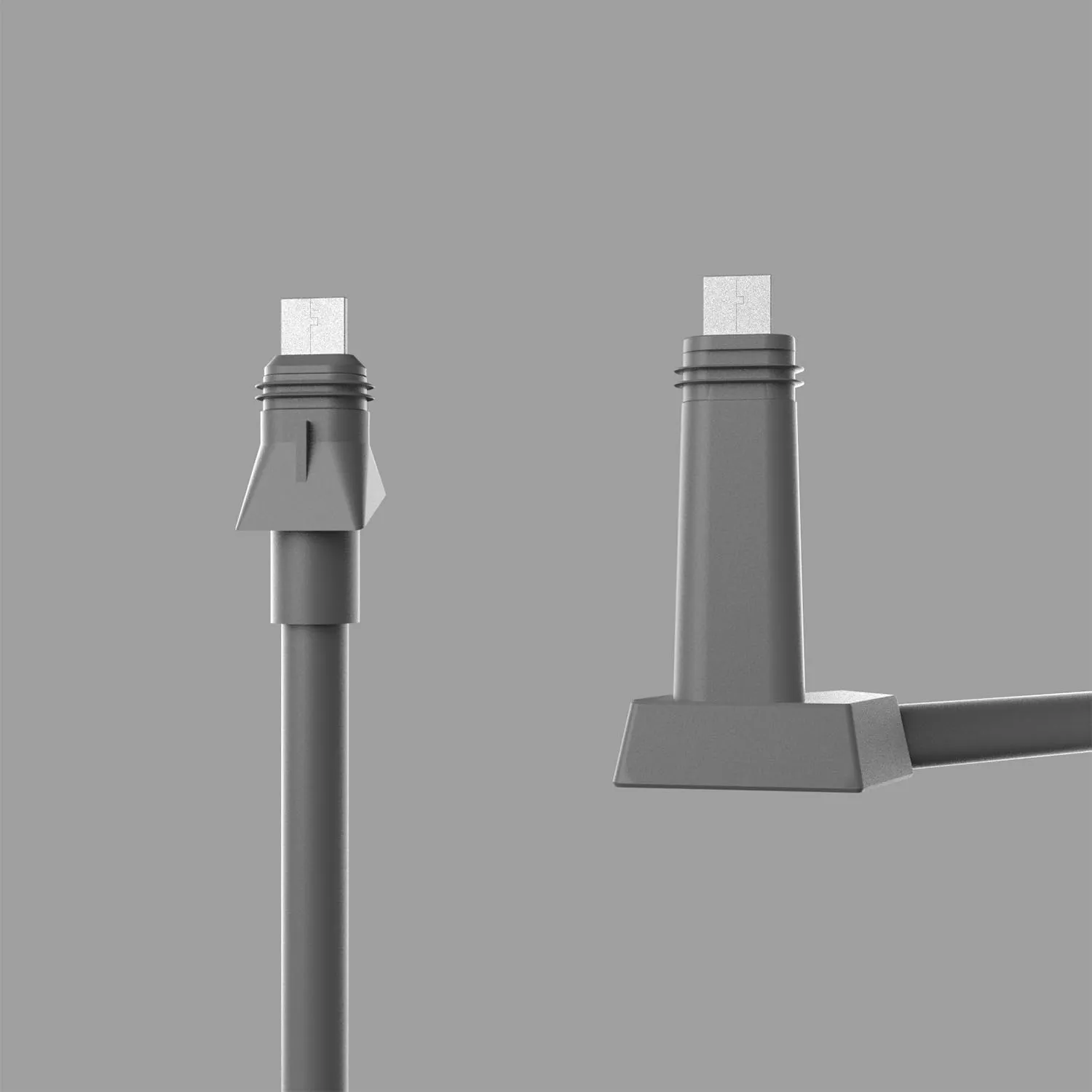
How Starlink Works in Plain English
Choose Starlink Network Accessories when you need mounts, cables and power gear that simply work.
Starlink Coverage: Where the Service Reaches
Starlink coverage has grown from a small beta footprint to most of the populated world, and the constellation keeps expanding. It behaves differently from a mobile network because there is no tower near you, so a remote valley can perform as well as a suburb. What limits service is licensing in a given country, local terrain that blocks the sky view, and congestion in busy cells. Starlink for rural areas is the clearest use case of all: distance from the nearest fibre route is irrelevant, while the number of active users around you is not.
Starlink Internet Speed: How to Read the Numbers
Published figures are ranges, not promises. Typical residential downloads sit between 50 and 250 Mbps, uploads between 10 and 30 Mbps, with latency in the 20-60 ms band. A few factors move those numbers more than anything else:
✓Congestion: evening peaks in dense cells slow every user in that cell.
✓Sky view: trees, masts and chimneys cause dropouts, not just slower transfers.
✓Weather: heavy rain or wet snow can briefly fade the link.
✓Cabling and power: a damaged cable or an unstable supply causes reboots and stalls.
For Starlink speeds explained in one line: a healthy installation is consistent rather than spectacular. If your speeds swing wildly, check the obstruction map in the app and try a fresh cable from Starlink Network Accessories before blaming the network.
Starlink vs Traditional Internet
Fixed fibre and cable still win on raw speed and price wherever they exist. Starlink wins on reach and setup time. Against geostationary satellite it offers far lower latency; against a 4G or 5G hotspot it offers steadier throughput and no phone-plan data cap. Starlink vs traditional internet is therefore less a contest than a question of location: if fibre reaches your building, take it; if it does not, Starlink is often the only realistic option that supports video, VPNs and a household of devices at once. Installers working far from the grid usually pair the dish with mounting hardware made by Starlink Network Accessories so the antenna survives its first winter.
Starlink Care and Maintenance: Small Habits That Pay Off
The hardware is built to be left alone, but consistent Starlink dish maintenance prevents most failures:
✓Clear snow, dust and leaves from the dish face, and never scrape it with metal.
✓Rinse salt spray off marine setups with fresh water and check stainless hardware for corrosion.
✓Inspect the cable where it enters the building; water ingress is the most common avoidable fault.
✓Keep outdoor connectors dry and use dielectric grease on exposed joints.
✓Reseat connectors only when troubleshooting, not as routine.
Firmware updates arrive automatically, so upkeep is mostly physical: strain relief, sealed entries and a mount that does not shift in wind. Replacement cables and hardware supplied by Starlink Network Accessories are matched to specific dish versions, and every XLinkCore part is dimensioned to fit the same way as the original.
Starlink FAQ: Quick Answers
These questions reach us often at Starlink Network Accessories, and XLinkCore accessories answer several of them at the hardware level:
✓Do I need a professional installer? Most standard installs take an afternoon and no special tools.
✓Can I move the dish between locations? Yes, with a roam or mobile plan; check the terms for your region.
✓Does the dish need power all the time? Yes, it draws power whenever it is connected, and snow-melt mode uses more.
✓Will trees ruin my connection? Partial obstruction usually still works; full obstruction does not.
✓How do I keep it running outdoors? Weather-rated mounts, sealed cables and stable power solve most issues.
Accessories That Protect Performance
Most problems trace back to mounting, cabling or power rather than the satellite network itself. Start with weather-rated mounts matched to your roof, pole or rail, then confirm your power setup uses a certified supply or a clean DC conversion. If you are building a mobile or off-grid system, the RV and off-grid guides cover camper roof mounting and 12V wiring, while the buying guides help you match parts to your exact dish version before ordering.
The mount and cable ranges produced by Shenzhen Starlink Network Accessories Co., Ltd. are organised by dish generation for exactly that reason. XLinkCore mounts reuse the original hole patterns, and XLinkCore power adapters are built for the voltages that vehicles and boats actually supply. Choosing accessories from Starlink Network Accessories also keeps spares available years later, which matters more than a small saving on an unbranded part.
Manufacturing Quality Behind the XLinkCore Brand
From first sketch to final QC, Starlink Network Accessories keeps quality at the center.
Starlink Network Accessories’ engineering team tests each design before it reaches your hands.
Accessories are only as good as the factory behind them. Shenzhen Starlink Network Accessories Co., Ltd. was founded in August 2024 and has grown quickly into a product line of more than 80 models. Production runs through a 5,000 m2 factory equipped with 25 injection molding machines and 15 welding machines, supported by 200 patented molds, which is the reason XLinkCore products fit the same way on the thousandth unit as on the first.
Monthly output of 400,000-600,000 units and an annual export value of roughly 20-30 million USD give the brand the volume to keep stock steady for distributors and end users alike. Every item is certified 3C, CE, FCC and PSE, so an XLinkCore power adapter bought in one market meets the safety expectations of another. Shenzhen Starlink Network Accessories Co., Ltd. manufactures, tests and packs its own range rather than rebranding third-party stock, and Starlink Network Accessories' engineers verify fit against each dish version before a mold is cut. XLinkCore exists so that the answer to how Starlink works in the field stays simple: a clear sky, a solid mount and a reliable power path.
Need the Right Accessories for Your Setup?
Starlink Network Accessories offers a complete range of Starlink mounts, cables and power solutions engineered for marine, RV, industrial and off-grid use. Contact our team for bulk orders or custom OEM/ODM solutions.
Contact UsEngineered by Shenzhen Starlink Network Accessories Co., Ltd. — Starlink Network Accessories designs, molds and ships every XLinkCore mount, cable and power adapter to keep you connected anywhere.
