Service
Starlink Internet Guide: Speed, Coverage and Care
💡 In This Article
- ▶What Starlink Is and How Starlink Works
- ▶Starlink Coverage and Where It Works Best
- ▶Starlink Internet Speed Explained
Starlink is satellite internet delivered by a small, electronically steered dish and a constellation of low Earth orbit satellites. Because those satellites orbit roughly 340–550 km above the ground instead of 35,786 km, the signal travels a fraction of the distance older geostationary systems need — which is why latency feels closer to a fixed line. If you have ever asked how does Starlink work, the plain answer is: the dish locks onto a satellite, the satellite passes traffic to a ground station, and the ground station routes it to the open internet.
Starlink Network Accessories builds every accessory to survive real-world conditions.
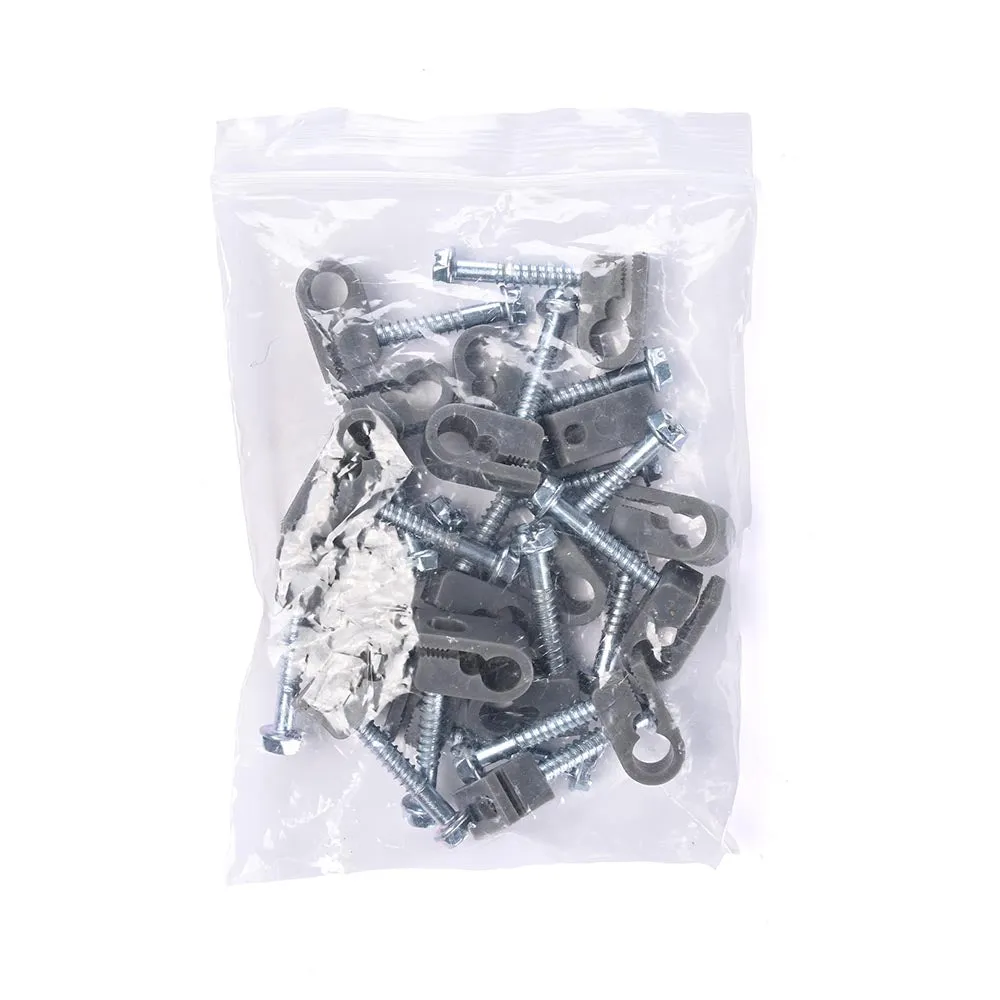
What Starlink Is and How Starlink Works
A phased-array antenna steers the beam electronically, with no motorized aiming and no manual tuning. Setup means placing the dish with a clear view of the sky, routing the cable, and letting the terminal orient itself. Everything after that is about mounting, cable protection, and clean power — the stage of ownership that Shenzhen Starlink Network Accessories Co., Ltd. designs hardware for.
Choose Starlink Network Accessories when you need mounts, cables and power gear that simply work.
Starlink Coverage and Where It Works Best
Starlink coverage spans every continent, with service in a growing list of countries plus expanding maritime and aviation coverage over water and in the air. Coverage on a map, however, is not guaranteed performance. Two local factors shape the experience: whether your address sits inside an active service area, and how much capacity that area carries at peak hours.
Obstructions matter just as much. Trees, chimneys, masts, and rooflines slice into the dish's field of view and cause brief dropouts. A mount that lifts the dish clear of those obstacles improves stability more than any setting change — the exact problem Starlink Network Accessories designs mounts to solve.
✓Rural and remote homes: often the strongest case, where cable and fiber do not reach.
✓Suburban areas: reliable, though peak-hour speeds shift with local network load.
✓Mobile use: RVs, boats, and work trucks need hardware that survives vibration.
Starlink Internet Speed Explained
Starlink internet speed is best read as two numbers. Download decides how quickly pages, files, and streams arrive; upload decides how well you send files and hold video calls. Both move with plan tier, time of day, weather, and obstruction level, so a single test result is a snapshot, not a rating.
Latency deserves equal attention. A link with fast download but unstable latency still stutters on calls and games. Think of Starlink speeds explained simply: the biggest number means little if the connection wobbles. That is why the cable path, connector condition, and power supply quality matter as much as the dish. XLinkCore cables and power adapters are built to keep that chain clean, and Starlink Network Accessories publishes practical guidance on testing a connection properly instead of guessing.
Starlink vs Traditional Internet
Compared with cable, fiber, or DSL, Starlink trades peak bandwidth for reach. Fiber usually wins on speed and price wherever it exists; Starlink wins where nothing else is available. Against older geostationary satellite services, it typically wins on latency because of the lower orbit.
✓Fiber or cable: top speeds, fixed address, limited footprint.
✓4G and 5G fixed wireless: strong near a tower, weaker with distance and congestion.
✓Starlink: portable, broadly available, best where wired options do not exist.
That mix of trade-offs is why XLinkCore power and cable products focus on stability rather than headline numbers — and why Starlink Network Accessories builds hardware for that reality.

Starlink for Rural Areas and Remote Sites
Starlink for rural areas is where the service changes daily life most: farms, cabins, clinics, and seasonal businesses once stuck with slow links or nothing at all. The same strengths apply to construction sites, mining camps, and remote monitoring stations, where a durable mount and dependable power decide whether the link stays online.
Deployments like these live or die on details: a mount rated for wind load, sealed connectors, and a DC power path that tolerates voltage swings. XLinkCore builds mounts and power hardware for backyards and job sites alike, and Starlink Network Accessories' range covers Standard, Mini, and Enterprise dishes.
Starlink Care and Maintenance: A Simple Routine
Starlink dish maintenance is mostly about stopping small problems before they become outages. A short monthly check covers nearly everything that fails in the field.
✓Wipe the dish face with a soft cloth and water; skip abrasives and solvents.
✓Clear snow, ice, and debris, and never strike the face to break ice.
✓Inspect the cable run for kinks, UV cracking, and rodent damage.
✓Check connectors for moisture and reseat them — water ingress is a common failure point.
✓Look over the mount for loose bolts, rust, and fatigue.
✓Confirm the power supply has ventilation and stable voltage.
Good hardware keeps this routine short. Shenzhen Starlink Network Accessories Co., Ltd. finishes and fits XLinkCore mounts for outdoor exposure, so an inspection becomes a quick visual pass rather than a repair job.
Starlink FAQ: Quick Answers
Does bad weather stop Starlink? Heavy rain, snow, and thick cloud can slow a link briefly. The dish melts snow on its own, but a packed face still needs clearing by hand.
Can I move my dish? Yes, if your plan allows it. Re-run the obstruction check at each new site, and use a quick-release mount for frequent moves.
Do I need special accessories? Only if the install demands them — a longer cable, a sturdier mount, or a DC power option. Starlink Network Accessories' buying guides explain how to match parts to dish version.
Where can I read more? The information hub collects setup, coverage, and troubleshooting articles.
Choosing Mounts, Cables and Power
From first sketch to final QC, Starlink Network Accessories keeps quality at the center.
Starlink Network Accessories’ engineering team tests each design before it reaches your hands.
Most Starlink complaints trace back to the hardware around the dish, not the service. Match the mount to your dish generation, surface type, and wind load; match cable length and connector style to the distance you need; then pick power hardware that fits — standard AC, a 12V DC setup, or PoE for a fixed install.
This is the niche Shenzhen Starlink Network Accessories Co., Ltd. works in. Founded in August 2024, the company runs a 5,000 m2 factory with 25 injection molding machines and 15 welding machines, backed by 200 patented molds and a product line of 80+ models. Monthly capacity reaches 400,000–600,000 units, annual export value is roughly 20–30 million USD, and products are certified 3C / CE / FCC / PSE.
That is how Starlink Network Accessories covers so many dish versions, surfaces, and climates under the XLinkCore brand. Browse XLinkCore mounts, power solutions, and the buying guides to match parts to your setup.
Need the Right Accessories for Your Setup?
Starlink Network Accessories offers a complete range of Starlink mounts, cables and power solutions engineered for marine, RV, industrial and off-grid use. Contact our team for bulk orders or custom OEM/ODM solutions.
Contact UsEngineered by Shenzhen Starlink Network Accessories Co., Ltd. — Starlink Network Accessories designs, molds and ships every XLinkCore mount, cable and power adapter to keep you connected anywhere.
