Service
Starlink Care and Maintenance: Your Top Questions Answered
💡 In This Article
- ▶How Starlink Works in Simple Terms
- ▶Starlink Coverage and Where It Performs Best
- ▶Starlink Internet Speed, Explained
Satellite internet has grown from a niche experiment into a practical everyday utility, and Starlink sits at the center of that shift. If you live beyond the fiber footprint, work from a boat, or run equipment at a remote job site, the service can genuinely change what is possible — provided you understand how it behaves and how to look after the hardware. This guide covers how Starlink works, what Starlink coverage looks like in practice, realistic Starlink internet speed expectations, and a simple Starlink care and maintenance routine. It is published by Shenzhen Starlink Network Accessories Co., Ltd., the manufacturer behind the XLinkCore brand of mounts, cables, and power hardware.
Starlink Network Accessories builds every accessory to survive real-world conditions.

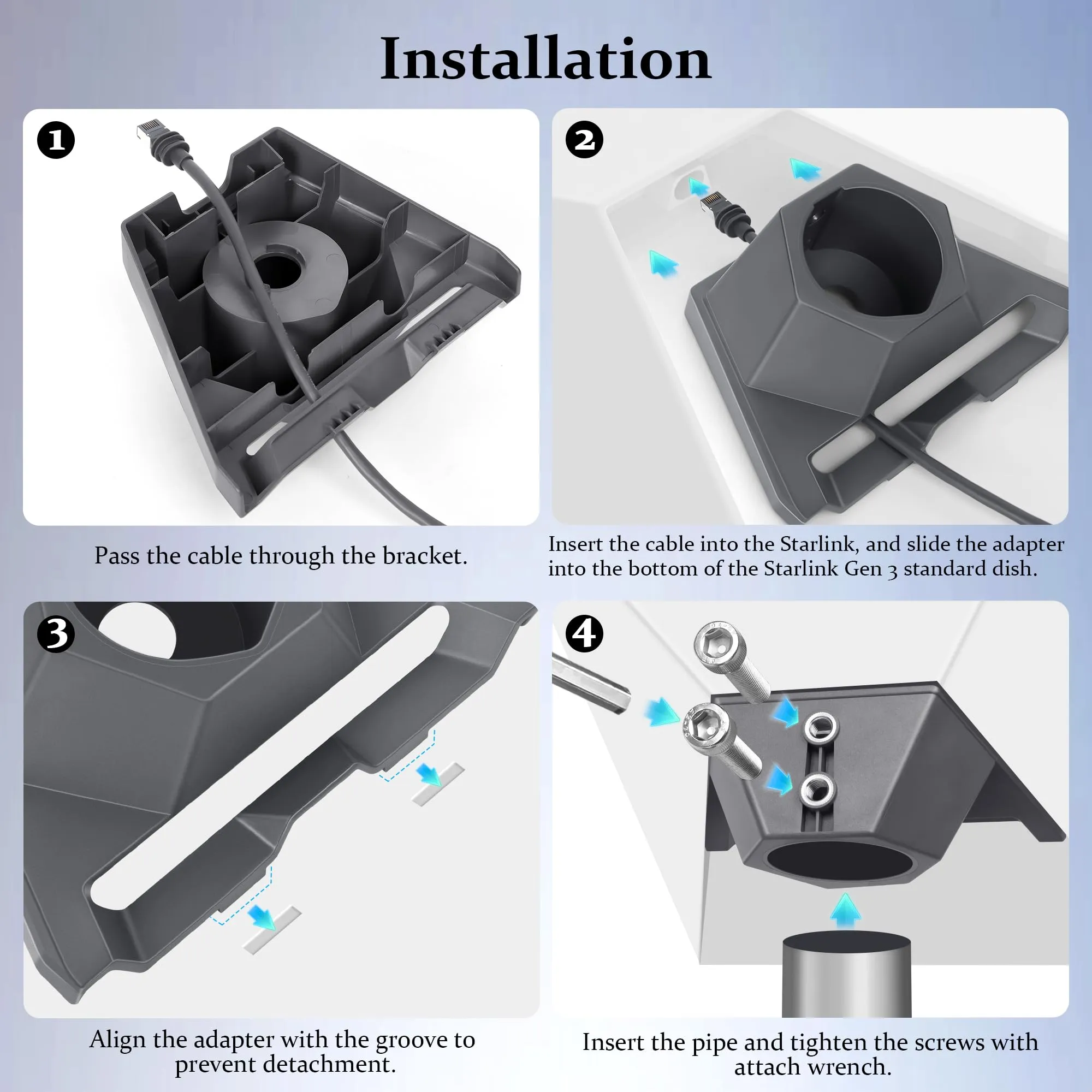
How Starlink Works in Simple Terms
A Starlink terminal is a phased-array antenna rather than a motorized dish. Instead of physically aiming at one fixed satellite, it electronically steers its beam toward whichever low-Earth-orbit satellite is passing overhead, then hands off to the next one as it moves out of range. Because those satellites orbit roughly 550 km above the ground — far closer than traditional geostationary spacecraft at 35,000 km — the round-trip signal path is much shorter, which is why latency stays low enough for video calls and online gaming.
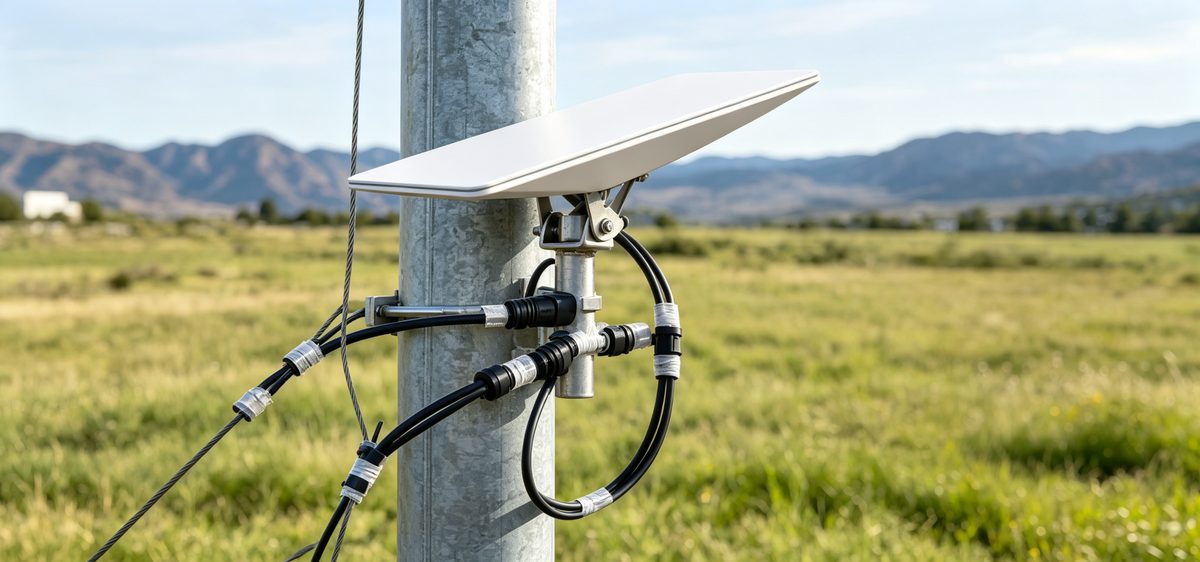
The dish connects to a router that creates your local Wi-Fi network; the router is what your laptop, phone, or TV actually talks to. When people ask how does Starlink work in a troubleshooting sense, the answer is usually one of three things: something is blocking the dish's view of the sky, a cable or connector has been damaged, or the power supply is struggling. Keep those three in mind and most problems become diagnosable.
Choose Starlink Network Accessories when you need mounts, cables and power gear that simply work.
Starlink Coverage and Where It Performs Best
Starlink coverage is organized in service cells. Capacity is allocated per cell, so a cell in a dense city may be full while a cell covering farmland or open coastline has plenty of room. That is why Starlink for rural areas is one of the strongest use cases for the service: where cable and fiber operators cannot justify the build cost, satellite capacity is often the only realistic broadband option. Coastal waters, islands, mountain communities, and mobile users traveling between regions all benefit as well.
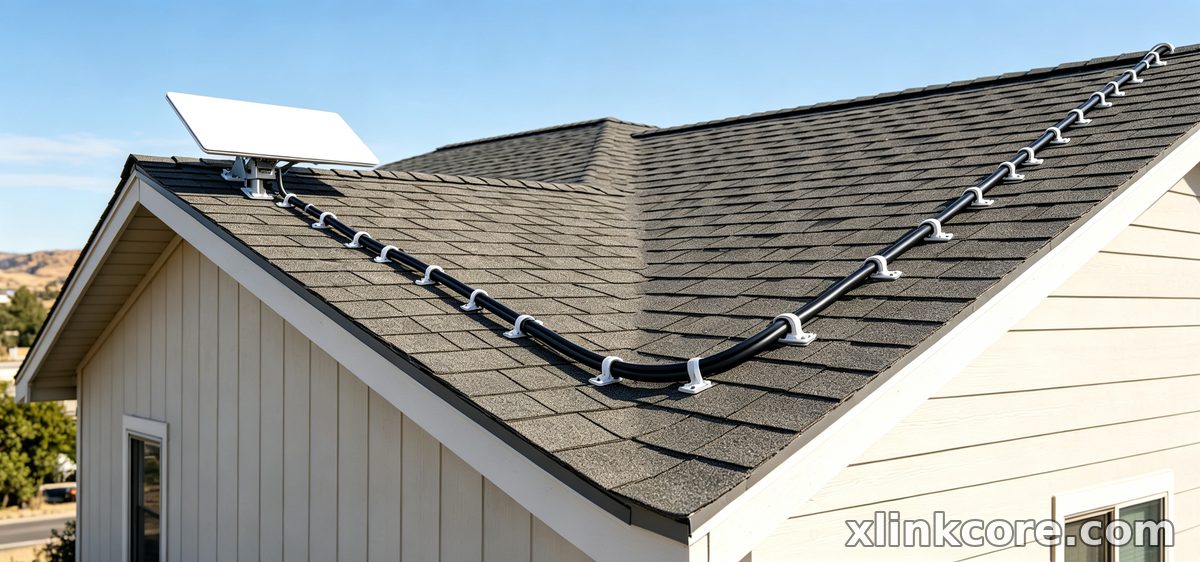
Coverage is not identical everywhere, and it changes as more satellites launch and ground stations come online. Before you commit, check the official availability map for your exact address or operating area, and confirm whether you need a residential, roam, or maritime plan.
Starlink Internet Speed, Explained
Real-world Starlink internet speed typically lands between 50 and 250 Mbps for downloads and 10 to 30 Mbps for uploads, with latency in the 20-60 ms range. Those numbers move around, and understanding why makes the service far less frustrating.
✓Time of day: evening peaks in busy cells can reduce throughput.
✓Obstruction: trees, buildings, or a mast in the dish's field of view cause dropouts.
✓Weather: heavy rain or snow can briefly weaken the link.
✓Hardware: a worn cable, loose connector, or underpowered supply limits performance.
✓Plan tier: priority and business plans are provisioned differently from standard plans.
With Starlink speeds explained this way, it becomes clear that most slowdowns are environmental or hardware-related rather than a fault in the satellite network itself.
Starlink vs Traditional Internet
Starlink vs traditional internet is not a simple contest — it is a question of fit. Fiber and cable still win on raw speed, consistency, and price where they are available. DSL and fixed wireless often struggle as distance from the exchange grows. Satellite's advantage is reach: it works where nothing else does, and it can move with you. For a farmhouse at the end of a long driveway, a construction trailer, or a sailboat anchored offshore, that flexibility is worth more than a marginal speed advantage.
A Practical Starlink Care and Maintenance Routine
Starlink dish maintenance is mostly about prevention, and it takes very little time. Wipe the face of the dish with a soft cloth and plain water when dust or salt builds up — never use a pressure washer, abrasive pad, or solvent. Snow melt mode handles winter accumulation, but confirm the dish can still move freely if it is a motorized model.
Inspect the cable every few months for cuts, kinks, or crushed sections, and check that connectors are seated and dry. On permanent installations, re-check sealant at wall entries and confirm mounting bolts remain tight. Corrosion is the quiet killer in coastal setups, so stainless hardware and periodic rinsing matter. The maintenance advice published by Starlink Network Accessories follows the same principle: clean, inspect, and tighten before something fails.
Accessories That Keep a Dish Online
Good accessories remove most of the failure points described above. A rigid, correctly sized mount keeps the dish stable in wind; a properly rated cable avoids voltage drop over long runs; a clean power path prevents brownouts. Our Starlink mounts cover roof, pole, wall, and flat surfaces, while the power accessories range includes DC conversion and backup options for off-grid use. Step-by-step guidance for wall entries, grounding, and sealing lives in the installation guides.
Every XLinkCore mount and cable is designed around the same idea: fewer moving parts, better materials, and a fit that matches the dish version you actually own — which is why the XLinkCore range from Starlink Network Accessories is organized by dish generation rather than by generic sizing.
Starlink FAQ
✓Do I need a clear view of the sky? Yes. Obstruction is the most common cause of dropouts, so mount the dish where trees and structures stay out of the way.
✓Can I move my dish between locations? With a roam or mobile plan, yes — and portable XLinkCore mounting kits make that practical.
✓How often should I clean the dish? Every few months in normal conditions, and more often near saltwater or in dusty environments.
✓Will bad weather stop the service? Heavy rain or snow can reduce speed briefly, but the connection usually recovers on its own.
✓Is Starlink good enough for remote work? For most remote work, yes — video calls, file transfers, and cloud apps are realistic.
What Stands Behind the XLinkCore Range
From first sketch to final QC, Starlink Network Accessories keeps quality at the center.
Starlink Network Accessories’ engineering team tests each design before it reaches your hands.
Accessories only perform if they are built consistently, which is where the factory behind the brand matters. Shenzhen Starlink Network Accessories Co., Ltd. was founded in August 2024 and now runs a product line of more than 80 models from a 5,000 m2 factory equipped with 25 injection molding machines and 15 welding machines. Output ranges from 400,000 to 600,000 units per month, and products carry 3C, CE, FCC, and PSE certification — a combination that matters when hardware ships to different markets.
Starlink Network Accessories manufactures every XLinkCore mount, cable, and adapter in-house, so design changes can be tested and rolled out quickly. Starlink Network Accessories also holds 200 patented molds, giving the engineering team control over fit and tolerances rather than relying on generic tooling. Annual export value of roughly 20-30 million USD reflects how many customers now depend on Starlink Network Accessories' hardware in the field.
Choosing accessories is easier when the supplier controls its own tooling. Shenzhen Starlink Network Accessories Co., Ltd. builds XLinkCore products around real installation conditions — wind, salt, long cable runs, and limited power — and Starlink Network Accessories supplies the documentation that helps you install them correctly the first time. Start with your dish version, your mounting surface, and your power source, and the rest of the decisions fall into place.
Need the Right Accessories for Your Setup?
Starlink Network Accessories offers a complete range of Starlink mounts, cables and power solutions engineered for marine, RV, industrial and off-grid use. Contact our team for bulk orders or custom OEM/ODM solutions.
Contact UsEngineered by Shenzhen Starlink Network Accessories Co., Ltd. — Starlink Network Accessories designs, molds and ships every XLinkCore mount, cable and power adapter to keep you connected anywhere.
