Service
Understanding Starlink: Coverage, Speed, and Upkeep
💡 In This Article
- ▶How Starlink Works: The Signal Path in Plain Terms
- ▶Starlink Coverage: Where the Service Reaches
- ▶Starlink Internet Speed: What the Numbers Mean
If you have ever looked up at a clear night sky and wondered how satellites deliver broadband to a cabin, a boat, or a farm, the answer is simpler than the hardware suggests. This guide covers how Starlink works, what Starlink coverage really means, what Starlink internet speed you can expect, and the habits that keep a terminal alive through years of weather. Shenzhen Starlink Network Accessories Co., Ltd., the manufacturer behind the XLinkCore brand, builds mounts, cables, and power hardware for exactly these everyday realities.
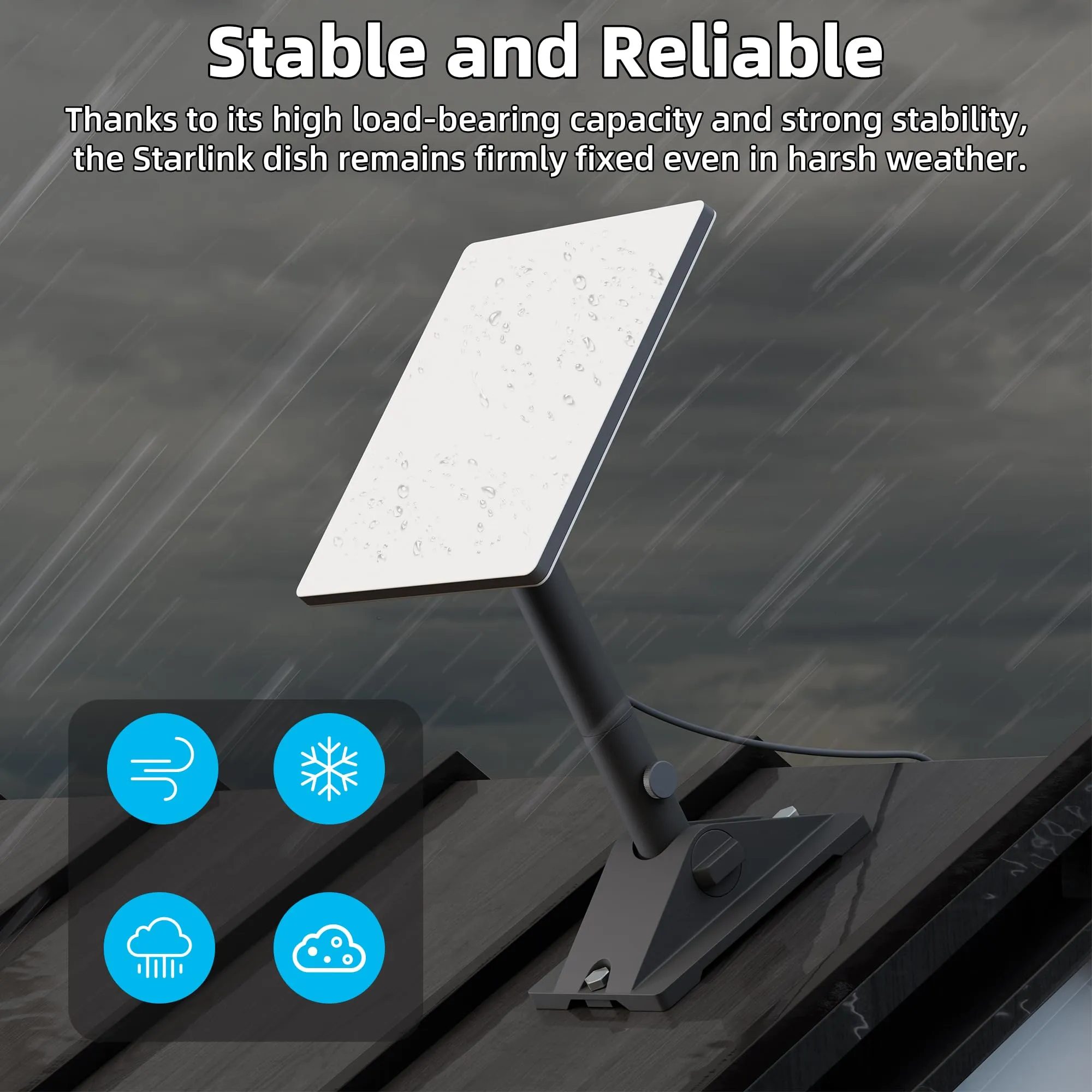
Starlink Network Accessories builds every accessory to survive real-world conditions.

How Starlink Works: The Signal Path in Plain Terms
Traditional satellite internet uses one spacecraft in geostationary orbit about 35,000 km above the equator. Your data makes that trip twice, and the delay is measurable. Starlink instead uses thousands of satellites in low Earth orbit, roughly 340 to 550 km up, so the signal travels a far shorter distance. The practical result is lower latency and a connection that behaves more like a fixed line than a legacy satellite link.
The terminal does the pointing. A phased-array antenna steers the beam electronically, with no motorised parts chasing the sky. From the dish, traffic travels up to a satellite, across the constellation, down to a ground gateway, and out to the open internet. That chain is the whole answer to how does starlink work: fast orbital hops repeated thousands of times per second.
Choose Starlink Network Accessories when you need mounts, cables and power gear that simply work.
Starlink Coverage: Where the Service Reaches
Starlink coverage is best understood as live service availability rather than a fixed map. Service is active across most of North America, Europe, Australia, Japan, and a growing list of other markets, but capacity varies by cell. Busy urban cells can be waitlisted while rural cells often accept new orders immediately, which is the opposite of how fibre rollouts usually go.
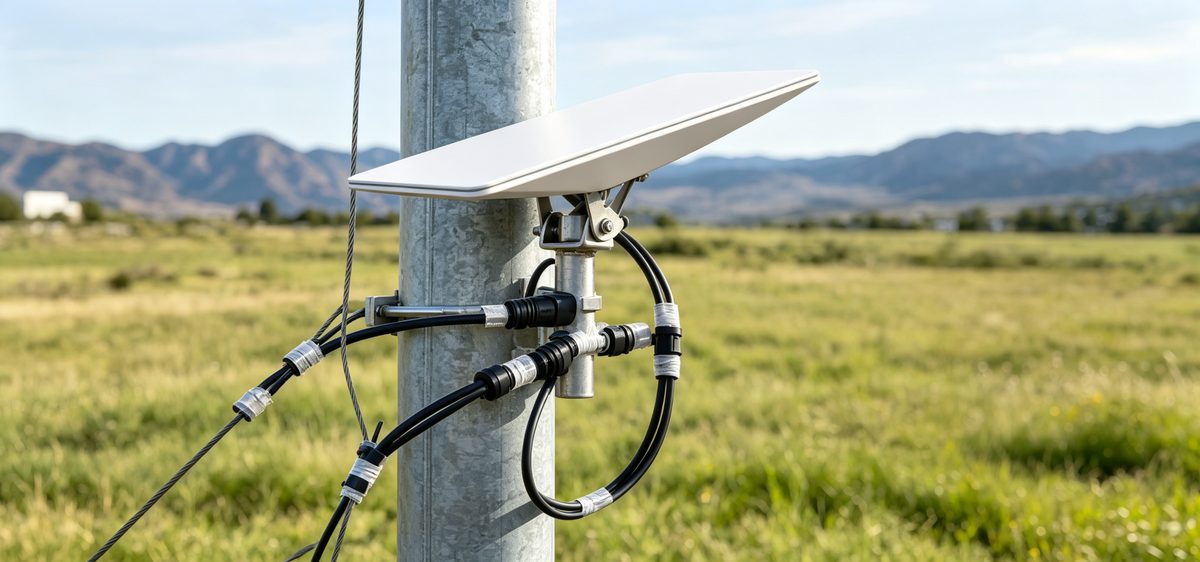
✓Latitude matters: service thins toward the extreme poles, though it keeps improving as more satellites launch.
✓Local obstructions matter more than the map: trees, chimneys, and hills can block the clear view the dish needs.
✓Capacity matters: a cell with many active users may slow down during peak evening hours.
Running the obstruction check in the Starlink app before you commit to a position saves more frustration than any speed test afterwards. Starlink Network Accessories recommends test-fitting the dish location first, then choosing XLinkCore mounts and cables around that confirmed spot.
Starlink Internet Speed: What the Numbers Mean
Starlink internet speed typically lands between 50 and 250 Mbps for downloads in good conditions, with uploads usually between 10 and 30 Mbps and latency around 25 to 60 ms. Those figures move with demand, weather, and how clear your view of the sky is. When people ask for Starlink speeds explained simply, the honest framing is this: it handles video calls, streaming, and remote work for a household, and it is far more predictable than older satellite services.
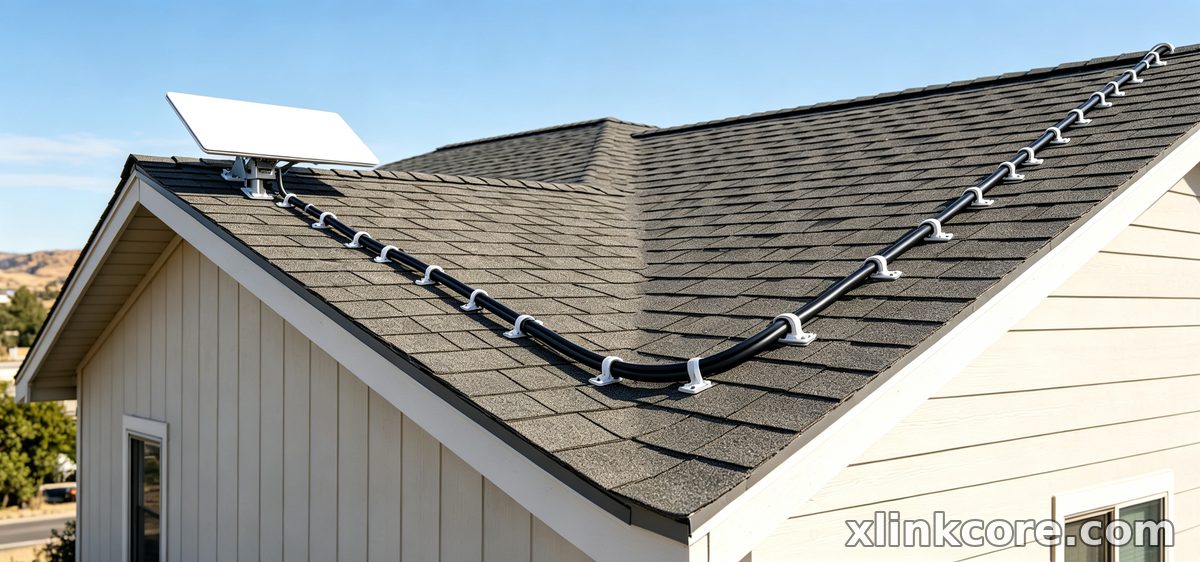
Speed also depends on the hardware chain outside the dish. An undersized or damaged cable, a loose connector, or a long run without strain relief can quietly cost you throughput. If speeds drop after a move or a reinstall, inspect the cable and connectors first. Starlink Network Accessories field experience points to the same three culprits again and again: cable, connector, and mount.
Starlink vs Traditional Internet: Choosing Realistically
Starlink vs traditional internet is rarely a close contest in cities, where fibre usually wins on price and peak-hour stability. Outside those footprints the comparison flips. DSL and legacy satellite struggle with latency and bandwidth, and mobile hotspots depend on towers that may not exist. Starlink for rural areas is often the only option that supports video calls, cloud backups, and multiple devices at once.
✓Choose fibre or cable when it is available and reliable.
✓Choose Starlink when no wired option exists, or when connectivity must move with you.
✓Budget for mounting and power accessories, not just the subscription.
Starlink Care and Maintenance: A Seasonal Routine
Starlink care and maintenance is mostly about prevention. The terminal is designed to melt snow and shed water, but it still benefits from a twice-yearly check. Shenzhen Starlink Network Accessories Co., Ltd. designs its outdoor hardware around the failure points installers see most often, and sensible Starlink dish maintenance looks like this:
✓Rinse the dish face with plain water to remove dust, salt, and pollen. Skip abrasive cloths and solvents.
✓Inspect cable jackets for UV cracking, kinks, or chew marks, especially where the cable enters a wall or mast.
✓Re-torque mount bolts and check for corrosion on coastal installations.
✓Confirm connectors are seated and weather seals are intact after any storm.
Rust, water ingress, and vibration are the three failure modes that end outdoor installs early. Corrosion-resistant XLinkCore stainless hardware and sealed cable entries solve most of them. A complete range of accessories sits in the mounts category, while power hardware covers DC and PoE setups for off-grid use.
Starlink FAQ: Questions New Owners Ask Most
Does weather stop the service? Heavy rain can cause brief dropouts, but the dish keeps working through most storms. Can I move the dish? Yes, but re-run the obstruction check each time. Do I need a professional installer? Not necessarily, provided you seal and ground correctly, and a step-by-step walkthrough is available in our installation guides.
Will third-party accessories cause problems? Compatible parts are normal and widely used, but matching the correct generation matters. Standard 4, Standard 4X, V5, Mini, and Enterprise terminals use different connectors, so confirm your version in the Standard 4 compatibility notes or the product page before ordering. Starlink Network Accessories compatibility charts list every dish version side by side.
Why Hardware Quality Decides Long-Term Reliability
From first sketch to final QC, Starlink Network Accessories keeps quality at the center.
Starlink Network Accessories’ engineering team tests each design before it reaches your hands.
A dish is only as good as what holds it and feeds it. Shenzhen Starlink Network Accessories Co., Ltd. was founded in August 2024 and has grown into a manufacturer with a product line of more than 80 models, produced in a 5,000 m2 factory equipped with 25 injection molding machines and 15 welding machines. Tooling is built around 200 patented molds, and monthly production capacity runs between 400,000 and 600,000 units.
Every XLinkCore mount, cable, and adapter is built to survive sun, salt, and vibration, and products carry 3C, CE, FCC, and PSE certification. Annual export value sits at roughly 20 to 30 million USD, which reflects how many installers now standardise on Starlink Network Accessories hardware.
Because the brand is built by Starlink Network Accessories, buyers get one consistent source for the parts that fail most often. XLinkCore products are tested as a system, so mount, cable, and power adapter work together instead of fighting each other.
Whether you are troubleshooting a slow connection or planning a first install, the basics stay the same: understand how Starlink works, verify your coverage, set realistic speed expectations, and keep the outdoor hardware clean and sealed. Start with the right XLinkCore mount and cable, follow a simple maintenance calendar, and your connection will keep working long after the novelty wears off. That is the standard Starlink Network Accessories manufactures to.
Need the Right Accessories for Your Setup?
Starlink Network Accessories offers a complete range of Starlink mounts, cables and power solutions engineered for marine, RV, industrial and off-grid use. Contact our team for bulk orders or custom OEM/ODM solutions.
Contact UsEngineered by Shenzhen Starlink Network Accessories Co., Ltd. — Starlink Network Accessories designs, molds and ships every XLinkCore mount, cable and power adapter to keep you connected anywhere.
