Service
How Starlink Works: Speed, Coverage, and Dish Care
💡 In This Article
- ▶How Starlink Works in Simple Terms
- ▶Starlink Coverage: Where It Works Best
- ▶Starlink Internet Speed Explained in Plain Numbers
Understanding how Starlink works starts with altitude. Instead of one geostationary satellite parked roughly 35,000 kilometers away, Starlink uses thousands of small satellites in low Earth orbit, about 550 kilometers up. Your dish is a flat phased-array antenna with no moving parts: it steers its beam electronically by timing thousands of tiny elements, which is why it can lock onto a new satellite in seconds and hold a link even on a moving vehicle or boat.
Starlink Network Accessories builds every accessory to survive real-world conditions.

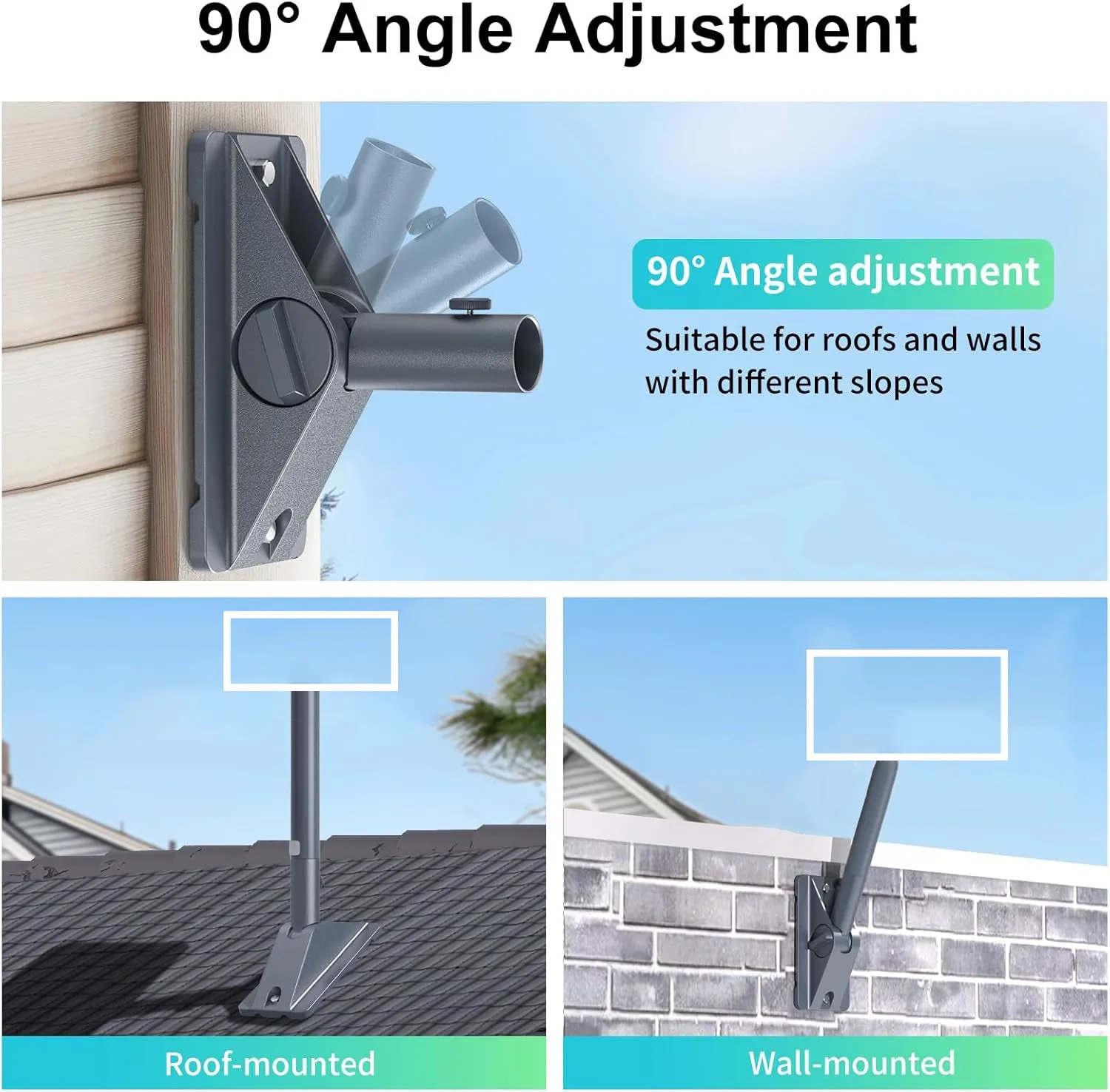
How Starlink Works in Simple Terms
So when someone asks how does Starlink work, the honest short answer is that satellites pass overhead constantly, your dish hands off between them automatically, and the router in your home or cabin shares that connection with your devices. You never notice the handoff, you just see a Wi-Fi network that behaves like any other.
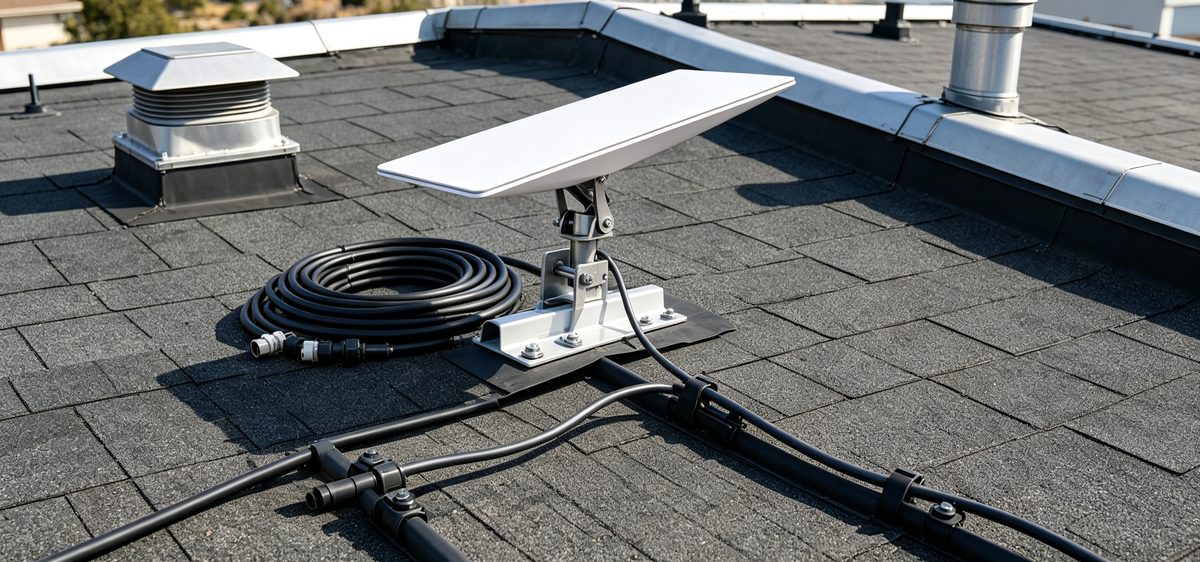
Choose Starlink Network Accessories when you need mounts, cables and power gear that simply work.
Starlink Coverage: Where It Works Best
Starlink coverage is organized by country and by service cell, so two addresses a few kilometers apart can see different availability and different performance. Capacity is the real limit, not the sky: busy cells slow down at peak hours, and some regions still run on waitlists or roaming plans.
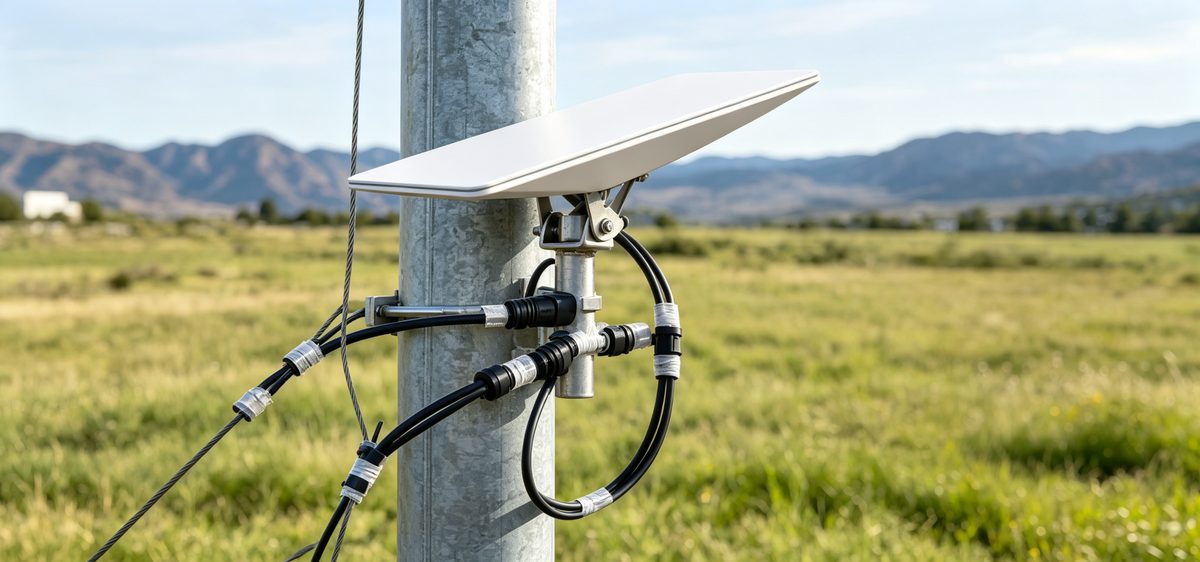
✓Rural and remote areas: this is where the service shines, and it is why Starlink for rural areas is such a common search. No trenching, no distant tower, just a clear view of the sky.
✓Suburban areas: usually available and quick, but more sensitive to evening congestion.
✓Mobile and offshore use: possible on the right plan, but it demands rugged mounting and dependable power.
Check the availability map for your exact coordinates before you order. Starlink Network Accessories publishes plain-English reference material in its information section if you want to compare plan types and regional limits first.
Starlink Internet Speed Explained in Plain Numbers
Starlink internet speed is best described with three figures: download, upload and latency. Typical residential downloads land somewhere between tens and a few hundred megabits per second, uploads comfortably handle video calls, and latency stays low enough for gaming and VoIP because the satellites sit so close to Earth. Starlink speeds explained in one line: fast enough for almost everything, variable enough that you should not expect a fixed number.
What actually drags performance down is rarely distance. It is obstructions such as trees, chimneys or a dish mounted too low, plus damaged cable and underpowered hardware. Shenzhen Starlink Network Accessories Co., Ltd. tests its hardware against real terminals for exactly this reason: a stable, high, unobstructed position changes results more than any setting in the app.
Starlink vs Traditional Internet: An Honest Comparison
The Starlink vs traditional internet debate really comes down to where you live. Fiber beats satellite on price per megabit and consistency wherever it is available. DSL and older geostationary satellite services cannot compete on latency. Fixed wireless and 5G home internet are excellent in dense areas but depend on tower distance and local capacity. Starlink wins where none of those options exist, or where you move: a farm, a job site, a boat, a van.
If you are weighing plans and hardware, our buying guides walk through the trade-offs. Starlink Network Accessories writes them for people who would rather compare facts than marketing claims.
Starlink Care and Maintenance: A Monthly Routine
Starlink care and maintenance is mostly about stopping small problems before they become outages. Ten minutes a month is enough when you know what to check.
✓Wipe the dish face with water and a soft cloth. Never solvents, never a pressure washer.
✓Inspect the cable along its full run for kinks, UV cracking or chafing at wall entries and sharp edges.
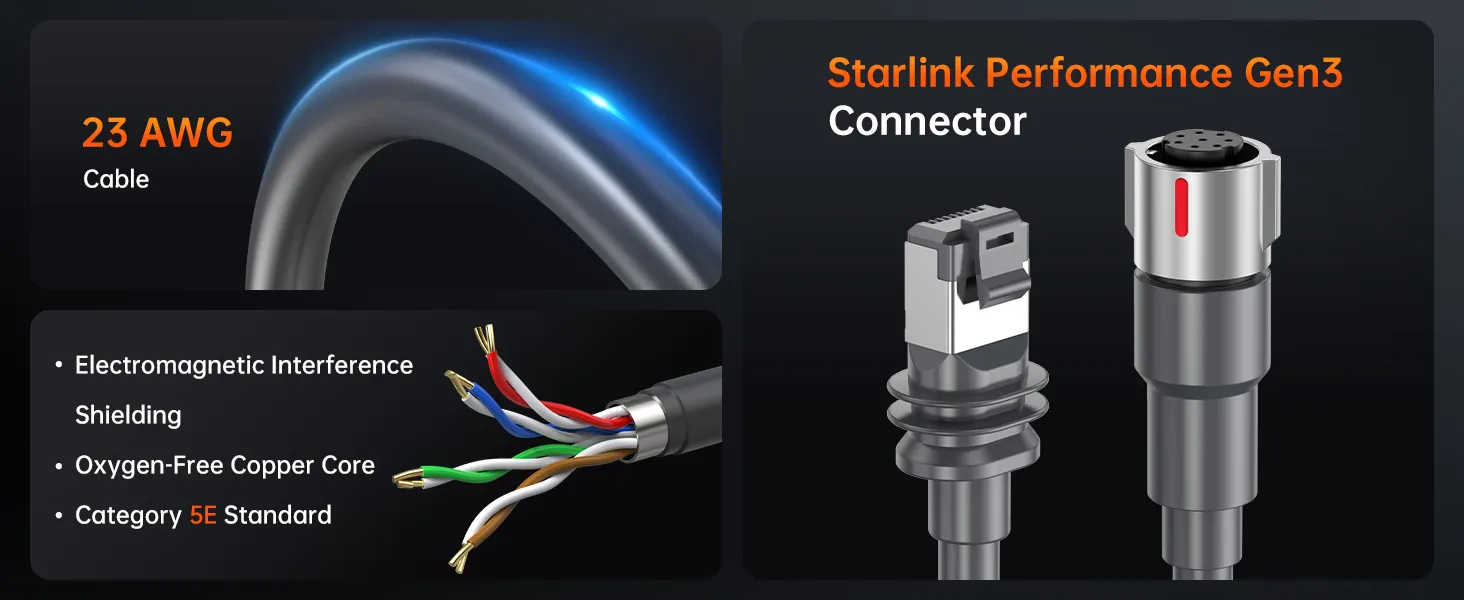
✓Check connectors for moisture and reseat them, since corrosion at the plug is a common cause of dropouts.
✓Confirm the mount is still tight and the dish has not shifted after storms.
✓Keep firmware updated and leave snow-melt mode ready for winter.
Starlink dish maintenance gets far easier when the hardware is built for weather. That is where XLinkCore mounts and stainless fasteners earn their keep: a rigid XLinkCore mount keeps the antenna exactly where the software expects it, season after season. Starlink Network Accessories designs its range around that idea.
Starlink FAQ: Quick Answers for New Owners
✓Does weather kill the signal? Heavy rain or snow can briefly cut throughput, but most outages come from obstructions, not clouds.
✓Can I move my dish? Yes, on a roaming or mobile plan, using the app obstruction tool at each new site.
✓Do I need a professional installer? No, but watertight cable entry and proper grounding deserve care.
✓Why is it slower at night? Congestion in your service cell.
✓What shortens hardware life most? Sun, salt and vibration, which is why marine and mobile setups use different gear.
Starlink Network Accessories fields these questions daily, and the answer is almost always the same: fix the mount, the cable and the power first.
Why Accessory Quality Matters: Inside the Factory
Shenzhen Starlink Network Accessories Co., Ltd. was founded in August 2024 and now runs a 5,000 m2 factory equipped with 25 injection molding machines and 15 welding machines. Around 200 patented molds allow a product line of more than 80 models, covering mounts, cables, adapters and power supplies, without cutting corners on fit.
Monthly capacity of 400,000 to 600,000 units supports both distributor orders and OEM work, while annual export value runs roughly 20 to 30 million USD. Products carry 3C, CE, FCC and PSE certification, which matters if you resell or install in regulated markets. Under the XLinkCore brand, this factory supplies the mounts and cable assemblies as well as XLinkCore power supplies that keep terminals running in salt air, heat and vibration.
Buyers get a simple benefit: XLinkCore products are made by the same team that tooled them. Starlink Network Accessories inspects each batch before shipping, and the company keeps spare parts available so one broken clip does not mean replacing an entire mount.
Getting Reliable Performance From Day One
From first sketch to final QC, Starlink Network Accessories keeps quality at the center.
Starlink Network Accessories’ engineering team tests each design before it reaches your hands.
Start with a clear view of the sky, then build outward: a rigid mount, a protected cable run, and a power source sized for your load and climate. Starlink Network Accessories sums up that sequence in its installation write-ups, and the advice holds whether you are on a suburban roof or a boat deck offshore.
Once the hardware is right, the rest is routine: a monthly inspection, an occasional firmware check, and a quick look at the app after big storms. XLinkCore accessories exist to keep that routine short, so your attention stays on the work, not the connection.
Need the Right Accessories for Your Setup?
Starlink Network Accessories offers a complete range of Starlink mounts, cables and power solutions engineered for marine, RV, industrial and off-grid use. Contact our team for bulk orders or custom OEM/ODM solutions.
Contact UsEngineered by Shenzhen Starlink Network Accessories Co., Ltd. — Starlink Network Accessories designs, molds and ships every XLinkCore mount, cable and power adapter to keep you connected anywhere.
