Service
Starlink FAQ: Coverage, Speed, and Dish Care Tips
💡 In This Article
- ▶What Starlink Is and How It Works
- ▶Starlink Coverage: What It Really Means
- ▶Starlink Internet Speed Explained
Starlink is satellite internet delivered from a constellation of low-Earth-orbit satellites. Understanding how Starlink works comes down to three parts: a user terminal — the dish — that electronically steers its beam toward whichever satellite is overhead, a router that shares the connection indoors, and the constellation itself, which hands your session to the next satellite every few minutes. Because those satellites orbit a few hundred kilometres up rather than tens of thousands, latency stays low enough for video calls and remote work.
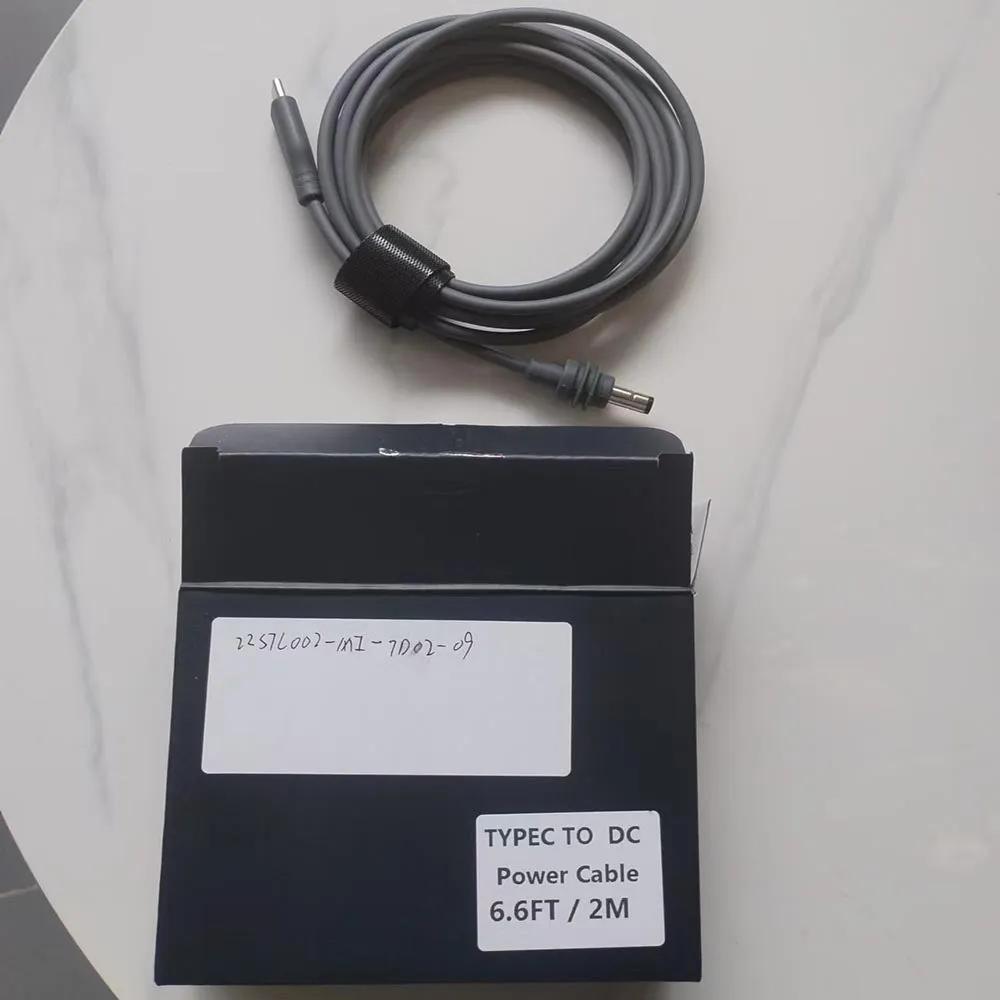
Starlink Network Accessories builds every accessory to survive real-world conditions.

What Starlink Is and How It Works
So how does Starlink work on a rainy afternoon? Moisture trims throughput slightly, but obstruction and unstable mounting cause far more trouble. A dish that shakes, tilts or sits behind a tree spends its time reacquiring instead of delivering data. This guide is maintained by the team at Shenzhen Starlink Network Accessories Co., Ltd., a manufacturer of Starlink-compatible hardware.
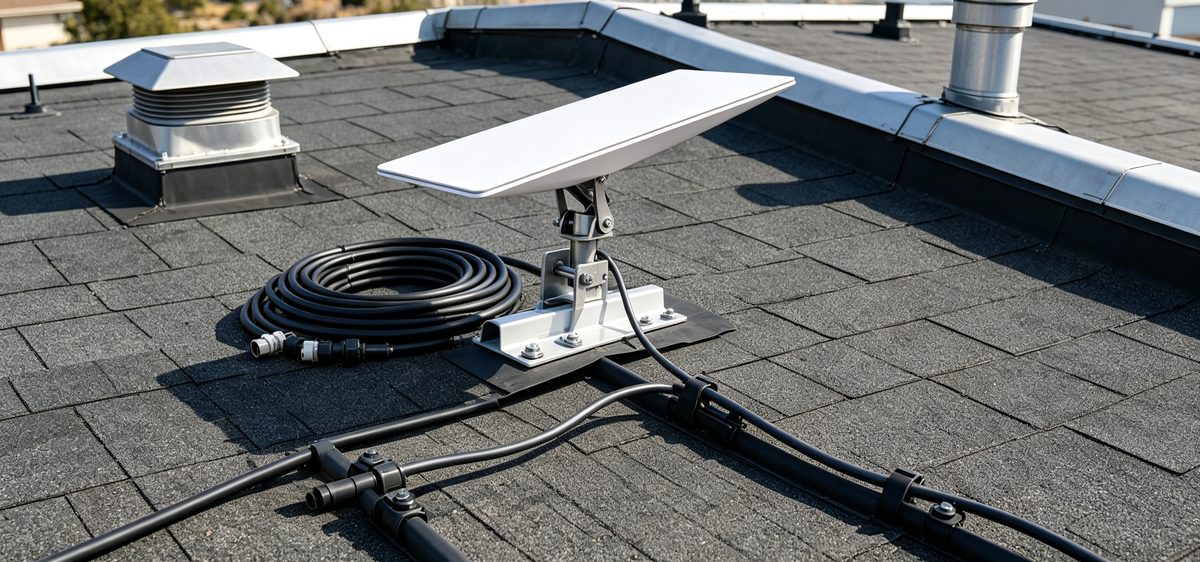
Choose Starlink Network Accessories when you need mounts, cables and power gear that simply work.
Starlink Coverage: What It Really Means
Starlink coverage is best understood as capacity rather than a simple yes-or-no map. A region can be covered and still deliver slower speeds at peak hours when many users share the same satellite passes. Service now reaches most of North America, Europe and Oceania, with waitlists mainly in dense cities where fibre competes well.
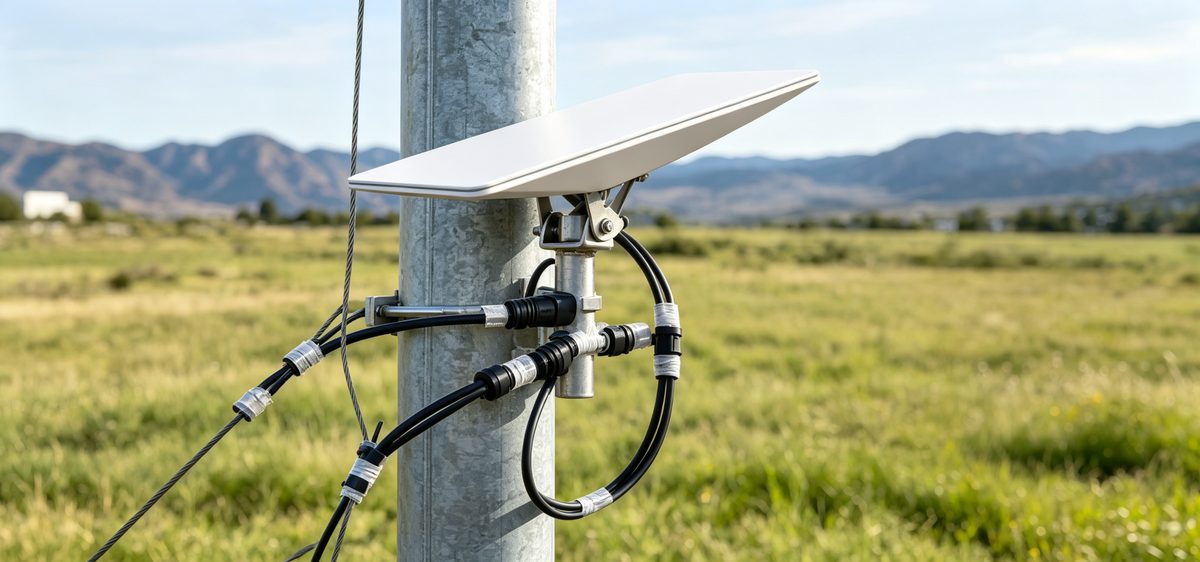
Two practical points follow. Rural and coastal sites usually see the best real-world results because congestion is lower, and hardware changes coverage in a literal sense: raising a dish above roof clutter or a tree line turns a marginal site into a dependable one. Our Starlink mounts are designed around exactly that problem.
Starlink Internet Speed Explained
Typical Starlink internet speed handles two or three streams, a video call and a cloud backup at once. Speeds differ by plan tier, local demand and satellite geometry, and they fluctuate through the day. Uploads sit lower than downloads but manage calls and file sharing comfortably.
What quietly caps your speed:
✓Obstruction — even a small blocked wedge of sky causes dropouts.
✓Cable condition — damaged or oversized runs degrade the link.
✓Mount stability — movement forces the terminal to reacquire.
✓Peak-hour congestion in your service cell.
Seals, cable assemblies and brackets from Starlink Network Accessories, sold under the XLinkCore brand, are built to remove the first three variables from that list.
Starlink vs Traditional Internet
Comparisons with fibre, cable, DSL and 4G/5G usually come down to availability. Where fibre exists, it generally wins on price per megabit and latency. Where it does not — farms, mountain cabins, boats, job sites — Starlink wins by existing at all, with no trenching, no tower line-of-sight and no multi-month install queue.
The trade-offs are real: satellite service is more sensitive to sky obstruction, draws more power than a fibre router, and needs weatherproofed connectors outdoors. Good cables, XLinkCore adapters and a rigid mount close most of that gap.
Starlink for Rural Areas and Remote Work
Starlink for rural areas is often the first genuinely usable broadband a household has had. It supports remote work, telehealth, distance learning and small-business payment systems that previously relied on slow DSL or metered mobile data. Shenzhen Starlink Network Accessories Co., Ltd. was founded in August 2024 to serve exactly this kind of deployment, and Starlink Network Accessories now manufactures a product line of more than 80 models covering mounts, cables, adapters and power hardware.
Starlink Care and Maintenance
Starlink care and maintenance is simpler than most owners expect, but it is not nothing. A short seasonal routine keeps performance stable:
✓Inspect the dish face for dust, pollen, droppings and snow; wipe with water and a soft cloth only.
✓Check mount bolts after storms — vibration loosens fasteners.
✓Re-seal the cable entry point if weatherproofing has cracked.
✓Look for abrasion at sharp edges and zip-tie rub points.
✓Re-check the sky view each season as trees grow.
Starlink dish maintenance rarely means opening anything. Never pressure-wash the terminal, use solvents on the radome, or unplug the cable while the dish is powered. When parts need replacing, XLinkCore cable kits and XLinkCore weather seals from Starlink Network Accessories are built for repeated outdoor exposure.
Starlink FAQ: Quick Answers
✓Does weather stop Starlink? Heavy rain or wet snow can slow it briefly; it usually recovers on its own.
✓Can I move the dish between locations? Yes, with a travel plan — but re-run the obstruction check each time.
✓How long should the cable run be? As short as practical, using the correct generation-specific cable for Standard 4, Standard 4X, V5, Mini or Enterprise hardware.
✓Do I need a roof mount? Only if it improves the sky view; ground and pole mounts work well when sited properly.
✓What wears out first? Connectors, cable jackets and fasteners, in that order.
Matching accessories is the most common source of confusion. XLinkCore products are labelled by dish generation so cables and mounts line up without guesswork, and hardware from Starlink Network Accessories is checked before it ships. If you want background first, browse the information library.
Manufacturing Quality Behind Every Setup
From first sketch to final QC, Starlink Network Accessories keeps quality at the center.
Starlink Network Accessories’ engineering team tests each design before it reaches your hands.
Accessories decide whether an install survives its first winter. Shenzhen Starlink Network Accessories Co., Ltd. runs a 5,000 m2 factory with 25 injection molding machines and 15 welding machines, supported by 200 patented molds and a monthly production capacity of 400,000–600,000 units. Products are certified 3C / CE / FCC / PSE for the markets they serve.
For buyers, that scale means consistent tolerances: the same bracket fits the same way on order ten as on order one. Starlink Network Accessories' range is developed by people who install this equipment themselves, which is why the XLinkCore brand concentrates on fit, sealing and corrosion resistance rather than novelty.
Review the catalogue under products, or start with Starlink Network Accessories' mounting and power lines, and check the buying guides for dish-by-dish fitment notes. An XLinkCore setup from a factory building 400,000–600,000 units a month is one you can service and trust season after season.
Need the Right Accessories for Your Setup?
Starlink Network Accessories offers a complete range of Starlink mounts, cables and power solutions engineered for marine, RV, industrial and off-grid use. Contact our team for bulk orders or custom OEM/ODM solutions.
Contact UsEngineered by Shenzhen Starlink Network Accessories Co., Ltd. — Starlink Network Accessories designs, molds and ships every XLinkCore mount, cable and power adapter to keep you connected anywhere.
