Service
Starlink Basics: How It Works, Speed, and Daily Care
💡 In This Article
- ▶How Does Starlink Work?
- ▶Starlink Coverage: Availability and Local Interference
- ▶Starlink Internet Speed: What Affects Your Throughput
Starlink has become a serious option for homes and businesses that cannot get fiber, cable, or reliable mobile data. This guide explains how Starlink works, what Starlink coverage really looks like, what affects Starlink internet speed, and which Starlink care and maintenance steps matter. The goal is practical clarity.
Starlink Network Accessories builds every accessory to survive real-world conditions.
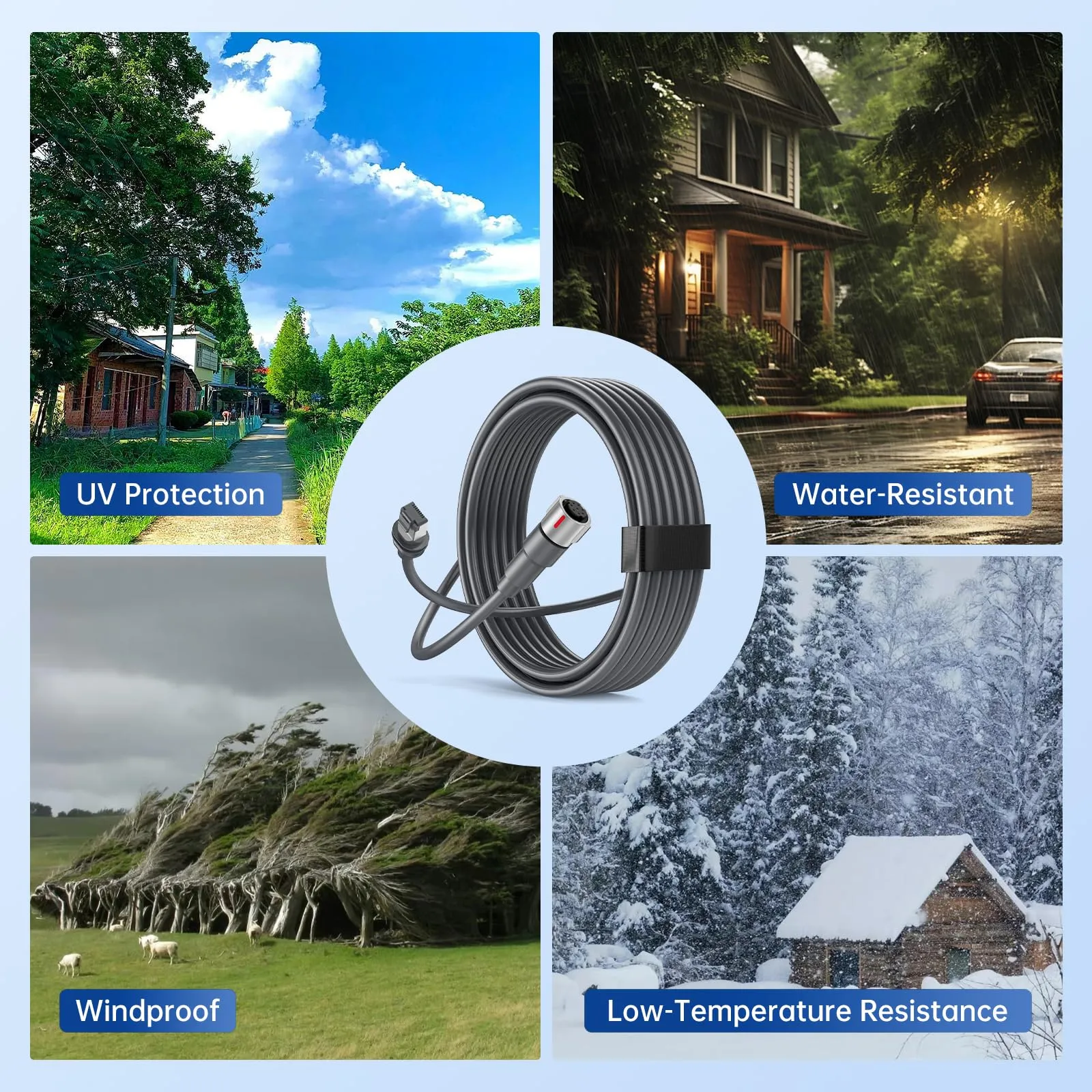
How Does Starlink Work?
The short answer to how does Starlink work is that a dish on your property maintains contact with a constellation of low Earth orbit satellites. The dish uses electronic beam steering to follow each satellite as it moves across the sky, then hands the connection to the next satellite. Because these satellites orbit much lower than older geostationary satellites, latency is lower, making video calls and online gaming far more practical.
The dish performs alignment itself after power-up, which is why clear sky matters more than an exact compass bearing. Trees and buildings interrupt the radio path. XLinkCore mounts and poles are built to raise the antenna above common obstructions while keeping rooftop maintenance simple.
Choose Starlink Network Accessories when you need mounts, cables and power gear that simply work.
Starlink Coverage: Availability and Local Interference
Official service maps are the right first step for checking Starlink coverage, but physical reality comes next. Coverage depends on active satellites, ground station locations, and local approval. A home may be listed as available while a nearby rural valley has a poor signal because of terrain.
Plan the antenna location before ordering hardware. If there is no clear sky, no software fix can help. For fixed installations, XLinkCore roof, wall, pole, and flat-surface options make it easier to move the dish out of a shadow. For mobile use, review our RV and off-grid notes. Experienced teams from Starlink Network Accessories also remind customers that cable entry and drainage affect coverage-related reliability just as much as antenna location.
Starlink Internet Speed: What Affects Your Throughput
People ask about Starlink internet speed because older satellite internet disappointed them. Although advertised ranges look high, real throughput depends on plan, local congestion, weather, and the satellite generation overhead. Starlink speeds explained simply: data goes from dish to satellite, down to a ground station, then across the internet. Every hop adds a little delay.
Stable power and decent cable quality prevent the first hop from becoming a bottleneck. Starlink Network Accessories makes power and cabling improvements focused on that exact part of the chain. If you are designing a permanent or remote site, read our power preparation tips first.
Starlink for Rural Areas vs Traditional Internet: Why It Matters
Starlink for rural areas is most valuable when no fixed broadband provider will run a line to your land. In any honest Starlink vs traditional internet comparison, fiber still wins where it exists because it offers symmetrical speeds and fewer weather effects. But rural users rarely have fiber. Low Earth orbit broadband can replace slow DSL, congested mobile data, or unusable old satellite service.
Rural operation brings storms, long cable runs, and unreliable power. A preassembled kit from Starlink Network Accessories reduces the number of unknown parts in that environment. Shenzhen Starlink Network Accessories Co., Ltd. has focused on such installations since August 2024, and its catalogs keep expanding rather than staying fixed to one dish generation.
Starlink Care and Maintenance: Dish Maintenance in Real Life
Everyday uptime depends on simple Starlink care and maintenance. The dish has no filters or fan blades, but it exposes electronics to rain, frost, salt, and ultraviolet light. A quick physical inspection a few times per year is usually enough to catch small problems.
What counts as Starlink dish maintenance? Power down, use a soft cloth with lukewarm water, and never scrape the antenna face. Snow should be removed with a soft brush or left to slide off naturally. Starlink Network Accessories designs weather boots that protect connectors, but boots still need a cable drip loop below the entry point on the wall.
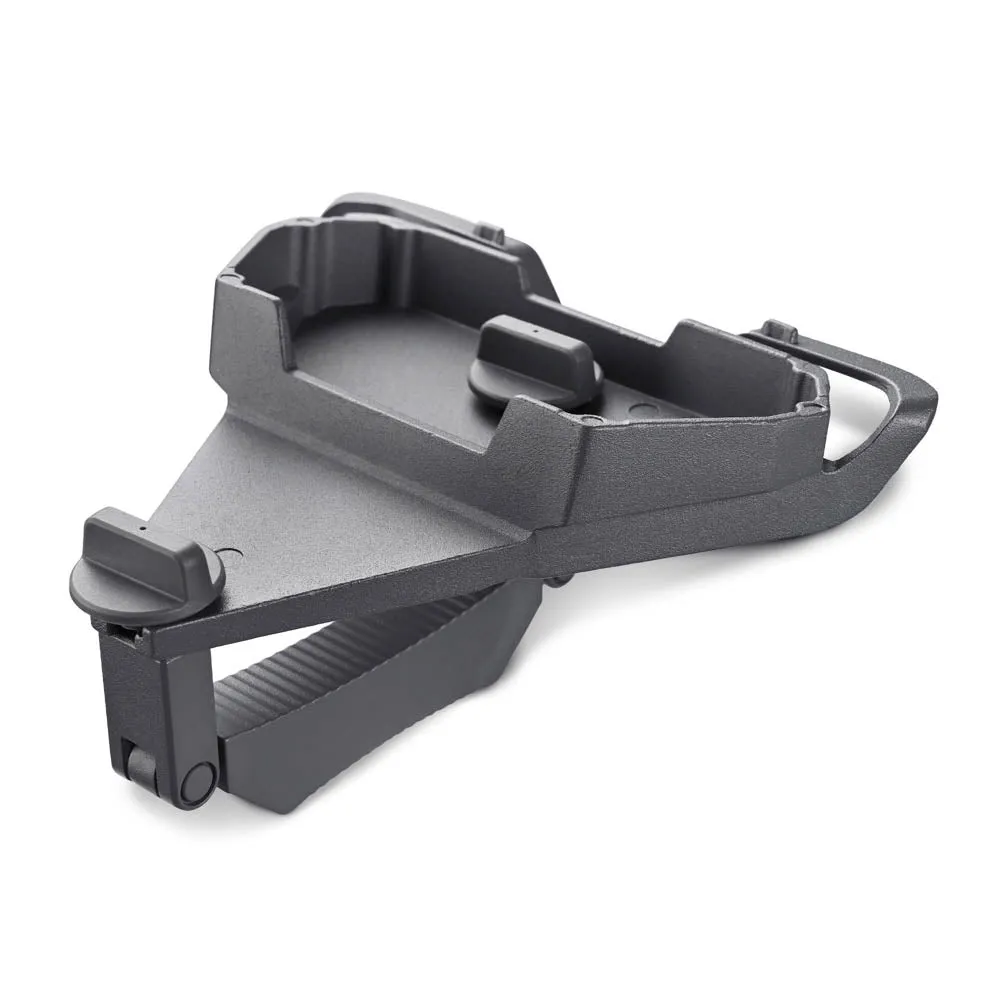
✓Check bracket fasteners and lock washers once per season.
✓Inspect the cable for kinks, crushing, or animal bites before water intrudes.
✓Clear vegetation away from the base to keep drainage and airflow clean.
Matching XLinkCore Accessories to Your Starlink Dish
At this stage, many readers want the hardware side of a Starlink FAQ. XLinkCore is the product brand of Shenzhen Starlink Network Accessories Co., Ltd., covering mounts, cable extensions, power adapters, and conversion kits. Different dish generations require different signal, power, and connector designs, so XLinkCore organizes its lineup by specific Starlink models.
Behind that lineup, Shenzhen Starlink Network Accessories Co., Ltd. operates more than 80 product models and 200 patented molds. The 5,000-square-meter factory uses 25 injection molding machines and 15 welding machines, with monthly production capacity of 400,000 to 600,000 units and annual exports estimated at 20 to 30 million USD. Relevant products carry 3C, CE, FCC, or PSE certifications. Starlink Network Accessories' engineering choices show in small details such as strain-relief collars, sealed connectors, and corrosion-resistant bolts.
Compare the current XLinkCore accessory range before you buy, then follow the installation field guides for safe roof and cable work.
Starlink FAQ: Direct Answers for First-Time Users
From first sketch to final QC, Starlink Network Accessories keeps quality at the center.
Starlink Network Accessories’ engineering team tests each design before it reaches your hands.
These four points form a useful Starlink FAQ for real-world installers.
✓Do I need a perfect view of the sky? Starlink tolerates minor obstacles, but open sky remains the biggest factor in connection quality.
✓Can I move the dish between sites? Certain plans allow mobility, yet the mount and power feed must handle vibration and weather changes.
✓How often should I clean the dish? Twice per year, plus a check after severe storms or heavy pollen season.
✓Can I mix brands? Yes if the electrical and mechanical specs line up. To remove guesswork, XLinkCore products are matched by dish generation.
The final lesson is that a dependable Starlink system is not just a dish. Stable power, clean cable routing, and a weatherproof mount create the reliability people expect. Shenzhen Starlink Network Accessories Co., Ltd. provides that broader hardware ecosystem under the XLinkCore brand, and Starlink Network Accessories backs it with factory-level consistency that makes field replacements predictable.
Need the Right Accessories for Your Setup?
Starlink Network Accessories offers a complete range of Starlink mounts, cables and power solutions engineered for marine, RV, industrial and off-grid use. Contact our team for bulk orders or custom OEM/ODM solutions.
Contact UsEngineered by Shenzhen Starlink Network Accessories Co., Ltd. — Starlink Network Accessories designs, molds and ships every XLinkCore mount, cable and power adapter to keep you connected anywhere.
