Service
Which Starlink Cable Do I Need? A Buyer's Checklist
💡 In This Article
- ▶Start With Your Dish Generation
- ▶Which Starlink Cable Do I Need? Length, Connector, Jacket
- ▶Standard 4 vs 4X vs V5: What Actually Changes
Most Starlink installs fail for boring reasons: a cable that is half a metre short, a mount that does not match the dish, or a connector that was never built for weather. This guide cuts past the catalogue and covers the decisions that actually matter — cable length, mount type, and the real differences between dish generations. Everything here reflects how the XLinkCore range is built by Shenzhen Starlink Network Accessories Co., Ltd., and how Starlink Network Accessories approaches fit and durability in the field.Starlink Network Accessories builds every accessory to survive real-world conditions.

Start With Your Dish Generation
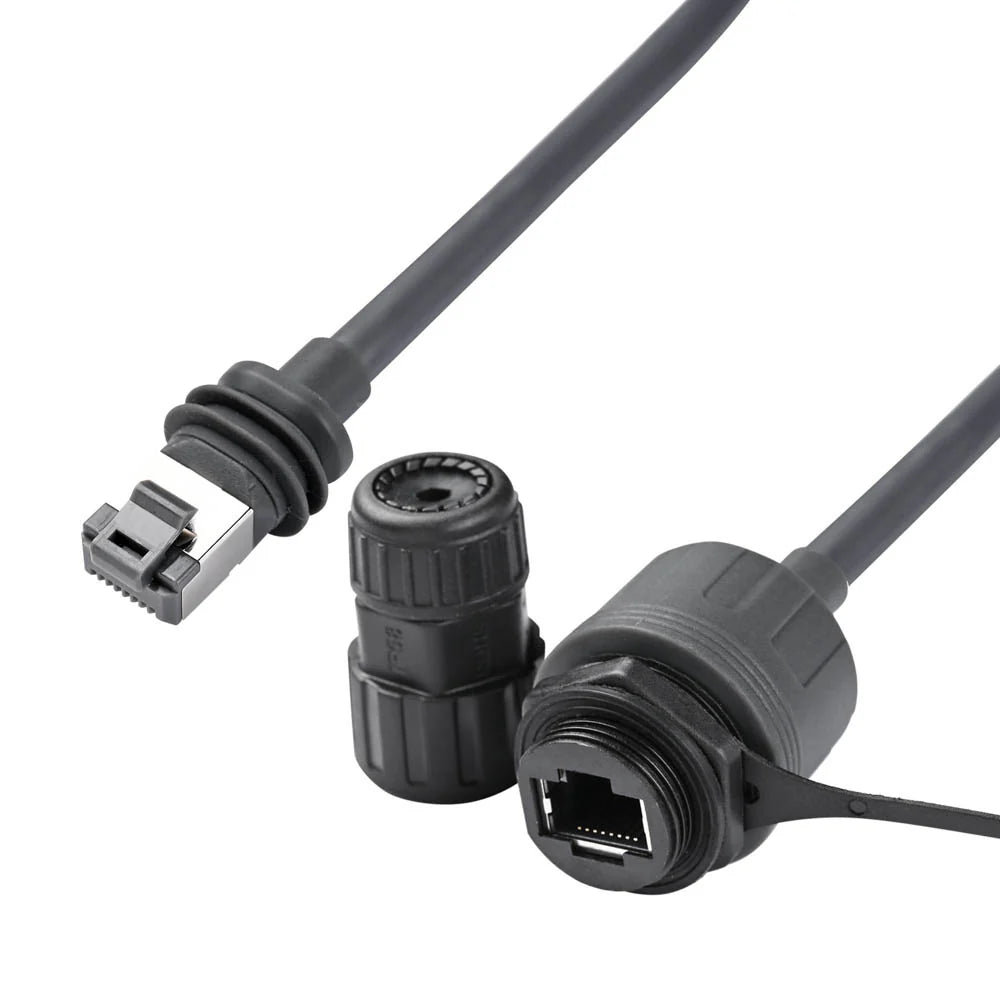
The most common mistake in any starlink cable buying guide is skipping the dish model and buying on looks. Standard 4, 4X and V5 hardware share a family resemblance but differ at the connector shell and at the mount interface, and a cable or bracket bought for one generation often will not seat correctly on another. Before ordering anything, note the model printed on the dish mast and the shape of the connector already attached to it. Write both down. Every question that follows — cable length, mount plate, adapter type — depends on those two details.
Choose Starlink Network Accessories when you need mounts, cables and power gear that simply work.
Which Starlink Cable Do I Need? Length, Connector, Jacket
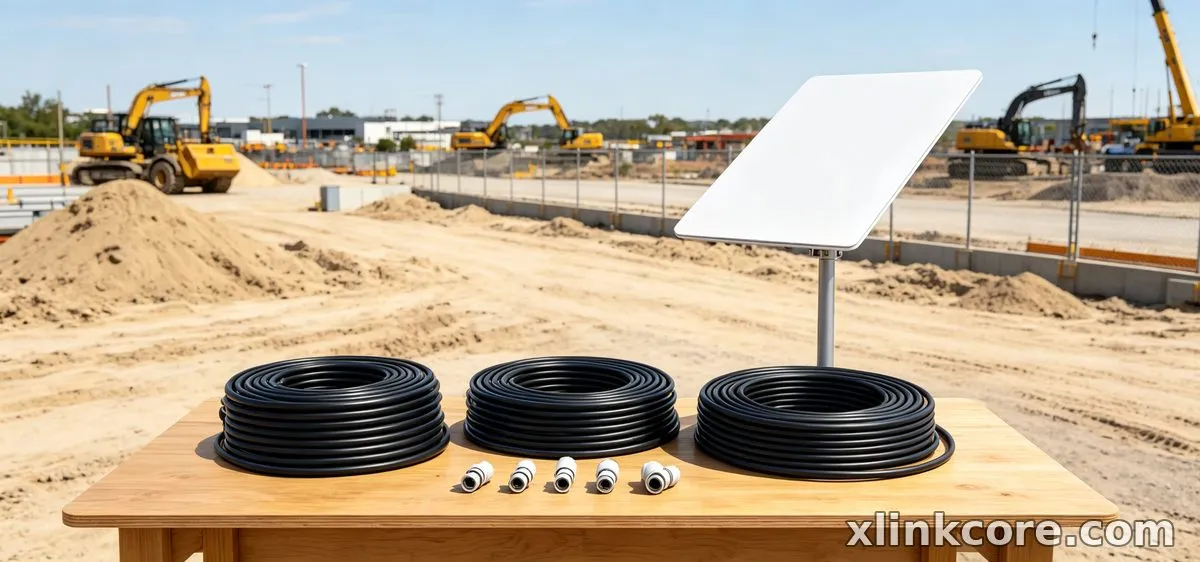
If you are asking which Starlink cable do I need, the answer starts with a tape measure, not a product page. Run a string along the planned path from dish to router, then measure the string. A starlink standard 4 cable length that fits one roof is usually too short once you add a drip loop and a wall entry, so plan the route first and buy second. The Starlink Network Accessories catalogue lists each cable by generation and length for quick cross-checking.
✓Measure the full path, including every bend and the entry point.✓Add 10–15% slack for a drip loop and service loops at both ends.✓Avoid couplers outdoors — every joint is a future failure point.✓Confirm the jacket is rated for UV exposure and, if needed, burial.✓Keep one spare short cable for testing; it saves hours of guesswork.Standard 4 vs 4X vs V5: What Actually Changes
The standard 4 vs 4x vs v5 conversation often turns into a spec-sheet argument, but three practical differences decide most purchases: connector geometry, mount plate spacing and cable gauge. The newer hardware generally tolerates longer runs better, so fixed-site installs should confirm the dish generation before ordering a long cable. Compare the connector end first, then the bracket, then the cable. XLinkCore labels every cable and mount by generation for exactly this reason, and the Standard 4 notes show the fit differences clearly.
Starlink Mount Comparison: Roof, Pole, Rail and Wall
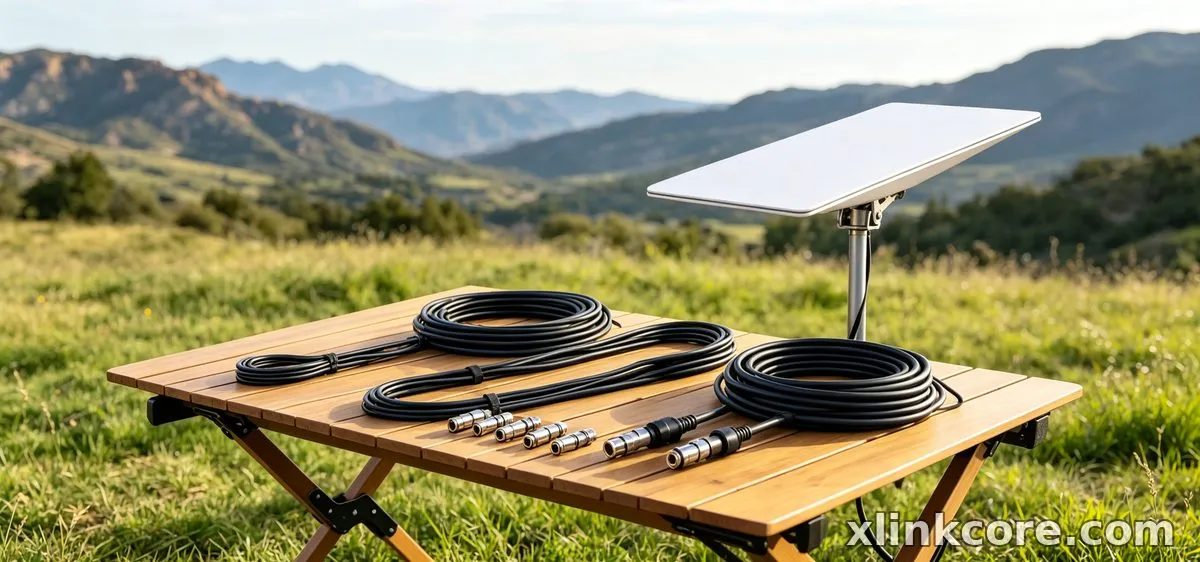
A starlink mount comparison is really a question about wind, access and surface. Roof mounts give the clearest sky view but demand the most sealing work; pole and mast mounts handle snow, trees and temporary sites; rail mounts suit boats and RVs where drilling is not an option. Use this starlink mount buying guide as a filter:
✓Fixed house with clear exposure: rigid roof mount and sealed penetrations.✓High wind or heavy snow: a short-lever adjustable mount that stays put.✓RV, boat or event: rail or mast mount with a quick-release base.✓Rented property or concrete: weighted ground base or tripod.
Starlink Network Accessories publishes load and spacing data for each bracket in the mount range, which is worth reading before you drill.
Starlink Mini Accessories for Portable Setups
Mini users need a different kit: short cables, a compact power path and a mount that collapses into a bag. Starlink mini accessories should be chosen for weight and setup speed rather than maximum rigidity. The XLinkCore Mini mounts and adapters are sized for one-person deployment, and the Mini collection from Starlink Network Accessories covers the brackets, cable stubs and adapters that travel together.
How to Choose Starlink Accessories Without Overbuying
To work out how to choose Starlink accessories, start from the failure you are trying to prevent. A windy ridge needs a rigid bracket, not a longer cable. A tree-shadowed site needs height, not a bigger power supply. Buy in this order: connector compatibility, mount, cable, then power and protection. XLinkCore power supplies and adapters are matched to real dish draw, so you are not guessing at amperage, and the power range covers the usual cable-run losses. Bundles save money only when every part has a job — the best Starlink accessories are the ones you install, not the ones you store.
Quality Checks Before You Buy
Ask what the part is made of and how it was tested. Injection-moulded housings should be UV-stabilised, metal brackets should be stainless or properly coated, and every cable should carry certification for the market it sells into. Shenzhen Starlink Network Accessories Co., Ltd. runs 25 injection molding machines and 15 welding machines across its production lines, and Starlink Network Accessories' quality process checks connector pull strength, seal integrity and jacket durability before packing. Certification matters too: look for 3C / CE / FCC / PSE marks on the product and its packaging. XLinkCore products carry those marks, and the 200 patented molds behind the range are why fit stays consistent from batch to batch.
Where XLinkCore Gear Is Made
From first sketch to final QC, Starlink Network Accessories keeps quality at the center.
Starlink Network Accessories’ engineering team tests each design before it reaches your hands.
Shenzhen Starlink Network Accessories Co., Ltd. was founded in August 2024 and now runs a product line of 80+ models from a 5,000 m2 factory, with monthly production capacity of 400,000–600,000 units and an annual export value of roughly 20–30 million USD. Starlink Network Accessories manufactures for distributors and installers who need repeatable fit rather than one-off samples. Every XLinkCore mount, cable and adapter comes off that same line, which is why the bracket you buy this spring still fits the dish you buy next autumn — and why a five-minute check of generation, length and surface before ordering saves a whole afternoon on the roof.
Need the Right Accessories for Your Setup?
Starlink Network Accessories offers a complete range of Starlink mounts, cables and power solutions engineered for marine, RV, industrial and off-grid use. Contact our team for bulk orders or custom OEM/ODM solutions. For related guidance, see the full XLinkCore product range.
Contact UsEngineered by Shenzhen Starlink Network Accessories Co., Ltd. — Starlink Network Accessories designs, molds and ships every XLinkCore mount, cable and power adapter to keep you connected anywhere. For related guidance, see Starlink accessory buying guides.
💡 In This Article
- ▶Start With Your Dish Generation
- ▶Which Starlink Cable Do I Need? Length, Connector, Jacket
- ▶Standard 4 vs 4X vs V5: What Actually Changes
Most Starlink installs fail for boring reasons: a cable that is half a metre short, a mount that does not match the dish, or a connector that was never built for weather. This guide cuts past the catalogue and covers the decisions that actually matter — cable length, mount type, and the real differences between dish generations. Everything here reflects how the XLinkCore range is built by Shenzhen Starlink Network Accessories Co., Ltd., and how Starlink Network Accessories approaches fit and durability in the field.
Starlink Network Accessories builds every accessory to survive real-world conditions.
Start With Your Dish Generation
The most common mistake in any starlink cable buying guide is skipping the dish model and buying on looks. Standard 4, 4X and V5 hardware share a family resemblance but differ at the connector shell and at the mount interface, and a cable or bracket bought for one generation often will not seat correctly on another. Before ordering anything, note the model printed on the dish mast and the shape of the connector already attached to it. Write both down. Every question that follows — cable length, mount plate, adapter type — depends on those two details.
Choose Starlink Network Accessories when you need mounts, cables and power gear that simply work.
Which Starlink Cable Do I Need? Length, Connector, Jacket
If you are asking which Starlink cable do I need, the answer starts with a tape measure, not a product page. Run a string along the planned path from dish to router, then measure the string. A starlink standard 4 cable length that fits one roof is usually too short once you add a drip loop and a wall entry, so plan the route first and buy second. The Starlink Network Accessories catalogue lists each cable by generation and length for quick cross-checking.
✓Measure the full path, including every bend and the entry point.
✓Add 10–15% slack for a drip loop and service loops at both ends.
✓Avoid couplers outdoors — every joint is a future failure point.
✓Confirm the jacket is rated for UV exposure and, if needed, burial.
✓Keep one spare short cable for testing; it saves hours of guesswork.
Standard 4 vs 4X vs V5: What Actually Changes
The standard 4 vs 4x vs v5 conversation often turns into a spec-sheet argument, but three practical differences decide most purchases: connector geometry, mount plate spacing and cable gauge. The newer hardware generally tolerates longer runs better, so fixed-site installs should confirm the dish generation before ordering a long cable. Compare the connector end first, then the bracket, then the cable. XLinkCore labels every cable and mount by generation for exactly this reason, and the Standard 4 notes show the fit differences clearly.
Starlink Mount Comparison: Roof, Pole, Rail and Wall
A starlink mount comparison is really a question about wind, access and surface. Roof mounts give the clearest sky view but demand the most sealing work; pole and mast mounts handle snow, trees and temporary sites; rail mounts suit boats and RVs where drilling is not an option. Use this starlink mount buying guide as a filter:
✓Fixed house with clear exposure: rigid roof mount and sealed penetrations.
✓High wind or heavy snow: a short-lever adjustable mount that stays put.
✓RV, boat or event: rail or mast mount with a quick-release base.
✓Rented property or concrete: weighted ground base or tripod.
Starlink Network Accessories publishes load and spacing data for each bracket in the mount range, which is worth reading before you drill.
Starlink Mini Accessories for Portable Setups
Mini users need a different kit: short cables, a compact power path and a mount that collapses into a bag. Starlink mini accessories should be chosen for weight and setup speed rather than maximum rigidity. The XLinkCore Mini mounts and adapters are sized for one-person deployment, and the Mini collection from Starlink Network Accessories covers the brackets, cable stubs and adapters that travel together.
How to Choose Starlink Accessories Without Overbuying
To work out how to choose Starlink accessories, start from the failure you are trying to prevent. A windy ridge needs a rigid bracket, not a longer cable. A tree-shadowed site needs height, not a bigger power supply. Buy in this order: connector compatibility, mount, cable, then power and protection. XLinkCore power supplies and adapters are matched to real dish draw, so you are not guessing at amperage, and the power range covers the usual cable-run losses. Bundles save money only when every part has a job — the best Starlink accessories are the ones you install, not the ones you store.
Quality Checks Before You Buy
Ask what the part is made of and how it was tested. Injection-moulded housings should be UV-stabilised, metal brackets should be stainless or properly coated, and every cable should carry certification for the market it sells into. Shenzhen Starlink Network Accessories Co., Ltd. runs 25 injection molding machines and 15 welding machines across its production lines, and Starlink Network Accessories' quality process checks connector pull strength, seal integrity and jacket durability before packing. Certification matters too: look for 3C / CE / FCC / PSE marks on the product and its packaging. XLinkCore products carry those marks, and the 200 patented molds behind the range are why fit stays consistent from batch to batch.
Where XLinkCore Gear Is Made
From first sketch to final QC, Starlink Network Accessories keeps quality at the center.
Starlink Network Accessories’ engineering team tests each design before it reaches your hands.
Shenzhen Starlink Network Accessories Co., Ltd. was founded in August 2024 and now runs a product line of 80+ models from a 5,000 m2 factory, with monthly production capacity of 400,000–600,000 units and an annual export value of roughly 20–30 million USD. Starlink Network Accessories manufactures for distributors and installers who need repeatable fit rather than one-off samples. Every XLinkCore mount, cable and adapter comes off that same line, which is why the bracket you buy this spring still fits the dish you buy next autumn — and why a five-minute check of generation, length and surface before ordering saves a whole afternoon on the roof.
Need the Right Accessories for Your Setup?
Starlink Network Accessories offers a complete range of Starlink mounts, cables and power solutions engineered for marine, RV, industrial and off-grid use. Contact our team for bulk orders or custom OEM/ODM solutions. For related guidance, see the full XLinkCore product range.
Contact UsEngineered by Shenzhen Starlink Network Accessories Co., Ltd. — Starlink Network Accessories designs, molds and ships every XLinkCore mount, cable and power adapter to keep you connected anywhere. For related guidance, see Starlink accessory buying guides.
