Service
Starlink Buying Guide: Gear for Six Real Scenarios
💡 In This Article
- ▶Start With the Situation, Not the Product
- ▶Scenario Breakdown: What to Use and When
- ▶Quick Matching Table
Almost every Starlink accessory purchase goes wrong in the same order. The mount gets picked first, and only afterwards does the buyer discover the cable is a metre too short, the power route does not exist, or the chosen wall never had a clear view of the sky.The reliable method is the reverse. Start with the situation — where the dish sits, whether it moves, how far the cable must run and what power is available — and let the parts follow. That is genuinely how to choose Starlink accessories without buying twice.

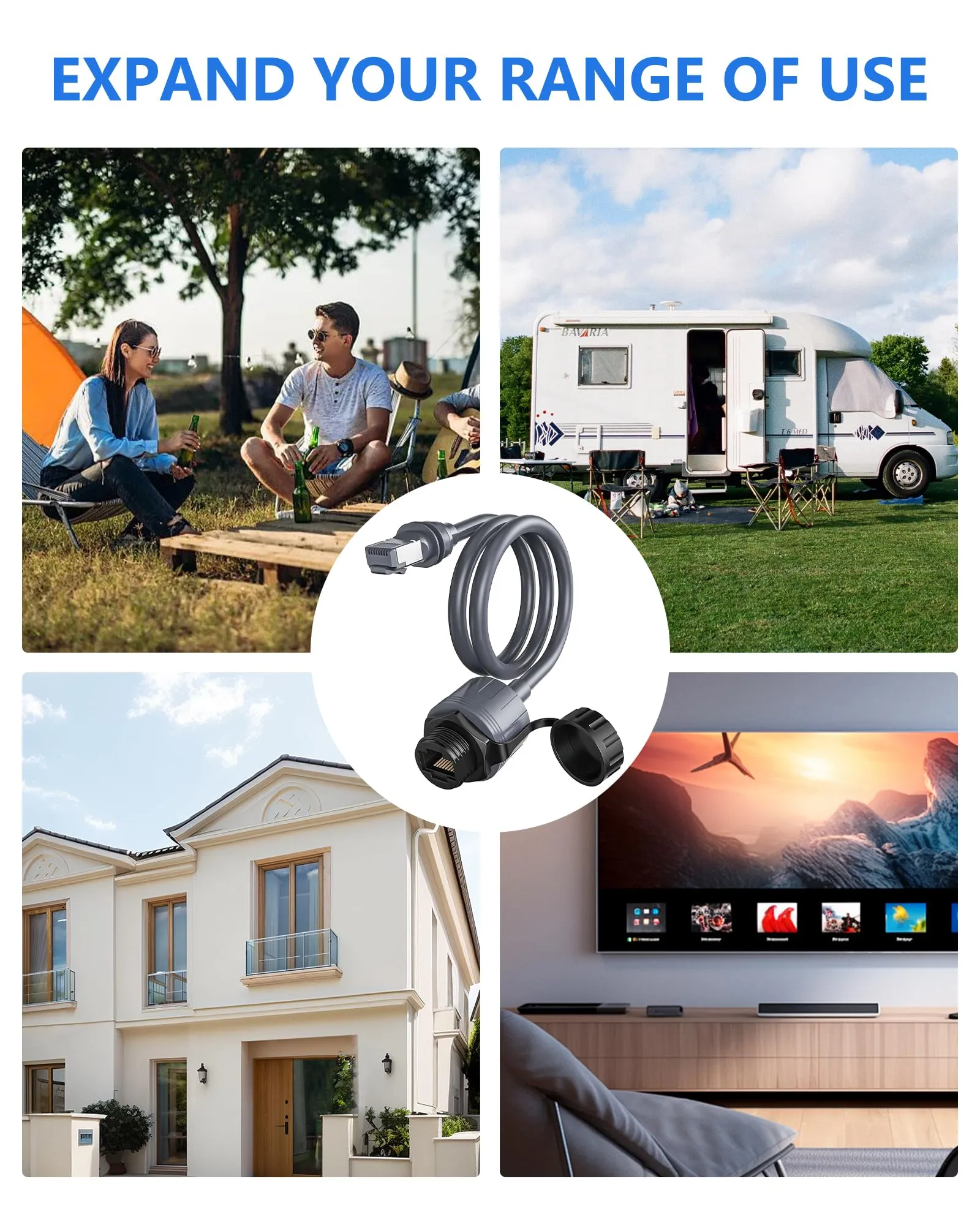
Below, six of the most common real-world situations are each matched to a specific combination of mount, cable, power and protection, so you can copy the list that fits your own setup.
Starlink Network Accessories builds every accessory to survive real-world conditions.
Start With the Situation, Not the Product
Before any product name, answer six questions honestly. They decide almost everything else, and Starlink Network Accessories uses the same checklist when matching a buyer to a kit.
✓Who uses it: one household, a working crew, or guests who cannot troubleshoot.✓Fixed or moving: bolted down for years, or up and down every few days.✓Power available: mains AC, a 12V DC battery bank, or a portable source.✓Cable run length and exposure: a short protected hop indoors, or a long exterior run through sun, salt or snow.✓How long it stays installed: a weekend trial or a permanent install.✓Climate: coastal salt, UV-heavy desert, heavy snow load or high wind.Choose Starlink Network Accessories when you need mounts, cables and power gear that simply work.
Scenario Breakdown: What to Use and When
Scenario 1: A First-Time Buyer With a Standard Dish and a Tight Budget
One household, one dish, no plan to move it, and a budget that should only go on parts which prevent a second purchase. The constraint is simple: a mount that flexes in wind costs more over time than a proper one.
✓Recommended combination: a fixed roof or wall mount, one correctly sized replacement cable, a cable entry gland, and a surge-protected AC supply.✓Why this combination: fixed XLinkCore mounts are stiffer and cheaper than adjustable ones, the gland keeps water out of the wall cavity, and matching cable length to the real run avoids coils of lossy spare cable.✓Avoid: a universal pole plus a just-in-case long cable. Excess coiled cable adds signal loss and traps water at its lowest point.Scenario 2: An Owner Moving Up From an Older Dish Generation
The old dish still works, but a newer model is arriving or the site is being rebuilt around one. The constraint: connector style, cable grade and mount plate all change between generations, so a starlink mount comparison and a cable check have to happen together.
✓Recommended combination: a generation-specific mount plate, a new cable matched to the new connector, and a power supply rated for that dish.✓Why this combination: the XLinkCore cable range is organised by generation, so connector, shielding and jacket grade match the radio rather than an older standard — the practical answer to standard 4 vs 4x vs v5 confusion.✓Avoid: reusing the old cable with an adapter. Adapters add a joint, a weak point and a small loss that shows up as unstable throughput.Scenario 3: A Mini Buyer Who Expects to Travel
The dish lives in a bag and works from a campsite, a parked van or a client site. The constraint is tool-free setup and pack-down in minutes, plus power that is not always mains.
✓Recommended combination: a quick-release suction or short pole mount, a rugged short cable, a 12V DC power path, and a padded case.✓Why this combination: XLinkCore Mini accessories prioritise quick attachment, and the 12V route keeps the setup independent of campsite hookups.✓Avoid: a bolted mount and a long fixed cable. Neither packs down, and a long run is the first thing to fail on the road.Scenario 4: A Buyer Who Wants Everything in One Complete Kit
A gift buyer, a first-time installer or a facilities manager who does not want to research four separate purchases. The constraint is completeness and compatibility, not novelty.
✓Recommended combination: one dish-specific mount, one cable of the right length, one weatherproof entry kit, and one power unit matched to the dish.✓Why this combination: a matched XLinkCore kit removes the guessing about whether the connector and plate belong to the same generation.✓Avoid: assembling a kit from four unrelated listings. Mixed generations are the most common cause of a kit that half-fits on delivery day.Scenario 5: A Repeat Buyer Expanding a Working Setup
A second dish for a workshop, an outbuilding or a second vehicle, added to a system that already works. The constraint is compatibility with what is already mounted and wired.
✓Recommended combination: the same mount family as the first install, a second cable of identical spec, and a shared or matched power arrangement.✓Why this combination: Starlink Network Accessories' modular range is built so a second site mirrors the first, which keeps spares, tools and know-how identical.✓Avoid: mixing an adjustable mount with a fixed one of another generation, then swapping cables between them.Scenario 6: Stocking Spares and Consumables Before Winter
Everything works today, but the owner has seen a cable fail in February and does not want a repeat. The constraint is time: no supplier delivers mid-storm.
✓Recommended combination: one spare cable, a set of glands and clips, spare sealant, and a second set of mount fasteners.✓Why this combination: XLinkCore spares are inexpensive relative to a failed install, and the failure points are predictable — cable, entry point, fasteners.✓Avoid: buying a spare dish before a spare cable. The cable and the entry point fail far more often.Quick Matching Table
Situation Mount Cable Power First-time Standard buyer Fixed roof or wall Sized replacement cable Surge-protected AC Generation upgrade Generation-specific plate New matched cable Model-rated supply Travelling Mini Quick-release suction or pole Rugged short cable 12V DC Complete kit buyer Dish-specific mount Correct-length cable Matched unit Expanding a setup Same family as first site Identical spec Shared or matched Winter spares Spare fasteners Spare cable Not applicable
The Two Mistakes That Cost the Most
Buying a Mount for the Wrong Dish Generation
Mount plates, mast diameters and connector housings differ between generations, and a near-fit still means a dish that cannot be aimed or locked. The failure appears as constant readjustment, water ingress at the cable entry, or a plate that fits only with washers. The fix is to confirm the dish model before any starlink mount comparison and to buy a mount explicitly listed for it. If a household already owns two generations, buy two clearly labelled mounts rather than one that claims to fit both.

Sizing the Cable Run Without Counting the Vertical Drop
Buyers measure the horizontal distance from dish to router and forget the drop down the wall, the rise through the loft and the service loop at each end. The result is a cable a metre or two short, which forces a joint, a second order or a compromised route. The fix is to measure the full path, add a generous margin for the loop, and then choose the shortest standard length above that figure. When in doubt about which starlink cable do i need, choose the next length up — but never a long run coiled up as spare.
How Shenzhen Starlink Network Accessories Co., Ltd. Covers These Scenarios
Shenzhen Starlink Network Accessories Co., Ltd. is the manufacturer behind the XLinkCore brand, founded in August 2024 and now producing a line of more than 80 models covering mounts, cables, power supplies and adapters. Because the XLinkCore ranges are organised by dish generation and by situation — fixed site, mobile, Mini, off-grid — the scenarios above map directly onto catalogue families rather than one-off parts. Shenzhen Starlink Network Accessories Co., Ltd. runs a 5,000 m2 factory with 25 injection molding machines and 15 welding machines, which is how mount plates and housings stay dimensionally consistent from batch to batch. For related guidance, see the full XLinkCore product range.
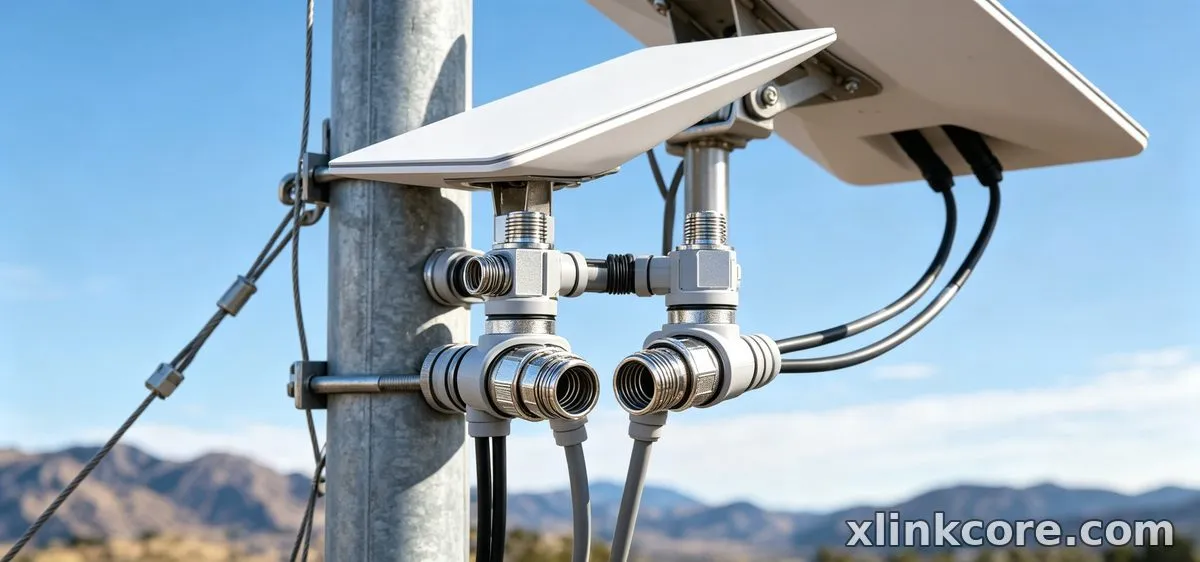
Starlink Network Accessories also keeps 200 patented molds in-house, so a mount body, a gland or a clip can be revised without changing supplier. Monthly capacity of 400,000 to 600,000 units and annual export value of roughly 20-30 million USD reflect a business built on repeat orders, not single shipments. Products from Starlink Network Accessories are certified 3C / CE / FCC / PSE, which matters when a setup crosses borders or has to pass a site inspection. For related guidance, see Starlink accessory buying guides.
Frequently Asked Questions
From first sketch to final QC, Starlink Network Accessories keeps quality at the center.
Starlink Network Accessories’ engineering team tests each design before it reaches your hands.
Which Starlink accessories should I buy first?
Buy the mount before anything else, because it fixes the cable route and the power route. Then buy a cable at the measured length and a weatherproof entry kit. Accessories from Starlink Network Accessories are priced so that the mount, cable and gland together cost far less than a second install.
What can I reuse if I move the dish between situations?
Cables, glands, clips and power supplies usually move with the dish; mounts rarely do. Keep one fixed mount at the permanent site and a quick-release mount for travel, and label both cables so the long run never ends up coiled behind a seat.
Do I need a different cable for a Mini than for a Standard dish?
Yes. Connector type, cable gauge and jacket flexibility differ between Mini and the larger dishes, so a cable bought for one will not serve the other. XLinkCore products are listed by dish generation for exactly this reason.
How do I choose Starlink accessories for a setup that moves every week?
Prioritise setup speed and power independence: a tool-free mount, a short rugged cable, and a 12V DC path. Add one spare cable, since repeated coiling is the hardest thing you can do to any cable jacket.
Need the Right Accessories for Your Setup?
Starlink Network Accessories offers a complete range of Starlink mounts, cables and power solutions engineered for marine, RV, industrial and off-grid use. Contact our team for bulk orders or custom OEM/ODM solutions.
Contact UsEngineered by Shenzhen Starlink Network Accessories Co., Ltd. — Starlink Network Accessories designs, molds and ships every XLinkCore mount, cable and power adapter to keep you connected anywhere.
💡 In This Article
- ▶Start With the Situation, Not the Product
- ▶Scenario Breakdown: What to Use and When
- ▶Quick Matching Table
Almost every Starlink accessory purchase goes wrong in the same order. The mount gets picked first, and only afterwards does the buyer discover the cable is a metre too short, the power route does not exist, or the chosen wall never had a clear view of the sky.
The reliable method is the reverse. Start with the situation — where the dish sits, whether it moves, how far the cable must run and what power is available — and let the parts follow. That is genuinely how to choose Starlink accessories without buying twice.
Below, six of the most common real-world situations are each matched to a specific combination of mount, cable, power and protection, so you can copy the list that fits your own setup.
Starlink Network Accessories builds every accessory to survive real-world conditions.
Start With the Situation, Not the Product
Before any product name, answer six questions honestly. They decide almost everything else, and Starlink Network Accessories uses the same checklist when matching a buyer to a kit.
✓Who uses it: one household, a working crew, or guests who cannot troubleshoot.
✓Fixed or moving: bolted down for years, or up and down every few days.
✓Power available: mains AC, a 12V DC battery bank, or a portable source.
✓Cable run length and exposure: a short protected hop indoors, or a long exterior run through sun, salt or snow.
✓How long it stays installed: a weekend trial or a permanent install.
✓Climate: coastal salt, UV-heavy desert, heavy snow load or high wind.
Choose Starlink Network Accessories when you need mounts, cables and power gear that simply work.
Scenario Breakdown: What to Use and When
Scenario 1: A First-Time Buyer With a Standard Dish and a Tight Budget
One household, one dish, no plan to move it, and a budget that should only go on parts which prevent a second purchase. The constraint is simple: a mount that flexes in wind costs more over time than a proper one.
✓Recommended combination: a fixed roof or wall mount, one correctly sized replacement cable, a cable entry gland, and a surge-protected AC supply.
✓Why this combination: fixed XLinkCore mounts are stiffer and cheaper than adjustable ones, the gland keeps water out of the wall cavity, and matching cable length to the real run avoids coils of lossy spare cable.
✓Avoid: a universal pole plus a just-in-case long cable. Excess coiled cable adds signal loss and traps water at its lowest point.
Scenario 2: An Owner Moving Up From an Older Dish Generation
The old dish still works, but a newer model is arriving or the site is being rebuilt around one. The constraint: connector style, cable grade and mount plate all change between generations, so a starlink mount comparison and a cable check have to happen together.
✓Recommended combination: a generation-specific mount plate, a new cable matched to the new connector, and a power supply rated for that dish.
✓Why this combination: the XLinkCore cable range is organised by generation, so connector, shielding and jacket grade match the radio rather than an older standard — the practical answer to standard 4 vs 4x vs v5 confusion.
✓Avoid: reusing the old cable with an adapter. Adapters add a joint, a weak point and a small loss that shows up as unstable throughput.
Scenario 3: A Mini Buyer Who Expects to Travel
The dish lives in a bag and works from a campsite, a parked van or a client site. The constraint is tool-free setup and pack-down in minutes, plus power that is not always mains.
✓Recommended combination: a quick-release suction or short pole mount, a rugged short cable, a 12V DC power path, and a padded case.
✓Why this combination: XLinkCore Mini accessories prioritise quick attachment, and the 12V route keeps the setup independent of campsite hookups.
✓Avoid: a bolted mount and a long fixed cable. Neither packs down, and a long run is the first thing to fail on the road.
Scenario 4: A Buyer Who Wants Everything in One Complete Kit
A gift buyer, a first-time installer or a facilities manager who does not want to research four separate purchases. The constraint is completeness and compatibility, not novelty.
✓Recommended combination: one dish-specific mount, one cable of the right length, one weatherproof entry kit, and one power unit matched to the dish.
✓Why this combination: a matched XLinkCore kit removes the guessing about whether the connector and plate belong to the same generation.
✓Avoid: assembling a kit from four unrelated listings. Mixed generations are the most common cause of a kit that half-fits on delivery day.
Scenario 5: A Repeat Buyer Expanding a Working Setup
A second dish for a workshop, an outbuilding or a second vehicle, added to a system that already works. The constraint is compatibility with what is already mounted and wired.
✓Recommended combination: the same mount family as the first install, a second cable of identical spec, and a shared or matched power arrangement.
✓Why this combination: Starlink Network Accessories' modular range is built so a second site mirrors the first, which keeps spares, tools and know-how identical.
✓Avoid: mixing an adjustable mount with a fixed one of another generation, then swapping cables between them.
Scenario 6: Stocking Spares and Consumables Before Winter
Everything works today, but the owner has seen a cable fail in February and does not want a repeat. The constraint is time: no supplier delivers mid-storm.
✓Recommended combination: one spare cable, a set of glands and clips, spare sealant, and a second set of mount fasteners.
✓Why this combination: XLinkCore spares are inexpensive relative to a failed install, and the failure points are predictable — cable, entry point, fasteners.
✓Avoid: buying a spare dish before a spare cable. The cable and the entry point fail far more often.
Quick Matching Table
| Situation | Mount | Cable | Power |
|---|---|---|---|
| First-time Standard buyer | Fixed roof or wall | Sized replacement cable | Surge-protected AC |
| Generation upgrade | Generation-specific plate | New matched cable | Model-rated supply |
| Travelling Mini | Quick-release suction or pole | Rugged short cable | 12V DC |
| Complete kit buyer | Dish-specific mount | Correct-length cable | Matched unit |
| Expanding a setup | Same family as first site | Identical spec | Shared or matched |
| Winter spares | Spare fasteners | Spare cable | Not applicable |
The Two Mistakes That Cost the Most
Buying a Mount for the Wrong Dish Generation
Mount plates, mast diameters and connector housings differ between generations, and a near-fit still means a dish that cannot be aimed or locked. The failure appears as constant readjustment, water ingress at the cable entry, or a plate that fits only with washers. The fix is to confirm the dish model before any starlink mount comparison and to buy a mount explicitly listed for it. If a household already owns two generations, buy two clearly labelled mounts rather than one that claims to fit both.
Sizing the Cable Run Without Counting the Vertical Drop
Buyers measure the horizontal distance from dish to router and forget the drop down the wall, the rise through the loft and the service loop at each end. The result is a cable a metre or two short, which forces a joint, a second order or a compromised route. The fix is to measure the full path, add a generous margin for the loop, and then choose the shortest standard length above that figure. When in doubt about which starlink cable do i need, choose the next length up — but never a long run coiled up as spare.
How Shenzhen Starlink Network Accessories Co., Ltd. Covers These Scenarios
Shenzhen Starlink Network Accessories Co., Ltd. is the manufacturer behind the XLinkCore brand, founded in August 2024 and now producing a line of more than 80 models covering mounts, cables, power supplies and adapters. Because the XLinkCore ranges are organised by dish generation and by situation — fixed site, mobile, Mini, off-grid — the scenarios above map directly onto catalogue families rather than one-off parts. Shenzhen Starlink Network Accessories Co., Ltd. runs a 5,000 m2 factory with 25 injection molding machines and 15 welding machines, which is how mount plates and housings stay dimensionally consistent from batch to batch. For related guidance, see the full XLinkCore product range.
Starlink Network Accessories also keeps 200 patented molds in-house, so a mount body, a gland or a clip can be revised without changing supplier. Monthly capacity of 400,000 to 600,000 units and annual export value of roughly 20-30 million USD reflect a business built on repeat orders, not single shipments. Products from Starlink Network Accessories are certified 3C / CE / FCC / PSE, which matters when a setup crosses borders or has to pass a site inspection. For related guidance, see Starlink accessory buying guides.
Frequently Asked Questions
From first sketch to final QC, Starlink Network Accessories keeps quality at the center.
Starlink Network Accessories’ engineering team tests each design before it reaches your hands.
Which Starlink accessories should I buy first?
Buy the mount before anything else, because it fixes the cable route and the power route. Then buy a cable at the measured length and a weatherproof entry kit. Accessories from Starlink Network Accessories are priced so that the mount, cable and gland together cost far less than a second install.
What can I reuse if I move the dish between situations?
Cables, glands, clips and power supplies usually move with the dish; mounts rarely do. Keep one fixed mount at the permanent site and a quick-release mount for travel, and label both cables so the long run never ends up coiled behind a seat.
Do I need a different cable for a Mini than for a Standard dish?
Yes. Connector type, cable gauge and jacket flexibility differ between Mini and the larger dishes, so a cable bought for one will not serve the other. XLinkCore products are listed by dish generation for exactly this reason.
How do I choose Starlink accessories for a setup that moves every week?
Prioritise setup speed and power independence: a tool-free mount, a short rugged cable, and a 12V DC path. Add one spare cable, since repeated coiling is the hardest thing you can do to any cable jacket.
Need the Right Accessories for Your Setup?
Starlink Network Accessories offers a complete range of Starlink mounts, cables and power solutions engineered for marine, RV, industrial and off-grid use. Contact our team for bulk orders or custom OEM/ODM solutions.
Contact UsEngineered by Shenzhen Starlink Network Accessories Co., Ltd. — Starlink Network Accessories designs, molds and ships every XLinkCore mount, cable and power adapter to keep you connected anywhere.
