Service
Starlink Accessory Kits for Six Common Setups
💡 In This Article
- ▶Start With the Situation, Not the Product
- ▶Scenario Breakdown: What to Use and When
- ▶Quick Matching Table
Almost everybody buys Starlink accessories in the wrong order. They pick a mount first, then discover the cable is too short, the entry point is wrong, or the power route cannot support the dish. The result is a second order, a return, and a weekend lost to rework.
The reliable method is to start from the situation, not from a product page. Fixed or moving, short or long cable run, mains or 12V power, mild or coastal climate — each condition narrows the correct combination. Shenzhen Starlink Network Accessories Co., Ltd. sees the same pattern in buyer questions, and Starlink Network Accessories' buying guides are built around it. This article maps common real-world situations to the exact accessory combination that fits.

Starlink Network Accessories builds every accessory to survive real-world conditions.
Start With the Situation, Not the Product
Before you open a starlink cable buying guide or compare mounts, answer six questions. They decide more than any spec sheet, and Starlink Network Accessories uses the same checklist when specifying a kit. Write your answers in one sentence; that sentence is your buying brief.
✓Who uses it: household, mobile crew, boat owner or site team.
✓Fixed or moving: permanent roof, seasonal pole, vehicle roof or hand-carried Mini.
✓Power available: mains AC, 12V DC, battery/solar or portable station.
✓Cable run: total length plus vertical drop, sharp edges and salt spray.
✓Installation life: a weekend, a season or five years.
✓Climate: UV, frost, salt, dust and wind.
Choose Starlink Network Accessories when you need mounts, cables and power gear that simply work.
Scenario Breakdown: What to Use and When
Use these five kits as templates. Each names the mount, cable and power types that belong together; check dish generation before ordering.
Scenario 1: First-Time Buyer With a Standard Dish
You have one Standard dish, a fixed home location and a tight budget. The constraint is a reliable, weather-safe install without premium parts you will not use. Fit first, cable length second, small protection kit third.
✓Recommended combination: basic adjustable wall or roof mount, one correctly sized Standard cable, cable entry gland and surge-protected AC power supply.
✓Why this combination: the adjustable mount handles first aiming; the gland seals the entry; the right cable avoids an outdoor joint. This is the core of most best starlink accessories lists because it covers the failure points.
✓Avoid: a long cable bought just in case and coiled outdoors. Water collects in loops, and extra length adds loss and clutter.
Scenario 2: Upgrading From an Older Dish Generation
You already have a working install and are moving to a newer Standard 4, 4X or V5 kit. The constraint is compatibility: the old mount may bolt up but sit at the wrong angle, and the old cable may not match the new connector or power draw. A standard 4 vs 4x vs v5 comparison should focus on connector style, mount interface and cable routing, not marketing names.
✓Recommended combination: new-generation specific mount, cable matched to the new connector, and a power supply or adapter confirmed for the new dish.
✓Why this combination: the mount controls tilt and load; the cable controls loss and sealing; the power path controls stability under cloud and cold. A starlink mount comparison starts with the interface, not pipe diameter.
✓Avoid: forcing an old mount to accept a new dish with adapters and washers. The dish can sit loose in wind, and extra leverage fatigues fasteners.
Scenario 3: Buying for Mini and Expecting to Travel
You want a Mini setup that goes from backpack to campsite table in minutes. The constraint is portability: every part must pack small, set up without tools and tolerate weekly movement. A permanent roof mount is the wrong answer.
✓Recommended combination: compact portable stand or suction mount, short Mini cable, 12V or USB-C PD power source and soft carry pouch.
✓Why this combination: the mount must be tool-free, the short cable reduces snags, and the power source must match the Mini's lower draw. These are the starlink mini accessories that actually get used; Starlink Network Accessories' Mini range covers matching parts.
✓Avoid: a Standard-length cable and heavy AC supply for a carry-on setup. The bulk defeats the point and adds setup time at every stop.
Scenario 4: Buyer Who Needs Everything as One Complete Kit
You are equipping a site, rental property or family home and do not want three separate orders. The constraint is completeness: mount, cable, entry sealing and power must arrive compatible. This is a procurement problem more than a hardware problem.
✓Recommended combination: matched mount-and-cable bundle for the specific dish, weatherproof entry kit, and correct AC supply or DC adapter.
✓Why this combination: one order reduces the risk of a missing connector or a mount that does not fit the cable route. It also simplifies spares: one part family, one supplier contact.
✓Avoid: assembling from unrelated marketplace listings without checking connector gender, cable diameter and mount interface. Compatible in a title is not a specification.
Scenario 5: Buyer Who Wants Spares and Consumables Before Winter
Your setup is complete, but winter brings ice, wind and brittle cable jackets. The constraint is uptime: buy the small parts that fail first, not another dish or mount. This is a maintenance purchase.
✓Recommended combination: spare cable entry gland, UV-rated cable ties or clips, spare power supply or adapter, and suitable sealant.
✓Why this combination: glands and ties degrade first; a spare power brick prevents a household outage; sealant fixes small gaps before they leak.
✓Avoid: buying a second full mount for spares. Brackets rarely fail if installed correctly; consumables and power are the practical spares.
Quick Matching Table
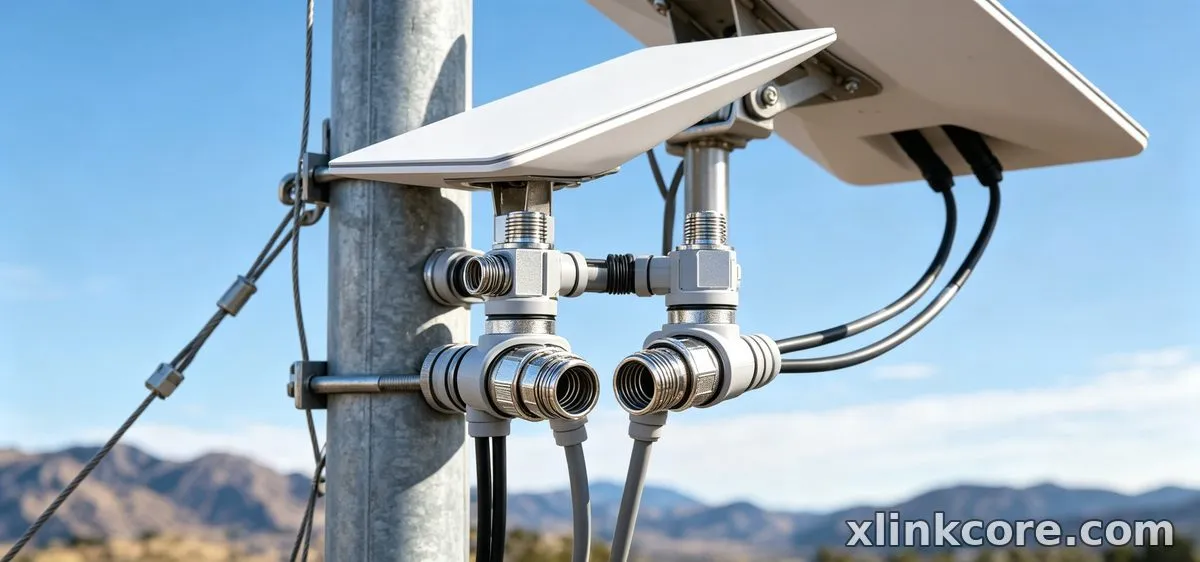
Starlink Network Accessories organises the shortlist this way. Each row is a scenario above; cells name product types, not brands or model numbers.
| Situation | Mount | Cable | Power |
|---|---|---|---|
| First Standard install | Basic adjustable wall/roof | Correct-length Standard cable | Surge-protected AC supply |
| Upgrading older dish | New-generation specific mount | New-connector cable | Verified new-dish supply |
| Mini travel kit | Portable stand or suction mount | Short Mini cable | 12V or USB-C PD |
| Complete one-order kit | Matched mount bundle | Bundle cable plus entry kit | Matched AC or DC adapter |
| Winter spares | No new mount | Spare gland and clips | Spare supply or adapter |
The Two Mistakes That Cost the Most
Mistake 1: Buying the Mount Before Confirming the Dish Generation
Dish generations look similar on a roof but differ in interface, tilt range and cable exit. A mount sold for an older generation may bolt up but hold the dish at the wrong angle, reducing performance and increasing wind load. Before ordering, confirm the exact dish model and the mount's stated compatibility; a starlink mount buying guide should start with that check, not pipe diameter. The fix: write the dish generation on the order note and verify the mount interface before payment.
Mistake 2: Sizing the Cable Without the Vertical Drop
The most common cable error is measuring only the horizontal run. Add the vertical drop, interior route and a modest service loop. This answers which starlink cable do i need without guessing, and it is why starlink standard 4 cable length questions dominate support queues. Too short forces an outdoor joint; far too long adds loss and coiling problems. Starlink Network Accessories' cable notes say measure the full path with a string, then order the nearest length above it.
How Shenzhen Starlink Network Accessories Co., Ltd. Covers These Scenarios
Shenzhen Starlink Network Accessories Co., Ltd. manufactures the XLinkCore range of Starlink-compatible mounts, cables, power supplies and adapters, so the combinations above can come from one supplier instead of four. Founded in August 2024, the company now runs a product line of 80+ models from a 5,000 m2 factory with 25 injection molding machines, 15 welding machines and 200 patented molds. That tooling depth matters for scenario buying: a mount that fits one dish generation properly is a mold and fixture problem, not a catalogue description. XLinkCore products are certified 3C / CE / FCC / PSE, and monthly capacity of 400,000-600,000 units keeps standard parts available for complete kits and winter spares. For related guidance, see the full XLinkCore product range.
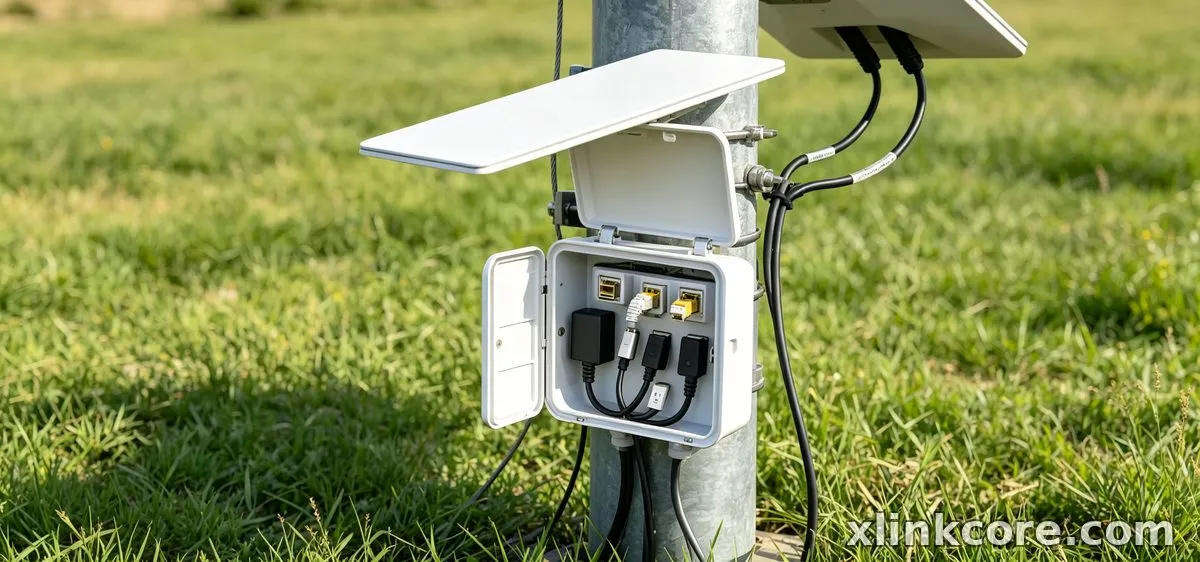
For these scenarios, the XLinkCore lines map cleanly: XLinkCore mounts for roofs, poles, walls and mobile surfaces; XLinkCore cables in multiple lengths for Standard 4, 4X, V5 and Mini; and XLinkCore power supplies and DC adapters for mains, 12V and portable stations. Starlink Network Accessories also supplies the small consumables that decide whether an install lasts — entry glands, clips and adapters — so first-time and repeat buyers can use one source. Start with the buying guides and mount range, then match the power option to the dish. Annual export value of roughly 20-30 million USD is built on exactly this practical, situation-first specification.
For related guidance, see Starlink accessory buying guides.
Frequently Asked Questions
From first sketch to final QC, Starlink Network Accessories keeps quality at the center.
Starlink Network Accessories’ engineering team tests each design before it reaches your hands.
What accessories do I need for a first Starlink install?
Buy the mount, cable and entry gland first; add a surge-protected AC supply if your power is not already protected. Match the mount to the dish generation and measure the full cable path, including vertical drop. This is the lowest-risk kit for a fixed home.
Which Starlink cable do I need for a longer run?
Measure the full route with a string, then choose the nearest length above it. Do not join cables outdoors; use one continuous run and seal the entry with a gland. For Standard 4, confirm the connector style before ordering.
Can I reuse accessories if I move the dish between situations?
Reuse the power supply if it is correctly rated and the mount if the new surface suits it. Replace the entry gland and any clips that were removed, because sealing and UV protection degrade. Cables can transfer only if the length and connector still match.
What should I buy first on a tight budget?
Start with the correct mount, one right-length cable and a cable entry gland. Shenzhen Starlink Network Accessories Co., Ltd. recommends confirming the dish generation before ordering and adding power protection only if your supply is not already rated. That sequence is how to choose starlink accessories without overbuying, and it prevents the most expensive rework: a mount that fits but a cable that does not reach.
Need the Right Accessories for Your Setup?
Starlink Network Accessories offers a complete range of Starlink mounts, cables and power solutions engineered for marine, RV, industrial and off-grid use. Contact our team for bulk orders or custom OEM/ODM solutions.
Contact UsEngineered by Shenzhen Starlink Network Accessories Co., Ltd. — Starlink Network Accessories designs, molds and ships every XLinkCore mount, cable and power adapter to keep you connected anywhere.
