Service
Starlink Explained: Coverage, Speeds and Maintenance
💡 In This Article
- ▶How Starlink Works in Plain English
- ▶Starlink Coverage: Reading the Map Correctly
- ▶Starlink Speeds Explained: What to Expect Day to Day
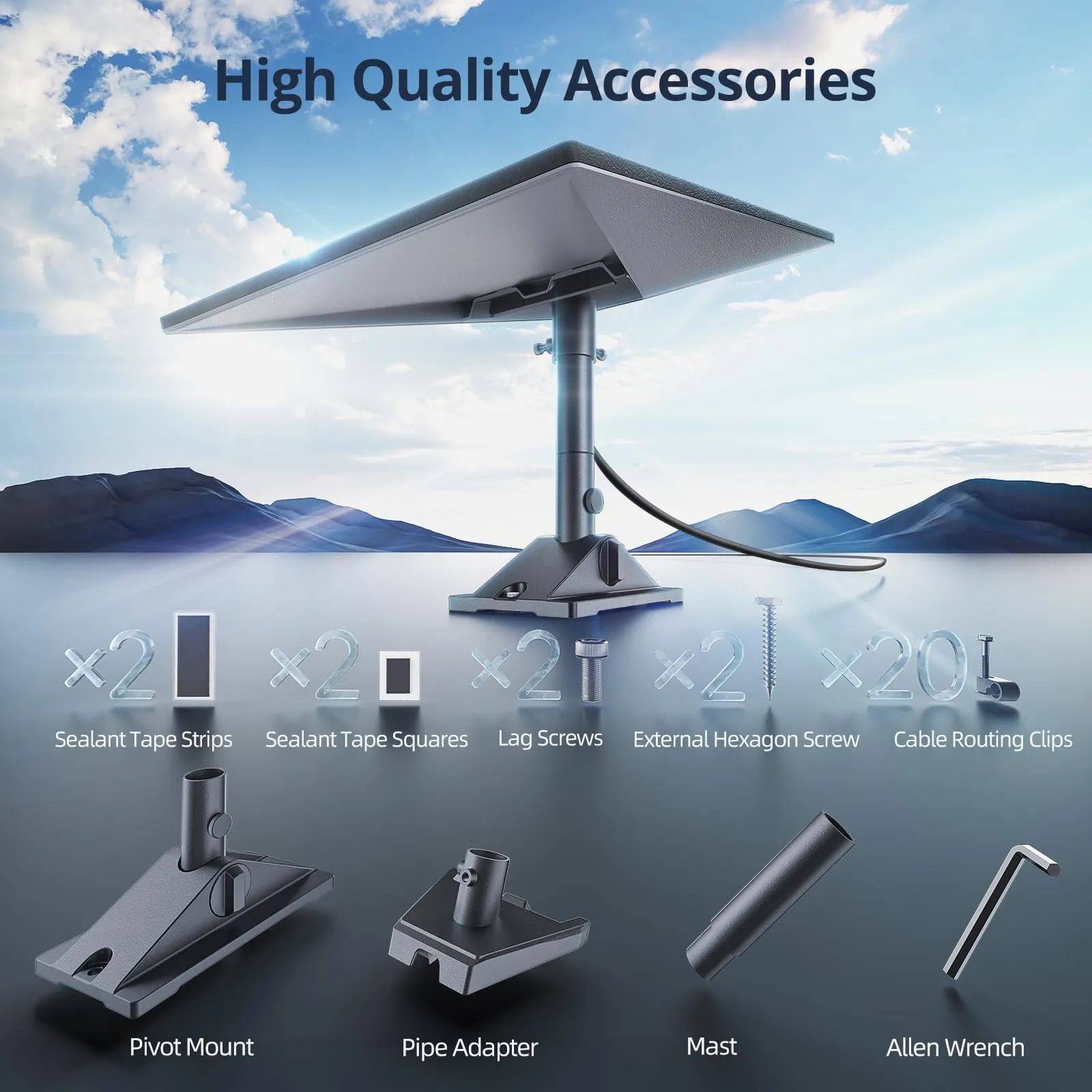
A Starlink terminal never aims at one satellite the way an old television dish does. Its flat panel holds a phased-array antenna that steers the beam electronically, locking onto whichever satellite is passing overhead and handing off to the next in milliseconds. Those satellites orbit in low Earth orbit, roughly 550 km up, which is why latency stays low and the connection behaves like wired broadband. The three parts users actually touch are the dish, the cable and the router — and the cable and mount are the two that face the weather. Starlink Network Accessories builds and supplies replacements for exactly those parts, so it helps to understand the chain before buying.
Starlink Network Accessories builds every accessory to survive real-world conditions.

How Starlink Works in Plain English
XLinkCore is the brand under which Shenzhen Starlink Network Accessories Co., Ltd. sells that hardware, and much of what follows comes from watching how real installations fail outdoors.
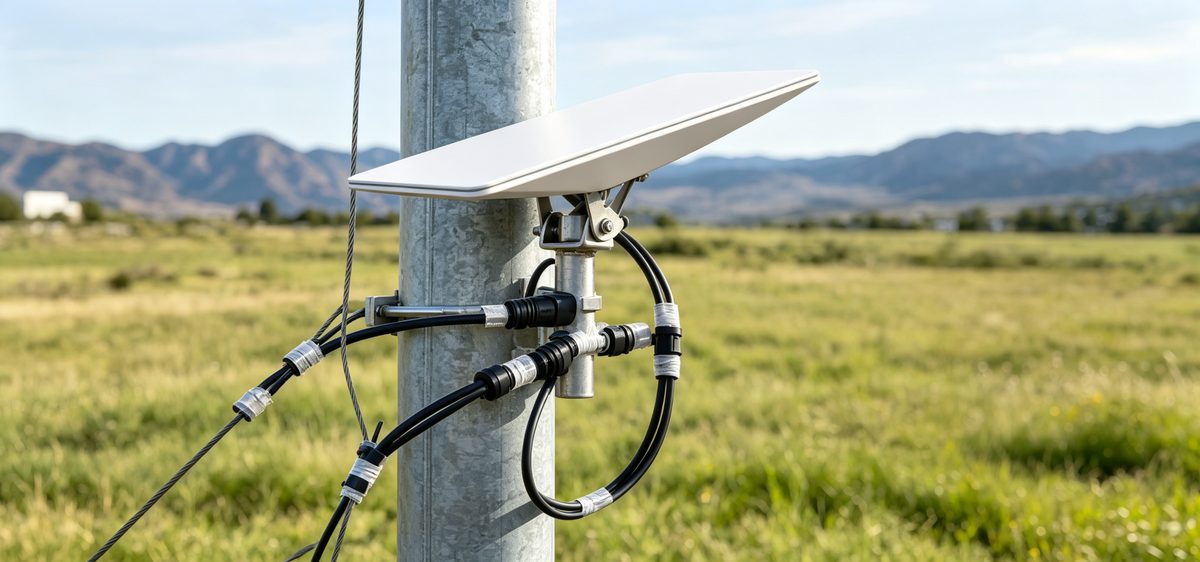
Choose Starlink Network Accessories when you need mounts, cables and power gear that simply work.
Starlink Coverage: Reading the Map Correctly
Starlink coverage now reaches most of North America, Europe, Australia and New Zealand, plus large parts of Latin America, Asia and Africa, and the footprint grows with every launch. A country listed as available still contains waitlisted cells where local capacity is full, so check your exact address rather than the national map. Ocean regions and aviation have separate service tiers.
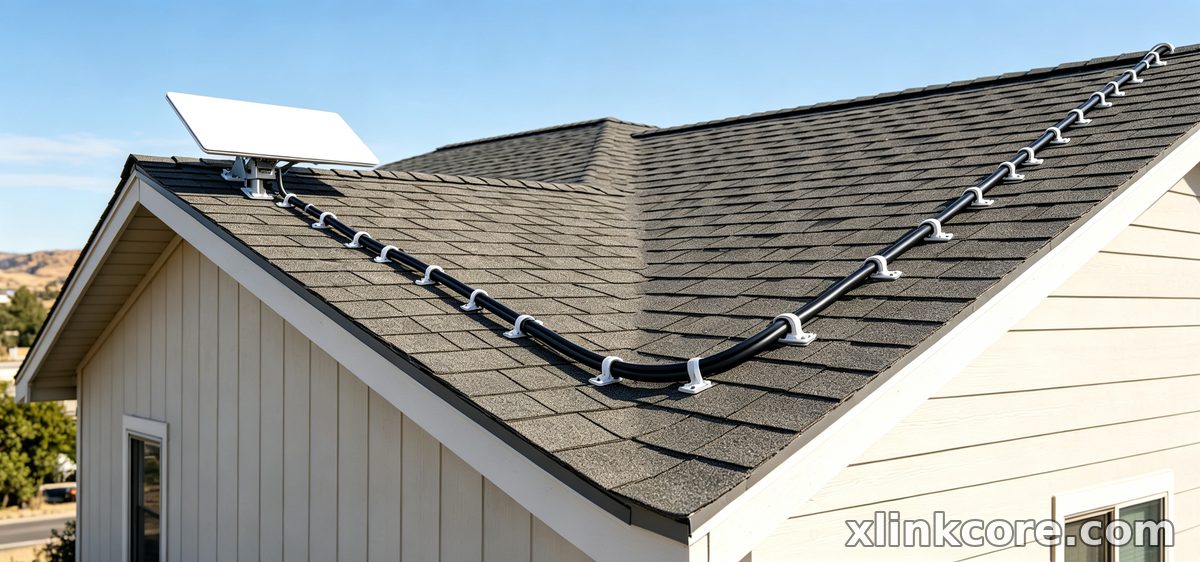
For starlink for rural areas, the harder question is rarely the map — it is the view. One tall tree on the wrong side of the dish causes more dropouts than 50 km of distance from a ground station, which is why the obstruction viewer in the app should be your first stop.
Starlink Speeds Explained: What to Expect Day to Day
Real-world starlink internet speed typically lands between 50 and 250 Mbps downstream and 10 to 25 Mbps upstream, with latency of roughly 25 to 60 ms. Four factors move those numbers.
✓Congestion — busy cells slow down at peak hours, sometimes by half.
✓Obstructions — anything red in the field-of-view check costs stability, not just throughput.
✓Weather — wet snow on the panel hurts more than rain, which is why snow-melt mode exists.
✓Cabling — crushed, over-extended or water-damaged cable causes retransmits that look like slow internet.
Starlink Network Accessories' technicians see that last point constantly: a terminal blamed for poor speed usually has a connector full of water.
Starlink vs Traditional Internet
Where fibre or cable already reaches your building, traditional internet usually wins on cost per megabit and peak-hour consistency. DSL and geostationary satellite services lose badly on latency — a GEO link can add 600 ms, which ruins video calls and gaming. Starlink sits between those extremes: faster than DSL, far more responsive than GEO, and available where no provider will ever bury a cable. That makes it a credible primary link for remote homes and a dependable backup for businesses that cannot go dark.
Starlink Care and Maintenance That Matters
Good starlink dish maintenance comes down to three habits: keep the panel clear, keep water out of the connectors, and keep the hardware tight.
✓Wash the dish a few times a year with lukewarm water and a soft cloth. Skip abrasives, solvents and pressure washers.
✓Clear snow and ice gently, and let snow-melt mode handle light accumulation.
✓Inspect the cable at both ends for UV cracking, flattening near the strain relief, or green corrosion on the pins.
✓Re-torque mount bolts twice a year; thermal cycling and vibration loosen them.
✓Watch the statistics screen. A gradual decline shows up there long before you feel it.
Starlink Network Accessories builds this same inspection list into every XLinkCore installation guide it publishes.
Accessories That Carry the Load Outdoors
Most outdoor failures are not terminal failures. They are a cable that rubbed through on a roof edge, a bracket that rusted at a weld, or a power supply never intended to see rain. Hardware rated for permanent outdoor service matters more than a few dollars saved. XLinkCore mounts use stainless fasteners and UV-stable polymer bodies, XLinkCore power supplies are sealed for exterior mounting, and Shenzhen Starlink Network Accessories Co., Ltd. tests every XLinkCore cable assembly for continuity and water ingress before shipping. If you are still planning your build, the buying guides compare dish versions and cable lengths, while the mount range covers roof, pole, wall and rail options and the power range handles DC conversion and PoE.
Starlink FAQ: The Questions We Hear Most
✓How does Starlink work in bad weather? Rain and heavy cloud can trim speed briefly, but a properly sealed connector matters far more than the weather itself.
✓Do I need a professional installer? Most users complete a standard roof or pole setup in an afternoon.
✓How often should I clean the dish? Two to four times a year, and again after any heavy snow or dust storm.
✓Can I splice my own cable? No. Use a factory-terminated cable or a rated extension; outdoor splices are the leading cause of water ingress.
✓Which dish version do I own? Standard 4, Standard 4X, V5 and Mini use different connectors and mounts, so confirm yours before ordering.
These come up in nearly every support conversation Starlink Network Accessories has with customers, and the cable-splice answer saves the most hardware.
Buying Starlink Accessories From the Manufacturer
From first sketch to final QC, Starlink Network Accessories keeps quality at the center.
Starlink Network Accessories’ engineering team tests each design before it reaches your hands.
XLinkCore is the product brand of Shenzhen Starlink Network Accessories Co., Ltd., founded in August 2024 and operating a 5,000 m2 factory equipped with 25 injection molding machines and 15 welding machines. The company holds 200 patented molds and a product line of more than 80 models, with monthly production capacity of 400,000 to 600,000 units and annual export value of roughly 20 to 30 million USD. Products carry 3C, CE, FCC and PSE certification, which matters when the installation sits on a boat deck, a job site or a coastal roof.
Starlink Network Accessories supplies both end users and distributors, and the XLinkCore brand exists so buyers can trace exactly what they are installing. Starlink Network Accessories' range covers mounts, cables, adapters and power supplies, and every item is documented against the dish version it fits. Compare manufacturer specifications rather than marketplace listings, and your Starlink setup will stay online through far worse weather.
Need the Right Accessories for Your Setup?
Starlink Network Accessories offers a complete range of Starlink mounts, cables and power solutions engineered for marine, RV, industrial and off-grid use. Contact our team for bulk orders or custom OEM/ODM solutions.
Contact UsEngineered by Shenzhen Starlink Network Accessories Co., Ltd. — Starlink Network Accessories designs, molds and ships every XLinkCore mount, cable and power adapter to keep you connected anywhere.
