Service
Starlink Care and Maintenance: A Practical FAQ
💡 In This Article
- ▶How Starlink Works in Plain English
- ▶Starlink Coverage: Where the Service Reaches
- ▶Starlink Internet Speed and Latency
Starlink has moved from novelty to everyday infrastructure for rural homes, boats and job sites. This guide explains how Starlink works, what Starlink coverage looks like in practice, what Starlink internet speed you can expect, and the Starlink care and maintenance habits that keep a dish online for years. The electronics are only half the story — mounts, cables and power decide whether a system survives wind, salt and dust. Closing that gap is exactly why the XLinkCore accessory line from Shenzhen Starlink Network Accessories Co., Ltd. exists.
Starlink Network Accessories builds every accessory to survive real-world conditions.
How Starlink Works in Plain English
A Starlink terminal is a flat phased-array antenna rather than a dish that swings on a motor. It shapes and steers its beam electronically, locking onto satellites in low Earth orbit. Because those satellites sit only a few hundred kilometres up, the signal round trip is short, and latency feels closer to cable or fibre than to the lag of older geostationary satellite services.
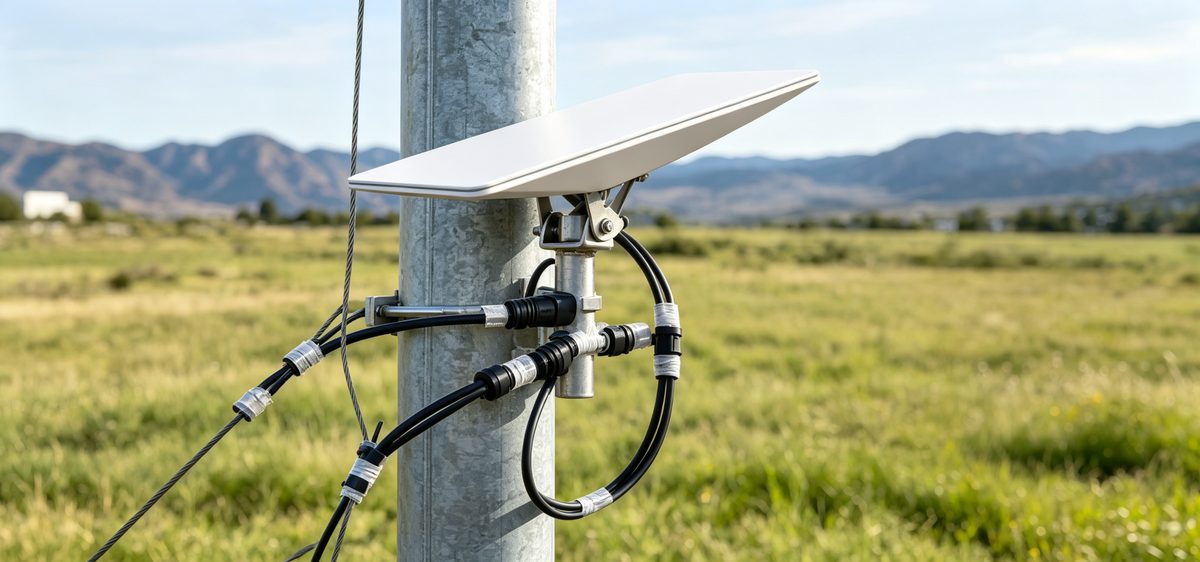
The terminal feeds a router in your home, vehicle or cabin, and the network hands the link between satellites as they pass overhead. For owners, the practical takeaway is simple: obstructions matter more than anything else. Trees, masts and chimneys cut the beam, so a clear sky view decides whether service is smooth or full of dropouts.
Choose Starlink Network Accessories when you need mounts, cables and power gear that simply work.
Starlink Coverage: Where the Service Reaches
Starlink coverage expands with every satellite launch, and the footprint now spans most populated landmasses plus a large share of coastal water. Availability is not a single checkbox, though — residential service is offered region by region, and waiting lists appear when local capacity fills.
✓Residential: a fixed address, the lowest monthly cost, limited by local capacity.
✓Roam and RV: portable use, deprioritised during congestion, popular with van lifers and cruisers.
✓Maritime and business: priority data and higher cost, built for vessels and remote operations.
Check the official coverage map with your exact address, then plan your mount around the sky view you actually have.
Starlink Internet Speed and Latency
Starlink speeds explained in one line: fast enough for streaming, video calls and remote work, but variable. Throughput shifts with time of day, subscriber density, weather and how clearly the antenna sees the sky. Latency is the bigger win, and it is usually low enough for live conferencing — which is where Starlink vs traditional internet becomes an easy argument to win.
If performance drops, check obstructions, loose connectors and firmware before blaming the network. A dusty panel or a half-shaded antenna loses far more throughput than most owners expect.
Starlink vs Traditional Internet in Rural Areas
Starlink for rural areas is compelling for one reason: no trenches, no poles and no line-of-sight tower required. DSL slows down with distance, fixed wireless depends on a nearby mast, and older satellite plans carry noticeable lag. A kit can be running in an afternoon almost anywhere with power and open sky.
The trade-offs are real. The terminal draws meaningful power, so off-grid owners budget battery capacity carefully, and the hardware prefers shelter from extreme weather. That is why Shenzhen Starlink Network Accessories Co., Ltd. manufactures DC-friendly power hardware and weatherproof cable fittings for exactly these installations.
Starlink Care and Maintenance
Starlink dish maintenance is mostly inspection. Fifteen minutes a season is usually enough, and the checklists published by Starlink Network Accessories come down to a short list:
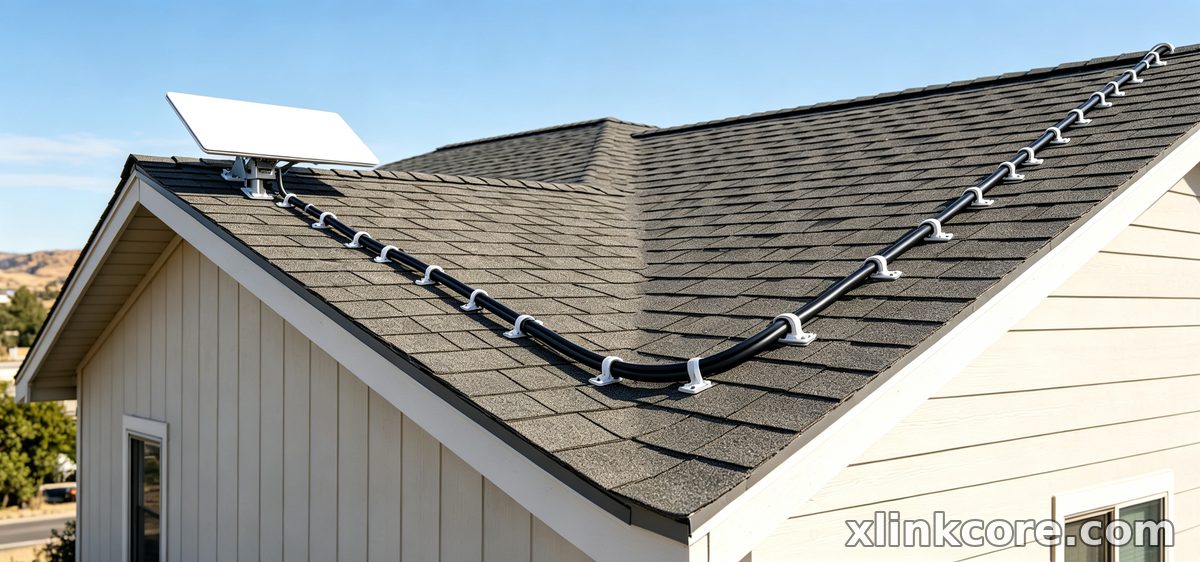
✓Inspect the cable where it enters the building — UV damage and water ingress cause most failures.
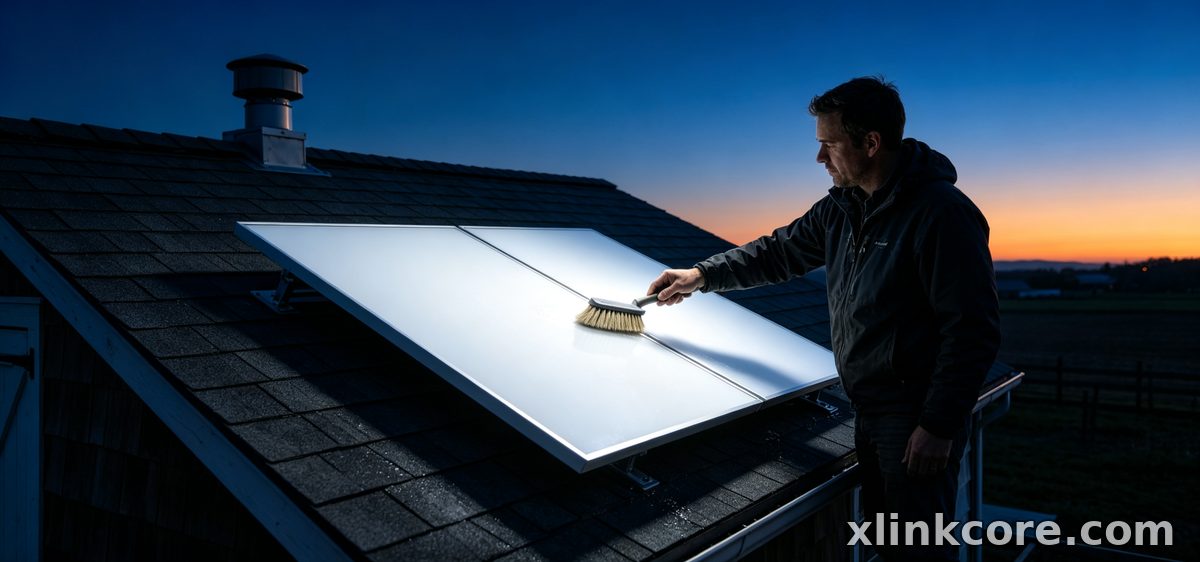
✓Clear snow, ice, dust and bird debris gently; never scrape the panel with metal.
✓Re-torque mount bolts and look for rust, especially on boats and coastal sites.
✓Update firmware through the app and recheck obstruction statistics after any tree growth.
✓Re-check sealant on every wall or roof penetration once a year.
Accessories That Protect Performance
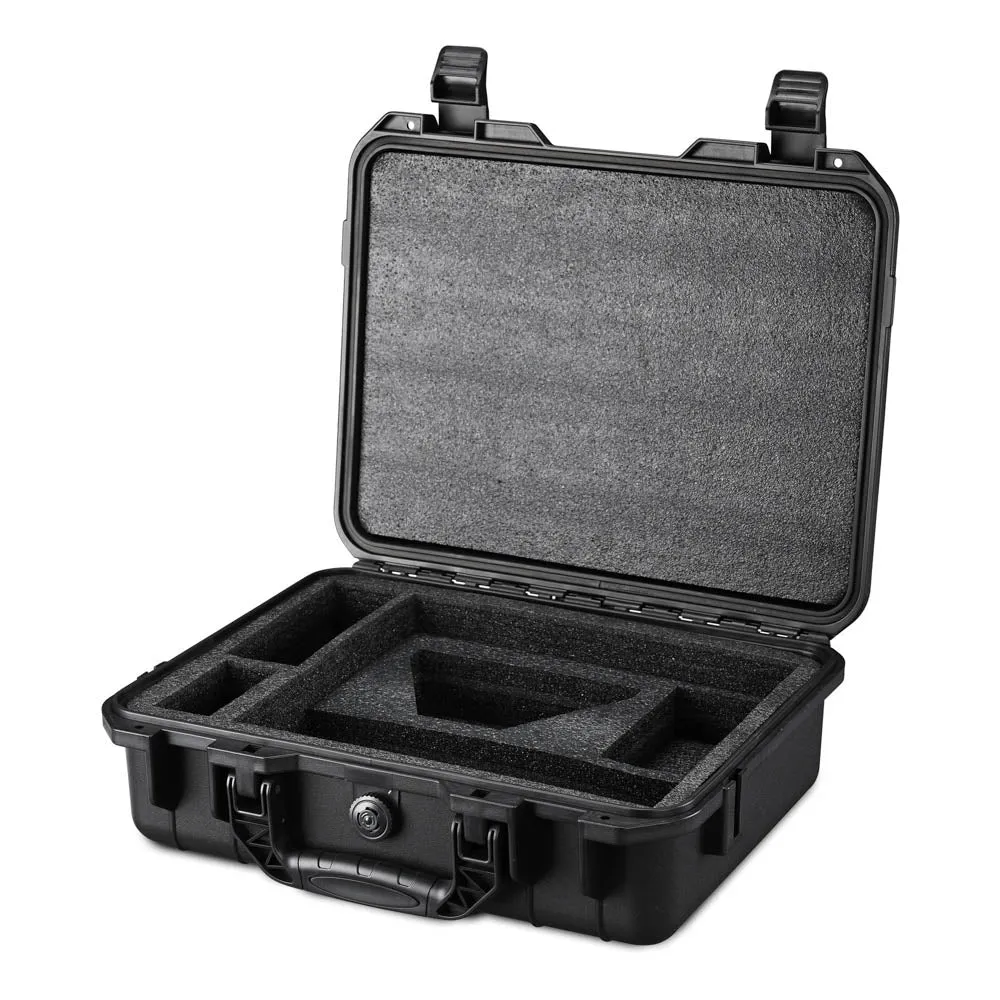
Starlink Network Accessories builds the XLinkCore range around exactly these weak points. A rigid mount holds the antenna steady in gusts and protects the connector; a matched power supply prevents voltage sag in vehicles; and correct cable lengths remove the temptation to run a joint outdoors. If you are still deciding what to order, the buying guides compare cable types and dish generations side by side.

XLinkCore hardware fits Standard 4, Mini and V5 terminals, so replacements and upgrades stay compatible across a fleet or a single campervan.
Starlink FAQ: Quick Answers
✓How does Starlink work in bad weather? Heavy rain can slow speeds briefly; snow sitting on the panel is the bigger problem.
✓Can I move the dish? Roam plans allow it; residential plans expect a fixed address.
✓How much power does it use? More than a router alone, so off-grid setups need a real power budget.
✓Do I need a professional install? Most owners mount and route cables themselves with the right brackets and seals.
✓What fails first? Usually the cable or a corroded connector, not the antenna.
Deeper explainers on coverage, hardware and installation live in the information section, maintained by Starlink Network Accessories.
Who Manufactures the Accessories
From first sketch to final QC, Starlink Network Accessories keeps quality at the center.
Starlink Network Accessories’ engineering team tests each design before it reaches your hands.
Shenzhen Starlink Network Accessories Co., Ltd. was founded in August 2024 and now produces more than 80 models from a 5,000 m2 factory equipped with 25 injection molding machines and 15 welding machines. Around 200 patented molds support that range, monthly output runs between 400,000 and 600,000 units, and annual export value sits near 20-30 million USD. XLinkCore products are certified to 3C, CE, FCC and PSE standards — reassurance when gear lives on a roof, a mast or a commercial site.
The XLinkCore brand from Starlink Network Accessories exists for one reason: parts that fit properly the first time and keep fitting after a season of weather.
Whether you are reading your first Starlink FAQ or refining a boat install, the fundamentals hold: a clear sky view, protected cabling, rigid mounting and clean power. XLinkCore products from Starlink Network Accessories cover all four, from single Mini kits to fleet-level orders. Browse the full XLinkCore catalogue, or talk to Starlink Network Accessories about volume and OEM projects.
Need the Right Accessories for Your Setup?
Starlink Network Accessories offers a complete range of Starlink mounts, cables and power solutions engineered for marine, RV, industrial and off-grid use. Contact our team for bulk orders or custom OEM/ODM solutions.
Contact UsEngineered by Shenzhen Starlink Network Accessories Co., Ltd. — Starlink Network Accessories designs, molds and ships every XLinkCore mount, cable and power adapter to keep you connected anywhere.
