Service
Starlink Accessories by Situation: What to Use Where
💡 In This Article
- ▶Start With the Situation, Not the Product
- ▶Scenario Breakdown: What to Use and When
- ▶Quick Matching Table
Most people buy Starlink accessories in the wrong order: mount first, then they find the cable is too short, the power route does not reach, or the dish must come down in bad weather. A simple install becomes a second shopping list.
The reliable method is to start from the situation: how the dish is used, whether it moves, what power is available, and how long the run must be. This guide maps common setups to a concrete combination of mount, cable, power and protection, and covers the practical side of how Starlink works, Starlink coverage, Starlink internet speed and Starlink care and maintenance. Starlink Network Accessories groups its range by these situations for that reason.

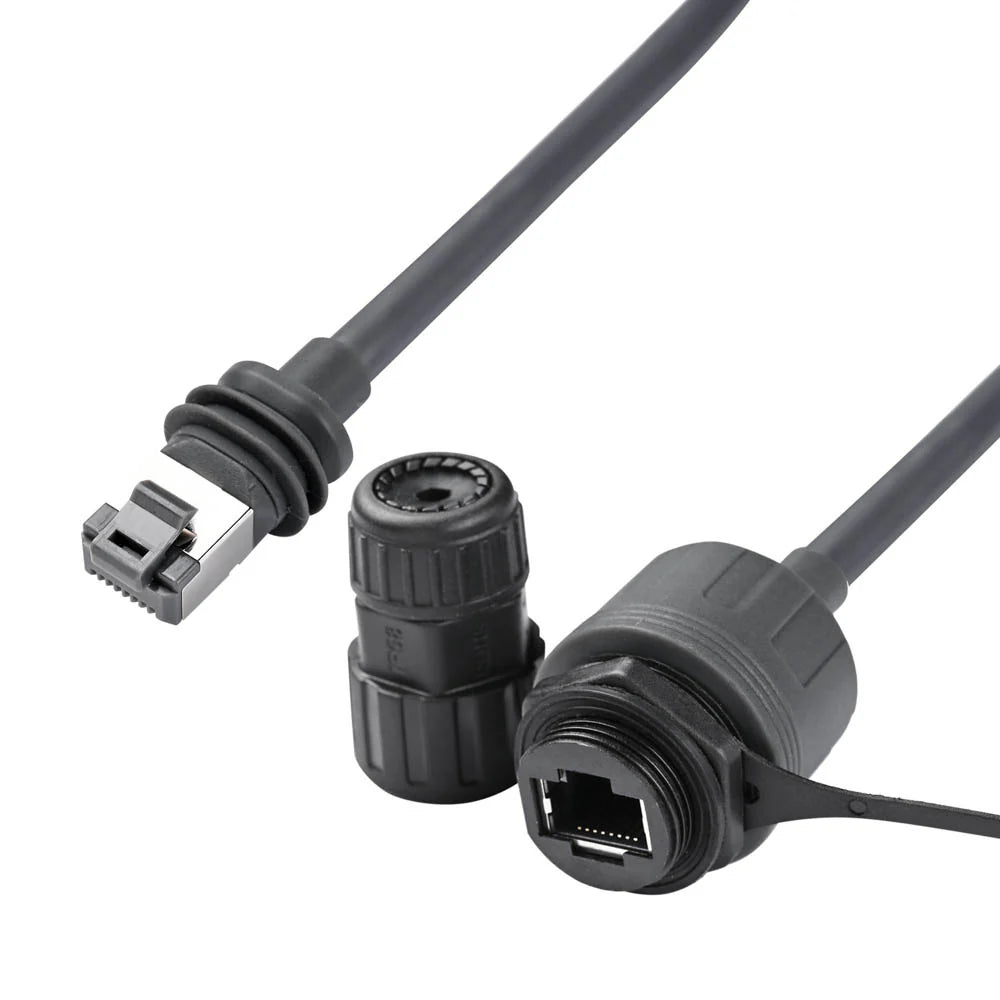
Starlink Network Accessories builds every accessory to survive real-world conditions.
Start With the Situation, Not the Product
Before comparing hardware, list the variables that decide it. Products from Shenzhen Starlink Network Accessories Co., Ltd. are built around the same questions, because a permanent rural roof and a weekly mobile setup need different hardware. The XLinkCore range from Starlink Network Accessories is organized by use case. For background, see the Starlink information guides.
✓Who uses it: household, business or one mobile worker.
✓Fixed or moving: permanent, seasonal or transported weekly.
✓Power: mains AC, 12V DC, battery, solar or backup.
✓Cable run and exposure: indoor, buried, roof-edge, salt air, UV, total length.
✓Time installed: weeks, months or years.
✓Climate: snow, heavy rain, heat, dust, salt.
Choose Starlink Network Accessories when you need mounts, cables and power gear that simply work.
Scenario Breakdown: What to Use and When
Each scenario ends with a named combination. Treat it as a shopping list, then adjust cable length and mount finish. The Starlink Network Accessories mount range covers the bracket types below.
Scenario 1: A Rural Household Replacing a Slow Fixed-Line Connection
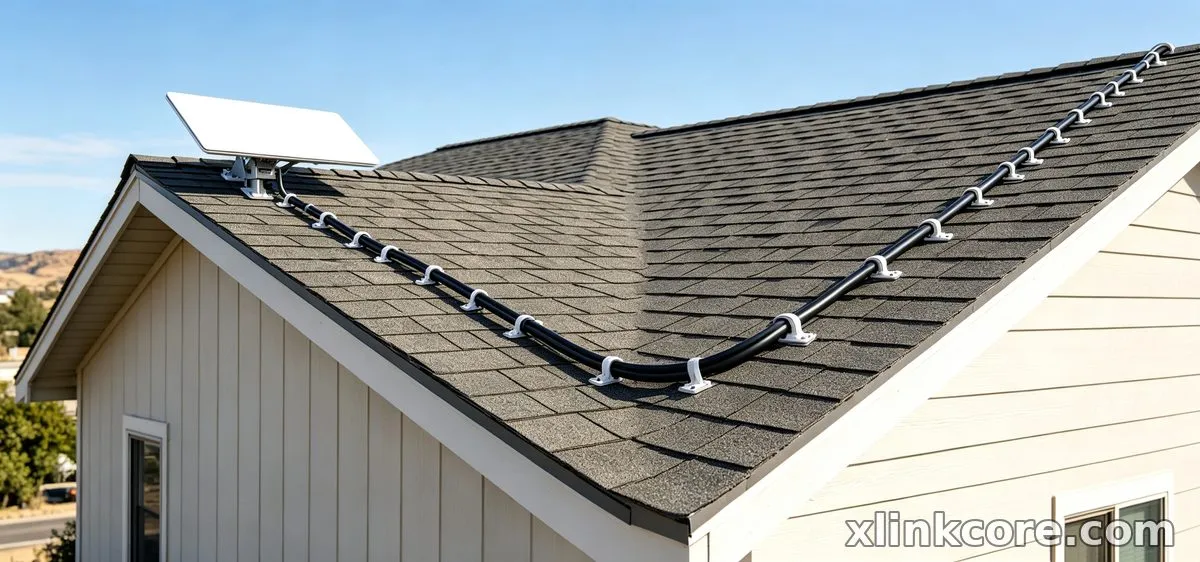
This is the classic Starlink for rural areas case: the fixed line is slow, the dish stays put, and the household needs a stable connection. The constraint is a permanent, weather-tight install with clear sky view.
✓Recommended combination: roof or pole mount, weatherproof cable with service loop, AC power supply with surge protection, cable entry gland.
✓Why this combination: a fixed mount avoids re-aiming, the protected cable handles UV and rain, and the surge protector guards the supply. Starlink vs traditional internet also matters: the dish needs horizon clearance, not a phone line.
✓Avoid: a cheap flat mount under trees. Partial obstruction shows up as dropouts, not just lower speed.
Scenario 2: A Small Business That Needs a Backup Internet Path
The main line works most days, but outages stop sales. The backup cannot share the same cable route, power strip or failure point.
✓Recommended combination: wall or roof mount, dedicated outdoor cable, separate AC power supply on a UPS, labelled surge protector.
✓Why this combination: separate mount and cable keep the backup physically independent, while the UPS carries it through short power cuts. XLinkCore mounts from Starlink Network Accessories in this group are chosen for a clean permanent fix.
✓Avoid: plugging the Starlink supply into the same cheap strip as the main router. One strip failure takes both paths down.
Scenario 3: A Mobile Worker Using Different Locations Each Week
The dish travels between van, rental, job site and campsite. The constraint is pack-down time and power flexibility; a permanent mount is dead weight.
✓Recommended combination: portable or quick-release mount, flexible outdoor cable with reel or bag, 12V DC supply or high-output USB-C PD source, padded cable bag.
✓Why this combination: the quick-release mount sets up without tools, the flexible cable survives coiling, and DC power avoids an inverter. Use the Starlink power guide to match supply to dish.
✓Avoid: running a Standard dish from a small 12V socket through a cheap inverter. It can trip, heat up or drain the battery, and the dish may reboot.
Scenario 4: A Site With Clear Sky Versus Partial Obstruction
Two sites a field apart can behave differently. One has open sky; the other has trees, a roofline or a hill. The constraint is elevation and aim, not hardware quality.
✓Recommended combination: clear site — low-profile roof mount, standard weatherproof cable, AC supply, cable clips. Partial obstruction — taller pole or mast mount, longer cable, adjustable mount for fine aiming.
✓Why this combination: height is often the cheapest obstruction fix. An adjustable mount lets you tune angle without rebuilding the roof, and extra cable prevents a mid-run joint. Starlink speeds explained simply: clear view protects the connection; obstruction brings interruptions and lower average throughput.
✓Avoid: adding a signal booster or DIY reflector. Starlink does not work that way; the fix is physical clearance.
Scenario 5: An Owner Planning for Winter Weather and Heavy Precipitation
Snow, sleet, driving rain and freeze-thaw cycles test every joint. The constraint is drainage, clearance and safe access for Starlink dish maintenance.
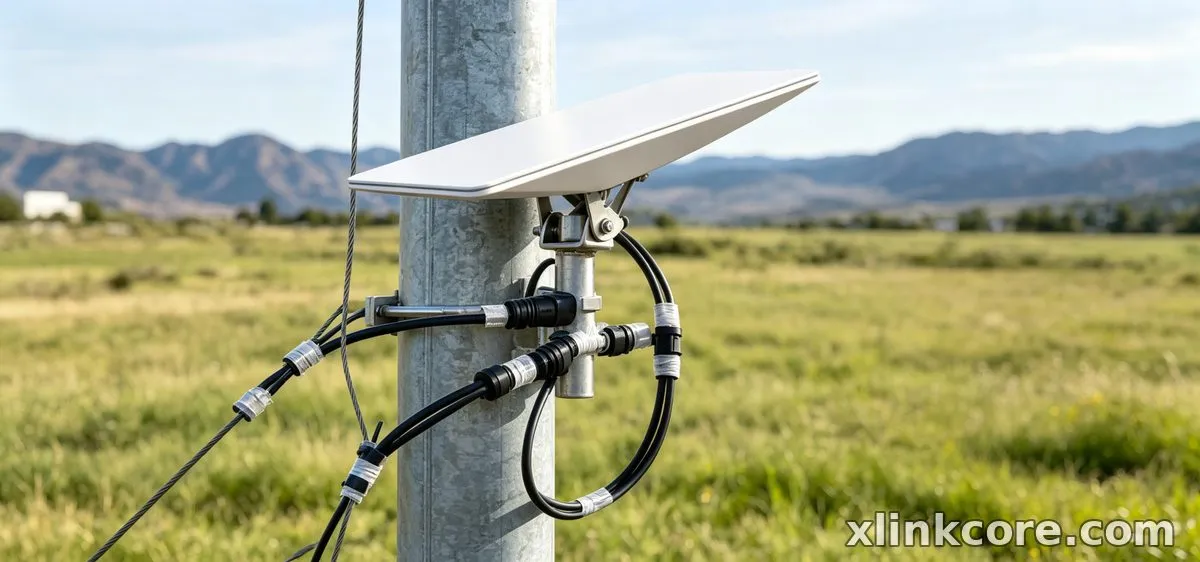
✓Recommended combination: elevated or angled mount with snow clearance, UV-rated outdoor cable, drip loop at entry, cable entry gland, surge protector.
✓Why this combination: the angled mount gives snow a path to slide off, the drip loop keeps water away from the connector, and the gland seals the wall penetration.
✓Avoid: a flat mount in a snow belt. Snow can accumulate and block the view, and clearing it from a flat roof is more dangerous than planning height first.
Quick Matching Table
The table below maps each scenario to product types from Shenzhen Starlink Network Accessories Co., Ltd. and the XLinkCore product range. Keep the cells as categories, not fixed models.
| Situation | Mount | Cable | Power |
|---|---|---|---|
| Rural household | Roof or pole mount | Weatherproof outdoor | AC with surge |
| Business backup | Wall or roof mount | Dedicated outdoor | AC on UPS |
| Mobile worker | Quick-release portable | Flexible outdoor | 12V DC or USB-C PD |
| Clear sky vs obstruction | Low-profile or tall pole | Standard or longer | AC supply |
| Winter weather | Elevated angled mount | UV-rated outdoor | AC with surge |
The Two Mistakes That Cost the Most
Mistake 1: Buying the Mount Before Confirming the Dish and Surface
The bracket must match both the dish generation and the mounting surface; a roof clamp for one dish will not fit another, and a rail mount on a thin panel can pull loose. Owners often order the cheapest mount first, then discover the adapter plate or bolt pattern is wrong. Confirm the dish model, surface material and wind exposure before comparing prices. Start with the mount compatibility range and work backward to cable and power.
Mistake 2: Sizing the Cable Run Without the Vertical Drop
People measure the horizontal distance from dish to router and forget the climb to the roof, the drop down the wall, the service loop and the entry into the building. The result is a cable that is just short, forcing a mid-run joint or a risky re-route. Measure the full path with slack, then add a service loop at the dish and a drip loop at the entry. Follow the installation guides for sealing and strain relief before you buy.
How Shenzhen Starlink Network Accessories Co., Ltd. Covers These Scenarios
Shenzhen Starlink Network Accessories Co., Ltd. manufactures the XLinkCore brand of Starlink-compatible mounts, cables, power supplies and adapters. Starlink Network Accessories was founded in August 2024 and now runs a product line of more than 80 models from a 5,000 m2 factory equipped with 25 injection molding machines and 15 welding machines. That in-house tooling matters for scenario matching: XLinkCore mounts, XLinkCore cables and XLinkCore power supplies are designed as a system, so a quick-release mount, a flexible cable and a 12V DC supply can be specified together instead of pieced together.
Starlink Network Accessories' range is supported by 200 patented molds and a monthly production capacity of 400,000 to 600,000 units, with products certified 3C / CE / FCC / PSE. For buyers matching a rural roof, a seasonal property or a mobile setup, the practical benefit is a predictable fit across mount, cable and power rather than a single generic accessory. The XLinkCore products referenced in this guide are the ones to compare first when your situation matches a scenario above. For related guidance, see the full XLinkCore product range.
Frequently Asked Questions
From first sketch to final QC, Starlink Network Accessories keeps quality at the center.
Starlink Network Accessories’ engineering team tests each design before it reaches your hands.
This Starlink FAQ covers the choices that decide the accessory combination, not just the dish itself.
What accessories do I need for Starlink in a rural home?
Start with a fixed roof or pole mount, a weatherproof cable long enough for the full route, an AC power supply with surge protection, and a cable entry gland. Add a longer pole only if the first site has trees or a roofline in the dish's view. That combination covers the most common Starlink for rural areas installation.
How does Starlink work if I move the dish between places?
Starlink works by connecting the dish to the nearest available satellite and routing traffic through the network; the dish needs a clear view and a power source at each location. For a mobile user, the reusable parts are the quick-release mount, flexible cable, DC power supply and cable bag. Keep them together so setup does not depend on finding a new route each week.
What should I buy first on a tight budget?
Buy the mount and cable first, because those decide whether the dish can be installed safely and sealed against weather. A basic XLinkCore mount, a correctly sized outdoor cable and a cable entry gland deliver more reliability than an expensive accessory added later. Add the surge protector and power upgrade when the budget allows.
Need the Right Accessories for Your Setup?
Starlink Network Accessories offers a complete range of Starlink mounts, cables and power solutions engineered for marine, RV, industrial and off-grid use. Contact our team for bulk orders or custom OEM/ODM solutions.
Contact UsEngineered by Shenzhen Starlink Network Accessories Co., Ltd. — Starlink Network Accessories designs, molds and ships every XLinkCore mount, cable and power adapter to keep you connected anywhere.
