Service
How Starlink Works: A Plain-English Guide for Owners
💡 In This Article
- ▶What Starlink Delivers and Why the Details Matter
- ▶How Starlink Works: Dish, Satellites and Ground Stations
- ▶Starlink Coverage and What It Means for Rural Areas
Starlink is a satellite internet service built on a constellation of low Earth orbit satellites, and it has quietly redefined what "remote" means for homes, boats and job sites. Understanding how Starlink works — the signal path from dish to satellite to ground station — makes it far easier to diagnose a slow evening, plan a permanent install, or judge whether the service genuinely fits your address.
Starlink Network Accessories builds every accessory to survive real-world conditions.


What Starlink Delivers and Why the Details Matter
This guide covers the fundamentals: the hardware, starlink coverage, the practical reality of starlink internet speed, everyday starlink care and maintenance, and a short starlink faq at the end. Shenzhen Starlink Network Accessories Co., Ltd., founded in August 2024, manufactures mounts, cables and power hardware for this ecosystem under the XLinkCore brand, so these are the questions we answer most often.
Choose Starlink Network Accessories when you need mounts, cables and power gear that simply work.
How Starlink Works: Dish, Satellites and Ground Stations
Unlike older satellite services that rely on a single spacecraft parked far out in geostationary orbit, Starlink uses many satellites travelling much closer to Earth. That shorter distance is the whole trick: the round trip is measured in tens of milliseconds rather than the noticeable half-second lag that made legacy satellite internet painful for calls and gaming. The dish is a phased-array antenna, steering its beam electronically toward whichever satellite is overhead instead of physically swinging around.
✓The dish locks onto a satellite and sends the request upward.
✓That satellite relays traffic to a ground station in the same region.
✓The ground station hands traffic to the internet backbone.
✓Return traffic follows the same path in reverse, often through a different satellite seconds later.
Because satellites keep moving, the terminal reassigns constantly — a handover that takes milliseconds and stays invisible when the sky view is clear. So when someone asks "how does starlink work," the honest answer is a lot of very fast switching, all of it dependent on an unobstructed view. The team at Starlink Network Accessories puts it more bluntly: if the dish cannot see the sky, nothing else in the chain matters.
Starlink Coverage and What It Means for Rural Areas
Coverage is organised into service cells, roughly hexagonal areas on the ground. The constellation may pass over your region constantly, but whether you can order service depends on whether your cell is active and how much capacity it has left. That is why two addresses a few kilometres apart can have completely different availability, and why a cell that is full may open again as more satellites come online.
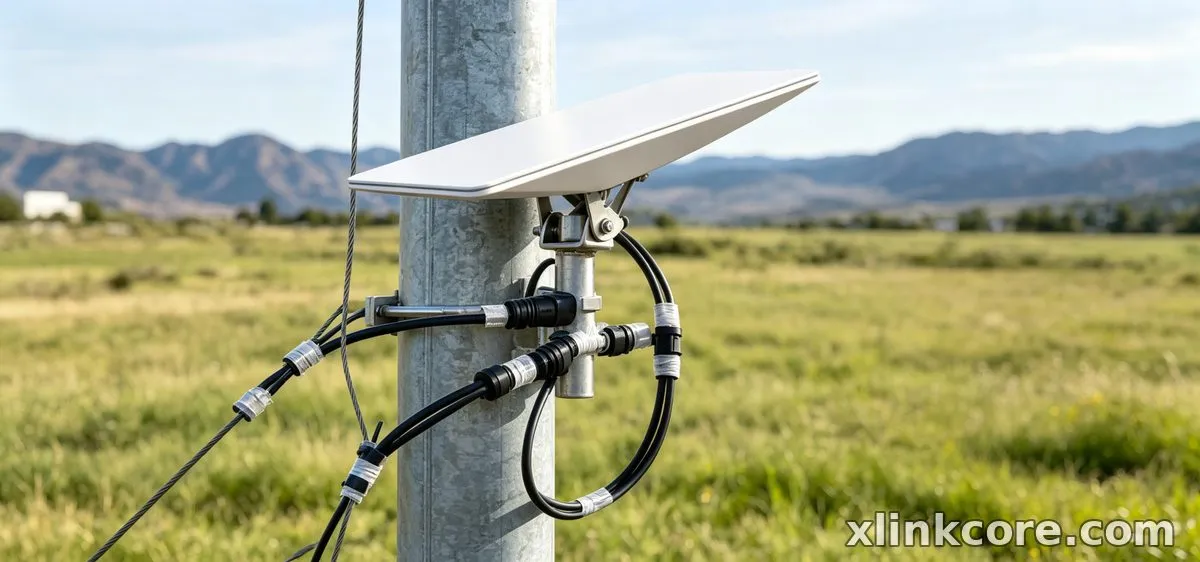
For starlink for rural areas, this is usually the first broadband option that does not require a line-of-sight tower, a trenched fibre run or a multi-year wait. Farms, cabins, smallholdings and off-grid builds that were written off by cable and DSL providers are now viable for remote work, video calls and streaming. The practical takeaway: check availability by exact address, not by postcode or town.
Starlink Internet Speed: What the Numbers Really Tell You
When starlink speeds explained properly, three variables dominate: the plan you buy, congestion inside your cell, and the quality of your install. A dish on a clear roof will routinely outperform an identical dish behind a tree line, and evening hours are typically the busiest window for any residential cell.
Weather matters less than most people expect — heavy rain can cause brief dips, but a well-sealed connector and a securely mounted dish prevent the far more common problems of water ingress and cable strain. Dish generation also plays a role; older and newer terminals differ in efficiency, which is worth knowing before you buy accessories for the standard-4 hardware family or a newer unit. Matching power and cabling to the actual dish version is where XLinkCore power supplies and cables earn their keep.
Starlink vs Traditional Internet: Where Each Wins
Starlink vs traditional internet is not a simple contest, because the two are built for different ground. Fibre and cable still win on raw peak throughput and price per megabit where they exist; Starlink wins on availability, deployment speed and portability.
✓Choose fibre or cable where it is already installed and stable.
✓Choose Starlink where no fixed line exists or the wait is measured in years.
✓Choose Starlink where the connection must move — a van, a boat, a temporary site.
✓Choose fixed-line service when you need guaranteed symmetrical uploads for heavy media work.
Starlink Care and Maintenance Through the Seasons
Starlink dish maintenance is mostly prevention, and it takes less time than people assume. Clean the face of the dish with water and a soft cloth when dust, pollen or salt film builds up; a dirty surface quietly trims performance. Never scrape ice off with metal, and let the terminal's snow-melt function do its job before you intervene.
Check the cable at every entry point each season — UV damage, rodent gnawing and chafing at a sharp edge are the three failures we see most. Inspect connectors for corrosion, confirm the mount has not worked loose in high wind, and keep the power path dry. Stainless hardware, proper cable glands and a sealed penetration go a long way, which is why XLinkCore mounts and XLinkCore cables are designed around those failure points. If you are redoing a roof entry, the installation guides walk through sealing and routing step by step.
Starlink FAQ: Quick Answers to Common Questions
✓Does the dish need to point north? In the northern hemisphere, generally yes — it aims at the denser part of the constellation.
✓Will trees ruin the service? Obstructions cause short dropouts rather than total failure; raise the dish or relocate it.
✓Can I power it from 12V? Yes, with the right conversion hardware — see the power range for compatible options.
✓Is a permanent mount better than a tripod? For fixed sites, yes; browse mounts to match roof, pole or rail.
✓How often should I clean it? Two to four times a year, and after any coastal or dusty season.
The Manufacturing Behind the Accessories
From first sketch to final QC, Starlink Network Accessories keeps quality at the center.
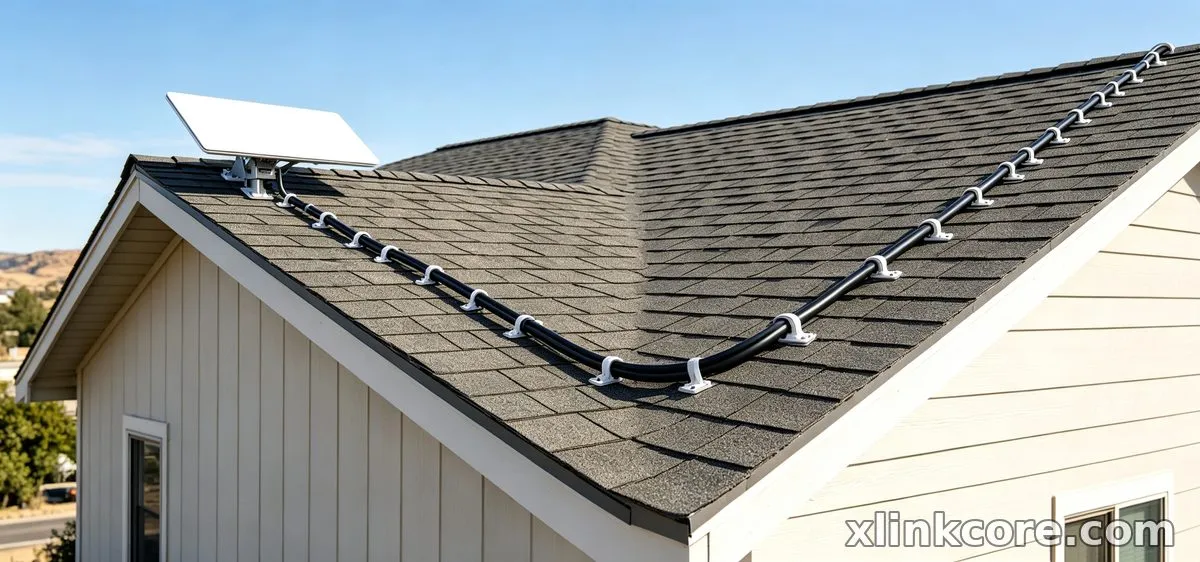
Starlink Network Accessories’ engineering team tests each design before it reaches your hands.
Shenzhen Starlink Network Accessories Co., Ltd. runs a 5,000 m2 factory equipped with 25 injection molding machines and 15 welding machines, producing a product line of 80+ models with a monthly capacity of 400,000 to 600,000 units. Annual export value sits at roughly 20-30 million USD, and products carry 3C, CE, FCC and PSE certification.
Starlink Network Accessories builds around 200 patented molds, which is how bracket geometry stays consistent across dish generations. Starlink Network Accessories' range covers marine, RV, industrial and residential use, and every XLinkCore product is tested against the same sealing and load standards. For buyers who want to see the full catalogue, the product overview is the place to start — and if you are matching hardware to a specific dish, the buying guides explain fitment clearly.
Whether you are on a farm, a yacht or a job site, treating Starlink as a system rather than a gadget — dish, mount, cable and power — is what keeps it online. XLinkCore hardware from Starlink Network Accessories exists to make that system last.
Need the Right Accessories for Your Setup?
Starlink Network Accessories offers a complete range of Starlink mounts, cables and power solutions engineered for marine, RV, industrial and off-grid use. Contact our team for bulk orders or custom OEM/ODM solutions.
Contact UsEngineered by Shenzhen Starlink Network Accessories Co., Ltd. — Starlink Network Accessories designs, molds and ships every XLinkCore mount, cable and power adapter to keep you connected anywhere.
