Service
Starlink Explained: How It Works, Coverage, Speed, and Care for Everyday Users
💡 In This Article
- ▶How Does Starlink Work?
- ▶Starlink Coverage and Rural Areas
- ▶Starlink Internet Speed: What to Expect
Starlink has become a practical internet option for people who cannot get reliable fiber, cable, or fixed wireless. Yet many new users still ask how Starlink works, how starlink coverage changes from one region to another, and what starlink internet speed really feels like in daily use. This article also covers starlink care and maintenance, answers a few starlink faq points, and explains why the accessories around the dish matter. Reliable hardware matters just as much as the satellite signal, which is why Shenzhen XLinkCore Network Accessories Co., Ltd. builds accessories that protect that connection from the dish to the router.
How Does Starlink Work?
How does Starlink work? In simple terms, Starlink uses a constellation of low Earth orbit satellites instead of a single satellite parked high above the equator. The dish automatically steers itself to track satellites as they pass overhead, then sends the signal through a cable to a router and your devices. Because the satellites fly lower than traditional internet satellites, the connection feels much more responsive.
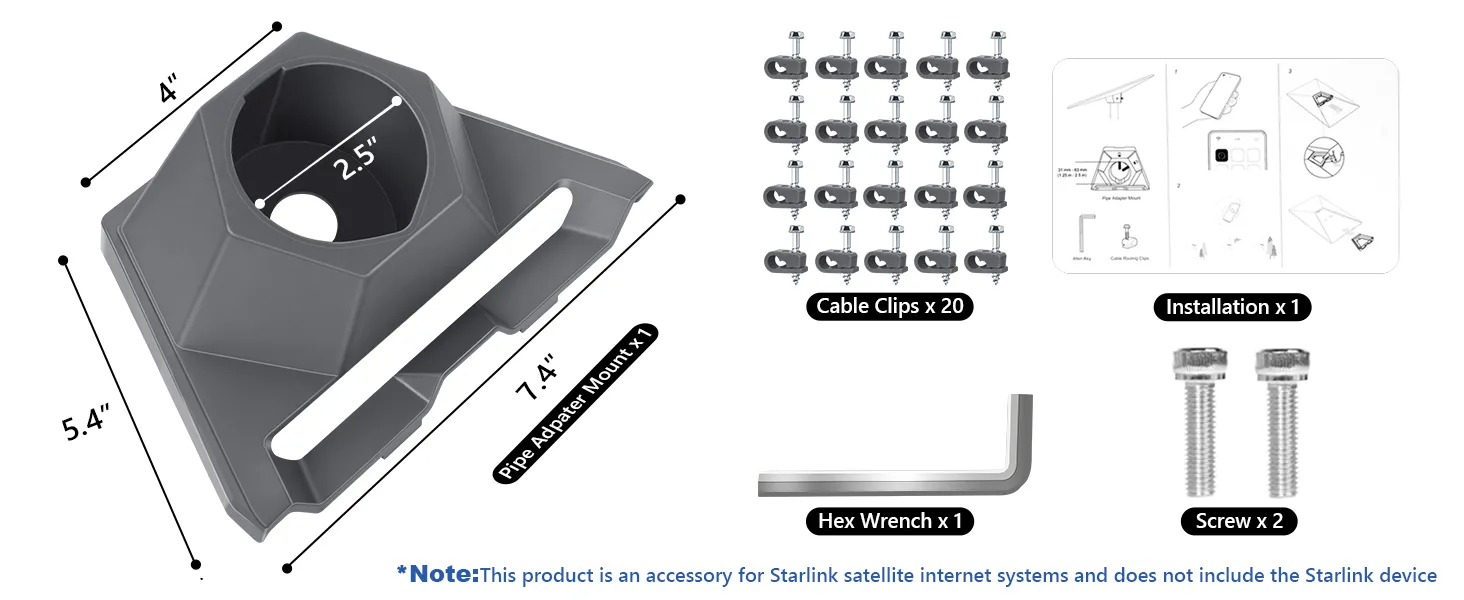
The dish needs a clear view of the sky. Trees, chimneys, or a roof overhang can interrupt the signal, which makes mounting more important than many people expect. XLinkCore Network Accessories designs mounts and cable kits specifically for this positioning stage, helping users place a dish without drilling into the wrong spot or leaving cables exposed. If you are comparing roof, pole, wall, or flat-surface setups, see our mounting options for the basics.
Starlink Coverage and Rural Areas
Starlink coverage is often drawn as a large global map, but real coverage depends on local satellite beams, ground stations, and obstructions near your home. For the growing number of households looking for starlink for rural areas, the practical meaning is simpler: a property that could hardly stream video before can suddenly support video calls, online classes, and cloud backups.
Still, a clear line of sight matters. A dish on the ground near a fence line may perform poorly, while the same dish raised one meter higher can be dramatically better. That is why XLinkCore Network Accessories offers roof, pole, wall, and adjustable mounting kits. A stable mount keeps the antenna level during wind and avoids the slow signal drift that ruins long sessions.
Starlink Internet Speed: What to Expect
Asking about starlink internet speed is natural, but the answer depends on your plan, network congestion, and even the weather. Starlink speeds explained in practical terms look like this: big downloads arrive quickly, video meetings stay stable, and uploads are slower than downloads. Compared with older satellite services, this is a major improvement, and starlink vs traditional internet is usually a tradeoff between availability and raw performance. Fiber may be faster where it exists, but Starlink is often the only low-latency option for remote homes.
Clean cabling and a secure dish reduce avoidable signal losses. If you are also planning backup power for storms or off-grid trips, review our Starlink power guide to understand battery, solar, and 12V options.
Starlink Care and Maintenance
Starlink care and maintenance is not complicated. The dish is designed to be weather-resistant, so most users only need to remove heavy snow, brush off leaves, and check the cable connections after strong storms. Starlink dish maintenance is straightforward: unplug the system before cleaning, use a soft cloth with warm water, and never spray water directly into the connector area.
Cables deserve as much attention as the dish. A sagging cable can put stress on the connector and cause intermittent service. Long outdoor runs benefit from strain relief, clips, and weatherproof covers. XLinkCore Network Accessories provides these cable management products, and our installation guides show how to route cable without sharp bends or pinch points.
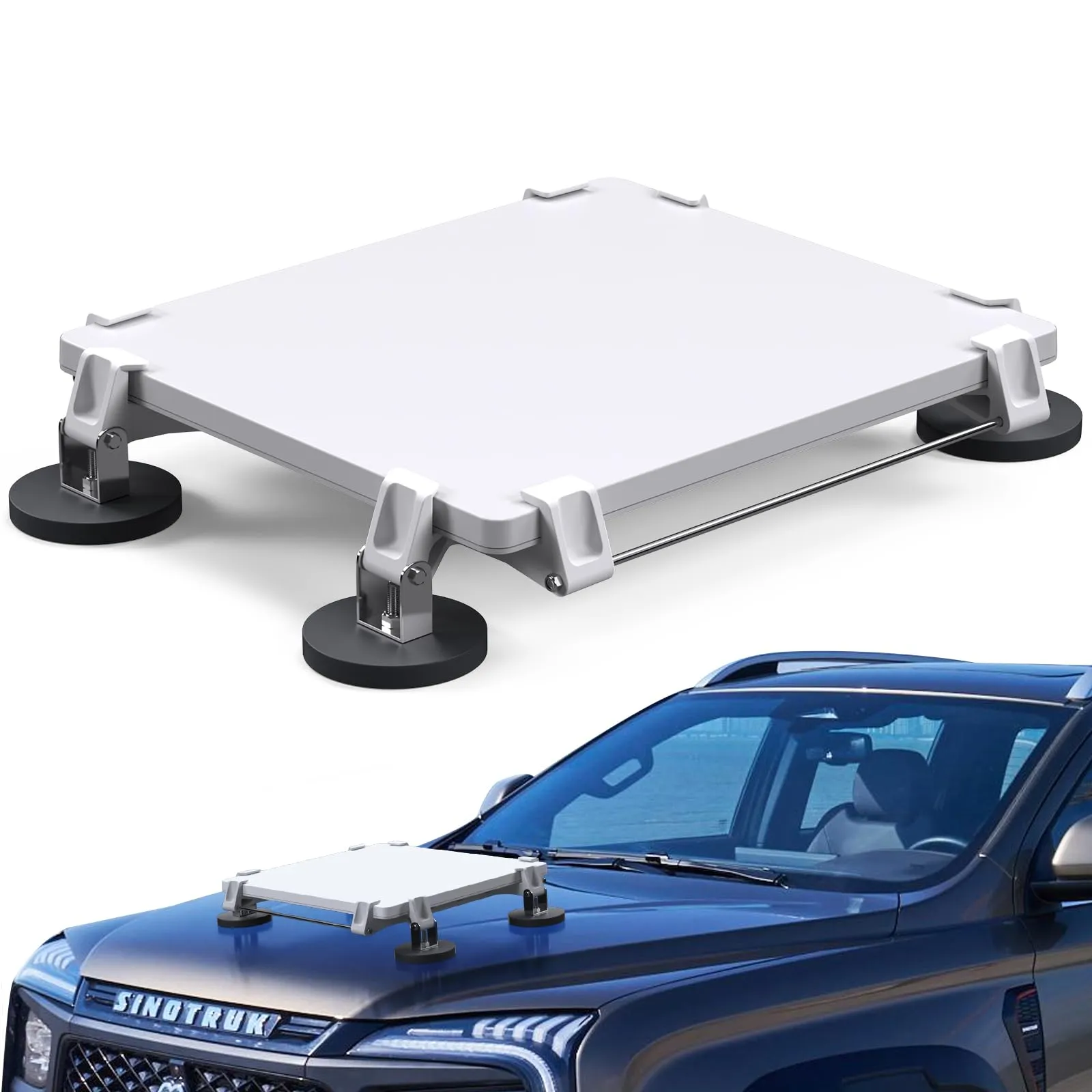
Why Accessory Quality Matters
Behind many reliable installations is Shenzhen XLinkCore Network Accessories Co., Ltd., a manufacturer focused exclusively on Starlink-compatible mounts, power supplies, cables, and adapters. XLinkCore Network Accessories Co. knows that a cheap clamp or thin cable can turn a premium internet service into a headache, so each accessory is tested against real installation conditions.
Shenzhen XLinkCore Network Accessories Co., Ltd. was founded in August 2024. Inside a 5,000-square-meter facility, Shenzhen XLinkCore Network Accessories operates 25 injection molding machines and 15 welding machines, with 200 patented molds in production. With more than 80 product models and monthly production capacity of 400,000 to 600,000 units, XLinkCore Network Accessories serves international partners who need consistent supply. Products are also certified to 3C, CE, FCC, and PSE standards, which gives buyers confidence across different markets.
Starlink FAQ: Quick Answers
For users who need help choosing cables, XLinkCore Network Accessories also publishes compatibility notes. Below are the most common starlink faq answers we hear.
✓Does bad weather affect Starlink? Heavy rain, snow, and dense cloud can weaken the signal temporarily. Keep the dish clean and the cable connections dry.
✓Can I use Starlink while traveling? That depends on your plan and whether mobile or roaming service is enabled in your account.
✓Do I really need a mount? No, but a secure mount improves reliability and prevents the dish from moving in the wind. XLinkCore Network Accessories recommends checking mounting hardware twice a year.
✓Can I extend the cable? Yes, with the right adapter and cable type. DIY splices usually cause voltage drop and reliability problems.
✓What is the best way to prepare for winter? Clear snow after heavy falls, check heating settings in the app, and verify that the cable is not pinched by ice.
Final Thoughts
The best Starlink setup starts with a basic understanding of how the system works, where coverage is strong, and what speed you can expect. From there, routine maintenance and the right accessories keep everything stable. Whether you are in a city apartment or a remote farm, Shenzhen XLinkCore Network Accessories Co., Ltd. wants your Starlink gear to work with fewer dropped calls and more dependable coverage. Good hardware does not replace a good satellite connection, but it protects the connection you pay for.
Need the Right Accessories for Your Setup?
XLinkCore Network Accessories offers a complete range of Starlink mounts, cables and power solutions engineered for marine, RV, industrial and off-grid use. Contact our team for bulk orders or custom OEM/ODM solutions.
Contact UsEngineered by Shenzhen XLinkCore Network Accessories Co., Ltd. — Starlink-compatible accessories that keep you connected anywhere.
