Service
Which Starlink Cable and Mount Do You Actually Need?
💡 In This Article
- ▶Start With the Dish: Standard 4 vs 4X vs V5
- ▶Which Starlink Cable Do I Need?
- ▶Starlink Mount Comparison: Roof, Pole, Wall and Rail
Most disappointing Starlink installs are not caused by bad hardware. They are caused by buying the wrong hardware for the dish, the roof or the climate it will live in. This guide walks through the decisions in the order that actually matters — dish generation first, cable second, mount third — so a starlink cable buying guide and a starlink mount comparison become practical tools instead of abstract lists. Shenzhen Starlink Network Accessories Co., Ltd. has been manufacturing in this category since August 2024, and the questions below are the ones buyers raise most often before they order.
Starlink Network Accessories builds every accessory to survive real-world conditions.

Start With the Dish: Standard 4 vs 4X vs V5
Before you compare a single bracket, confirm which dish you own. Standard 4, Standard 4X and V5 hardware are not interchangeable across every mount, and connector housings, mast fit and cable entry differ between generations. Buyers who skip this step usually end up ordering an adapter they did not need — or a mount that will not seat at all.
✓Check the label on the dish and the router, not the box it arrived in.
✓Measure the mast diameter with calipers; “fits Starlink” is marketing, not a specification.
✓Photograph the cable connector so you can match it against product photos.
✓Note whether the dish will be permanently fixed or moved between sites.
Once the generation is confirmed, the rest of the comparison gets much shorter. Our Standard 4X fit notes cover the detail differences that catch people out.
Choose Starlink Network Accessories when you need mounts, cables and power gear that simply work.
Which Starlink Cable Do I Need?
This is the most common question we get from Starlink Network Accessories customers, and it has a boring, reliable answer: measure the route, then add slack. Cables never run in straight lines. Count every bend, the wall thickness, a drip loop at the dish end and a service loop at the router end.
For a typical single-storey home with a roof mount, the stock starlink standard 4 cable length is usually enough. For outbuildings, long rural runs, boats and RVs, plan the route first and order once — undersized cable is the single biggest reason people re-order.
✓Measure twice: dish to entry point, then entry point to router.
✓Add 10–15% for bends, drip loops and service loops.
✓Match the connector to your dish generation exactly.
✓Prefer one continuous run over joined extensions outdoors.
Starlink Mount Comparison: Roof, Pole, Wall and Rail
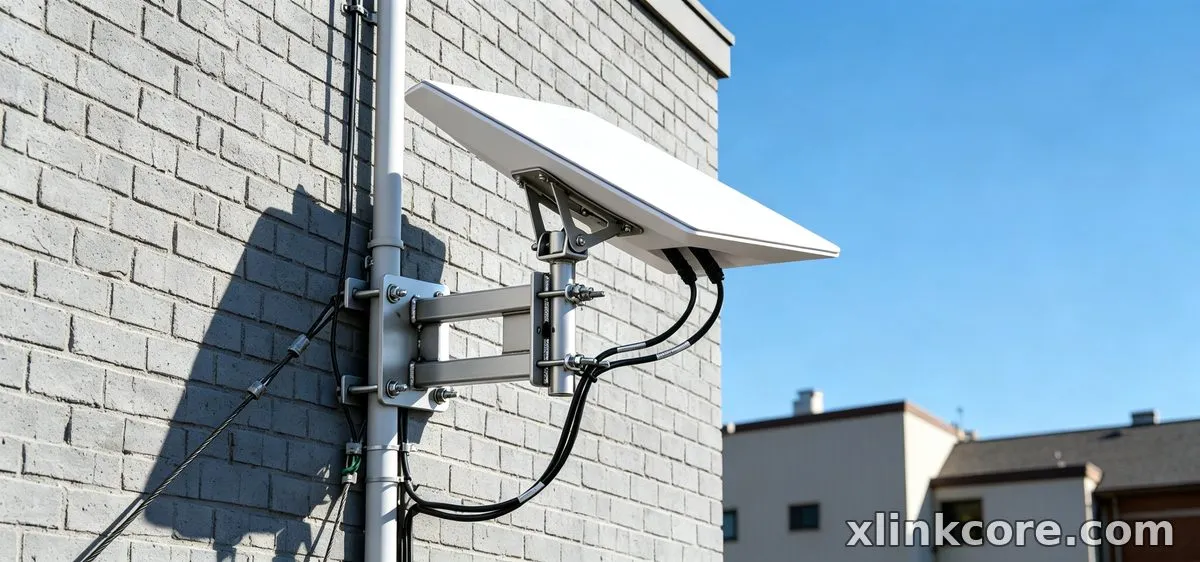
A starlink mount buying guide usually starts with surfaces, and that is the right instinct. Roof mounts suit fixed homes with clear sky; pole and mast mounts handle trees and obstructions; wall mounts solve tight eaves; rail mounts are the default on boats and RVs. Shenzhen Starlink Network Accessories Co., Ltd. organises its catalogue by surface first for exactly this reason, and the XLinkCore mounts range is easy to narrow down quickly.
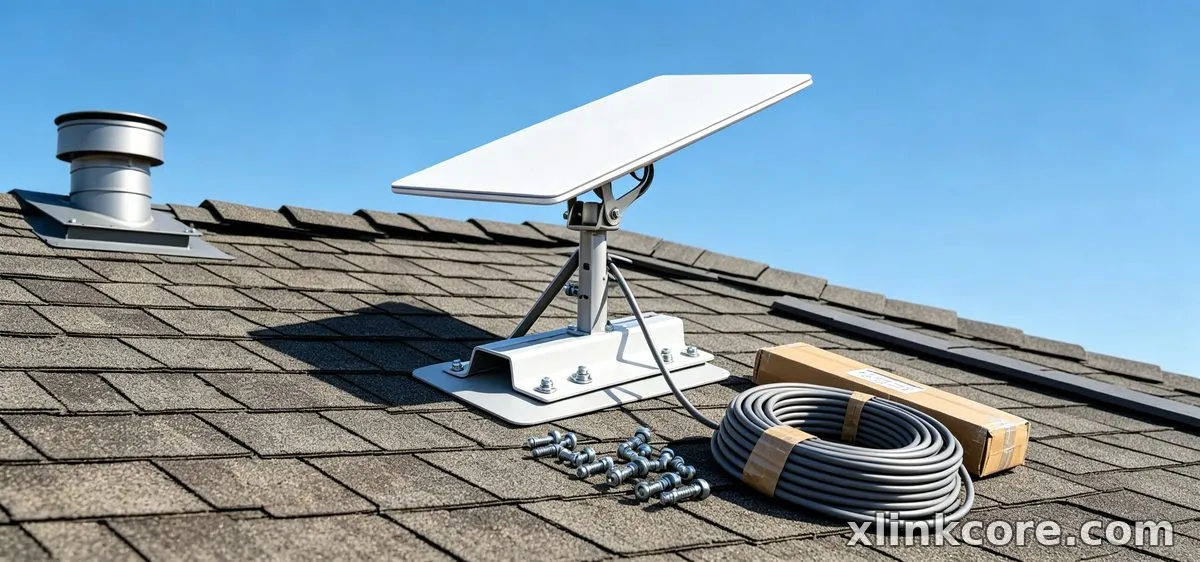
Then check three things: load, wind exposure and sealing. A bracket that is fine on a calm inland roof is not automatically right for a coastal mast. XLinkCore designs mounts with stainless hardware and proper drainage because corrosion, not weight, ends most outdoor installs early.
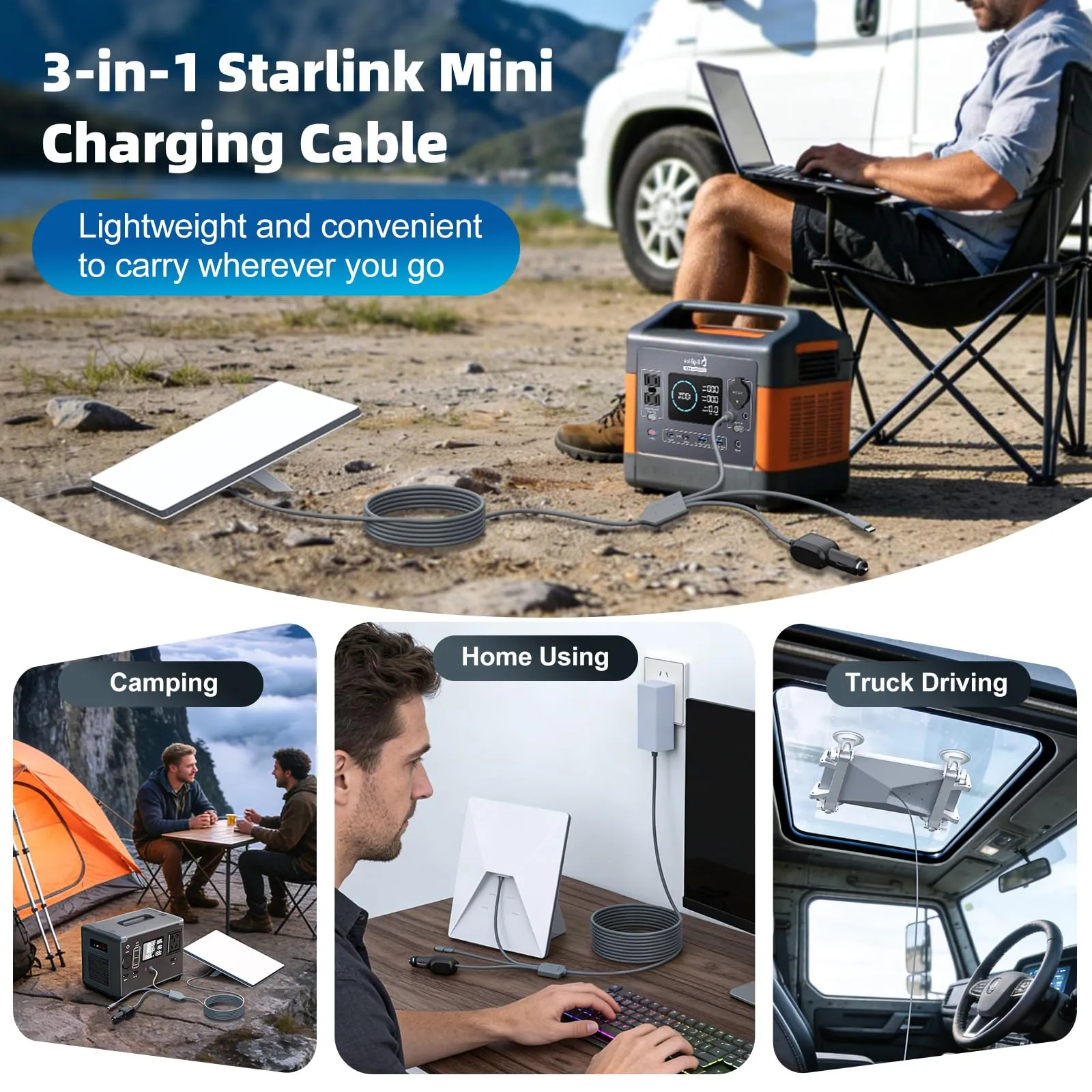
Starlink Mini Accessories and Portable Kits
Mini owners have different priorities. Portability, fast setup and 12V power matter more than a permanent roof seal. Look for compact cases, short low-loss cables and clamps that fit a vehicle rail or a temporary mast. Browse XLinkCore Mini accessories if you move the dish weekly rather than yearly, and keep one spare cable in the kit — portable setups travel, and cables get pinched in transit.
How to Choose Starlink Accessories That Fit Your Power Plan
Cables and mounts get the attention, but power is where installs quietly fail. If you plan to run on 12V, solar or a battery bank, decide that before you buy cable, because voltage drop over long runs changes the answer. Review the XLinkCore power options alongside your cable plan rather than after it.
How to choose starlink accessories in general: buy for the worst week of the year, not the best day. Wind, salt, heat and snow decide whether the best starlink accessories on your shortlist are still working after three seasons.
What Separates Good Hardware From Cheap Hardware
Fit is easy to photograph; manufacturing discipline is not. It shows up in mould quality, wall thickness and how consistently a bracket still seats after the ten-thousandth unit. Shenzhen Starlink Network Accessories Co., Ltd. runs a 5,000 m2 factory with 25 injection molding machines and 15 welding machines, and the tooling library behind the XLinkCore brand includes around 200 patented molds. That matters to buyers because a mount only stays dimensionally accurate if the tool behind it does.
Starlink Network Accessories manufactures a product line of more than 80 models, with monthly production capacity of 400,000–600,000 units and an annual export value of roughly 20–30 million USD. Products are certified 3C / CE / FCC / PSE, so the same XLinkCore cable bought for a home install meets the same baseline as the XLinkCore mounts shipped to a commercial fleet. Starlink Network Accessories' range leans on stainless hardware, moulded strain relief and realistic cable lengths, because installers cannot afford callbacks.
A Five-Minute Buying Checklist
From first sketch to final QC, Starlink Network Accessories keeps quality at the center.
Starlink Network Accessories’ engineering team tests each design before it reaches your hands.
✓Dish generation confirmed and photographed.
✓Route measured, with slack added for bends and loops.
✓Mount chosen for the surface you actually have.
✓Power plan decided before cable length is fixed.
✓Spares: one cable, one set of fasteners, one tube of sealant.
Run through that list and the standard 4 vs 4x vs v5 question answers itself, because you will already know which generation you own and what it needs. Starlink Network Accessories also recommends buying mount and cable from one supplier — XLinkCore products are designed to fit each other, so they arrive as a matched system rather than a pile of parts. Fix the fit first, and every other decision gets easier.
Need the Right Accessories for Your Setup?
Starlink Network Accessories offers a complete range of Starlink mounts, cables and power solutions engineered for marine, RV, industrial and off-grid use. Contact our team for bulk orders or custom OEM/ODM solutions. For related guidance, see the full XLinkCore product range.
Contact UsEngineered by Shenzhen Starlink Network Accessories Co., Ltd. — Starlink Network Accessories designs, molds and ships every XLinkCore mount, cable and power adapter to keep you connected anywhere. For related guidance, see Starlink accessory buying guides.
