Service
Universal vs Dish-Specific Mounts: Which Is Best for Starlink?
💡 In This Article
- ▶Overview: Two Different Use Cases
- ▶Key Differences That Matter in the Real World
- ▶Mount and Cable: Plan Them Together
Universal and dish-specific Starlink mounts are both widely available, and both can hold a dish safely when installed correctly. XLinkCore is the product brand of Shenzhen Starlink Network Accessories Co., Ltd., a manufacturer that builds both families, so this is not a good-versus-bad hardware argument.
The right choice depends on three practical variables: how often you change dishes or locations, how much roof or mast space you can use, and how critical continuous signal stability is. This starlink mount comparison breaks down the real differences so you can decide before spending on Starlink accessories.

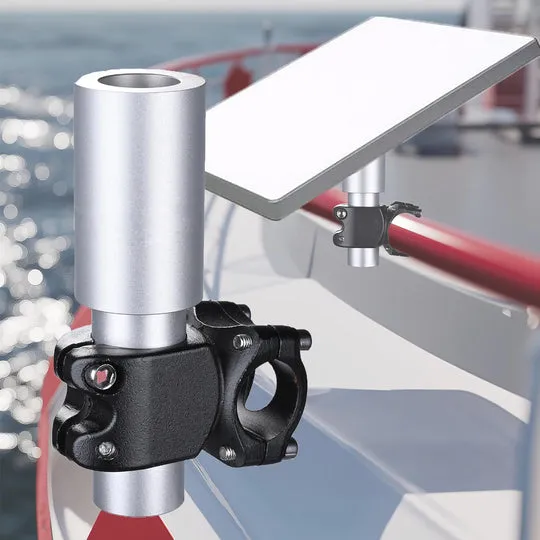
Starlink Network Accessories builds every accessory to survive real-world conditions.
Overview: Two Different Use Cases
Universal Mounts
✓Best suited to installers, renters and RV owners who may change dishes or locations.
✓XLinkCore universal mounts use adapter plates, pipe clamps or slotted bases that accept more than one dish family.
✓Useful when one base must cover Standard 4, 4X, V5 or selected Mini accessories.
Dish-Specific Mounts
✓Best suited to permanent homes, coastal properties and fixed commercial sites.
✓Starlink Network Accessories' model-specific plates are drilled and shaped for one dish model, so bolt pattern and tilt are already decided.
✓Cleaner cable exit and fewer adapters, but the mount is tied to that model.
In practice, universal mounts fit mixed fleets, seasonal setups and anyone planning a dish upgrade; dish-specific mounts fit a confirmed Standard 4, 4X or V5 installation that will not change. Browse the Starlink mount range to see both families side by side.
Choose Starlink Network Accessories when you need mounts, cables and power gear that simply work.
Key Differences That Matter in the Real World
Fit and Compatibility Across Standard 4, 4X and V5
✓Universal: one base covers several models, but bolt pattern and pipe size must be checked.
✓Universal: Mini often needs a separate adapter, so not every Mini accessory fits.
✓Dish-specific: Starlink Network Accessories' plates match one model, simplifying the standard 4 vs 4x vs v5 choice.
✓Dish-specific: a dish upgrade usually means a new mount.
Bottom line: universal wins for mixed or changing hardware; dish-specific wins when the model is confirmed.
Stability and Wind Load
✓Universal: more joints and adapters can introduce flex, especially on long masts.
✓Universal: quality varies, so specify stainless fasteners and check torque.
✓Dish-specific: fewer interfaces and a tighter cradle handle high wind and vibration better.
✓Dish-specific: the designed tilt puts less strain on the dish neck.
Bottom line: dish-specific wins on exposed roofs, coastal walls and vehicle exteriors.
Installation Speed and Reversibility
✓Universal: flexible, but you may need to drill, shim or test positions before it is right.
✓Universal: easier to remove and reuse on a new mast or vehicle.
✓Dish-specific: faster and more predictable on a permanent site, with fewer decisions at the drill.
✓Dish-specific: removal often leaves mounting holes that need sealing.
Bottom line: universal wins for reversible or temporary installs; dish-specific wins for a one-time permanent fit.
Corrosion, Weather and Cable Entry
✓Universal: extra clamps create more water traps, so sealing and drainage matter.
✓Universal: cable routing is generic and may need separate glands or clips.
✓Dish-specific: a shaped body and matched cable exit reduce standing water and cable strain.
✓Dish-specific: better for salt spray, heavy rain and snow load when the finish is marine-grade.
Bottom line: dish-specific wins in harsh weather; universal is fine inland if you seal every penetration.
Cost of Ownership and Upgrades
✓Universal: higher upfront cost, but one base can serve several dishes or sites over time.
✓Universal: spare adapters are cheaper than replacing a whole mount after an upgrade.
✓Dish-specific: lower cost for a single confirmed install and a cleaner result.
✓Dish-specific: an upgrade can strand the old bracket.
Bottom line: universal wins for upgrade paths; dish-specific wins for long fixed service.
Mount and Cable: Plan Them Together
A mount decision is also a cable decision. The mount sets the cable exit height, the bend radius and whether you need a longer run, which is why the Starlink cable buying guide belongs in the same shopping session. Ask "which Starlink cable do I need?" after measuring the route, not before. Check the Starlink Standard 4 cable length against the real path from dish to router, add slack for a service loop, and remember that Starlink Mini accessories use a different connector and power path.
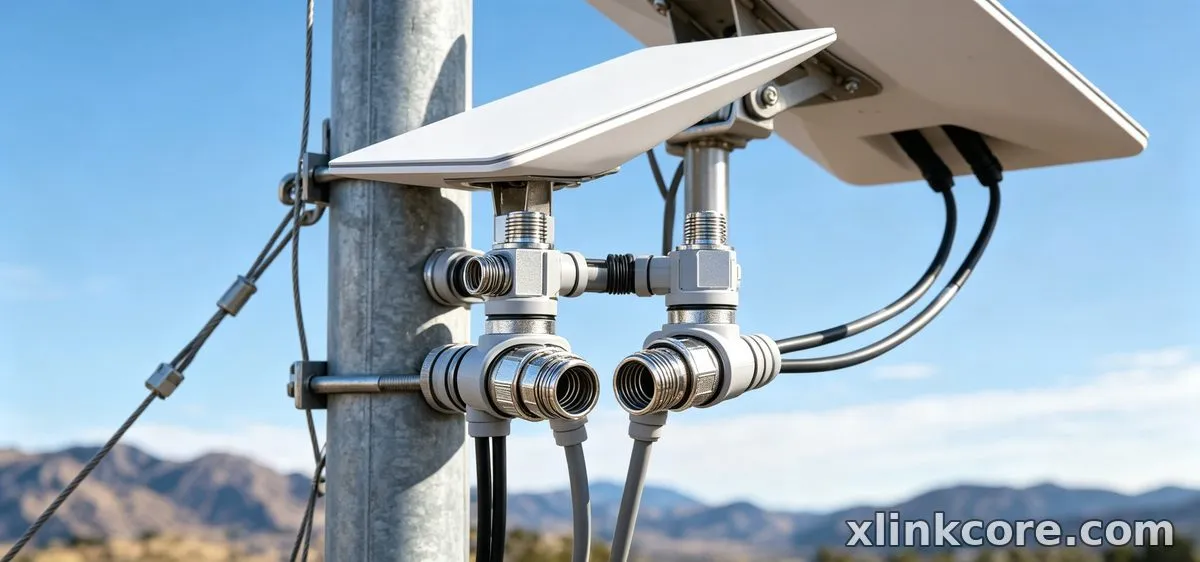
Starlink Network Accessories' cable and seal range is designed to match the mount you choose, and the installation guides cover routing, drip loops and entry sealing. If the cable is too short, no mount will fix it; if the cable is strained, the best mount will still fail.
How to Choose (Decision Checklist)
Use this checklist to narrow the choice; it is also the fastest way to learn how to choose Starlink accessories without overbuying.
✓Do you know the exact dish model and expect to keep it for three years or more?
✓Will you add a different dish, a Mini kit or a second site within two years?
✓Is the mount exposed to salt spray, high wind, heavy snow or constant vibration?
✓Can you reuse an existing mast, pipe or rail instead of drilling new holes?
✓Have you measured the cable route and verified the Starlink Standard 4 cable length?
✓Do you need the install to be reversible for a rental, lease or seasonal property?
If you are still unsure, ask Shenzhen Starlink Network Accessories Co., Ltd., the manufacturer behind the XLinkCore brand. Founded in August 2024, the company builds a product line of 80+ models, including universal plates, dish-specific mounts and cable accessories. Starlink Network Accessories operates a 5,000 m2 factory with 25 injection molding machines and 15 welding machines, and its 200 patented molds allow precise dish geometry. Starlink Network Accessories' products are certified 3C / CE / FCC / PSE, and XLinkCore products are supported by a monthly capacity of 400,000-600,000 units. That is what a practical starlink mount buying guide should ask for: verified fit, consistent molding and a cable plan that matches the hardware.
The Short Truth
Choose a universal mount if you change dishes or locations, want to reuse an existing mast, and need one base that can serve Standard 4, 4X, V5 and some Mini accessories.
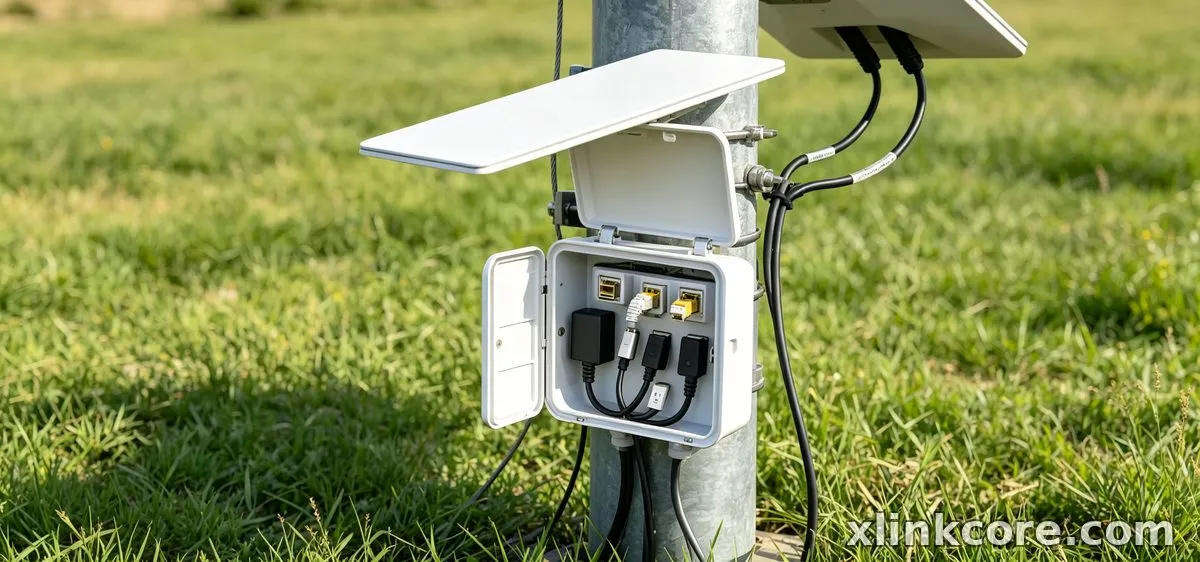
Choose a dish-specific mount if the dish model is fixed, the site is exposed to wind or salt, and you want the cleanest permanent install with the least cable strain.
Matching the hardware to how you actually operate matters more than spec-sheet numbers, and the best Starlink accessories are the ones you do not have to revisit after the first storm. For related guidance, see the full XLinkCore product range.
Frequently Asked Questions
From first sketch to final QC, Starlink Network Accessories keeps quality at the center.
Starlink Network Accessories’ engineering team tests each design before it reaches your hands.
Which mount is better for a permanent home roof?
A dish-specific mount wins for a permanent roof. It removes adapter flex, puts the cable exit where the bracket expects it, and gives a cleaner finish. Starlink Network Accessories recommends choosing the exact model first, then matching the mount and cable.
Which mount performs better when the dish is partly obstructed?
Universal wins here because it gives you more aiming options. A pipe adapter or slotted base lets you rotate the dish, raise the mast or move it a few feet to clear a tree line. A dish-specific mount is stronger, but its position is decided at install.
Which setup uses less power: universal or dish-specific?
Neither; mounts are passive. Power draw comes from the dish, cable length and snow-melt mode, so choose a rated adapter and keep DC runs short. XLinkCore power products from Shenzhen Starlink Network Accessories Co., Ltd. are matched to the cable plan, and the power category explains the options.
Which mount is easier to install?
Dish-specific is easier on a permanent site because the holes and tilt are already decided. Universal is easier when you cannot drill or need to move the setup, but it demands more checking and sealing. Neither is hard; the difference is how many decisions you make on the roof.
Need the Right Accessories for Your Setup?
Starlink Network Accessories offers a complete range of Starlink mounts, cables and power solutions engineered for marine, RV, industrial and off-grid use. Contact our team for bulk orders or custom OEM/ODM solutions.
Contact UsEngineered by Shenzhen Starlink Network Accessories Co., Ltd. — Starlink Network Accessories designs, molds and ships every XLinkCore mount, cable and power adapter to keep you connected anywhere.
