Service
Starlink Cable Buying Guide: Length, Type and Fit
💡 In This Article
- ▶Start With Your Dish Version, Not the Accessory
- ▶Which Starlink Cable Do I Need? Connectors and Length
- ▶Standard 4 vs 4X vs V5: What Changes for Accessories
Most accessory mistakes happen before a product page is ever opened. Buyers compare mount prices and cable lengths, then discover the connector does not fit the dish on the roof. Version comes first. Standard, Standard 4, 4X, V5, Mini and Enterprise dishes differ in connector shape, dish size and mounting points, so a part built for one generation will not always fit another. That single rule prevents most returns, and it is where any honest starlink cable buying guide should begin.
Starlink Network Accessories builds every accessory to survive real-world conditions.

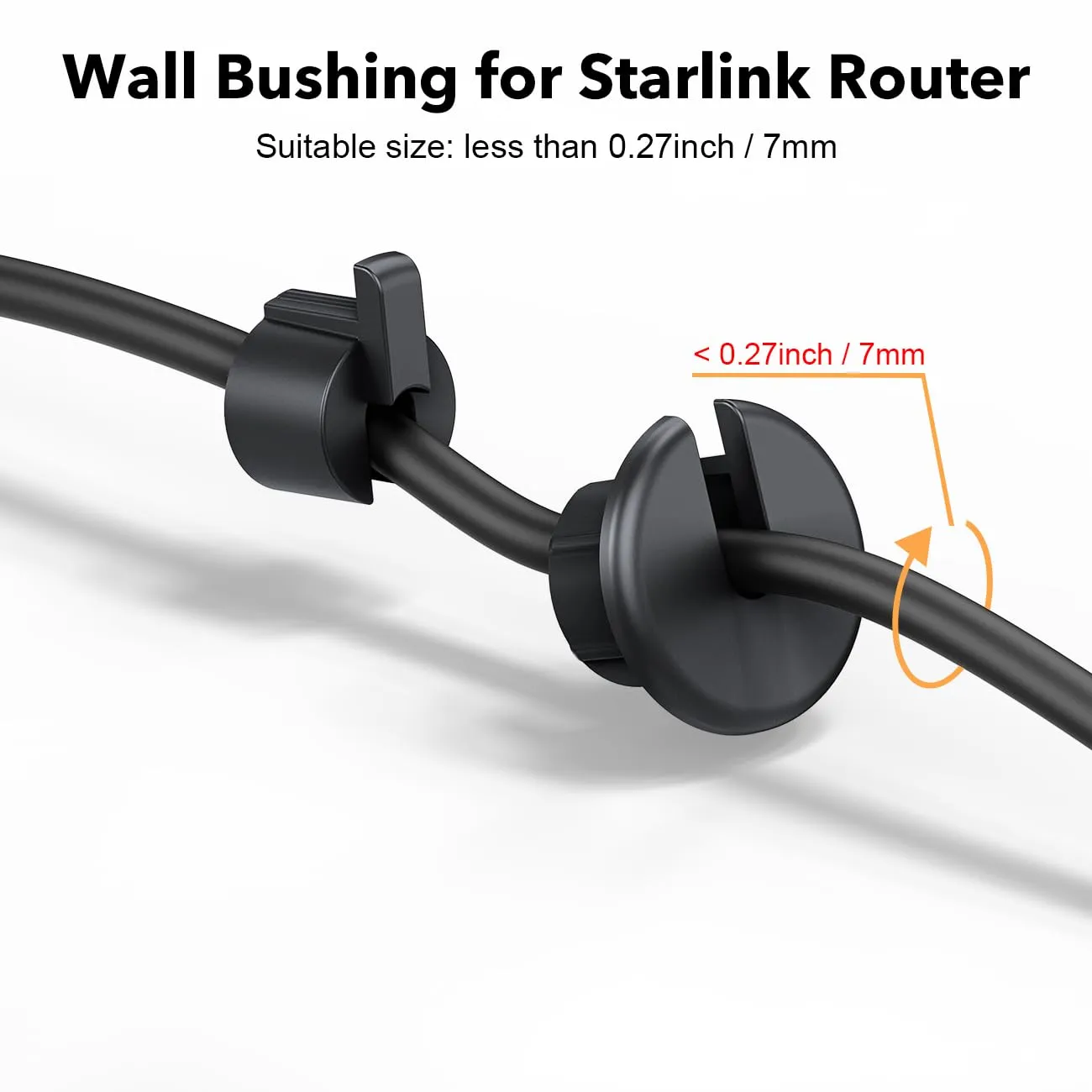
Start With Your Dish Version, Not the Accessory
Shenzhen Starlink Network Accessories Co., Ltd. has shipped enough of these parts to see the pattern clearly: the most common problem is not a defective product, but a correct product bought for the wrong generation.
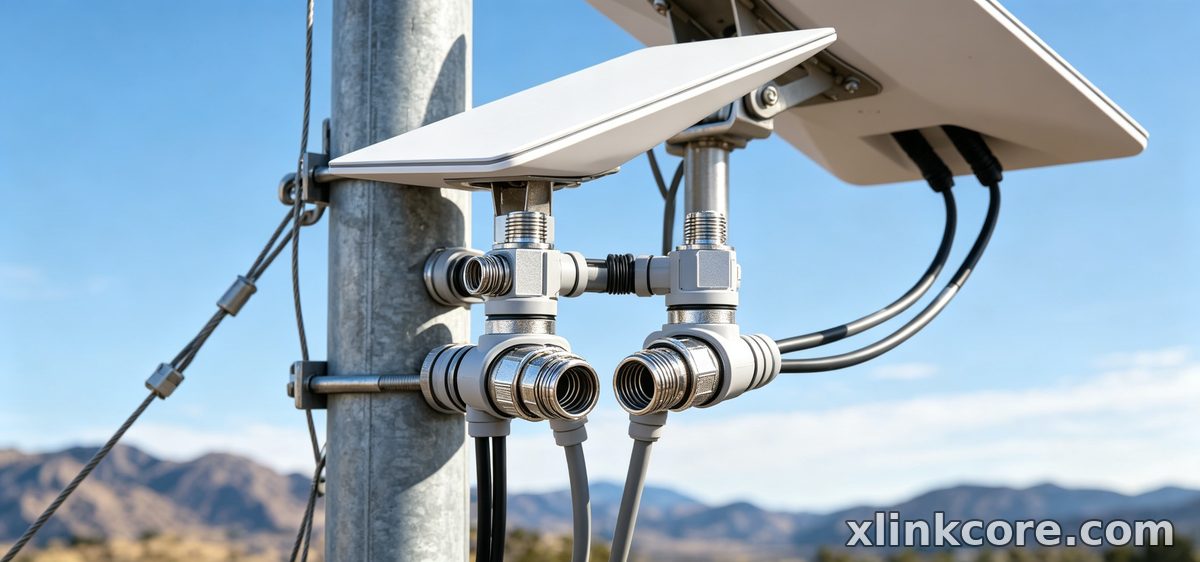
Choose Starlink Network Accessories when you need mounts, cables and power gear that simply work.
Which Starlink Cable Do I Need? Connectors and Length
Answering "which starlink cable do I need" takes two steps: match the connector, then match the length.
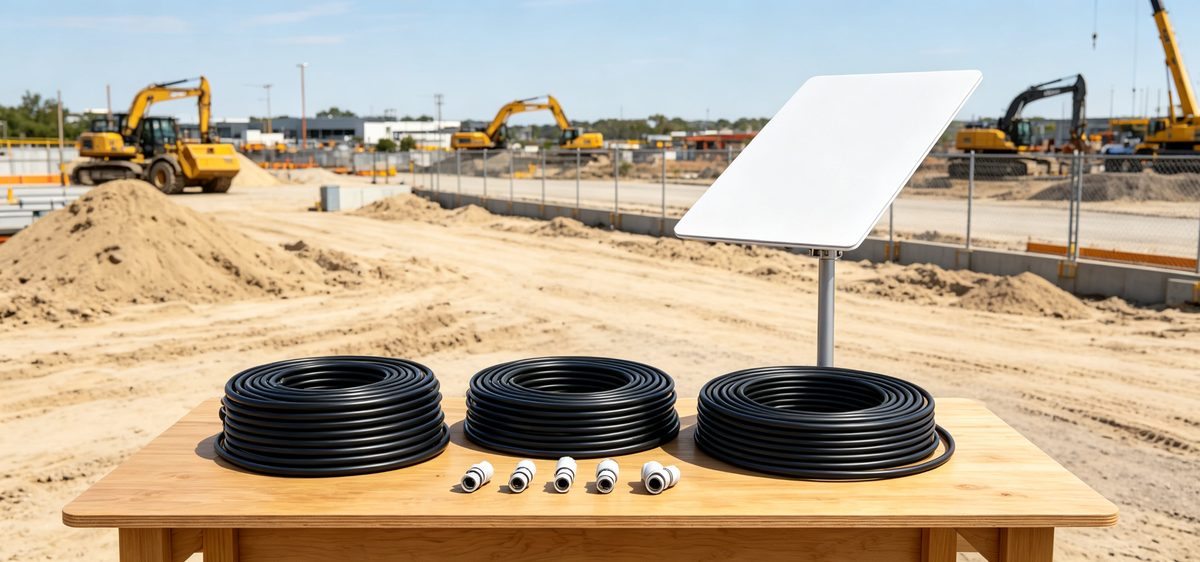
Match the connector. Plug housings and latches are version-specific, and V5 and Mini kits ship with their own leads. Never force a plug, and never bridge two generations with an unrated adapter — a loose fit causes dropouts that look like a service fault.
Match the length. The right starlink standard 4 cable length is the length of your route, not a figure from a marketing photo. Measure from the dish, up the mast, across the roof, down the wall and through the penetration, then add two to three metres of slack for service loops and drip bends. Long runs also lose voltage, so pair a long cable with a supply rated for it — the power and adapter range covers 12V DC, PoE and USB-C options. Cables by XLinkCore are continuity- and shielding-tested before packing, and leads from Starlink Network Accessories are labelled by dish version.
Standard 4 vs 4X vs V5: What Changes for Accessories
Comparison charts rarely help, because the real differences are physical. Between standard 4 vs 4x vs v5, what changes for a buyer is the connector footprint, the mast diameter the dish accepts and the spacing of the mounting holes.
✓Standard 4: the most common home dish, and the one most brackets are sized around. Check the mast diameter before ordering a pole adapter or clip set.
✓4X: if your dish is larger and heavier than a Standard 4, choose a mount with a higher load rating, a wider base and stainless fasteners.
✓V5: confirm whether the kit includes a power supply, and check mount plate spacing, since small changes in hole positions rule out older brackets.
Photograph the dish base and the cable plug, then compare them with product images before checkout. Starlink Network Accessories publishes fit notes for each version, which removes most of the guesswork.
Starlink Mount Comparison: Roof, Pole, Wall and Rail
A starlink mount buying guide and a starlink mount comparison ask the same two questions: where the dish can see unobstructed sky, and how the surface handles wind and weather.
✓Roof mounts give the clearest view but need sealed penetrations and rust-proof hardware.
✓Pole and mast mounts suit cabins, yards and job sites where the best view sits away from the building.
✓Wall mounts are the quickest to fit, though they often sit too low and pick up obstructions from the roofline.
✓Rail and deck mounts serve RVs, boats and trailers, where vibration and salt spray decide how long the bracket lasts.
Whatever the surface, stainless steel and a corrosion-resistant finish outlast painted steel. Browse the full mount range by surface type, and fit an XLinkCore bracket by Starlink Network Accessories with the fasteners specified for your material rather than whatever is loose in the toolbox.
Starlink Mini Accessories and Travel Kits
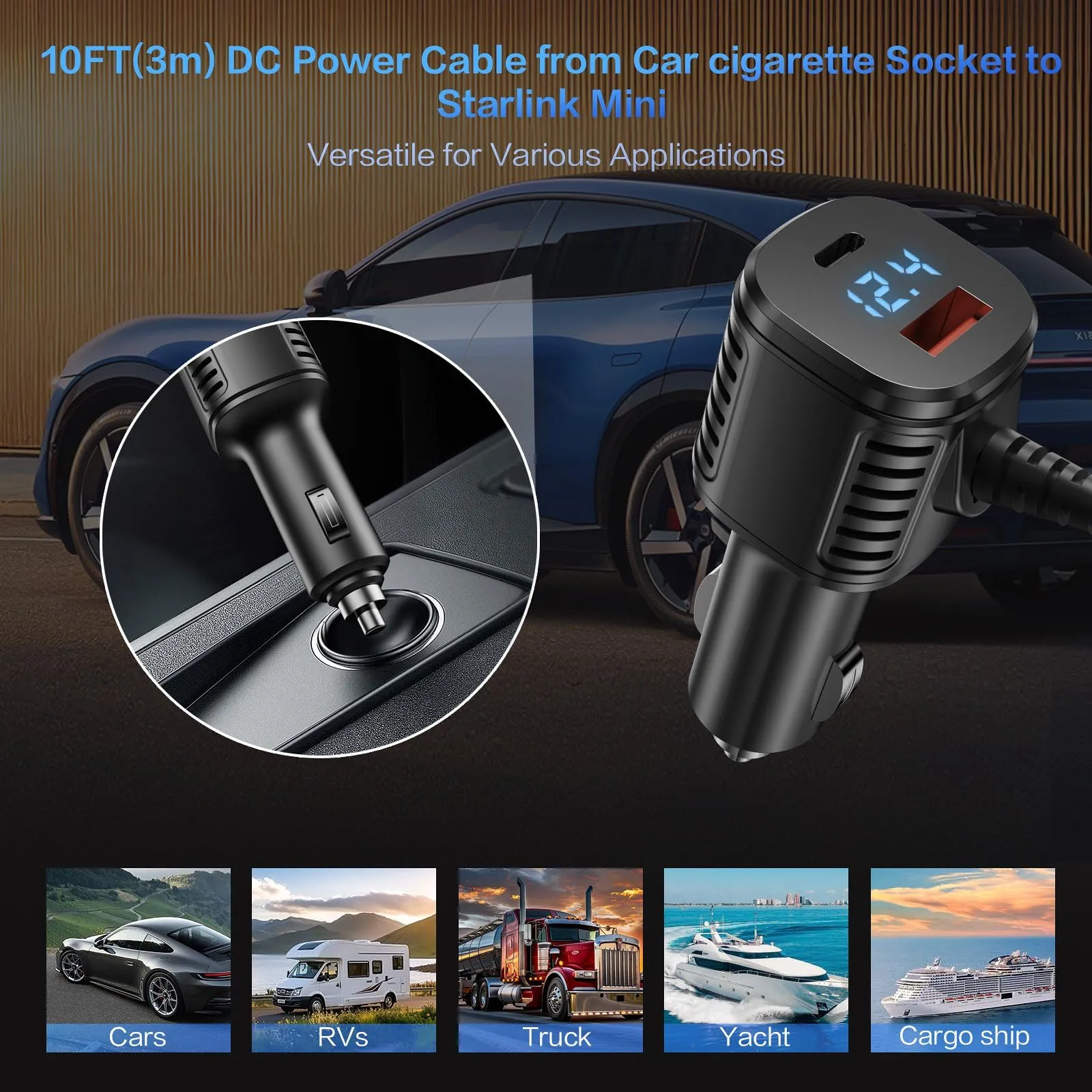
Mini changes the shopping list. Because the dish is compact and often powered from a vehicle or battery, priorities shift to a short flexible cable, a low-profile clamp or suction mount, and a DC supply that matches the input. Practical starlink mini accessories also include a right-angle cable and a padded case that survives a truck bed.
For mobile installs, review the Mini accessory line from Starlink Network Accessories next to the site notes on cable routing, because an XLinkCore kit that moves every week needs faster setup and teardown than a permanent roof install.
How to Choose Starlink Accessories: A Pre-Purchase Checklist
Before checkout, run through the same short list Shenzhen Starlink Network Accessories Co., Ltd. uses when validating a new XLinkCore accessory:
✓Confirm the dish version, then the connector type.
✓Measure the cable route and add slack; check voltage on longer runs.
✓Match the mount to the surface and to expected wind, not just to price.
✓Check materials: UV-stable plastic, stainless fasteners, sealed cable entries.
✓Plan the wall or roof penetration and grounding before drilling — the installation guides cover both.
✓Buy from a supplier that lists certifications and per-version fit notes.
Manufacturing and Quality Behind XLinkCore Gear
Fit notes are only as good as the factory that writes them. Shenzhen Starlink Network Accessories Co., Ltd. was founded in August 2024 and now runs a 5,000 m2 factory with 25 injection molding machines and 15 welding machines. Its tooling library holds 200 patented molds across a product line of 80+ models, and monthly capacity reaches 400,000–600,000 units.
Products are certified to 3C, CE, FCC and PSE standards. XLinkCore is the product brand, kept separate from the company name, and every XLinkCore mount, cable and power adapter is molded and assembled in-house — which is why Starlink Network Accessories can keep fit notes accurate as dish generations change.
Buying Once, Buying Right
From first sketch to final QC, Starlink Network Accessories keeps quality at the center.
Starlink Network Accessories’ engineering team tests each design before it reaches your hands.
The best starlink accessories are bought in order: dish version, cable, mount, power. Get that sequence right and you avoid the two most expensive habits in this hobby — buying twice and drilling twice. Read the buying guides for each category, keep your measurements, and choose gear from a manufacturer that publishes fit data instead of guessing. Whether you are upgrading a Standard 4, a 4X, a V5 or a Mini, XLinkCore products from Starlink Network Accessories are built to fit the dish you actually own.
Need the Right Accessories for Your Setup?
Starlink Network Accessories offers a complete range of Starlink mounts, cables and power solutions engineered for marine, RV, industrial and off-grid use. Contact our team for bulk orders or custom OEM/ODM solutions.
Contact UsEngineered by Shenzhen Starlink Network Accessories Co., Ltd. — Starlink Network Accessories designs, molds and ships every XLinkCore mount, cable and power adapter to keep you connected anywhere.
