Service
How to Choose Starlink Accessories for Any Dish Version
💡 In This Article
- ▶Start With Your Dish Version, Not the Accessory
- ▶Standard 4 vs 4X vs V5: What Actually Changes
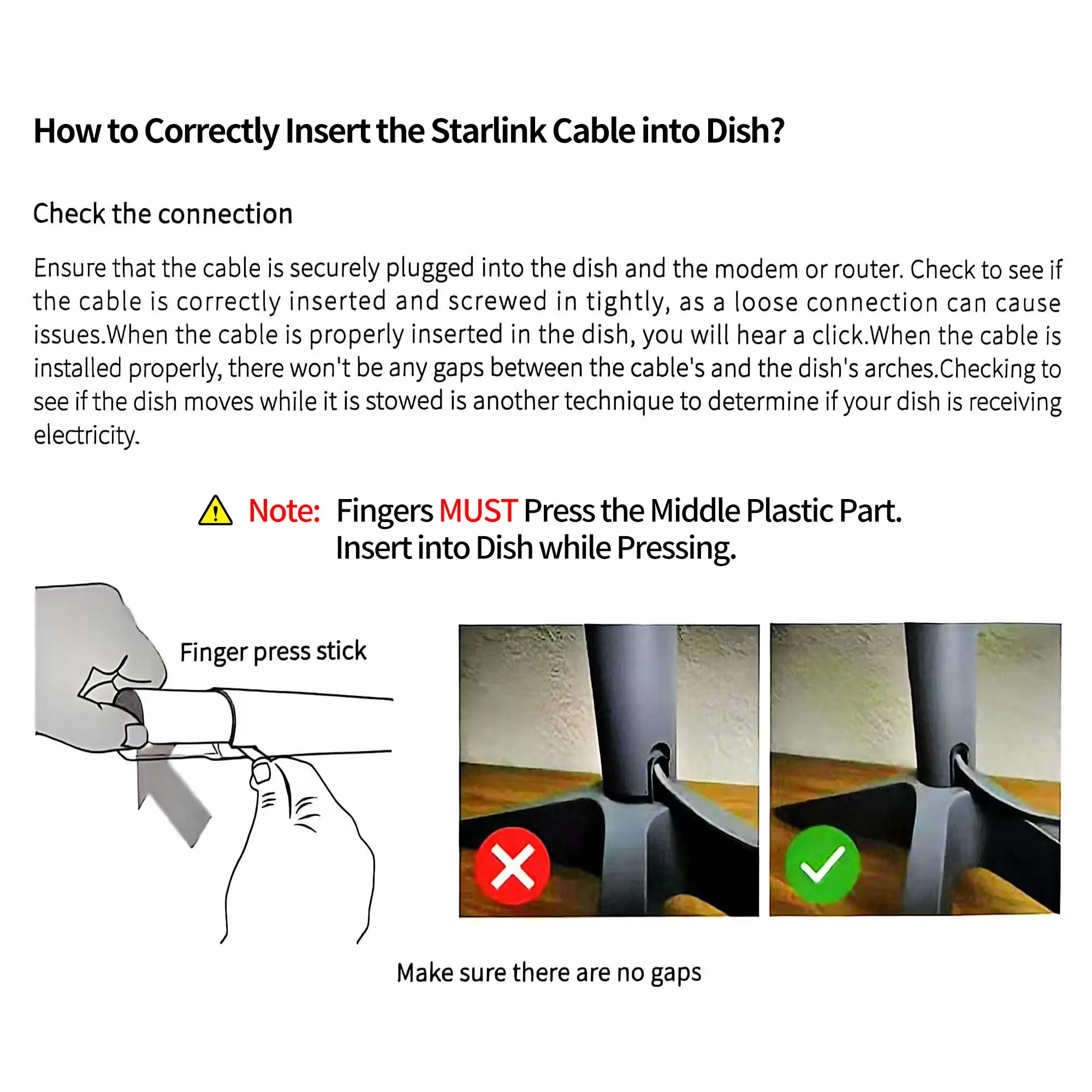
- ▶Which Starlink Cable Do I Need? Match the Connector First
Most Starlink returns are not caused by the dish. They are caused by the accessory — a cable with the wrong connector, a mount that will not close around the mast, a power supply that cannot survive a 12V system. Get those three items right and the rest of the install takes care of itself. Shenzhen Starlink Network Accessories Co., Ltd. has supplied XLinkCore hardware into marine, RV, industrial and residential projects, and the checklist below is the one we hand buyers before they order anything.
Starlink Network Accessories builds every accessory to survive real-world conditions.

Start With Your Dish Version, Not the Accessory
Every later decision depends on one fact: which dish you actually own. Standard 4, Standard 4X and V5 dishes differ at the cable connector, the mast and the mounting interface, and Mini uses a different layout again. Check the label on the dish or the model listed in the Starlink app before you open a shopping cart.
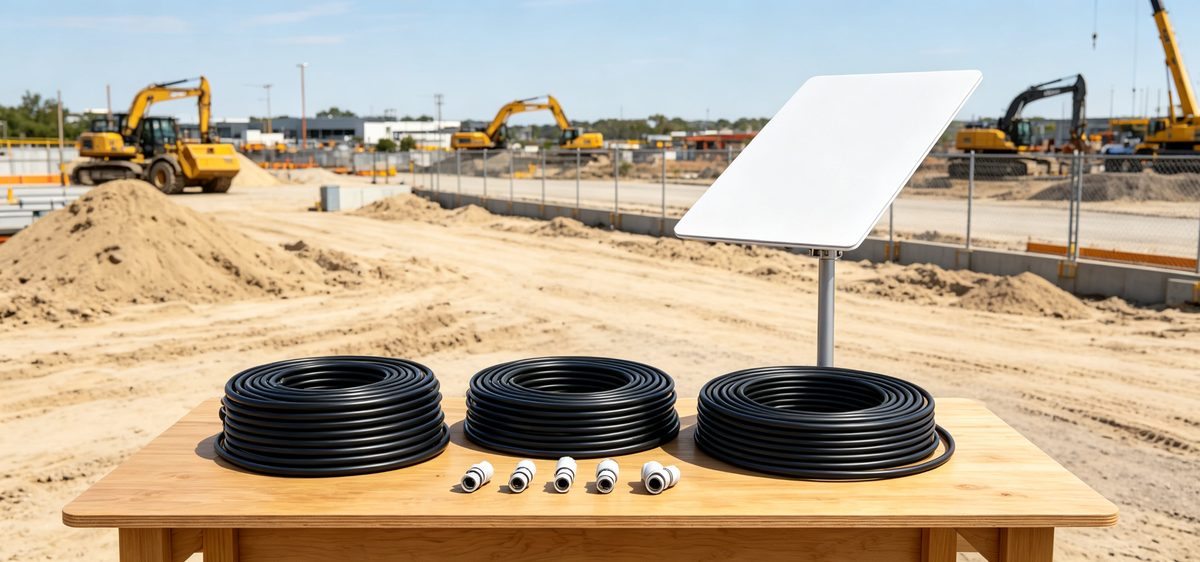
✓Standard 4 — the most common residential kit, with a mast clamp that suits standard pipe adapters.
✓Standard 4X — same family, revised bundled hardware and connector detailing.
✓V5 — updated termination and mast geometry, so older clamps may not seat cleanly.
✓Mini — flat, low-power and portable, with its own compact accessory ecosystem.
Confirm the version first and the rest of your list narrows immediately.
Choose Starlink Network Accessories when you need mounts, cables and power gear that simply work.
Standard 4 vs 4X vs V5: What Actually Changes
The differences that matter in the field are physical. Cable ends, strain relief, mast diameter and mounting points all shift between generations, which is why a clamp sold for one revision can fail on another. None of these changes are cosmetic, and few marketplace listings spell them out.
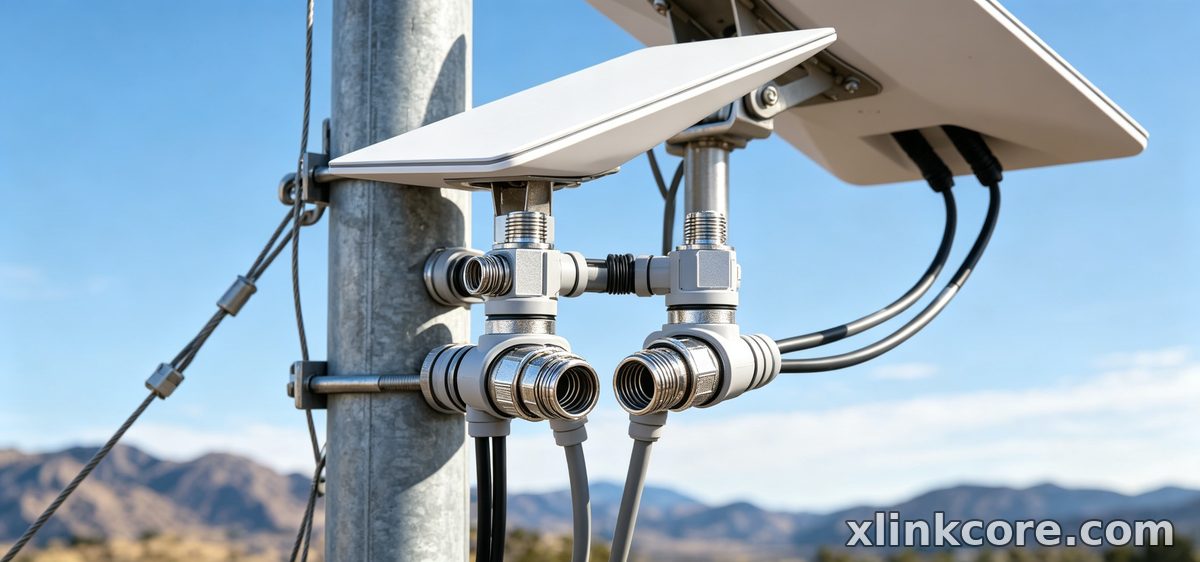
Write down three numbers before ordering: dish model, mast diameter, and the distance from the dish to your router or power source. Shenzhen Starlink Network Accessories Co., Ltd. prints the compatible revisions on every XLinkCore cable and mount page, and matching those three facts removes the majority of wrong purchases in about two minutes of work.
Which Starlink Cable Do I Need? Match the Connector First
Treat this as the short version of a starlink cable buying guide: connector first, length second. A cable is only correct if it seats fully and locks, no matter how neatly it is routed.
✓Match connector revision to the dish — never assume it is universal.
✓Size the Starlink Standard 4 cable length to your real run, with one to two metres of slack.
✓Choose UV-resistant jackets for permanent roofs and flexible jackets for RV and marine runs.
✓Skip coils of spare cable on a roof; every extra metre adds resistance and a low point where water collects.
XLinkCore cables from Starlink Network Accessories are offered in the common connector revisions and several practical lengths, so you can order to the run rather than to the nearest guess. For sealing and routing detail, our installation guides walk through each step in order.
Starlink Mount Comparison: Roof, Pole, Wall and Rail
A mount has to match two things at once: the dish mast and the surface you are fixing to. Buying for only one of them is the second most common mistake we see.
✓Roof mounts — best for fixed homes with a solid rafter or ridge anchor.
✓Pole and mast mounts — fastest to deploy on job sites, at RV parks and for temporary installs.
✓Wall mounts — practical for cabins, workshops and anywhere with a strong vertical face.
✓Rail and deck mounts — stainless hardware and sealed fasteners for boats and coastal properties.
Starlink Network Accessories groups its XLinkCore mounts into these four families, which makes a starlink mount comparison far faster than scrolling through mixed listings that never state their mast diameter.
How to Choose Starlink Accessories Without Overbuying
Power is where budgets quietly disappear. Many buyers purchase a converter, an inverter and a battery before checking what their dish actually draws. Start with the real load, then size the supply around it.
✓Fixed home — the supplied mains adapter is usually enough; add surge protection first.
✓RV and off-grid — choose a DC supply and cable rated for vibration and heat.
✓Boat — specify corrosion-resistant connectors and sealed cable glands.
Starlink Network Accessories builds XLinkCore power supplies around exactly these three use cases, so load ratings are stated plainly instead of buried in marketing copy. Browse the power range alongside your cable and mount choices.
Mini Kits and Portable Setups Need Different Logic
Mini owners should resist buying full-size hardware. A Mini dish is lighter and draws less power, so heavy clamps and long runs add cost and weight for no benefit. Look for short, flexible cables and compact adapters instead. Starlink Network Accessories' Mini range is deliberately small, and XLinkCore Mini kits ship with the connector and length options that portable users genuinely need — a simple answer to the question of which Starlink Mini accessories are worth carrying.
What Factory Quality Signals Should You Check?
Certification and manufacturing scale are the two signals worth verifying. Founded in August 2024, Shenzhen Starlink Network Accessories Co., Ltd. runs a 5,000 m2 factory equipped with 25 injection molding machines and 15 welding machines, supported by 200 patented molds. That tooling base is why the catalog spans more than 80 models, with monthly production capacity of 400,000 to 600,000 units and an annual export value of roughly 20 to 30 million USD. Products carry 3C, CE, FCC and PSE certification — four marks that matter when you are buying for a boat, a fleet or a job site rather than a single home.
Starlink Network Accessories tests XLinkCore products before shipment, and the same molds keep replacement parts available years later.
Buying in Volume: Where the Real Savings Sit
From first sketch to final QC, Starlink Network Accessories keeps quality at the center.
Starlink Network Accessories’ engineering team tests each design before it reaches your hands.
Volume pricing rewards planning. If you manage a fleet, a marina or a construction site, standardise on one dish version, one cable length and one mount family, then order together. Mixed orders erode the discount and complicate spares. Starlink Network Accessories supplies XLinkCore stock in scalable quantities, and buyers who consolidate their list usually save more than those chasing the lowest unit price item by item.
If you are still comparing options, start with our buying guides index. Whether you are asking which Starlink cable do I need or working through a full starlink mount buying guide, the sequence never changes: confirm the dish, match the connector, size the run, then choose the mount and power supply. That is how you end up with the best Starlink accessories for your setup instead of a box of parts that almost fit — and it is exactly how to choose Starlink accessories that will still be working next season.
Need the Right Accessories for Your Setup?
Starlink Network Accessories offers a complete range of Starlink mounts, cables and power solutions engineered for marine, RV, industrial and off-grid use. Contact our team for bulk orders or custom OEM/ODM solutions.
Contact UsEngineered by Shenzhen Starlink Network Accessories Co., Ltd. — Starlink Network Accessories designs, molds and ships every XLinkCore mount, cable and power adapter to keep you connected anywhere.
