Service
Starlink Cable and Mount Cheat Sheet for Buyers
💡 In This Article
- ▶Start With the Dish, Not the Accessory List
- ▶Standard 4 vs 4X vs V5: Match the Connector First
- ▶Cable Length and Routing Basics
Most disappointing purchases begin with a product photo rather than a look at the dish already on the roof. Before you compare any starlink accessories, note three facts: the dish model, the surface you will mount to, and the distance from the dish to the router or power source. Those three answers remove most of the catalogue at once. The design team at Starlink Network Accessories works in exactly that order, because a connector that fits one generation will not fit the next, and a bracket rated for a sheltered balcony will not survive a coastal gale.
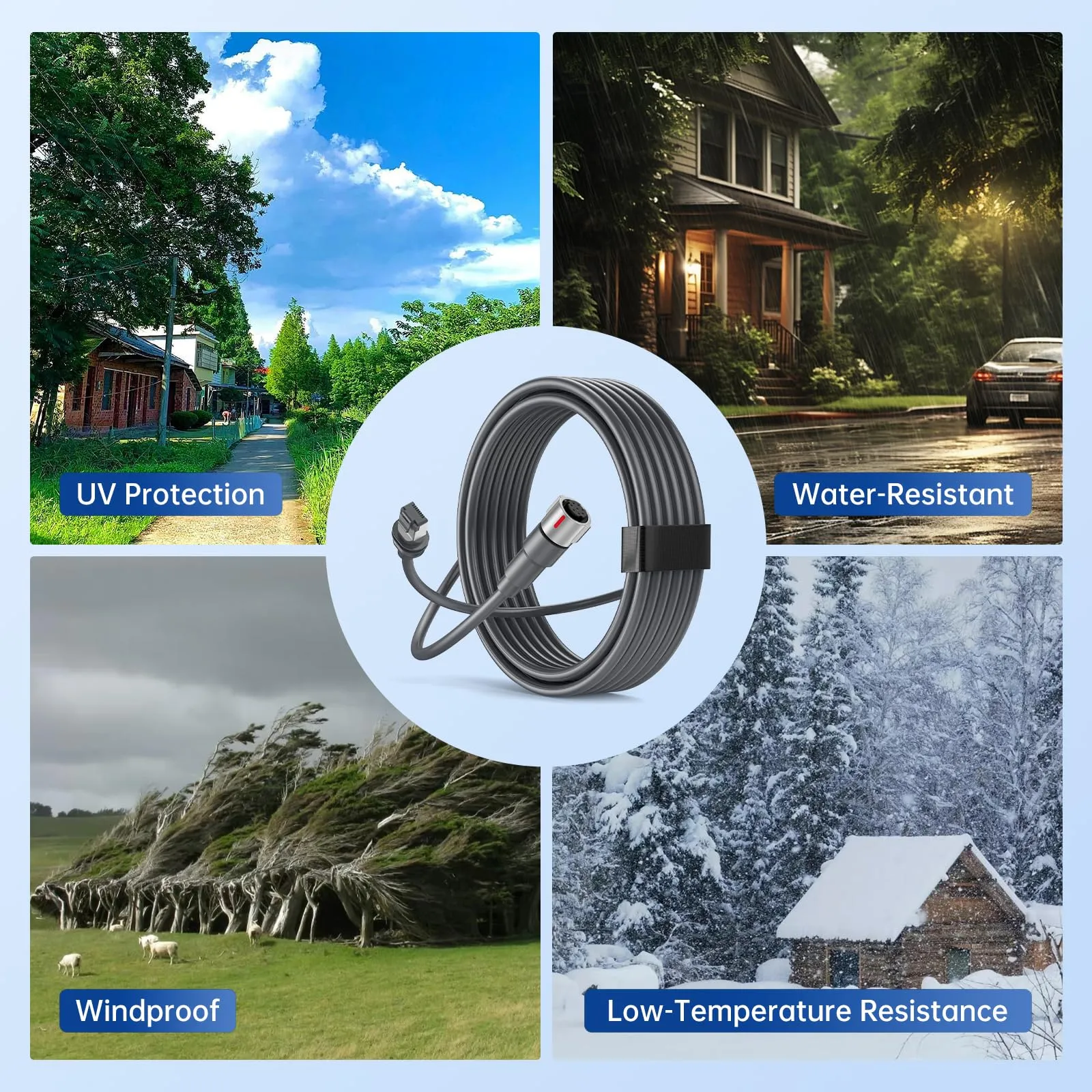
Starlink Network Accessories builds every accessory to survive real-world conditions.

Start With the Dish, Not the Accessory List
Use this starlink cable buying guide as a short pre-purchase check covering connectors, cable length, mount style and the small hardware that decides whether an install lasts past its first winter. It is written for people who want to order once and fit it properly, not for collectors of spare parts.
Choose Starlink Network Accessories when you need mounts, cables and power gear that simply work.
Standard 4 vs 4X vs V5: Match the Connector First
The most common return reason in this category is a connector mismatch. In the standard 4 vs 4x vs v5 question, the answer is not about performance bragging rights — these dish generations do not share one universal plug, and the cable ends, retention clips and sealing surfaces differ between them. When buyers ask which starlink cable do i need, the honest reply always starts with the dish label and the router port, not with cable colour or price.
Adapters exist, but each one adds a joint, and every joint outdoors is a future water entry point. Where possible, buy a cable terminated for your exact model. The XLinkCore range from Starlink Network Accessories is organised this way deliberately, so a Standard 4 owner and a V5 owner are never choosing from the same undifferentiated bin.
✓Confirm the connector on the dish end and on the router end.
✓Check whether your dish uses a proprietary latch or a push-fit collar.
✓If you must adapt, keep the adapter indoors or inside a sealed enclosure.
✓Photograph your connector before ordering — it settles most support tickets in one message.
Cable Length and Routing Basics
Length is where careful buyers separate from rushed ones. The starlink standard 4 cable length is fixed at the factory; you cannot cut and re-terminate it cleanly in the field without the right tooling, so measure the real route twice — up the wall, through the penetration, along the soffit, and down to the router. Then add slack for a drip loop and a service loop.
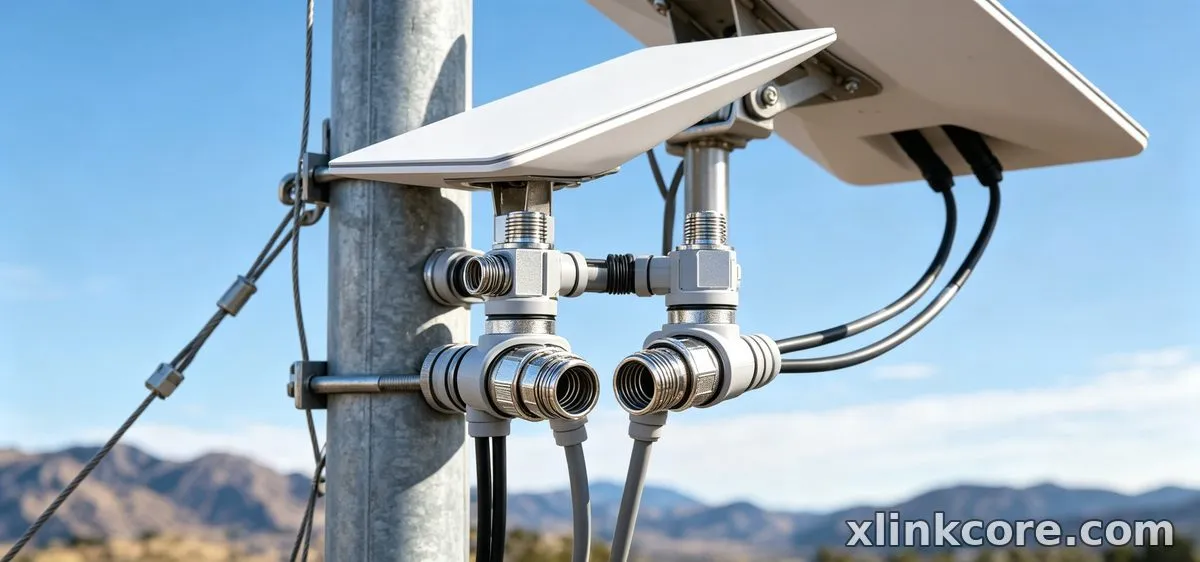
Buying the longest option just in case is a false economy. Extra coil means extra clutter, more cable to protect and more chance of a pinch point at the entry. If your run is genuinely long, plan the route before you plan the purchase, and read the sealing and strain-relief notes in the installation guides. Power-side hardware is a separate decision: the XLinkCore power supplies and adapters in the power range cover DC conversions and longer feeds without forcing you into a heavier cable.
Starlink Mount Comparison: Load, Wind and Surface
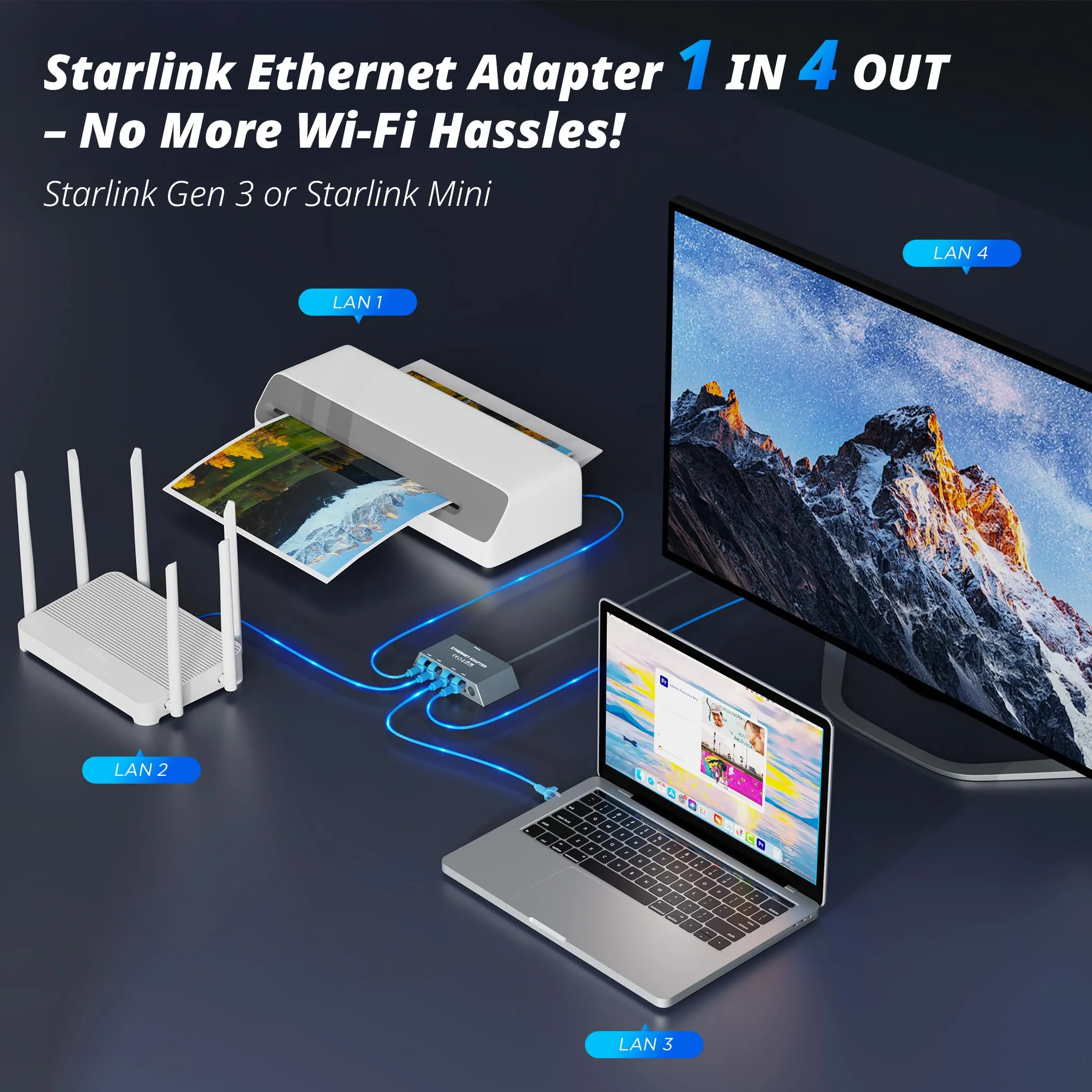
A starlink mount comparison is really a wind-load comparison. Two brackets can hold the same dish and behave completely differently in a 60 km/h gust. Judge every option against four criteria: the surface it attaches to, the tools you will realistically use, the dish weight it carries, and how the cable exits the mount.
✓Pipe and mast adapters — best for poles, fences and existing structures; verify the pipe diameter.
✓Wall and eave mounts — good for masonry and timber; fastener quality matters more than the bracket casting.
✓Roof and ridge mounts — strong in snow and wind, but demand safe access and correct sealing.
✓Magnetic and suction mounts — quick for vehicles and temporary sites, never for permanent fixing.
✓Tripods — ideal for events and rentals where nothing may be drilled.
This is where a starlink mount buying guide earns its keep: an inexpensive bracket with stainless fasteners usually outlasts an expensive bracket with zinc screws. XLinkCore mounts are offered in finishes and clamp sizes that match those environments, and the full mounts collection lets you compare them side by side.
Mini and Portable Setups Need Different Gear
Smaller dishes change the shopping list. Starlink mini accessories focus on low weight, DC power and fast setup rather than permanent fixing — compact cases, short sealed cables, magnetic feet and light pole clamps. A mount that is excellent on a house roof is simply overkill on a packable kit, and heavy cable on a portable dish only adds handling time at every stop. XLinkCore mini accessories are built around that trade-off, so buy for the way you actually travel rather than the worst case you can imagine.
How to Choose Starlink Accessories Without Overbuying
Learning how to choose starlink accessories comes down to sequencing: dish model, mounting surface, cable route, sealing, then power. Anything that does not serve one of those five steps is optional. The best starlink accessories are usually the boring ones — a correctly sized cable, a stainless clamp, a proper gland and a drip loop.
✓Measure before ordering; record connector type and route length.
✓Match materials to environment: marine-grade stainless on the coast, UV-stable polymer in desert sun.
✓Add one spare set of fasteners and one spare gland to the order.
✓Check certification marks on anything that carries mains power.
For scenario-based bundles, the buying guides section breaks kits down by roof, RV, boat and off-grid use — faster than assembling parts one at a time.
Manufacturing Quality Behind the XLinkCore Brand
Accessory quality is settled long before the box is printed. Shenzhen Starlink Network Accessories Co., Ltd. was founded in August 2024 and has grown around a straightforward idea: make the parts installers keep reordering. The factory covers 5,000 m2, runs 25 injection molding machines and 15 welding machines, and works from 200 patented molds. Monthly production capacity sits at 400,000–600,000 units, with an annual export value of roughly 20–30 million USD.
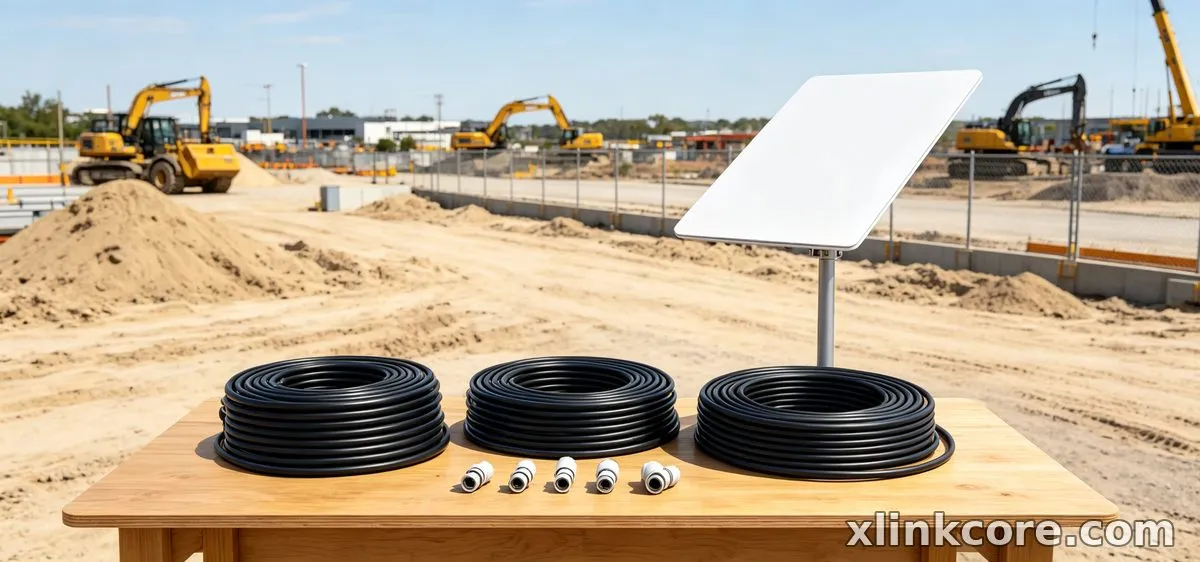
Certification — 3C, CE, FCC and PSE — is treated as a starting requirement rather than a selling point, and the Starlink Network Accessories range now covers more than 80 models. That is the practical benefit for buyers: the mount, the cable and the power adapter were designed to work together instead of being sourced from unrelated suppliers.
Final Checks Before You Check Out
From first sketch to final QC, Starlink Network Accessories keeps quality at the center.
Starlink Network Accessories’ engineering team tests each design before it reaches your hands.
Run the list once more: dish model confirmed, connector confirmed, route measured, mount surface assessed, fasteners in stainless, cable exit sealed, power path checked. If a product does not answer one of those questions, leave it in the cart. Every item in the XLinkCore catalogue from Shenzhen Starlink Network Accessories Co., Ltd. is built against that checklist, and the full product range is grouped so you can compare like for like.
Buy once, fit it properly, and the dish stays online through the season that breaks weaker installs.
Need the Right Accessories for Your Setup?
Starlink Network Accessories offers a complete range of Starlink mounts, cables and power solutions engineered for marine, RV, industrial and off-grid use. Contact our team for bulk orders or custom OEM/ODM solutions.
Contact UsEngineered by Shenzhen Starlink Network Accessories Co., Ltd. — Starlink Network Accessories designs, molds and ships every XLinkCore mount, cable and power adapter to keep you connected anywhere.
