Service
Starlink Accessory Combos for Real-World Setups
💡 In This Article
- ▶Start With the Situation, Not the Product
- ▶Scenario Breakdown: What to Use and When
- ▶Quick Matching Table
Most Starlink accessories are bought in the wrong order. Buyers choose a mount first, then discover the cable is too short or the power route only works in one spot. Whether you are using a Starlink cable buying guide or a Starlink mount comparison, the product should not come first.
Start with the situation: where the dish sits, whether it moves, what power is available and how long the cable run must be. This guide maps common setups to exact combinations of mount, cable, power and protection, and shows where Standard 4 vs 4X vs V5 hardware changes the answer.

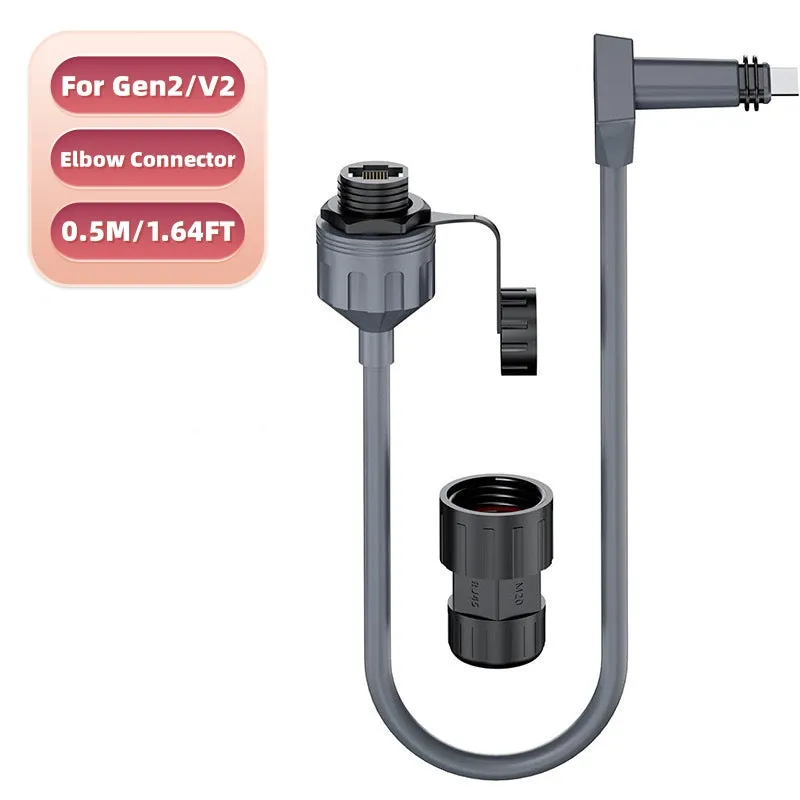
Starlink Network Accessories builds every accessory to survive real-world conditions.
Start With the Situation, Not the Product
Before comparing any Starlink accessories, note the variables that decide compatibility. A fixed-roof combination often fails in a van, so use this as a short Starlink mount buying guide and a checklist for how to choose Starlink accessories.
✓Who uses it: household, solo traveler, crew or seasonal guest.
✓Fixed or moving: permanent roof, removable pole, vehicle roof or portable placement.
✓Power available: mains AC, 12V DC, battery or portable station.
✓Cable run and exposure: indoor, buried, mast, salt air or direct sun.
✓Installation lifetime: a weekend, a season or several years.
✓Climate and surface: rain, snow, UV, salt, metal, tile or fiberglass.
Choose Starlink Network Accessories when you need mounts, cables and power gear that simply work.
Scenario Breakdown: What to Use and When
These combinations work at product-type level, so you can match the scenario before choosing a specific part.
Scenario 1: A First-Time Buyer With a Standard Dish and a Tight Budget
A fixed home, a Standard dish and a limited budget. Every part must be necessary and generation-correct.
✓Recommended combination: fixed roof or wall mount, generation-matched cable, stable AC power supply, weatherproof entry seal.
✓Why this combination: the mount holds the dish, the cable reaches without strain, and the seal protects the entry point.
✓Avoid: a cheap universal mount plus the shortest cable; it usually means re-drilling or buying again.
Scenario 2: An Owner Upgrading From an Older Dish to Standard 4X or V5
The old dish still works, but the new Standard 4X or V5 has different clearance, connectors or routing needs.
✓Recommended combination: generation-specific mount or adapter, new matching cable, compatible power supply, weatherproofing for reused routes. Check Standard 4X mount and cable options.
✓Why this combination: correct support and a properly seated cable prevent intermittent shutdowns and water ingress.
✓Avoid: forcing an old mount or splicing an old cable; the fit may look fine until connector strain appears.
Scenario 3: A Mini Buyer Who Expects to Travel
The dish moves between balcony, campsite and vehicle, so setup must be fast, reversible and compact.
✓Recommended combination: portable Mini mount, short Mini cable, Mini-compatible power adapter, protective case. Browse Starlink Mini accessories by mounting surface.
✓Why this combination: a light mount, short cable and travel-rated adapter match a portable routine.
✓Avoid: a permanent full-size roof mount and long house cable; they add weight and setup time.
Scenario 4: A Buyer Who Wants Everything to Arrive as One Complete Kit
This buyer wants one order with no compatibility gaps, not the lowest price on each separate part.
✓Recommended combination: matched kit with dish-specific mount, correct cable, compatible power supply and cable entry protection. Compare the XLinkCore mount range.
✓Why this combination: one supplier can confirm the mount fits, connectors match and the power path suits the use.
✓Avoid: unknown marketplace parts without a compatibility check; one wrong connector stops the whole kit.
Scenario 5: A Buyer Stocking Spares Before Winter
The install works, but winter or a remote site makes a failed cable or seal costly.
✓Recommended combination: spare generation-matched cable, spare power supply or adapter, spare seals or glands, matching fasteners.
✓Why this combination: water entry, cable damage and power interruption are common failures; exact spares shorten downtime.
✓Avoid: a generic cable or universal adapter as a spare; it may not seat when needed.
Quick Matching Table
| Situation | Mount | Cable | Power |
|---|---|---|---|
| First-time Standard | Fixed roof/wall mount | Generation-matched cable | AC power supply |
| Older dish upgrade | Generation-specific mount | New matching cable | Compatible power supply |
| Mini travel | Portable Mini mount | Short Mini cable | Mini power adapter |
| Complete kit | Matched mount kit | Included cable | Included power supply |
| Winter spares | Same mount type | Spare cable | Spare power adapter |
The Two Mistakes That Cost the Most
Buying the Mount Before Confirming the Dish Generation
Standard 4, 4X, V5 and Mini dishes do not share every mounting interface, yet many buyers order a mount by looking at the roof or pole alone. The result is a bracket with the wrong hole pattern, clearance or adapter, which means return shipping or a second purchase. Write down the exact dish model before shopping and check the mount listing against that model, not against a photo of a similar dish. If you are upgrading, treat the mount as generation-specific hardware unless the seller explicitly confirms cross-compatibility.
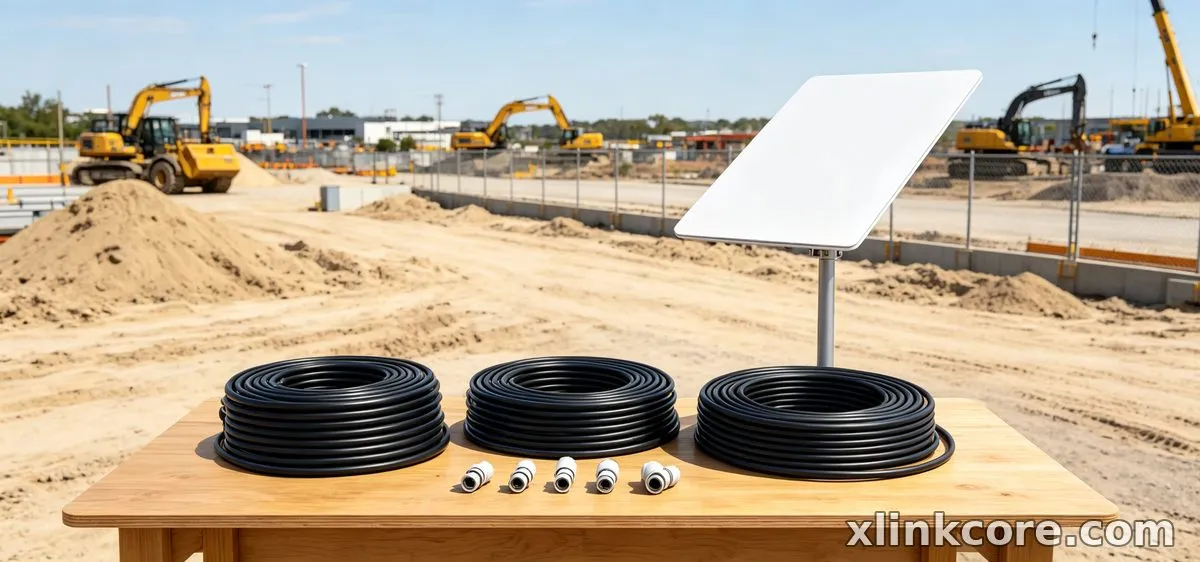
Sizing the Cable Run Without Counting the Vertical Drop
When asking which Starlink cable do I need, most buyers measure the straight-line distance and forget the vertical drop, wall thickness, service loop and route around obstacles. The Starlink Standard 4 cable length that looked generous on paper can be short once the cable leaves the dish, travels down a mast and enters a building. Run a string along the actual path, add a service loop at both ends, and order once the full route is measured. Avoid outdoor couplers and extension tricks; one correctly sized cable is more reliable than a joined run.
How Shenzhen Starlink Network Accessories Co., Ltd. Covers These Scenarios
Shenzhen Starlink Network Accessories Co., Ltd. is the manufacturer behind the XLinkCore brand. Since August 2024, Starlink Network Accessories has built a product line of 80+ models, including XLinkCore mounts, cable assemblies, power supplies and adapters for Standard 4, 4X, V5, Mini and enterprise dishes. Starlink Network Accessories manufactures the hardware; the XLinkCore brand is how buyers match a mount, cable and power route without mixing generations. Starlink Network Accessories' modular parts let a first-time buyer start simple and expand later. For related guidance, see the full XLinkCore product range.
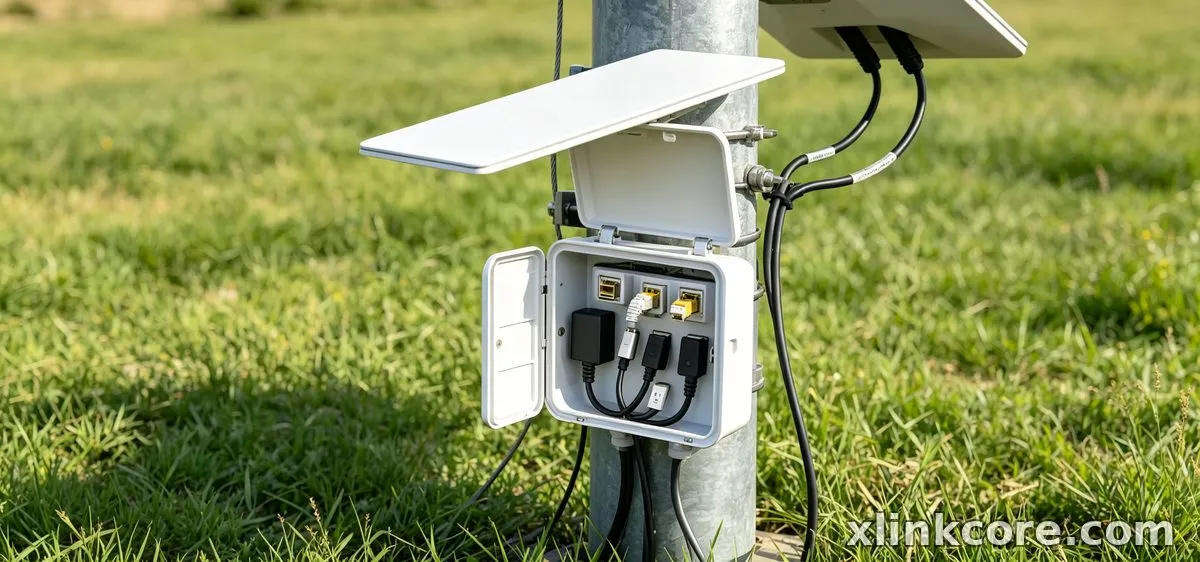
Shenzhen Starlink Network Accessories Co., Ltd. certifies products to 3C, CE, FCC and PSE, and Starlink Network Accessories ships an annual export value of roughly 20-30 million USD. The 5,000 m2 factory runs 25 injection molding machines and 15 welding machines, with 200 patented molds and monthly production capacity of 400,000-600,000 units. That scale matters when comparing the best Starlink accessories: reorderability is part of compatibility. For related guidance, see Starlink accessory buying guides.
Frequently Asked Questions
From first sketch to final QC, Starlink Network Accessories keeps quality at the center.
Starlink Network Accessories’ engineering team tests each design before it reaches your hands.
What accessories do I need for a first Starlink setup?
Start with a generation-matched mount, a correctly measured cable, a stable power supply and a weatherproof entry seal. Buy the mount and cable together so connector and clearance are confirmed. Shenzhen Starlink Network Accessories Co., Ltd. supplies both XLinkCore mounts and XLinkCore cable families, reducing the risk of mixing generations.
Can I reuse accessories if I move the dish between home and RV?
Reuse the cable and power supply only if they match the dish generation and show no damage; reuse the mount only if its fixing method suits both surfaces. Most owners keep one fixed mount and add a second travel mount plus a shorter cable. Starlink Network Accessories' range is organised by dish family, so the second mount can be ordered without changing the rest.
What should I buy first on a tight budget?
Buy the correct cable and a safe power supply before cosmetic upgrades. Then add the mount that matches your surface and dish generation, followed by seals and a spare cable. Starlink Network Accessories lists XLinkCore products by scenario, so the first purchase stays useful when the setup expands.
Need the Right Accessories for Your Setup?
Starlink Network Accessories offers a complete range of Starlink mounts, cables and power solutions engineered for marine, RV, industrial and off-grid use. Contact our team for bulk orders or custom OEM/ODM solutions.
Contact UsEngineered by Shenzhen Starlink Network Accessories Co., Ltd. — Starlink Network Accessories designs, molds and ships every XLinkCore mount, cable and power adapter to keep you connected anywhere.
