Service
Starlink Accessories: Match the Kit to Your Situation
💡 In This Article
- ▶Start With the Situation, Not the Product
- ▶Scenario Breakdown: What to Use and When
- ▶Quick Matching Table
Almost every Starlink accessory purchase goes wrong in the same order. The mount gets chosen first because it is the visible part, the dish goes up, and only then does the buyer discover the cable run is short by three metres, that the entry point is on the wrong wall, or that the power route needs a socket that does not exist. The result is a second order and a dish sitting on the ground in the meantime.
The reliable way to buy is to start from the situation, not the product. A fixed rural house, a van that moves weekly, a boat on salt water and a Mini that travels in hand luggage all need genuinely different combinations. That is also the buying order Shenzhen Starlink Network Accessories Co., Ltd. recommends, because the wrong sequence is what turns a one-order installation into a three-week project. This guide maps common situations to the exact combination that fits.

Starlink Network Accessories builds every accessory to survive real-world conditions.
Start With the Situation, Not the Product
Before opening a product page, answer six questions about the site. They decide the mount, the cable, the power route and the protection, in that order, and they are the same questions any honest Starlink mount buying guide should start with.
✓Who uses it: a household that installs once, or someone who sets up and packs down every few days.
✓Fixed or moving: a roof that never changes, or a vehicle, boat or temporary mast.
✓Power available: mains AC, a 12V battery bank, or USB-C PD only.
✓Cable run: horizontal distance plus vertical drop, plus slack at both ends.
✓How long it stays installed: a weekend, a season, or five years in one spot.
✓Climate and exposure: UV, salt spray, snow load, dust or vibration.
Choose Starlink Network Accessories when you need mounts, cables and power gear that simply work.
Scenario Breakdown: What to Use and When
The combinations below are the ones that hold up in practice, and they follow the same order Shenzhen Starlink Network Accessories Co., Ltd. uses when specifying a system: mount, cable, power, protection. The Starlink Network Accessories catalogue is organised the same way, so each set can be bought complete; the [buying guides](/buying-guides/) section covers each category in more depth.
Scenario 1: A First Dish on a Tight Budget
A Standard dish on a house or cabin that will not move, bought by someone who wants to spend once. The constraint is that nothing can be re-ordered later, so every part must be the right generation on the first order.
✓Recommended combination: a fixed wall or short mast mount, one cable in the correct connector type at measured length plus a metre of slack, the stock power supply, and an entry cover with clips.
✓Why this combination: a fixed mount holds the dish steady at the lowest cost, the slack makes the entry sealable, and the cover keeps water out of the wall — still the most common cause of a failed install.
✓Avoid: universal clamps and exact-length cables. The first lets the dish move in gusts, the second leaves nothing to work with at the entry point.
Scenario 2: Upgrading From an Older Dish Generation
The dish changes but the roof, cable route and power point do not. The constraint is compatibility: standard 4 vs 4x vs v5 use different connectors and mount interfaces, so existing hardware may not transfer.
✓Recommended combination: a mount with a swappable dish adapter, a new cable matched to the new connector, a supply matched to the new dish, and a fresh entry gland if the old cable was a different diameter.
✓Why this combination: swappable adapters make the next upgrade a bracket rather than a whole mount, while a matched cable and supply avoid the dropouts that mismatched hardware causes under load.
✓Avoid: reusing the old cable simply because it is already routed. Every extra outdoor joint is a corrosion point.
Scenario 3: A Mini That Travels in Hand Luggage
This buyer wants Starlink Mini accessories that pack flat and set up in minutes on a balcony, campsite table or vehicle roof. The constraint is pack size and speed, not wind survival.
✓Recommended combination: a flat or low-profile portable mount, a short cable, USB-C PD or 12V DC power to suit the vehicle or battery box, and a padded sleeve with connector caps.
✓Why this combination: a short cable keeps voltage drop low and coils away quickly, the flat mount fits in the same bag as the dish, and caps keep dust off the pins between trips. The [Mini range](/mini/) is built around exactly this kit.
✓Avoid: a permanent roof mount and a long cable. Both add weight and setup time to a dish meant to be portable.
Scenario 4: Everything Must Arrive as One Kit
A buyer who does not want to research compatibility and will pay a little more for a single, coherent order. The constraint is that the parts must work together out of the box.
✓Recommended combination: an XLinkCore kit built around one dish generation: mount, matching cable, matching supply and entry protection, all specified for the same model.
✓Why this combination: one compatibility statement and one return path. Kits from Starlink Network Accessories are specified per generation for precisely this reason.
✓Avoid: assembling a kit from three marketplaces. The saving disappears the first time a connector does not seat.
Scenario 5: Expanding a Setup That Already Works
A second dish, building or vehicle is being added to a system the owner already trusts. The constraint is consistency, so spares and procedures stay interchangeable.
✓Recommended combination: the same mount family as the first install, a second cable of the same connector generation, a second supply of the same type, and a duplicate entry kit.
✓Why this combination: identical parts mean one set of spares and one set of steps, so anyone who has done the install once can repeat it.
✓Avoid: switching generation because a newer part is on offer. Mixed generations absorb most troubleshooting time.
Scenario 6: Spares and Consumables Before Winter
The system works today and must keep working through snow, ice and short daylight. The constraint is that a failure in January costs far more than a spare on the shelf.
✓Recommended combination: one spare cable in the correct length, spare clips and a spare entry gland, a spare power supply, replacement mount hardware, and UV-rated sealant.
✓Why this combination: cable and connectors fail first outdoors, hardware loosens with thermal cycling, and sealant is the one part that cannot be ordered after a leak starts.
✓Avoid: buying a second dish just in case. Consumables and power fail more often than the dish itself.
Quick Matching Table
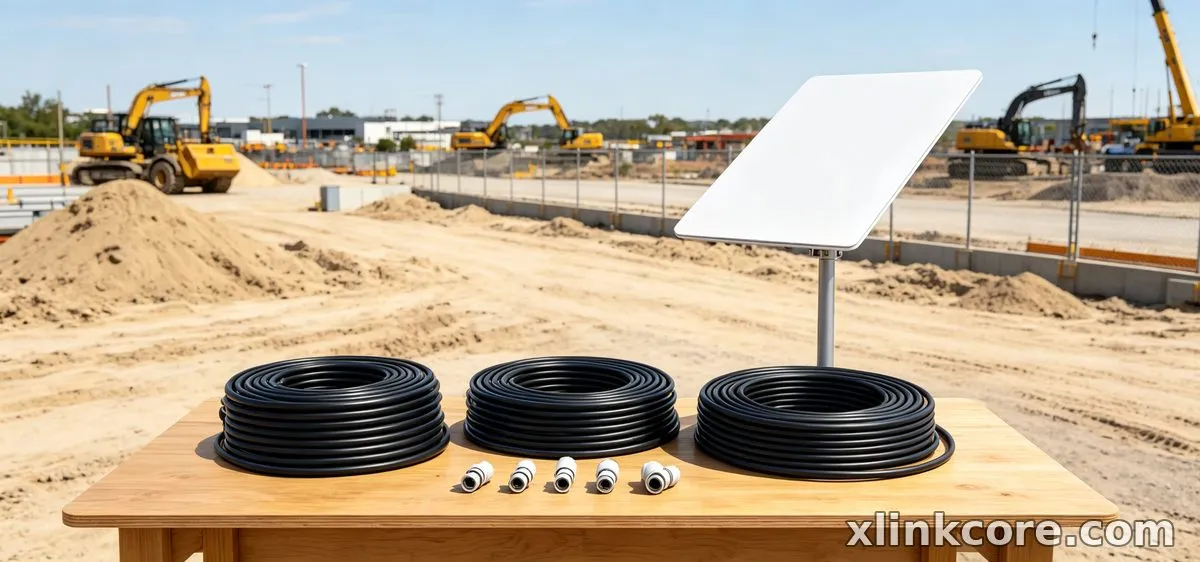
Treat this as a shopping list: each row is a complete combination that Starlink Network Accessories supplies as a matching set.
| Situation | Mount | Cable | Power |
|---|---|---|---|
| First fixed Standard install | Fixed wall or short mast | Measured length plus slack | Stock AC supply |
| Older dish upgrade | Swappable-adapter mount | New-generation connector | Dish-matched supply |
| Mini travel kit | Flat portable mount | Short cable | USB-C PD or 12V |
| Complete kit buyer | Kit-specific mount | Kit-matched cable | Kit-matched supply |
| Expanding working setup | Same mount family | Same connector generation | Same supply type |
| Winter spares | Spare hardware | One spare cable | Spare power supply |
The Two Mistakes That Cost the Most
Buying a Mount for the Wrong Dish Generation
Mount interfaces differ between generations, and a bracket that fits one dish will not lock another however similar the pole looks. Buyers usually find out after the mount is on the roof, when the dish either will not seat or sits at an angle that hurts performance. The fix is to confirm the dish generation before ordering and choose a swappable-adapter mount whenever the generation is uncertain. Reviewing the [mounts](/mounts/) range by generation takes two minutes and prevents the entire problem.
Sizing the Cable Without the Vertical Drop
The measured horizontal run is never the cable length. Add the drop from roof to entry point, the rise or fall inside the building, the bend at each corner, and at least a metre of slack at both ends. A run that measures twelve metres along the ground is routinely sixteen metres of cable, and a short cable cannot be extended outdoors without adding a joint. Write the number down, round up to the next available length, and never plan a joint in a wet location.
How Shenzhen Starlink Network Accessories Co., Ltd. Covers These Scenarios
Shenzhen Starlink Network Accessories Co., Ltd. builds the XLinkCore range so these combinations can be bought as sets rather than assembled from mismatched parts. Founded in August 2024, the company now runs more than 80 models across mounts, cables, power supplies and adapters, produced in a 5,000 m2 factory with 25 injection molding machines and 15 welding machines and supported by 200 patented molds that keep fitment consistent between runs. Monthly output of 400,000–600,000 units and annual export value of roughly 20–30 million USD keep the range stocked rather than made to order, and every XLinkCore product line is certified 3C / CE / FCC / PSE for the markets it ships to. For related guidance, see the full XLinkCore product range.
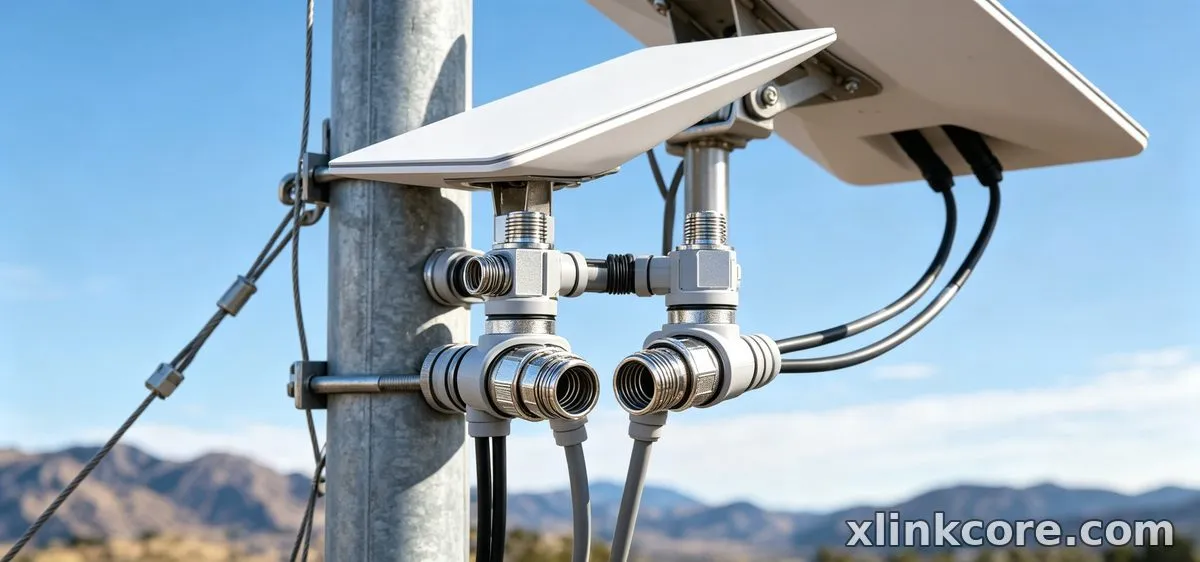
The mapping is direct: XLinkCore mounts cover fixed wall, mast, roof and portable Mini brackets; XLinkCore power supplies cover 12V DC, AC and USB-C PD for the same dishes; XLinkCore cables and entry kits cover the connector generations; and Starlink Network Accessories' spares cover clips, glands, hardware and sealant. Mounts are offered in swappable-adapter versions so a later dish upgrade does not force a full re-install, and the XLinkCore brand is sold in the lengths real installations actually use. Starlink Network Accessories also publishes model-by-model compatibility notes and a [power](/power/) selection guide, which is the practical answer to how to choose Starlink accessories without guessing. For related guidance, see Starlink accessory buying guides.
Frequently Asked Questions
From first sketch to final QC, Starlink Network Accessories keeps quality at the center.
Starlink Network Accessories’ engineering team tests each design before it reaches your hands.
What accessories do I need for a fixed Standard dish at home?
A fixed wall or short mast mount, one cable in the correct connector type with slack at both ends, the stock power supply and an entry cover with clips. That set covers the whole install; anything else is an upgrade rather than a requirement.
Can I reuse accessories if I move the dish to a new place?
Usually the mount and entry hardware transfer, but check the cable length first — the most common surprise is a run that was generous at the old site and is short at the new one. Spare parts from Starlink Network Accessories are sold individually, so you can extend the kit without re-buying the mount.
Which Starlink cable do I need for a Mini?
A short cable with the Mini's connector, matched to the distance from dish to power source — often under three metres. Long runs cost voltage and defeat the point of a portable setup.
What should I buy first on a tight budget?
The mount, because it decides whether the dish is stable and whether the entry can be sealed. Buy the cable second, sized properly, then add power and protection as budget allows; XLinkCore mount kits make that first step simple.
Need the Right Accessories for Your Setup?
Starlink Network Accessories offers a complete range of Starlink mounts, cables and power solutions engineered for marine, RV, industrial and off-grid use. Contact our team for bulk orders or custom OEM/ODM solutions.
Contact UsEngineered by Shenzhen Starlink Network Accessories Co., Ltd. — Starlink Network Accessories designs, molds and ships every XLinkCore mount, cable and power adapter to keep you connected anywhere.
