Service
Choosing Starlink Cables and Mounts: Buyer's Checklist
💡 In This Article
- ▶Match the Accessory to Your Dish Version First
- ▶Which Starlink Cable Do I Need?
- ▶Starlink Standard 4 Cable Length: Plan the Real Route
Most Starlink accessory mistakes happen before anyone opens a product page. Standard 4, Standard 4X and V5 dishes look nearly identical from across a roof, yet their connectors, cable retention and mounting geometry are not interchangeable. Before you compare mounts or cables, confirm your generation: the differences between Standard 4 vs 4X vs V5 decide which connector housing fits, how much clearance the mast bracket needs, and whether a flat-mount plate will sit flush. Guidance from Shenzhen Starlink Network Accessories Co., Ltd. is simple on this point — match the version first, then shop.Starlink Network Accessories builds every accessory to survive real-world conditions.

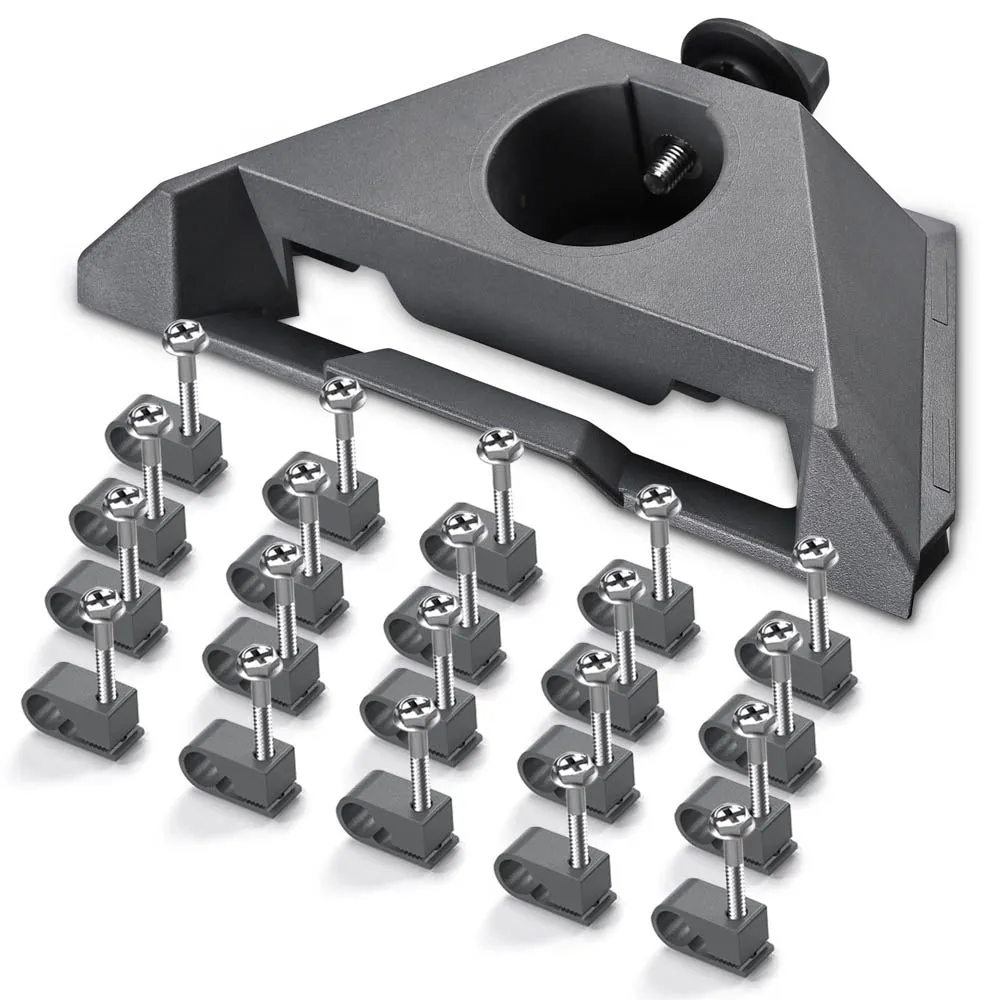
Match the Accessory to Your Dish Version First
A thirty-second check saves a return: read the label on the dish, note the router model, and photograph the cable connector before ordering. If you cannot identify the generation, send that photo to the seller before checkout. Version-specific fit notes are collected on our Standard 4 accessories page.
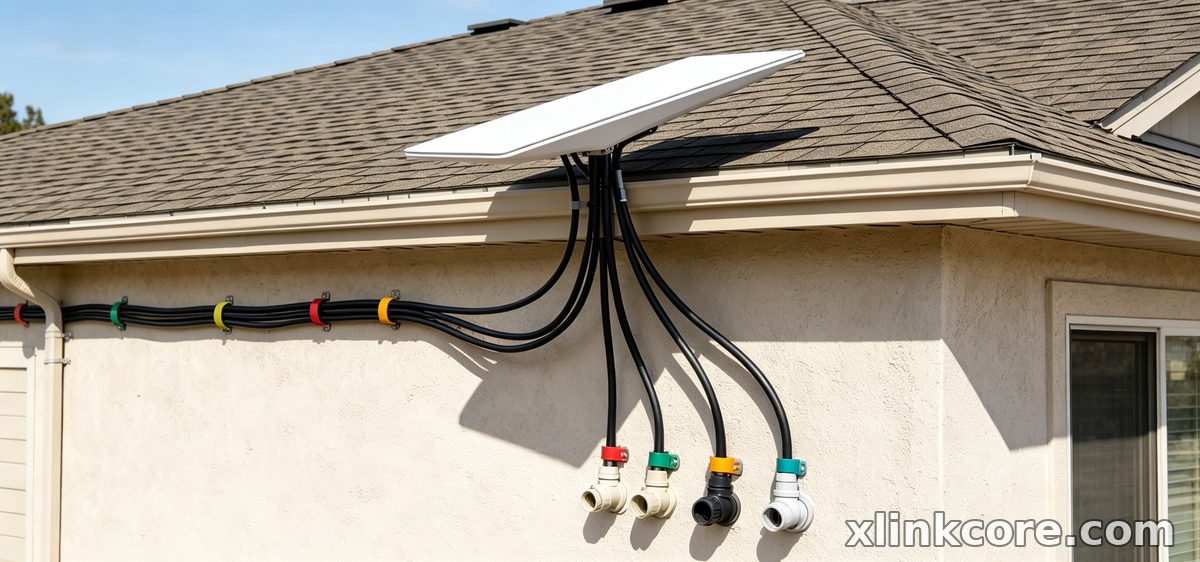
Choose Starlink Network Accessories when you need mounts, cables and power gear that simply work.
Which Starlink Cable Do I Need?
This question dominates every starlink cable buying guide, and the answer comes down to three variables: connector type, run length and environment.
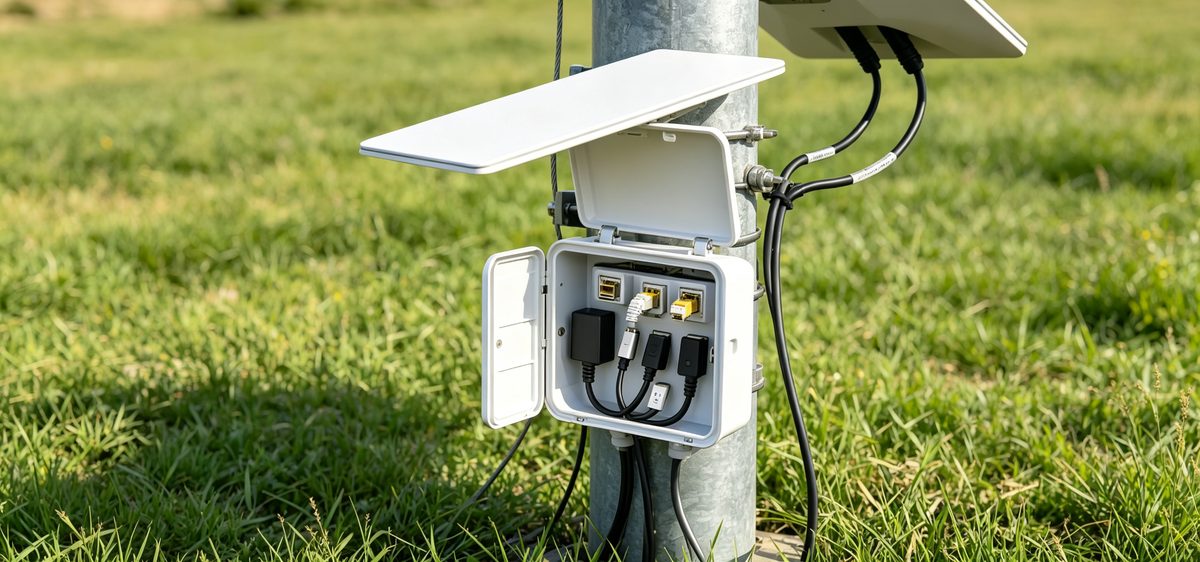
✓Connector: the plug must match your dish generation exactly. Adapters exist, but each extra joint outdoors adds a failure point.✓Length: measure the real route — dish to entry point, along the wall, down to the router — then add 10-15% slack for bends and service loops.✓Environment: UV exposure, salt spray, abrasion against roof edges and repeated flexing at the mast all shorten cable life.For replacements and spares, Starlink Network Accessories stocks cables built around those three checks rather than a single generic length.
Starlink Standard 4 Cable Length: Plan the Real Route
Ask about Starlink Standard 4 cable length and most people quote a factory figure. That number rarely matches the installation. A clean run includes the vertical drop from the mast, the horizontal path to the wall entry, the interior route to the router, and a service loop at both ends. Measure with a tape, not by eye, and write the total down before ordering.
Two habits prevent problems. First, avoid coiling surplus cable tightly — a loose loop handles heat and water better than a tight spool. Second, keep the connector dry during installation, because moisture trapped at the plug is the most common cause of intermittent drops. XLinkCore cable assemblies from Starlink Network Accessories use sealed connectors and strain relief at the plug, which matters more than a few extra metres of length.
Starlink Mount Comparison: Roof, Pole, Wall and Flat
A starlink mount buying guide gets simple once you list your constraints: surface type, wind load, snow, adjustability and cable entry.
✓Roof mounts suit pitched shingle and metal roofs; look for wide base plates and sealed fastening points.✓Pole and mast mounts work where roof penetration is unwanted, but need a rigid pole and the correct clamp diameter.✓Wall mounts keep the dish low and accessible, useful where roof access is difficult.✓Flat and adjustable mounts handle RVs, boats and sites where the dish must be raised, tilted or stowed quickly.Whatever you choose, verify three things: mast diameter, the dish generation it accepts, and whether the bracket includes a cable management path. XLinkCore mounts are designed around exactly those points, and Starlink Network Accessories groups the full range by surface type in our mounts catalogue.
Mini, Enterprise and Mobile Kits Need Different Parts
Starlink Mini accessories are a separate buying decision. The Mini is smaller, lighter and often paired with a DC or USB-C source, so mounts, short cables and adapters made for Standard dishes do not transfer cleanly. Enterprise hardware follows its own mounting and cabling logic.
If you are building a mobile or off-grid kit, fix the power source first — 12V DC, PoE or USB-C PD — then choose mount and cable to match. Our power accessories section covers the adapter side, while Mini and Enterprise hardware from Starlink Network Accessories is grouped separately for easier matching.
How to Choose Starlink Accessories That Last
When comparing brands, ignore the marketing photos and check four things instead:
✓Materials: UV-stabilised plastic, stainless fasteners and marine-grade finishes for coastal use.✓Certification: look for 3C, CE, FCC or PSE marks on electrical parts.✓Tolerances: does the mount truly clamp your mast, or does it rely on shims?✓Spares: can you buy a replacement cable or bracket later?Starlink Network Accessories publishes these details per product family, so buyers can compare like for like instead of by price alone. The best Starlink accessories are the ones that still fit and still seal after two winters. XLinkCore products are developed against real dish dimensions rather than approximations.
The Manufacturing Detail Behind the Parts
Fit and finish do not happen by accident. Shenzhen Starlink Network Accessories Co., Ltd. was founded in August 2024 and now runs a product line of more than 80 models from a 5,000 m2 factory equipped with 25 injection molding machines and 15 welding machines. Monthly production capacity sits between 400,000 and 600,000 units, and electrical products carry 3C, CE, FCC and PSE certification.
That scale is why the XLinkCore brand can keep connector geometry consistent across dish generations instead of offering one-off brackets. Every XLinkCore product is engineered against measured dish dimensions, and the tooling is owned rather than outsourced — Starlink Network Accessories' 200 patented molds cover the mounts, adapters and cable assemblies sold under the XLinkCore name.
Your Pre-Purchase Checklist
From first sketch to final QC, Starlink Network Accessories keeps quality at the center.
Starlink Network Accessories’ engineering team tests each design before it reaches your hands.
Before checkout, confirm the dish generation, measure the full cable route, match the mount to your surface and wind exposure, and lock in the power source you intend to use. Buying from a manufacturer that documents those details — such as Shenzhen Starlink Network Accessories Co., Ltd. through the XLinkCore brand — keeps returns rare. Browse the full buying guides index for version-specific checklists, and treat every Starlink accessories purchase as a fit question, not a price question.
Need the Right Accessories for Your Setup?
Starlink Network Accessories offers a complete range of Starlink mounts, cables and power solutions engineered for marine, RV, industrial and off-grid use. Contact our team for bulk orders or custom OEM/ODM solutions.
Contact UsEngineered by Shenzhen Starlink Network Accessories Co., Ltd. — Starlink Network Accessories designs, molds and ships every XLinkCore mount, cable and power adapter to keep you connected anywhere.
💡 In This Article
- ▶Match the Accessory to Your Dish Version First
- ▶Which Starlink Cable Do I Need?
- ▶Starlink Standard 4 Cable Length: Plan the Real Route
Most Starlink accessory mistakes happen before anyone opens a product page. Standard 4, Standard 4X and V5 dishes look nearly identical from across a roof, yet their connectors, cable retention and mounting geometry are not interchangeable. Before you compare mounts or cables, confirm your generation: the differences between Standard 4 vs 4X vs V5 decide which connector housing fits, how much clearance the mast bracket needs, and whether a flat-mount plate will sit flush. Guidance from Shenzhen Starlink Network Accessories Co., Ltd. is simple on this point — match the version first, then shop.
Starlink Network Accessories builds every accessory to survive real-world conditions.
Match the Accessory to Your Dish Version First
A thirty-second check saves a return: read the label on the dish, note the router model, and photograph the cable connector before ordering. If you cannot identify the generation, send that photo to the seller before checkout. Version-specific fit notes are collected on our Standard 4 accessories page.
Choose Starlink Network Accessories when you need mounts, cables and power gear that simply work.
Which Starlink Cable Do I Need?
This question dominates every starlink cable buying guide, and the answer comes down to three variables: connector type, run length and environment.
✓Connector: the plug must match your dish generation exactly. Adapters exist, but each extra joint outdoors adds a failure point.
✓Length: measure the real route — dish to entry point, along the wall, down to the router — then add 10-15% slack for bends and service loops.
✓Environment: UV exposure, salt spray, abrasion against roof edges and repeated flexing at the mast all shorten cable life.
For replacements and spares, Starlink Network Accessories stocks cables built around those three checks rather than a single generic length.
Starlink Standard 4 Cable Length: Plan the Real Route
Ask about Starlink Standard 4 cable length and most people quote a factory figure. That number rarely matches the installation. A clean run includes the vertical drop from the mast, the horizontal path to the wall entry, the interior route to the router, and a service loop at both ends. Measure with a tape, not by eye, and write the total down before ordering.
Two habits prevent problems. First, avoid coiling surplus cable tightly — a loose loop handles heat and water better than a tight spool. Second, keep the connector dry during installation, because moisture trapped at the plug is the most common cause of intermittent drops. XLinkCore cable assemblies from Starlink Network Accessories use sealed connectors and strain relief at the plug, which matters more than a few extra metres of length.
Starlink Mount Comparison: Roof, Pole, Wall and Flat
A starlink mount buying guide gets simple once you list your constraints: surface type, wind load, snow, adjustability and cable entry.
✓Roof mounts suit pitched shingle and metal roofs; look for wide base plates and sealed fastening points.
✓Pole and mast mounts work where roof penetration is unwanted, but need a rigid pole and the correct clamp diameter.
✓Wall mounts keep the dish low and accessible, useful where roof access is difficult.
✓Flat and adjustable mounts handle RVs, boats and sites where the dish must be raised, tilted or stowed quickly.
Whatever you choose, verify three things: mast diameter, the dish generation it accepts, and whether the bracket includes a cable management path. XLinkCore mounts are designed around exactly those points, and Starlink Network Accessories groups the full range by surface type in our mounts catalogue.
Mini, Enterprise and Mobile Kits Need Different Parts
Starlink Mini accessories are a separate buying decision. The Mini is smaller, lighter and often paired with a DC or USB-C source, so mounts, short cables and adapters made for Standard dishes do not transfer cleanly. Enterprise hardware follows its own mounting and cabling logic.
If you are building a mobile or off-grid kit, fix the power source first — 12V DC, PoE or USB-C PD — then choose mount and cable to match. Our power accessories section covers the adapter side, while Mini and Enterprise hardware from Starlink Network Accessories is grouped separately for easier matching.
How to Choose Starlink Accessories That Last
When comparing brands, ignore the marketing photos and check four things instead:
✓Materials: UV-stabilised plastic, stainless fasteners and marine-grade finishes for coastal use.
✓Certification: look for 3C, CE, FCC or PSE marks on electrical parts.
✓Tolerances: does the mount truly clamp your mast, or does it rely on shims?
✓Spares: can you buy a replacement cable or bracket later?
Starlink Network Accessories publishes these details per product family, so buyers can compare like for like instead of by price alone. The best Starlink accessories are the ones that still fit and still seal after two winters. XLinkCore products are developed against real dish dimensions rather than approximations.
The Manufacturing Detail Behind the Parts
Fit and finish do not happen by accident. Shenzhen Starlink Network Accessories Co., Ltd. was founded in August 2024 and now runs a product line of more than 80 models from a 5,000 m2 factory equipped with 25 injection molding machines and 15 welding machines. Monthly production capacity sits between 400,000 and 600,000 units, and electrical products carry 3C, CE, FCC and PSE certification.
That scale is why the XLinkCore brand can keep connector geometry consistent across dish generations instead of offering one-off brackets. Every XLinkCore product is engineered against measured dish dimensions, and the tooling is owned rather than outsourced — Starlink Network Accessories' 200 patented molds cover the mounts, adapters and cable assemblies sold under the XLinkCore name.
Your Pre-Purchase Checklist
From first sketch to final QC, Starlink Network Accessories keeps quality at the center.
Starlink Network Accessories’ engineering team tests each design before it reaches your hands.
Before checkout, confirm the dish generation, measure the full cable route, match the mount to your surface and wind exposure, and lock in the power source you intend to use. Buying from a manufacturer that documents those details — such as Shenzhen Starlink Network Accessories Co., Ltd. through the XLinkCore brand — keeps returns rare. Browse the full buying guides index for version-specific checklists, and treat every Starlink accessories purchase as a fit question, not a price question.
Need the Right Accessories for Your Setup?
Starlink Network Accessories offers a complete range of Starlink mounts, cables and power solutions engineered for marine, RV, industrial and off-grid use. Contact our team for bulk orders or custom OEM/ODM solutions.
Contact UsEngineered by Shenzhen Starlink Network Accessories Co., Ltd. — Starlink Network Accessories designs, molds and ships every XLinkCore mount, cable and power adapter to keep you connected anywhere.
