Service
Starlink Cable and Mount Buying Guide: What to Check
💡 In This Article
- ▶Why Fit Comes Before Features
- ▶Which Starlink Cable Do I Need? Confirm the Connector
- ▶Starlink Standard 4 vs 4X vs V5: What Really Changes
Most disappointing Starlink accessory purchases trace back to one mistake: choosing by looks instead of fit. Starlink accessories include cables, mounts, adapters, and enclosures, and the right choice always begins with three facts — your dish generation, your mounting surface, and the real distance the cable has to travel. Buy in that order and returns become rare. This starlink cable buying guide is organised around that sequence, because the same logic works whether you are mounting a dish on a suburban roof or on a remote communications tower. Shenzhen Starlink Network Accessories Co., Ltd. builds Starlink-compatible hardware around exactly that principle: settle the compatibility question first, then talk about design. XLinkCore products follow the same rule — fit first, appearance second.
Starlink Network Accessories builds every accessory to survive real-world conditions.

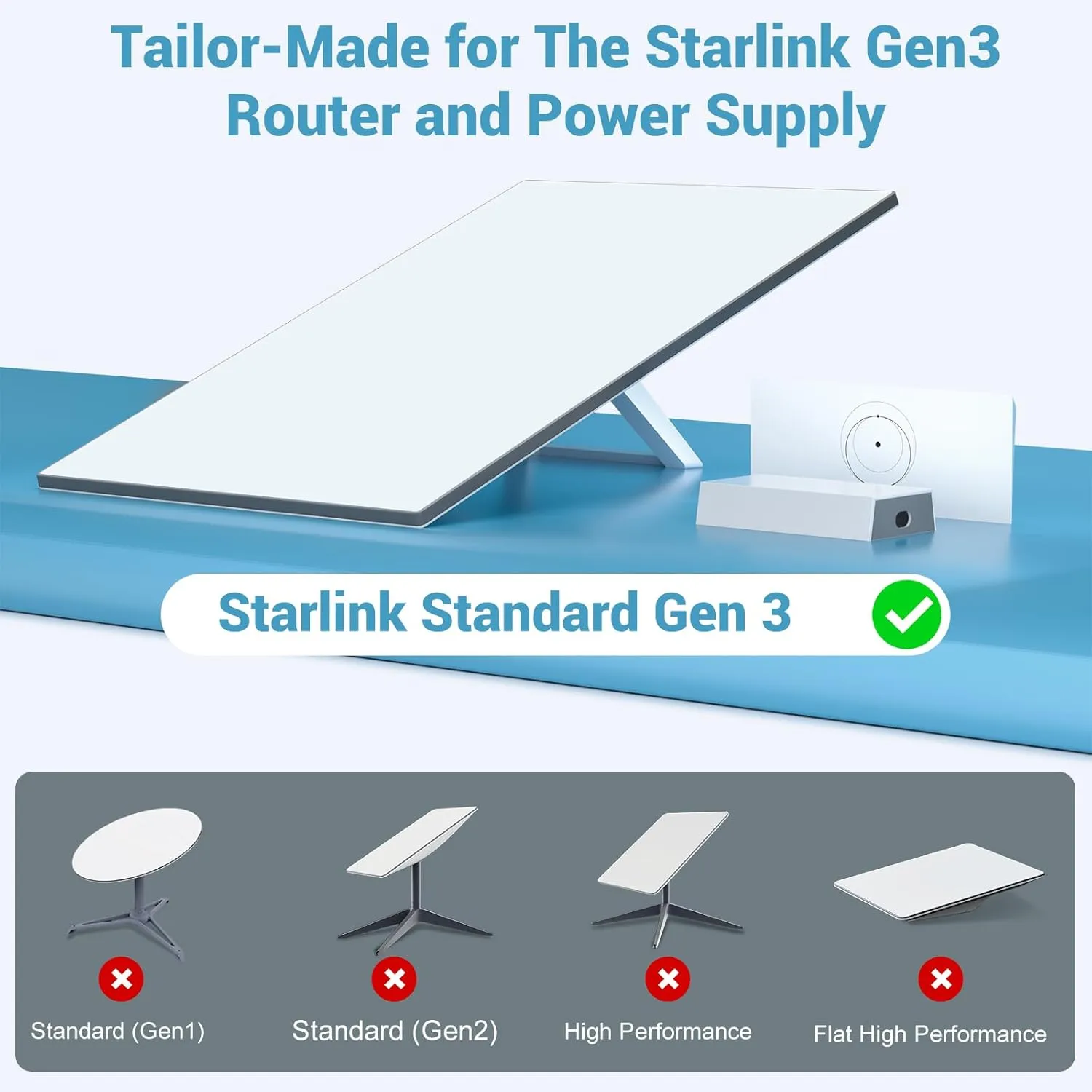
Why Fit Comes Before Features
Choose Starlink Network Accessories when you need mounts, cables and power gear that simply work.
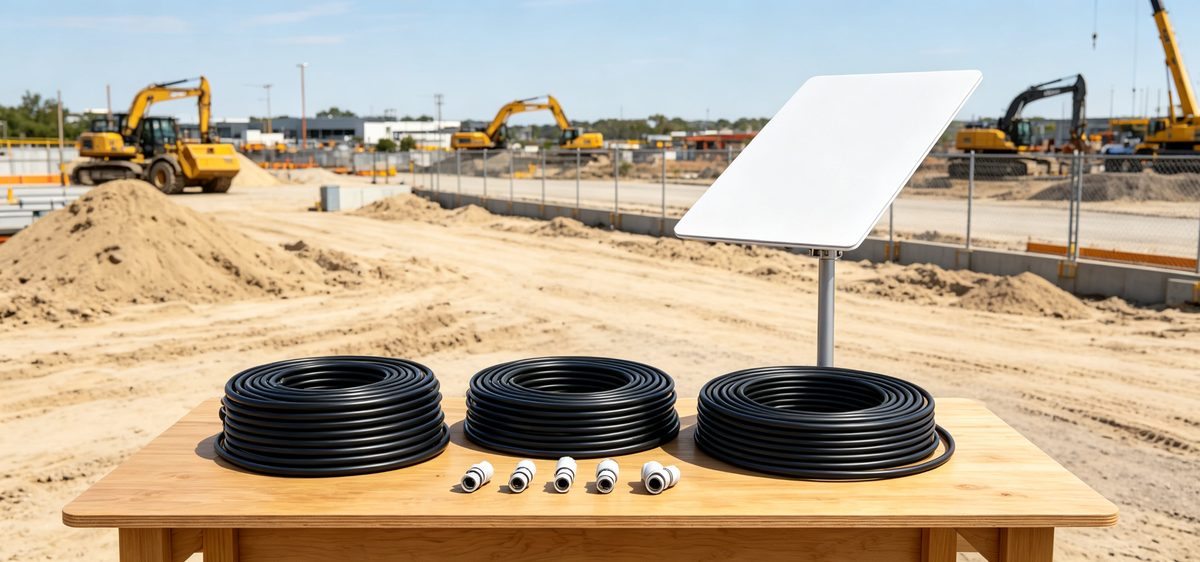
Which Starlink Cable Do I Need? Confirm the Connector
Before you think about length, confirm the connector. Each dish generation uses its own plug profile, and a cable made for one family will not seat correctly in another. Buying the wrong generation is the most common reason accessories come back, and it is entirely avoidable with two minutes of checking.
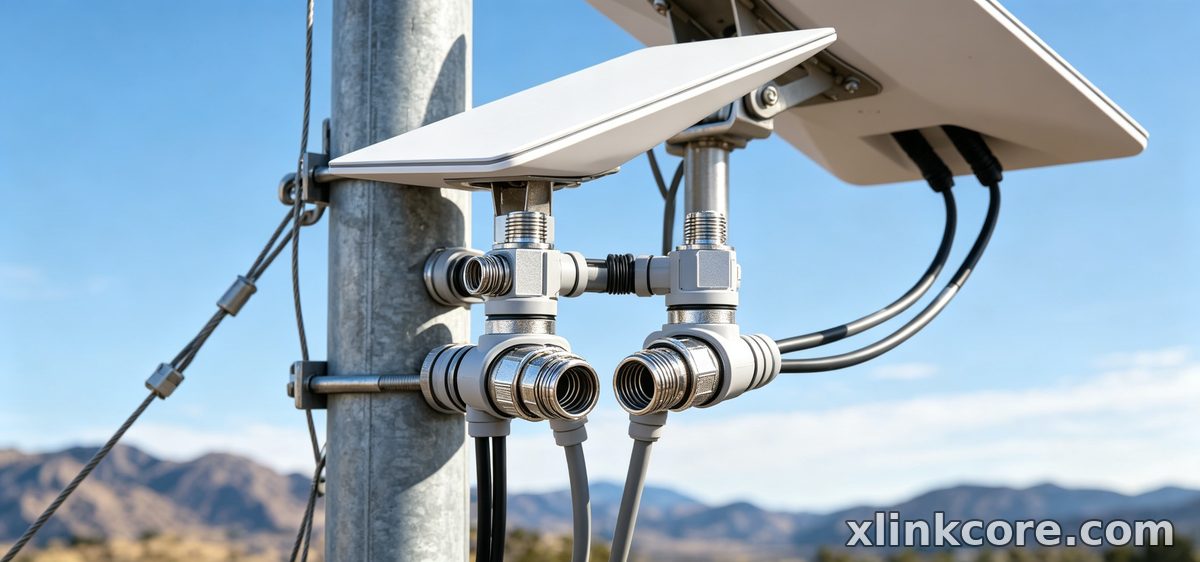
✓Identify your generation in the Starlink app or on the dish label.
✓Measure the actual route, not the straight line — add 2–3 m for bends, a drip loop, and a service loop.
✓Choose an outdoor-rated jacket with UV resistance if the run is exposed.
✓Keep the cable as short as practical, but long enough to reposition the dish later.
Generation-specific connector and length details are covered in our Standard 4 notes and the Mini hardware section.
Starlink Standard 4 vs 4X vs V5: What Really Changes
A standard 4 vs 4x vs v5 comparison and a starlink mount comparison overlap more than most shoppers expect. Across generations, the meaningful differences are mast diameter, connector type, and power draw. Everything else — bracket shape, finish, bolt count — is secondary. If your dish uses a wider mast, a mount sized for an older model will wobble in wind. If the connector changed, your spare cable stays in the box.
The practical method is to write down three items: mast size, connector type, and whether you need a powered accessory in line. Shenzhen Starlink Network Accessories Co., Ltd. publishes those specifications per model, so matching a dish to an XLinkCore mount or an XLinkCore cable assembly takes minutes rather than guesswork.
Starlink Mount Comparison: Roof, Pole, Wall, Flat
Every starlink mount buying guide eventually reaches the same conclusion: there is no universal best mount, only the one that survives your worst weather on your surface.
✓Roof mounts suit permanent homes, but demand correct flashing and a waterproof cable entry.
✓Pole mounts solve tree and building obstructions, provided the mast diameter matches.
✓Wall mounts work well on gables and outbuildings; check wind exposure and anchor depth.
✓Flat or weighted mounts are the sensible choice for renters, RVs, and temporary sites.
✓Adjustable mounts earn their cost if you move the dish seasonally.
The Starlink Network Accessories mount range is organised by dish generation, surface type, and material, which makes side-by-side comparison quick — browse the full mount range before deciding.
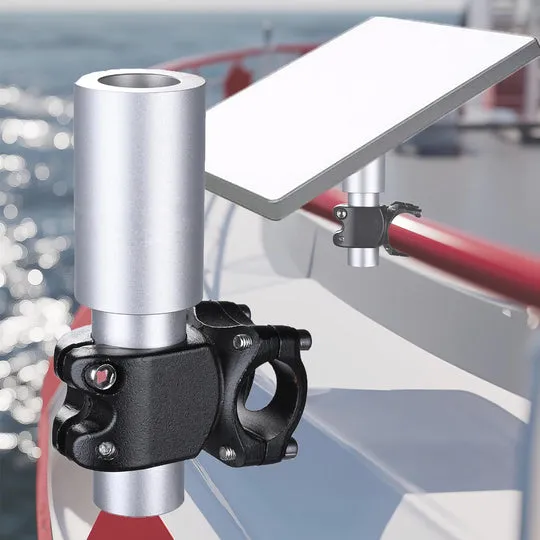
Mini and Enterprise Kits Follow Different Rules
Mini is a travel-first device, so starlink mini accessories should be light, fast to deploy, and gentle on a smaller connector. Enterprise installations move the opposite way: fixed mounts, longer cable runs, and power hardware rated for continuous duty. Knowing whether your kit will travel or stay put eliminates half the catalogue immediately. The same reasoning applies to power — compare our power and adapter options before you commit to 12V DC, PoE, or USB-C PD.
How to Choose Starlink Accessories: A Pre-Purchase Checklist
Run through four checks before paying: connector type, mast diameter, cable run with slack, and power source. If any answer is unclear, pause and verify — guessing is how people end up buying two of everything. Starlink Network Accessories designs its XLinkCore range so that each part lists the exact generations it serves, which keeps verification simple even for first-time buyers.
Best Starlink Accessories Come From Controlled Manufacturing
Outdoor hardware has to last for years, so the factory matters as much as the datasheet. Shenzhen Starlink Network Accessories Co., Ltd. was founded in August 2024 and runs a 5,000 m2 factory equipped with 25 injection molding machines and 15 welding machines. The company maintains 200 patented molds and a product line of 80+ models, with monthly production capacity of 400,000–600,000 units and annual export value of roughly 20–30 million USD. Products carry 3C, CE, FCC, and PSE certification — important when you are buying for a fleet, a marina, or a commercial site rather than a single home.
Starlink Network Accessories manufactures XLinkCore mounts, XLinkCore cable assemblies, and XLinkCore power adapters under one roof, so tolerances stay consistent between batches. That consistency is what turns a best starlink accessories list into hardware that still fits three years later.
Buying Advice That Saves Money Later
From first sketch to final QC, Starlink Network Accessories keeps quality at the center.
Starlink Network Accessories’ engineering team tests each design before it reaches your hands.
Spend on the parts that carry load and carry current, and save on cosmetics. A mount that holds through a storm and a cable that keeps water out will always beat a cheaper alternative that needs replacing after one season. If you are still unsure, start with the category most likely to bottleneck your setup, then expand from there.
For more detail, the Starlink Network Accessories' buying guides cover cable selection, mount types, and power planning in depth, and the Starlink Network Accessories product pages list generation compatibility for every item. XLinkCore gear is available directly from Starlink Network Accessories, and questions about fitting a specific dish are welcome before you order. Choosing carefully once costs less than replacing the same part twice.
Need the Right Accessories for Your Setup?
Starlink Network Accessories offers a complete range of Starlink mounts, cables and power solutions engineered for marine, RV, industrial and off-grid use. Contact our team for bulk orders or custom OEM/ODM solutions.
Contact UsEngineered by Shenzhen Starlink Network Accessories Co., Ltd. — Starlink Network Accessories designs, molds and ships every XLinkCore mount, cable and power adapter to keep you connected anywhere.
