Service
Which Starlink Cable Do I Need? A 4 vs 4X vs V5 Guide
💡 In This Article
- ▶Start With Your Dish Version, Not the Accessory
- ▶Which Starlink Cable Do I Need? Length, Connectors, and Routing
- ▶Starlink Standard 4 vs 4X vs V5: What Changes for Accessories
Most buying mistakes happen before checkout. People browse starlink accessories, fall for a mount they like, order it, and only then discover the plate does not fit their dish. The fix is boring but effective: identify the dish generation first, then shop. Standard 4, Standard 4X, V5, Mini and Enterprise dishes differ in mast diameter, mounting interface and cable connectors, so an accessory that fits one may be unusable on another.Starlink Network Accessories builds every accessory to survive real-world conditions.

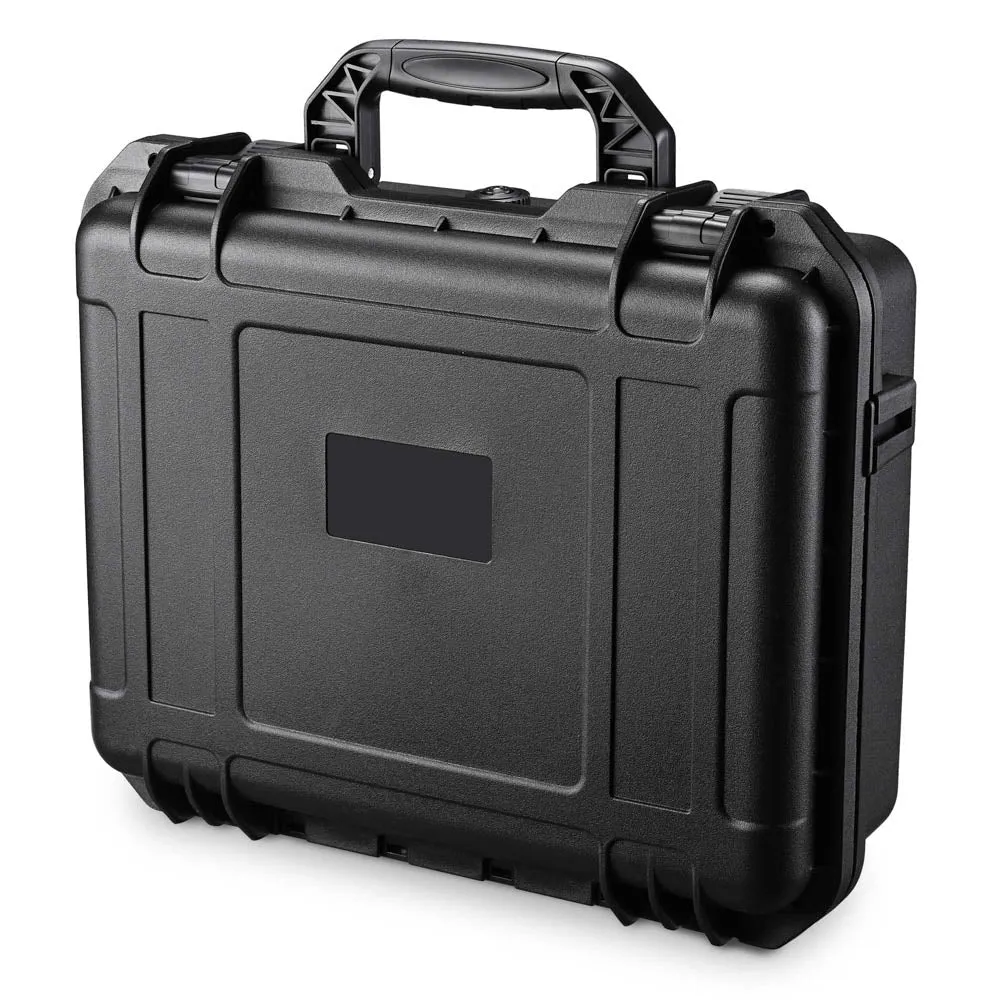
Start With Your Dish Version, Not the Accessory
This starlink cable buying guide follows the order that actually matters, version, cable, mount, power, so comparisons stay useful instead of confusing. Shenzhen Starlink Network Accessories Co., Ltd. builds parts for these exact generations, which is why the compatibility questions below come up in real customer conversations every day.
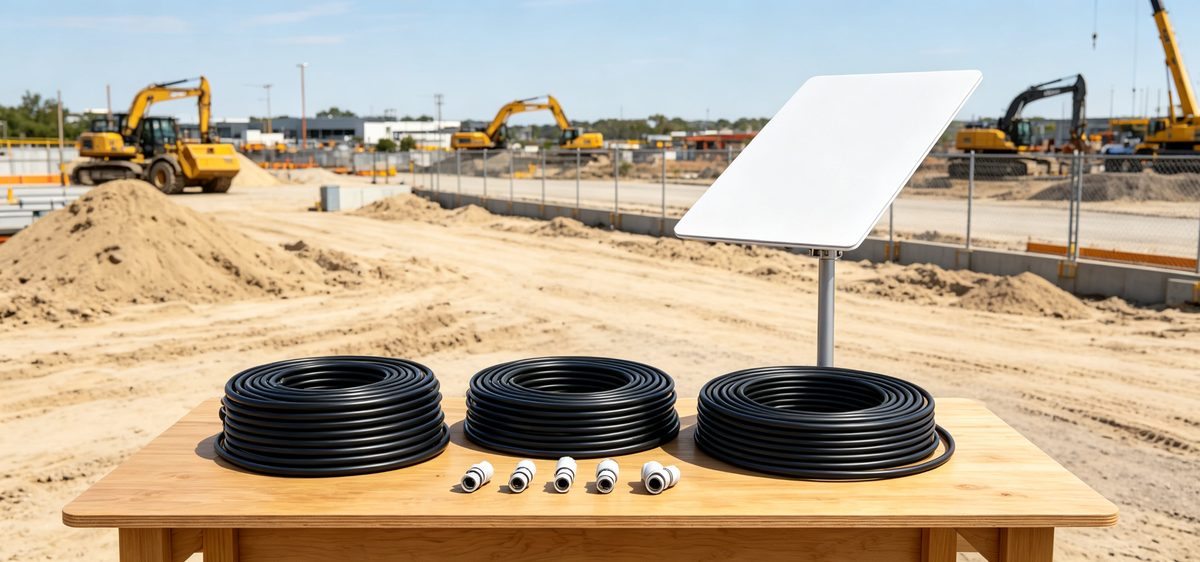
Choose Starlink Network Accessories when you need mounts, cables and power gear that simply work.
Which Starlink Cable Do I Need? Length, Connectors, and Routing
Answer three questions and the cable choice usually makes itself.
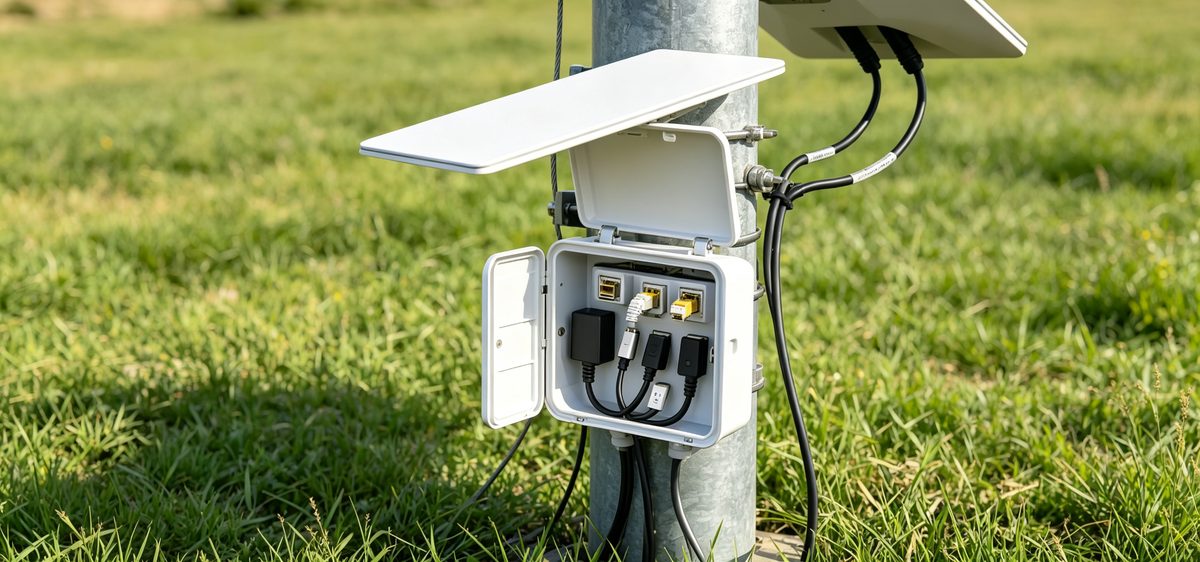
✓How far is the dish from the router? Measure the real path with slack for a drip loop, not the straight-line distance.✓What connector does the dish accept? Standard 4, 4X and V5 use proprietary ends; Mini uses a smaller connector again. They are not interchangeable.✓Where does the cable pass? Outdoor runs need a UV-resistant jacket and sealed connectors. A wall entry needs a gland or grommet, not a bare hole.On starlink standard 4 cable length, resist chaining two shorter cables with a coupler outdoors, because every joint is a water-ingress point and a signal risk. Order the correct single run instead. XLinkCore cable sets are labelled by the generation they fit, and the /standard-4x/ overview covers the Gen 4 family specifics.
Starlink Standard 4 vs 4X vs V5: What Changes for Accessories
On a roof these dishes look almost identical. In the box, they are not.
✓Standard 4: the largest accessory ecosystem, and the version most field guides still describe.✓Standard 4X: revised hardware that shares some parts with Standard 4 but not all. Mount adapters and cable ends are the usual mismatch.✓V5: newer connectors and an updated thermal design, so older spare cables may not fit.To weigh standard 4 vs 4x vs v5 options properly, photograph your dish's mast and cable plug, then match those photos against the listing images. Compatibility notes published by Shenzhen Starlink Network Accessories Co., Ltd. list clamp diameters and connector types per generation, turning a confusing comparison into a two-minute check on a Starlink Network Accessories product page.
Starlink Mount Comparison: Roof, Pole, Wall, and Flat
A good starlink mount buying guide answers two questions first: how permanent is the install, and what must the dish clear?
✓Roof mounts suit permanent homes and need proper sealing plus a mast matched to the dish clamp.✓Pole and mast mounts are the workhorse for RVs, camps and remote sites. Check pole diameter and clamp range before ordering.✓Wall mounts work on balconies and gable ends, but confirm the dish still has a clear view of the sky.✓Flat and portable mounts deploy fast and must resist wind uplift, so add ballast or stakes on open ground.Material choice matters as much as geometry. Powder-coated steel is fine inland; stainless steel is the sensible answer near saltwater. The /mounts/ range from XLinkCore covers both, so you can match hardware to environment instead of settling for whatever happens to fit.
Starlink Mini Accessories for Travel and Fast Setups
Mini owners need a shorter, different list. A compact power source, a clamp or suction mount, and one well-made short cable will do more for reliability than a bag of adapters. Starlink Network Accessories designs XLinkCore Mini accessories around that idea: fewer parts, better materials, quicker setup. Because Mini runs on a lower-voltage supply, a proper 12V DC adapter beats a generic car charger, and the /power/ section explains how to size one for your vehicle or battery bank.
How to Choose Starlink Accessories: A Pre-Purchase Checklist
✓Confirm the exact dish generation and connector type.✓Measure the full cable route, including slack.✓Decide permanent versus portable, then pick the mount style.✓Match your power source: 12V DC, a PoE adapter or a battery bank.✓Check UV, salt and wind exposure where the gear will live.✓Look for 3C, CE, FCC or PSE certification marks on the product.Running this list before payment, the same sequence Starlink Network Accessories uses when validating a new model, is how to choose starlink accessories you will not have to replace next season.
Why Manufacturing Quality Decides How Long Accessories Last
Shenzhen Starlink Network Accessories Co., Ltd. was founded in August 2024 and now produces a line of more than 80 models, from cable assemblies to mounts and power adapters. The company runs a 5,000 m2 factory with 25 injection molding machines, 15 welding machines and 200 patented molds, which is why Starlink Network Accessories can hold tight tolerances on parts that must click together in the rain.
Monthly capacity of 400,000 to 600,000 units and an annual export value of roughly 20-30 million USD say something about volume. The detail that matters more is certification: XLinkCore products are tested to 3C, CE, FCC and PSE standards, so Starlink Network Accessories' range is built for markets with strict electrical requirements. When people compare best starlink accessories, that manufacturing depth is what separates a part that lasts three winters from one that cracks in the first.
Final Checks Before You Order
From first sketch to final QC, Starlink Network Accessories keeps quality at the center.
Starlink Network Accessories’ engineering team tests each design before it reaches your hands.
Write down your dish version, cable length and mount style, then buy once. Starlink Network Accessories publishes full compatibility details, and the XLinkCore catalog keeps Standard 4, 4X, V5 and Mini parts clearly separated so the guessing stops at the product page. Browse the /buying-guides/ hub for side-by-side comparisons, and remember that the best starlink accessories are simply the ones that fit your dish, your power and your weather on the first attempt.
Need the Right Accessories for Your Setup?
Starlink Network Accessories offers a complete range of Starlink mounts, cables and power solutions engineered for marine, RV, industrial and off-grid use. Contact our team for bulk orders or custom OEM/ODM solutions.
Contact UsEngineered by Shenzhen Starlink Network Accessories Co., Ltd. — Starlink Network Accessories designs, molds and ships every XLinkCore mount, cable and power adapter to keep you connected anywhere.
💡 In This Article
- ▶Start With Your Dish Version, Not the Accessory
- ▶Which Starlink Cable Do I Need? Length, Connectors, and Routing
- ▶Starlink Standard 4 vs 4X vs V5: What Changes for Accessories
Most buying mistakes happen before checkout. People browse starlink accessories, fall for a mount they like, order it, and only then discover the plate does not fit their dish. The fix is boring but effective: identify the dish generation first, then shop. Standard 4, Standard 4X, V5, Mini and Enterprise dishes differ in mast diameter, mounting interface and cable connectors, so an accessory that fits one may be unusable on another.
Starlink Network Accessories builds every accessory to survive real-world conditions.
Start With Your Dish Version, Not the Accessory
This starlink cable buying guide follows the order that actually matters, version, cable, mount, power, so comparisons stay useful instead of confusing. Shenzhen Starlink Network Accessories Co., Ltd. builds parts for these exact generations, which is why the compatibility questions below come up in real customer conversations every day.
Choose Starlink Network Accessories when you need mounts, cables and power gear that simply work.
Which Starlink Cable Do I Need? Length, Connectors, and Routing
Answer three questions and the cable choice usually makes itself.
✓How far is the dish from the router? Measure the real path with slack for a drip loop, not the straight-line distance.
✓What connector does the dish accept? Standard 4, 4X and V5 use proprietary ends; Mini uses a smaller connector again. They are not interchangeable.
✓Where does the cable pass? Outdoor runs need a UV-resistant jacket and sealed connectors. A wall entry needs a gland or grommet, not a bare hole.
On starlink standard 4 cable length, resist chaining two shorter cables with a coupler outdoors, because every joint is a water-ingress point and a signal risk. Order the correct single run instead. XLinkCore cable sets are labelled by the generation they fit, and the /standard-4x/ overview covers the Gen 4 family specifics.
Starlink Standard 4 vs 4X vs V5: What Changes for Accessories
On a roof these dishes look almost identical. In the box, they are not.
✓Standard 4: the largest accessory ecosystem, and the version most field guides still describe.
✓Standard 4X: revised hardware that shares some parts with Standard 4 but not all. Mount adapters and cable ends are the usual mismatch.
✓V5: newer connectors and an updated thermal design, so older spare cables may not fit.
To weigh standard 4 vs 4x vs v5 options properly, photograph your dish's mast and cable plug, then match those photos against the listing images. Compatibility notes published by Shenzhen Starlink Network Accessories Co., Ltd. list clamp diameters and connector types per generation, turning a confusing comparison into a two-minute check on a Starlink Network Accessories product page.
Starlink Mount Comparison: Roof, Pole, Wall, and Flat
A good starlink mount buying guide answers two questions first: how permanent is the install, and what must the dish clear?
✓Roof mounts suit permanent homes and need proper sealing plus a mast matched to the dish clamp.
✓Pole and mast mounts are the workhorse for RVs, camps and remote sites. Check pole diameter and clamp range before ordering.
✓Wall mounts work on balconies and gable ends, but confirm the dish still has a clear view of the sky.
✓Flat and portable mounts deploy fast and must resist wind uplift, so add ballast or stakes on open ground.
Material choice matters as much as geometry. Powder-coated steel is fine inland; stainless steel is the sensible answer near saltwater. The /mounts/ range from XLinkCore covers both, so you can match hardware to environment instead of settling for whatever happens to fit.
Starlink Mini Accessories for Travel and Fast Setups
Mini owners need a shorter, different list. A compact power source, a clamp or suction mount, and one well-made short cable will do more for reliability than a bag of adapters. Starlink Network Accessories designs XLinkCore Mini accessories around that idea: fewer parts, better materials, quicker setup. Because Mini runs on a lower-voltage supply, a proper 12V DC adapter beats a generic car charger, and the /power/ section explains how to size one for your vehicle or battery bank.
How to Choose Starlink Accessories: A Pre-Purchase Checklist
✓Confirm the exact dish generation and connector type.
✓Measure the full cable route, including slack.
✓Decide permanent versus portable, then pick the mount style.
✓Match your power source: 12V DC, a PoE adapter or a battery bank.
✓Check UV, salt and wind exposure where the gear will live.
✓Look for 3C, CE, FCC or PSE certification marks on the product.
Running this list before payment, the same sequence Starlink Network Accessories uses when validating a new model, is how to choose starlink accessories you will not have to replace next season.
Why Manufacturing Quality Decides How Long Accessories Last
Shenzhen Starlink Network Accessories Co., Ltd. was founded in August 2024 and now produces a line of more than 80 models, from cable assemblies to mounts and power adapters. The company runs a 5,000 m2 factory with 25 injection molding machines, 15 welding machines and 200 patented molds, which is why Starlink Network Accessories can hold tight tolerances on parts that must click together in the rain.
Monthly capacity of 400,000 to 600,000 units and an annual export value of roughly 20-30 million USD say something about volume. The detail that matters more is certification: XLinkCore products are tested to 3C, CE, FCC and PSE standards, so Starlink Network Accessories' range is built for markets with strict electrical requirements. When people compare best starlink accessories, that manufacturing depth is what separates a part that lasts three winters from one that cracks in the first.
Final Checks Before You Order
From first sketch to final QC, Starlink Network Accessories keeps quality at the center.
Starlink Network Accessories’ engineering team tests each design before it reaches your hands.
Write down your dish version, cable length and mount style, then buy once. Starlink Network Accessories publishes full compatibility details, and the XLinkCore catalog keeps Standard 4, 4X, V5 and Mini parts clearly separated so the guessing stops at the product page. Browse the /buying-guides/ hub for side-by-side comparisons, and remember that the best starlink accessories are simply the ones that fit your dish, your power and your weather on the first attempt.
Need the Right Accessories for Your Setup?
Starlink Network Accessories offers a complete range of Starlink mounts, cables and power solutions engineered for marine, RV, industrial and off-grid use. Contact our team for bulk orders or custom OEM/ODM solutions.
Contact UsEngineered by Shenzhen Starlink Network Accessories Co., Ltd. — Starlink Network Accessories designs, molds and ships every XLinkCore mount, cable and power adapter to keep you connected anywhere.
