Service
How to Install Starlink Without Leaks or Loose Cables
💡 In This Article
- ▶Plan the Route Before You Drill
- ▶Starlink Cable Routing: Keep the Run Short and Gentle
- ▶Wall and Roof Penetrations That Stay Dry
A reliable starlink diy install is decided before the first hole is cut: dish position, cable path, entry point and router location. Working from a written plan prevents the three most common starlink installation mistakes — a run that exceeds the cable's usable length, a penetration drilled below the water line of the roof, and a mast that flexes in wind until the connector fails. Shenzhen Starlink Network Accessories Co., Ltd. builds mounts, cables and sealing hardware for exactly this kind of planned work, and the sequence below follows the order its engineers recommend.
Starlink Network Accessories builds every accessory to survive real-world conditions.

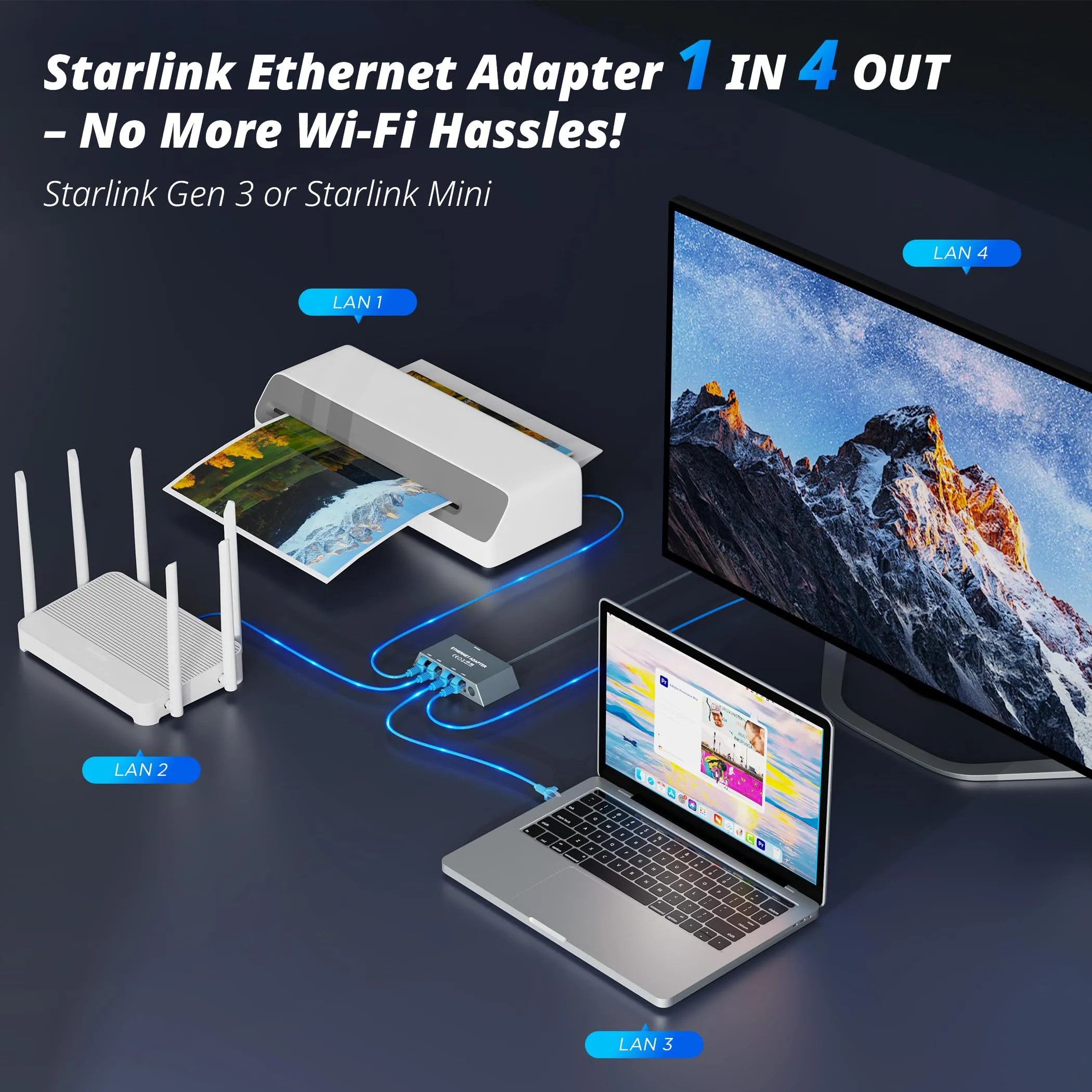
Plan the Route Before You Drill
Walk the route with a tape measure before you buy anything. Note obstructions, eave height, and where the cable can be supported. If the dish must sit far from the router, buy a longer cable rather than chaining couplers — every extra joint is another place for water and signal loss to enter. XLinkCore cables are offered in multiple lengths for this reason, and XLinkCore dish mounts are built to hold the dish rigid so the cable never carries the load.
Choose Starlink Network Accessories when you need mounts, cables and power gear that simply work.
Starlink Cable Routing: Keep the Run Short and Gentle
Good starlink cable routing is boring: short, supported and free of sharp bends. The cable carries DC power as well as data, so a crushed or kinked section causes dropouts that look like a dish fault.
✓Respect the minimum bend radius; anything tighter than a few centimetres risks internal damage.
✓Support the cable every 0.5–1 m with UV-stable clips, tightened by hand only.
✓Leave a 30–50 cm service loop at the dish so the mast can be serviced without unplugging.
✓Route below the dish connector and form a drip loop before the cable turns toward the building.
✓Keep the run a hand's width away from mains wiring where possible.
When you work out how to route starlink cable through wall cavities, feed from the exterior inward so the jacket is not scraped along framing. UV-resistant jackets and clip sets from Starlink Network Accessories survive a full summer of sun without going brittle.
Wall and Roof Penetrations That Stay Dry
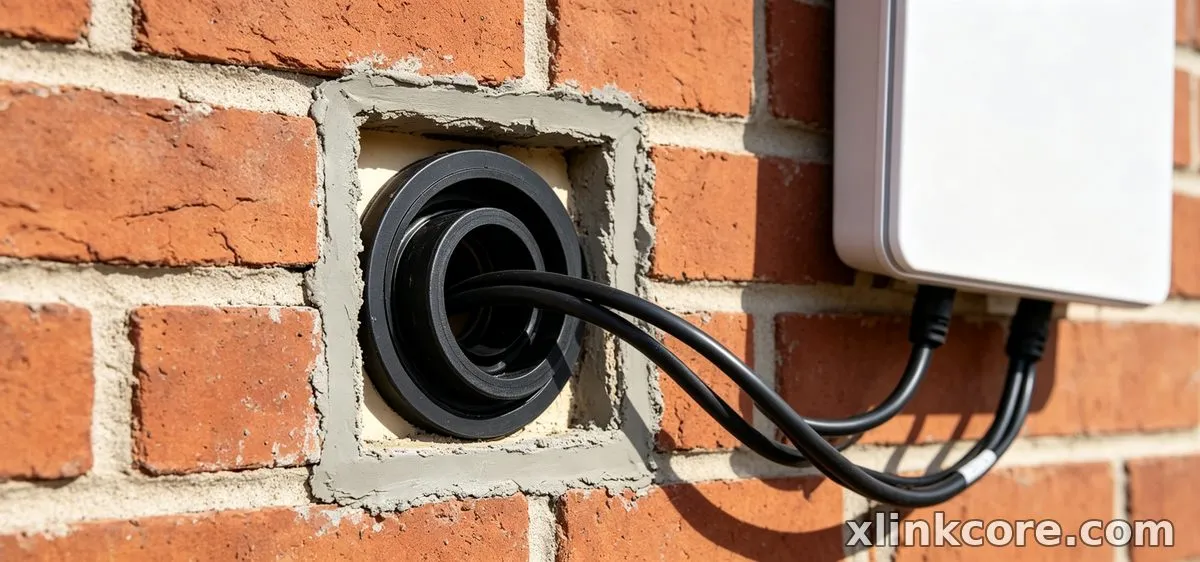
Every penetration is a future leak unless it is cut and sealed deliberately. For a wall, drill a hole wider than the connector, angle it slightly downward toward the outside, and line it with a bushing. Feed a pull cord first, then the cable, then pack the void with exterior-grade sealant and fit a cover plate.
For starlink cable through roof runs, never drill on a low slope where water pools. Enter through a vertical surface or under a ridge, use a proper roof boot or flashing plate, and seal in two stages: a backer bead under the plate and a bead over the fasteners. A gentle sag before the entry point stops water tracking along the jacket. Entry hardware and bushings sized to Starlink connectors are available from Starlink Network Accessories and from Shenzhen Starlink Network Accessories Co., Ltd. through its dealer network.
Starlink Cable Waterproofing at Every Joint
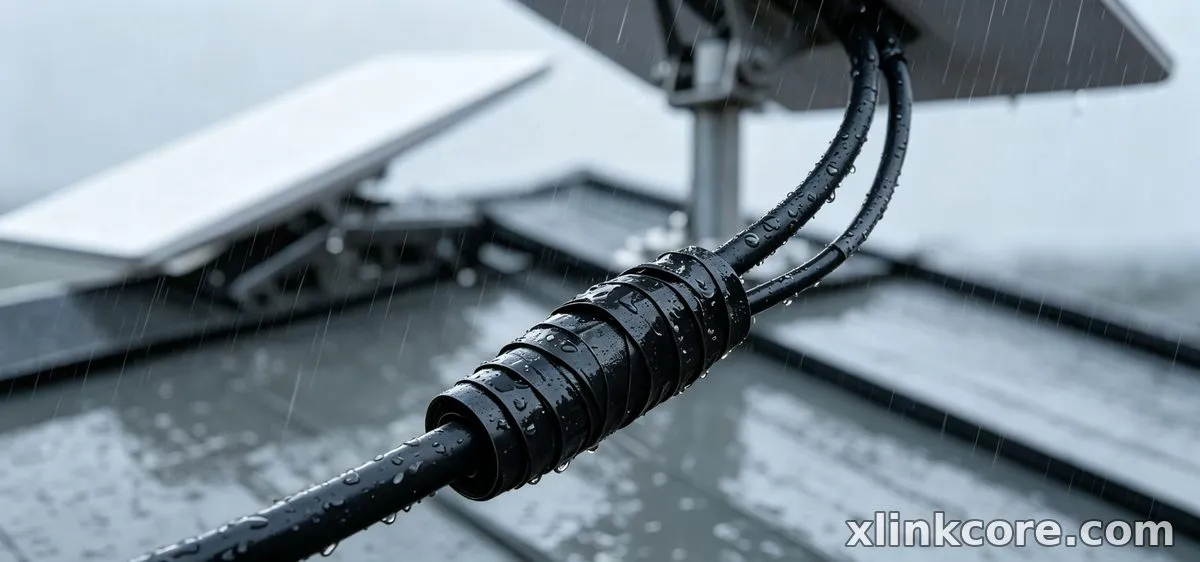
Starlink cable waterproofing is the step most DIY installs skip. The dish connector is weather-resistant, not pressure-proof, and standing water inside a connector corrodes pins quickly.
✓Wipe the connector dry, apply a thin film of dielectric grease, and seat it fully.
✓Wrap self-amalgamating silicone tape from the cable up over the joint, overlapping by half.
✓Finish with a UV-resistant outer tape; ordinary electrical tape hardens and cracks.
✓Orient the joint downward wherever the geometry allows.
✓Re-check waterproof starlink connections after the first heavy rain and at the start of each season.
Never seal a connector that is already wet — dry it first. XLinkCore sealing kits include the tape and grease needed for a clean two-layer wrap, so the whole job takes minutes per joint.
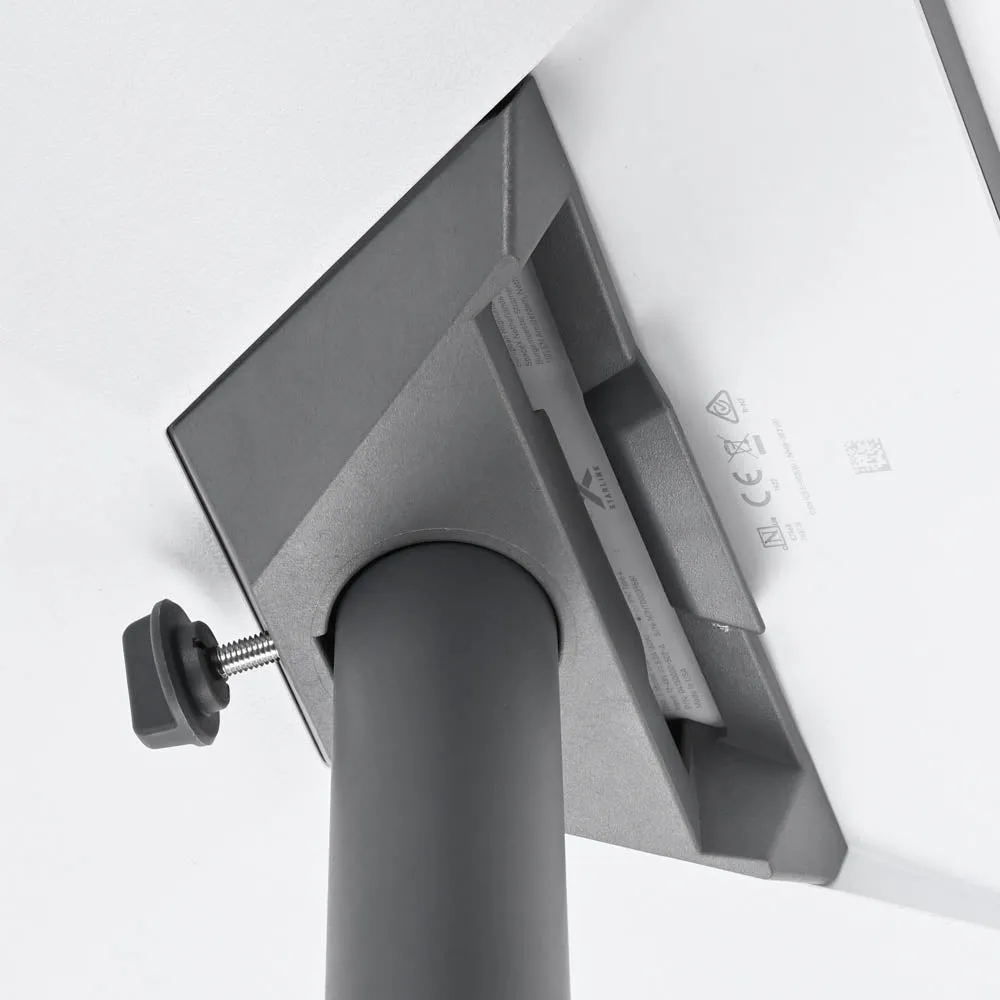
Starlink Grounding: Bond the Mast, Protect the Gear
Starlink grounding protects both people and electronics. A mast on a roof or pole is a lightning target, and an unbonded one can send surge current down the data cable into your router.
Bond the mast to a dedicated ground rod with a copper conductor sized to local code, then bond the cable shield or a surge protector at the point of entry. A starlink grounding kit makes this repeatable: clamp, conductor, rod and connector in one package. Keep ground runs straight and short, avoid sharp bends, and never use a gas or water line as a ground. Portable setups — caravans, job trailers, campsites — should use a rod that is pulled and re-driven at each stop. Grounding hardware from Shenzhen Starlink Network Accessories Co., Ltd. follows the same bonding logic, and the XLinkCore grounding kit is the simplest way to cover a single dish.
Test Everything, Then Document It
Re-run the starlink installation guide checklist: tug each clip, confirm the drip loop, and read the obstruction map in the app after fifteen minutes. Speed-test in the evening when the network is busy. If speeds collapse after rain, suspect a wet connector rather than a failing dish.
If you plan to run the dish from a battery or a DC converter, review the power and adapter options before you finalise cable lengths, and check the installation guides for the steps specific to your dish version.
Hardware Quality Behind the Install
Clip tension, jacket thickness and connector tolerance decide whether an install survives three winters or three months. Shenzhen Starlink Network Accessories Co., Ltd. was founded in August 2024 and has grown into a product line of 80+ models covering mounts, cables, adapters and power supplies.
Production runs in a 5,000 m2 factory equipped with 25 injection molding machines and 15 welding machines, supported by 200 patented molds. Monthly capacity reaches 400,000–600,000 units, with annual export value of roughly 20–30 million USD. Products carry 3C, CE, FCC and PSE certification, so imported stock meets the compliance requirements most markets ask for. Everything ships under the XLinkCore brand, and Starlink Network Accessories sells direct to installers, dealers and OEM buyers.
That manufacturing base is why Starlink Network Accessories can supply parts that fit together — a mount, a cable and a sealing kit matched as a system — rather than components that almost work. XLinkCore products are tested that way.
Final Checklist for a Clean Install
From first sketch to final QC, Starlink Network Accessories keeps quality at the center.
Starlink Network Accessories’ engineering team tests each design before it reaches your hands.
Before you switch on: cable routed with drip loops, penetrations flashed and sealed, connectors taped and greased, mast bonded to ground, and every clip hand-tight. Photograph the route so the next service visit is quick.
Follow this starlink installation guide sequence and your starlink diy install will hold through storms, while the starlink cable routing, starlink cable waterproofing and starlink grounding work outlasts the dish itself. For brackets matched to your roof type, browse the mount range, or read the buying guides when you are ready to order XLinkCore gear.
Need the Right Accessories for Your Setup?
Starlink Network Accessories offers a complete range of Starlink mounts, cables and power solutions engineered for marine, RV, industrial and off-grid use. Contact our team for bulk orders or custom OEM/ODM solutions.
Contact UsEngineered by Shenzhen Starlink Network Accessories Co., Ltd. — Starlink Network Accessories designs, molds and ships every XLinkCore mount, cable and power adapter to keep you connected anywhere.
