Service
Starlink FAQ: Coverage, Speeds and Dish Care
💡 In This Article
- ▶How Starlink Works in Plain Terms
- ▶Starlink Coverage: Where the Service Reaches
- ▶Starlink Internet Speed, Explained
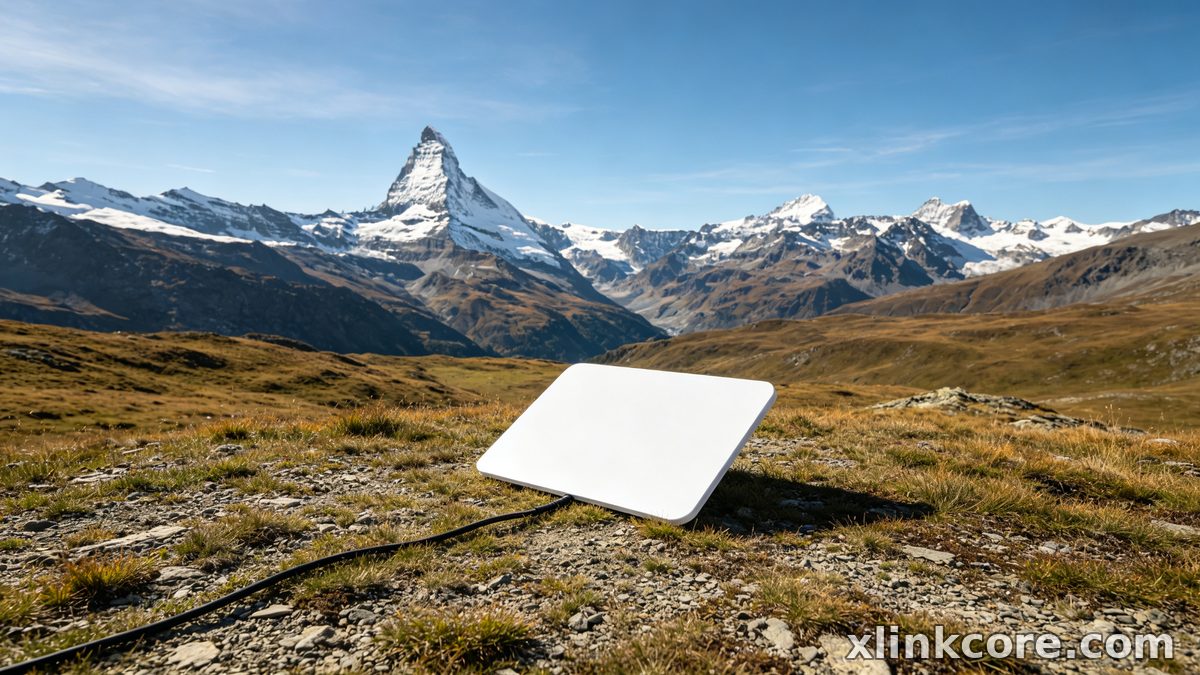
Starlink delivers internet through a constellation of low-Earth-orbit satellites, and the dish outside your window is a phased-array antenna with no spinning parts. Instead of physically aiming at a satellite, it steers its beam electronically toward whichever satellite is currently overhead, then hands the link to the next one as it passes. That constant handover is why a careful DIY owner can be online within minutes of unboxing.
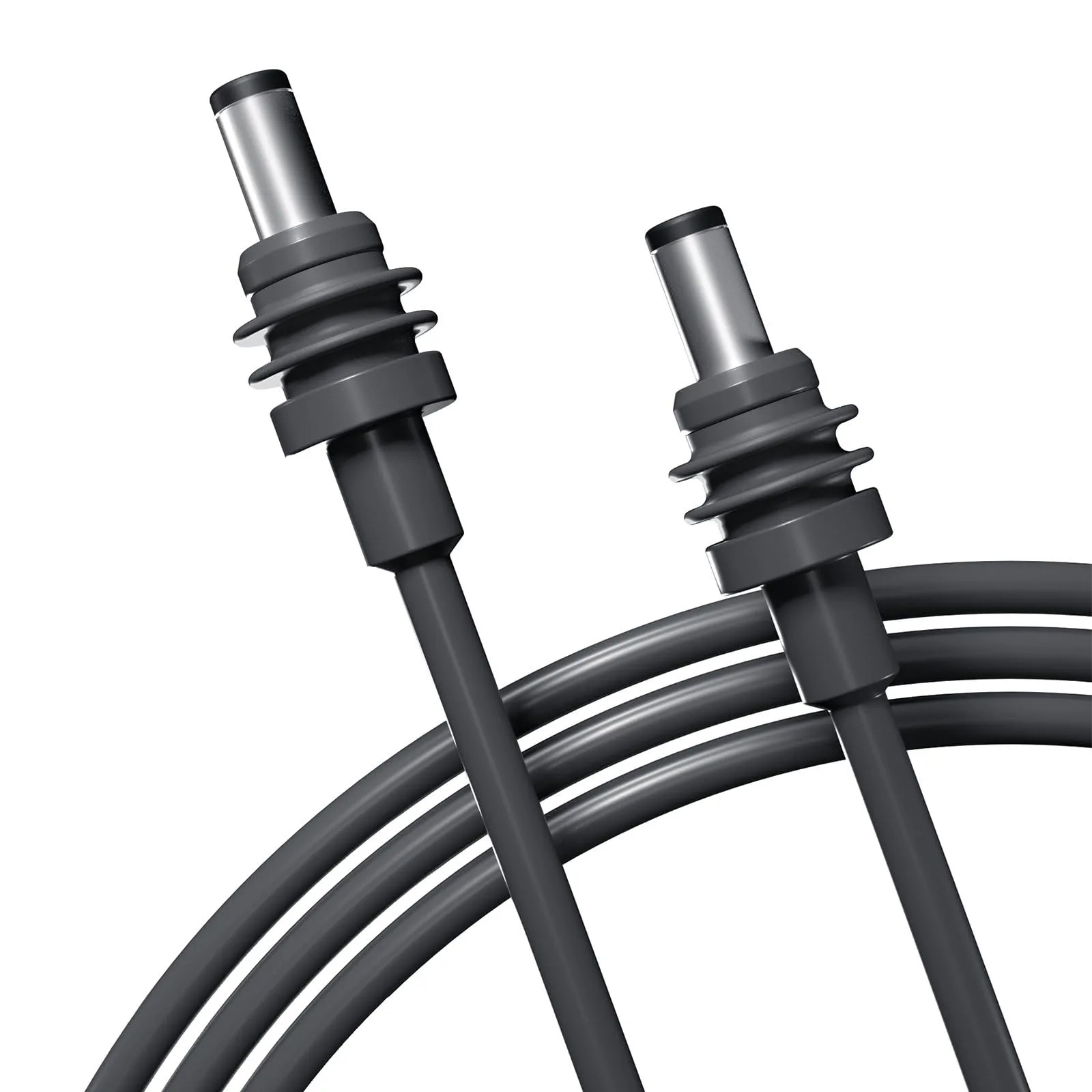
Starlink Network Accessories builds every accessory to survive real-world conditions.
How Starlink Works in Plain Terms
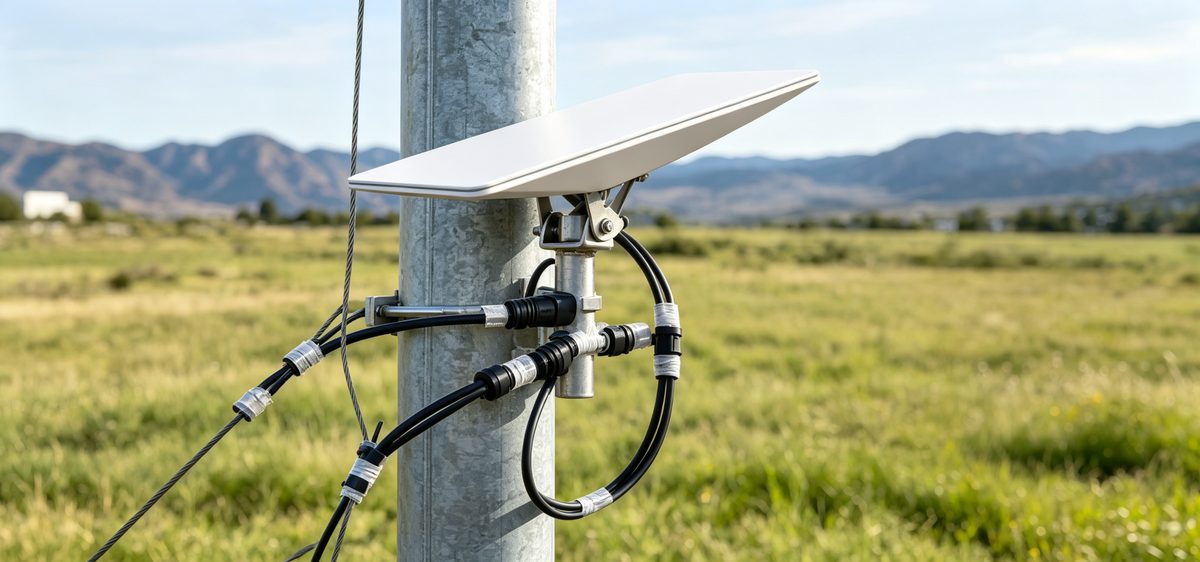
Understanding how does starlink work is worth ten minutes of your time because it explains the conditions your hardware lives in. The terminal needs a wide view of the sky, a steady power supply and a cable that survives sun, rain and ice. Trees, chimneys and masts cause short dropouts whenever a satellite slips behind them, so site selection remains the biggest lever on real-world performance — a problem the engineering team at Shenzhen Starlink Network Accessories Co., Ltd. designs around every single day.
Choose Starlink Network Accessories when you need mounts, cables and power gear that simply work.
Starlink Coverage: Where the Service Reaches
Starlink coverage is not one global switch. It is managed country by country and then divided into service cells that can fill up or open without warning, which is why the official availability map should be checked against your exact address rather than your town name. Starlink for rural areas is where the service changes lives most dramatically: farms, cabins and smallholdings that waited years for fibre are often streaming the same afternoon the kit arrives.
✓Latitude plays a role — northern and southern regions generally see more satellites overhead.
✓National licensing and ground-station access vary, so coverage is never uniform across a continent.
✓Obstruction is personal, not regional: your own treeline matters more than any map.
Starlink Internet Speed, Explained
Typical Starlink internet speed falls somewhere between 25 Mbps and 200-plus Mbps for downloads, with uploads usually in the 5-30 Mbps band and latency around 20-60 ms. Those figures are good enough for video calls, cloud backups and most remote work. Starlink speeds explained honestly always carries two caveats: capacity is shared with everyone in your cell, and performance dips during the busy evening window.
✓A clear sky, no obstructions and a short, undamaged cable give you the best possible result.
✓Software updates and satellite routing changes shift numbers from week to week.
✓Heavy snow, dense storms and extreme heat can all cause short interruptions.
Hardware matters too, which is why Starlink Network Accessories tests connectors, seals and cable assemblies rather than assuming any lead will do.
Starlink vs Traditional Internet
At Starlink Network Accessories, the comparison we hear most is starlink vs traditional internet. Cable and fibre still win on peak speed and cost per megabit in cities and suburbs. Starlink wins on reach, installation time and independence from local infrastructure: no trench to dig, no line-of-sight radio mast, no waiting list measured in months. For a rural household running a business or a farm, the deciding factor is rarely raw speed — it is whether a fast connection exists at all.
Starlink Care and Maintenance
Starlink care and maintenance is refreshingly light, but it is not zero-effort. The dish is designed to melt snow and shed water on its own; the parts around it — mounts, cables and connectors — still deserve an annual inspection.
✓Wipe the dish face with a soft cloth and plain water only, and power the system down first.
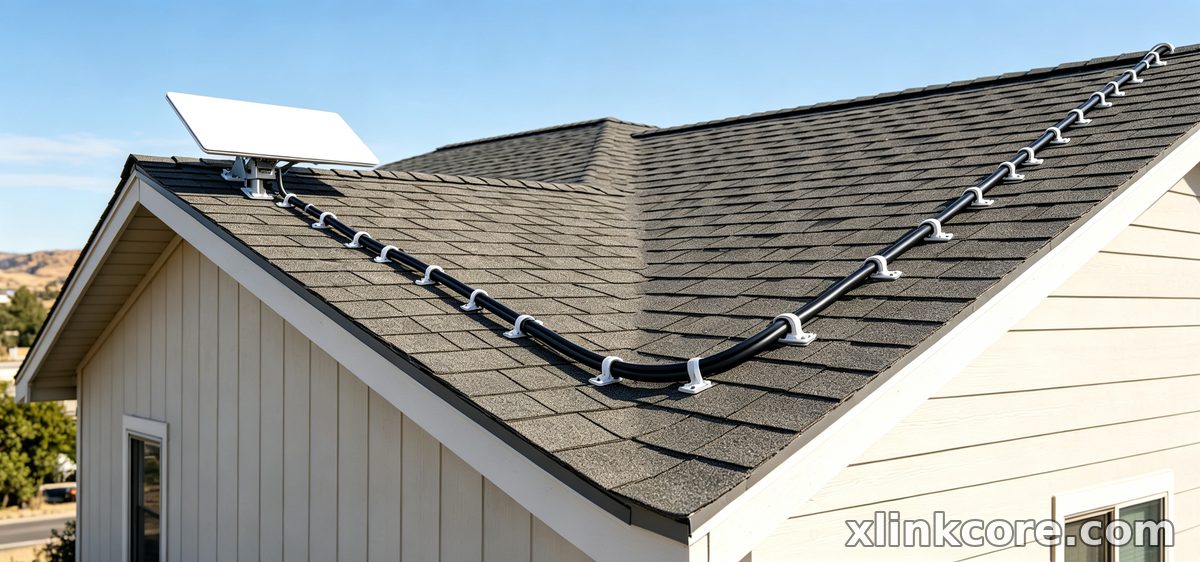
✓Cover the starlink dish maintenance basics quarterly: cable strain relief, connector seating and sealant around every wall entry.
✓Re-tighten bolts and clamps after storm season, especially on exposed roofs and mast installations.
✓Keep cable runs out of standing water and away from sharp roof edges.
✓Re-run the obstruction check in the app after trees grow or new buildings appear.
Most reported "dish failures" turn out to be corroded connectors, loose clamps or cables chafed by wind. Starlink Network Accessories recommends pairing a good inspection habit with XLinkCore mounts engineered for your exact surface, because a bracket that flexes in gusts will eventually damage the cable it holds.
Mounts, Power and Accessories That Matter
The dish is only half of a working system. A rigid mount holds the antenna at the correct angle and survives wind loading; a clean power path keeps it running through brownouts, cold nights and long off-grid stays. Starlink Network Accessories' XLinkCore mounts are built for specific surfaces — pitched roofs, metal rails, boat decks, camper roofs and poles — instead of a single generic bracket. Where grid power is unreliable, XLinkCore power supplies and 12V DC options keep the terminal online without an inverter.
Shenzhen Starlink Network Accessories Co., Ltd. manufactures these parts in-house, so XLinkCore cables, adapters and enclosures match specific dish generations precisely. The XLinkCore brand exists to answer the two questions that trip up new owners: how many watts do I need, and which connector does my version use? Start with the Starlink power options and the buying guides if you want the short version, then confirm the details in the mounts range before you drill anything.
Starlink FAQ: Quick Answers
From first sketch to final QC, Starlink Network Accessories keeps quality at the center.
Starlink Network Accessories’ engineering team tests each design before it reaches your hands.
✓Can I install it myself? Yes — follow the Starlink installation guides for routing, sealing and grounding.
✓Does it work while moving? Some plans allow in-motion use; check your plan and secure the dish accordingly.
✓How long does the hardware last? With correct mounting and cable care, several years of daily use is normal.
✓Will bad weather stop it? Only briefly — snow melt mode and well-sealed connectors handle most of it.
The answers above reflect a manufacturing reality. Shenzhen Starlink Network Accessories Co., Ltd. was founded in August 2024 and now runs a product line of more than 80 models out of a 5,000 m2 factory equipped with 25 injection molding machines and 15 welding machines. Monthly production capacity sits between 400,000 and 600,000 units, and products carry 3C, CE, FCC and PSE certification. Work with Starlink Network Accessories and you are dealing with a supplier whose XLinkCore products are designed, tooled and tested under one roof.
Whether you are buying your first terminal or upgrading a remote site, the practical path is the same: understand how Starlink works, check real coverage for your address, set realistic speed expectations, and protect the hardware with quality XLinkCore mounts, cables and power gear from Starlink Network Accessories.
Need the Right Accessories for Your Setup?
Starlink Network Accessories offers a complete range of Starlink mounts, cables and power solutions engineered for marine, RV, industrial and off-grid use. Contact our team for bulk orders or custom OEM/ODM solutions.
Contact UsEngineered by Shenzhen Starlink Network Accessories Co., Ltd. — Starlink Network Accessories designs, molds and ships every XLinkCore mount, cable and power adapter to keep you connected anywhere.
