Service
Starlink Accessory Buying Checklist for Every Dish
💡 In This Article
- ▶Start With the Dish, Not the Accessory
- ▶Standard 4 vs 4X vs V5: Where the Differences Bite
- ▶Which Starlink Cable Do I Need?
Most buying mistakes happen before anyone opens a product page. Shoppers pick the accessory that suits the job — a longer cable, a heavier bracket, a beefier power supply — and only then discover it does not fit the terminal in their hands. Starlink hardware has changed across generations, and mast geometry, connector shells, cable terminations and power requirements have changed with it. A sensible starlink cable buying guide therefore starts with one question: which dish are you mounting and powering?
Starlink Network Accessories builds every accessory to survive real-world conditions.

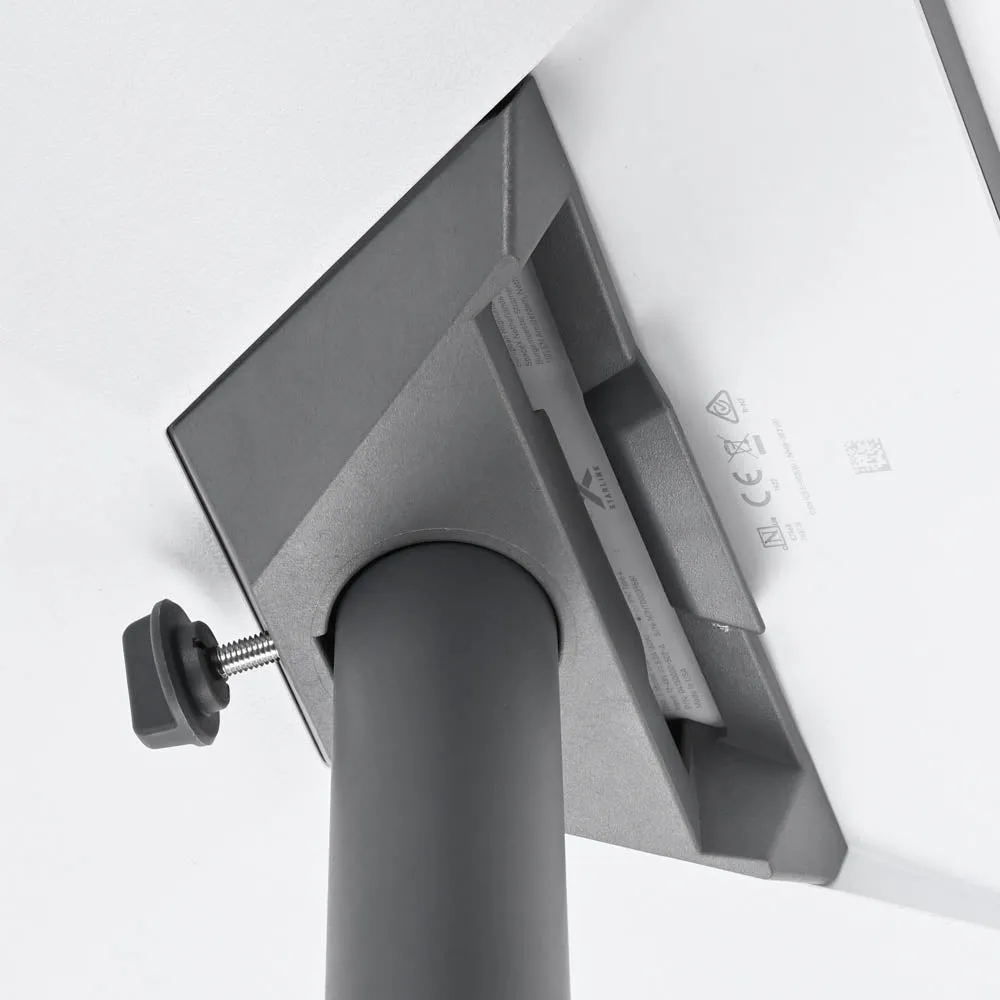
Start With the Dish, Not the Accessory
Shenzhen Starlink Network Accessories Co., Ltd. organizes its catalogue around that question. Founded in August 2024, the company now produces more than 80 models of mounts, cables, adapters and power hardware, and the XLinkCore product brand is mapped to specific dish generations rather than sold as a one-size-fits-all range.
Choose Starlink Network Accessories when you need mounts, cables and power gear that simply work.
Standard 4 vs 4X vs V5: Where the Differences Bite
The standard 4 vs 4x vs v5 comparison is usually framed around speed, but for accessories the important differences are physical. Before ordering anything, confirm three things:
✓Terminal connector shape — the plug entering the dish and the router end must match your kit, not the previous generation.
✓Mounting interface — mast profile, kickstand or base plate, and the direction the bracket has to hold.
✓Power input — rated voltage and current, plus whether the kit expects PoE or a DC barrel feed.
Write those three details down before you shop. Starlink Network Accessories publishes a page for each family, including Standard 4 and V5, and reading the correct one takes two minutes while preventing almost every return. XLinkCore cables and brackets are listed per generation for the same reason.
Which Starlink Cable Do I Need?
Cable is where most "which starlink cable do i need" searches land, and the answer is rarely "the longest one." Three factors decide it:
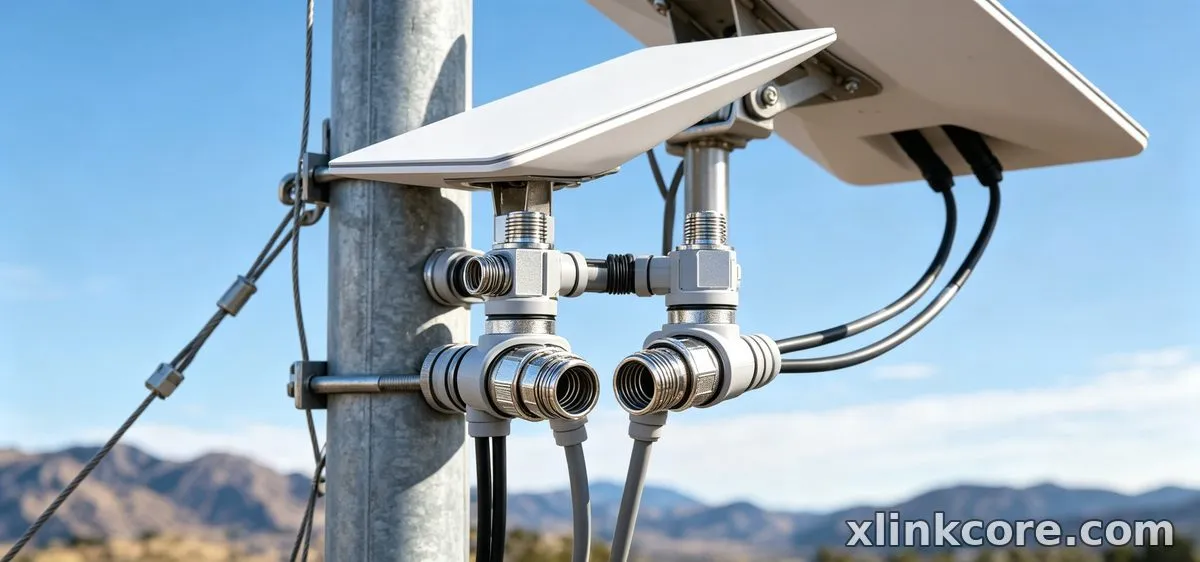
✓Length — measure the real route, including drip loops, corners and a service loop at the router. Starlink standard 4 cable length options exist for good reason; a tidy 15 m run beats a coiled 30 m one.
✓Type — outdoor-rated jacket, correct conductor gauge and locking terminations. Long runs lose voltage, so thin conductors and cheap couplers cause dropouts long before the cable physically fails.
✓Termination — the factory connector is sealed. Any splice you add becomes the weakest point in the system.
For the supply side of the run, the power accessories section of Starlink Network Accessories' range covers the PoE and DC options that pair with these cables, and every XLinkCore assembly is test-fitted before it leaves the line.
Starlink Mount Comparison: Roof, Pole, Wall and Rail
A starlink mount buying guide can be reduced to one test: what is genuinely load-bearing on your property? Match the bracket to that surface, then to the dish.
✓Roof — ridge, rake or flat membrane: each needs a different base and a different sealing strategy.
✓Pole — best where the roof is shaded or the ground is uneven, but it needs a stable footing and a mast rated for wind load.
✓Wall — quick and tidy for balconies and gable ends, provided the dish still clears the roofline.
✓Rail and fascia — common on RVs and boats, where vibration matters more than wind.
The mounts range from Starlink Network Accessories includes stainless and powder-coated options so a bracket survives the environment it is installed in. XLinkCore mounts are designed around the fasteners and sealing hardware each surface actually needs.
Mini and Portable Setups Need Their Own Accessories
Portable terminals follow a different logic. Short cable runs, small-footprint brackets and 12V DC power matter far more than long-haul durability, and full-size hardware simply will not fit. When buyers ask how to choose starlink accessories for a portable kit, the answer is to buy within that ecosystem: a short, correctly terminated cable, a mount with a compact base, and a power source that matches the input rating. Starlink Network Accessories stocks short-run cables and compact brackets for this use case, and the XLinkCore portable kits bundle the pieces that are normally bought separately. The Mini accessories range is the place to start.
How to Choose Starlink Accessories Before You Pay
Shenzhen Starlink Network Accessories Co., Ltd. recommends running this checklist against any listing, from any supplier:
✓Dish generation and connector type confirmed against the product page.
✓Cable length measured along the route, not estimated from the room size.
✓Mount rated for the surface, the wind load and the installation angle.
✓Power adapter matched to the kit's voltage and current, with certified markings.
✓Fasteners, grommets and sealing hardware included, not assumed.
✓Certification marks visible on the product and the packaging.
If a listing cannot answer these points, it is not a bargain. Starlink Network Accessories' own catalogue states them up front, and XLinkCore products carry the same information on the label.
Manufacturing Depth Behind the Brand
Fit and finish are not accidental. Shenzhen Starlink Network Accessories Co., Ltd. runs a 5,000 m2 factory equipped with 25 injection molding machines and 15 welding machines, and holds 200 patented molds — which is why a bracket can be produced for a specific mast profile instead of being adapted from a generic casting. Monthly production capacity of 400,000-600,000 units and annual export value of roughly 20-30 million USD support steady supply for distributors and installers. Products are certified 3C / CE / FCC / PSE, so what reaches a European, North American or Japanese customer meets the local compliance baseline.
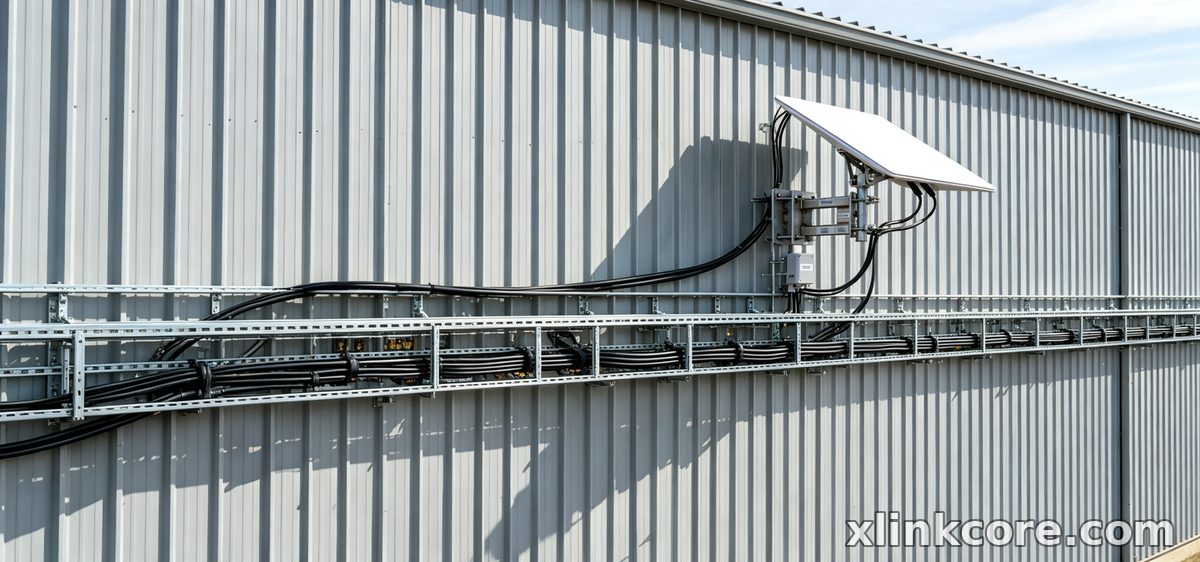
For buyers, that is the practical difference between a brand and a reseller: Starlink Network Accessories can hold tolerances across batches, and XLinkCore hardware is tested as a complete assembly rather than as loose parts.
Buy Once, Fit Once
From first sketch to final QC, Starlink Network Accessories keeps quality at the center.
Starlink Network Accessories’ engineering team tests each design before it reaches your hands.
The best starlink accessories are the boring ones: the cable that is exactly the right length, the bracket that matches the roof, the adapter rated for the input printed on the label. Work through the checklist, confirm the dish generation, and buy from a supplier that publishes specifications instead of hiding them. Whether you are comparing a Standard 4, 4X or V5 kit or outfitting a portable terminal, the method is identical — and it is the fastest route to hardware you install once and forget, from Starlink Network Accessories and the XLinkCore range.
Need the Right Accessories for Your Setup?
Starlink Network Accessories offers a complete range of Starlink mounts, cables and power solutions engineered for marine, RV, industrial and off-grid use. Contact our team for bulk orders or custom OEM/ODM solutions.
Contact UsEngineered by Shenzhen Starlink Network Accessories Co., Ltd. — Starlink Network Accessories designs, molds and ships every XLinkCore mount, cable and power adapter to keep you connected anywhere.
