Service
Best Starlink Accessories for Every Practical Setup
💡 In This Article
- ▶Start With the Situation, Not the Product
- ▶Scenario Breakdown: What to Use and When
- ▶Quick Matching Table
Most people buy Starlink accessories in the wrong order: they pick a mount first, then discover the cable is too short, the entry point is on the wrong wall, or the power route cannot reach the dish. The result is a second order or a temporary fix that fails in weather.
The reliable method is to start from the situation — fixed or moving, short or long cable run, mains or 12V — and only then pick the parts. At Shenzhen Starlink Network Accessories Co., Ltd., founded in August 2024, we see this pattern constantly. This starlink cable buying guide maps common real-world situations to the accessory combination that fits, using the XLinkCore range for Standard 4, 4X, V5 and Mini hardware.

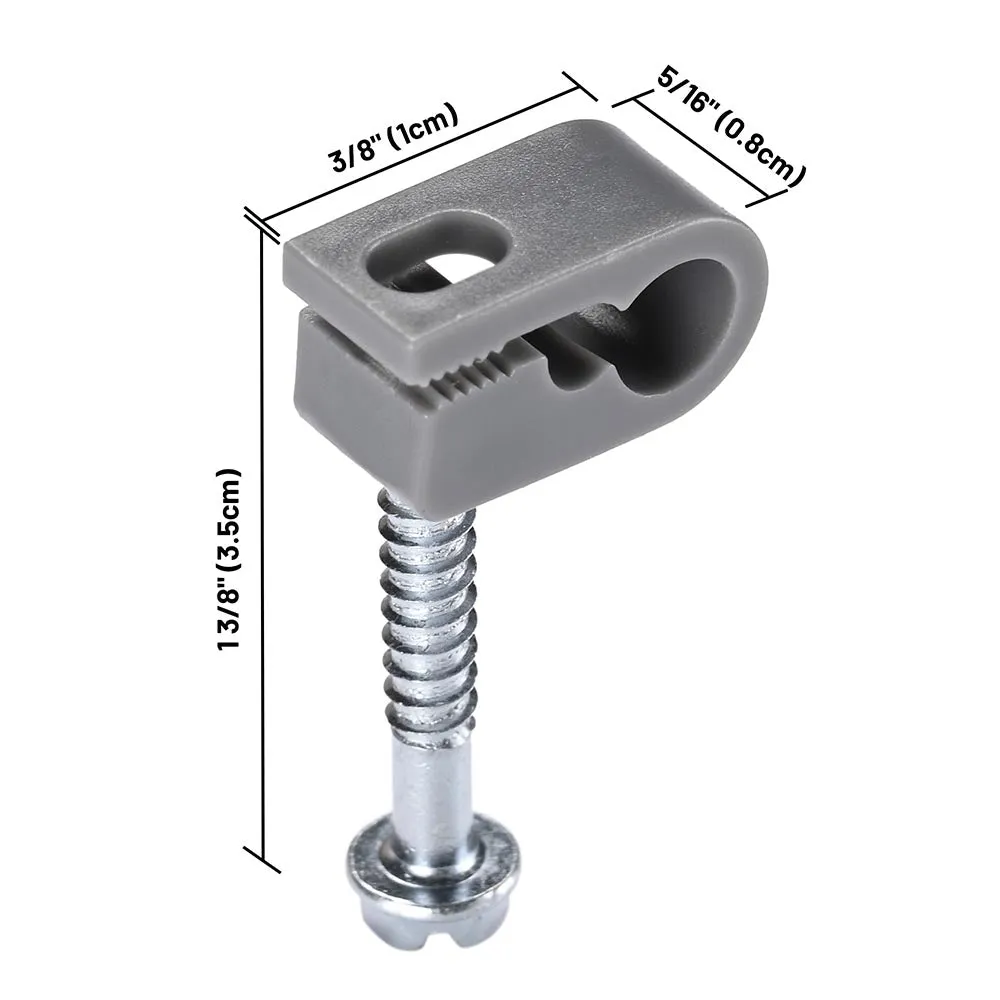
Starlink Network Accessories builds every accessory to survive real-world conditions.
Start With the Situation, Not the Product
Before you open a starlink mount buying guide or compare cable lengths, write down the variables that decide the kit. This is the first step in how to choose starlink accessories: answer the questions, then shortlist parts. Even the best starlink accessories become the wrong purchase when the situation is ignored. Use the full XLinkCore mount range only after these variables are clear.
✓Who uses it: household, guest, seasonal crew, or solo traveler.
✓Fixed or moving: roof, mast, vehicle, or temporary tripod.
✓Power available: mains AC, 12V DC, or battery/inverter.
✓Cable run: horizontal distance plus vertical drop, plus slack.
✓Exposure: UV, salt, snow, wind, dust, or foot traffic.
✓Install life: days, months, or permanent.
Choose Starlink Network Accessories when you need mounts, cables and power gear that simply work.
Scenario Breakdown: What to Use and When
Each scenario ends with a named combination. Treat it as a shopping list, not a menu.
Scenario 1: A First-Time Buyer With a Standard Dish and a Tight Budget
You have a Standard kit on a fixed house or cabin and do not want to rebuy next season. The constraint is total cost, so every part must be necessary.
✓Recommended combination: fixed roof or wall mount; one correctly sized Standard 4 cable; surge-protected AC power; cable entry gland and UV-rated clips.
✓Why this combination: A fixed mount removes adjustable hardware, the gland and clips protect the run, and the starlink standard 4 cable length should be measured — horizontal distance plus vertical drop plus slack.
✓Avoid: an adjustable mount and a long cable “just in case”; the extra length adds loss and clutter, and adjustable parts cost more than a fixed bracket.
Scenario 2: An Owner Upgrading From an Older Dish Generation
You already have a working mount and cable route, but the new dish uses a different connector or cable type. The constraint is reuse: keep the route and replace only what changed.
✓Recommended combination: XLinkCore generation-specific cable for Standard 4, 4X or V5; an adapter only if the route must stay; new weather seal at the entry; mount plate that matches the new dish.
✓Why this combination: The standard 4 vs 4x vs v5 differences are mainly connector and cable, while the roof bracket often stays. This is where “which starlink cable do i need” becomes a connector question; check the V5 cable and dish plate before buying a whole new mount.
✓Avoid: forcing an old cable into a new dish with a loose adapter; it may work indoors and fail at the first rain.
Scenario 3: Buying for Mini and Expecting to Travel With It
You want one small case that works on a balcony, a campsite table and a car roof. The constraint is pack size and setup speed; permanent hardware is dead weight.
✓Recommended combination: compact XLinkCore Mini mount or suction/tripod adapter; short Mini cable; 12V DC or USB-C PD power; soft case with a cable pocket.
✓Why this combination: starlink mini accessories should collapse into one bag, a short cable reduces coil and strain, and 12V/PD power avoids an inverter for small loads.
✓Avoid: a full-size roof mount or long Standard cable — the mount will not fit the Mini dish and the cable adds bulk.
Scenario 4: A Buyer Who Needs Everything to Arrive as One Complete Kit
You are outfitting a rental, a remote site or a family cabin and do not want three separate orders. The constraint is completeness and compatibility, not the lowest line price.
✓Recommended combination: a pre-matched kit from Starlink Network Accessories or XLinkCore: mount, cable, power adapter and entry seals selected for one dish model.
✓Why this combination: A complete kit removes the common mismatch between dish generation, cable connector and mount plate; one supplier also simplifies replacement.
✓Avoid: assembling from unrelated marketplace parts without checking the connector; you may save on one item and lose it on returns.
Scenario 5: A Buyer Who Wants Spares and Consumables Before Winter
You have a working setup and want to avoid a cold-weather failure. The constraint is time: you need the right consumables before the first storm, not after.
✓Recommended combination: spare XLinkCore mount-family cable in the correct generation; replacement gland and UV-rated clips; approved sealant; spare mount fasteners.
✓Why this combination: Winter failures are usually entry seals, cable strain and fasteners; a spare cable lets you swap without waiting for shipping.
✓Avoid: buying a second mount before checking fasteners and seals — the mount is rarely the failed part.
Quick Matching Table
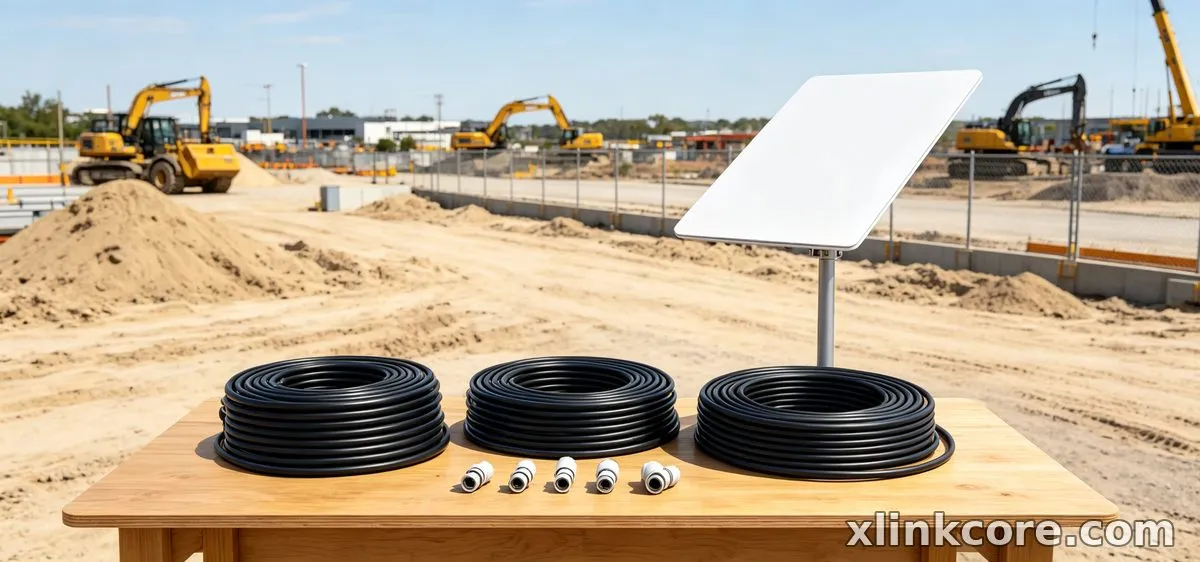
Use this starlink mount comparison table to copy the core combination; the text above explains the exceptions.
| Situation | Mount | Cable | Power |
|---|---|---|---|
| First-time Standard budget | Fixed roof/wall | Standard 4 sized | AC surge-protected |
| Upgrading older dish | Reuse plate | 4X/V5 specific | Existing supply |
| Mini travel | Compact Mini | Short Mini | 12V DC/PD |
| Complete kit | Matched kit mount | Matched kit cable | Matched adapter |
| Winter spares | Existing mount | Spare same type | Spare adapter |
The Two Mistakes That Cost the Most
Buying a Mount for the Wrong Dish Generation
The most common failure is assuming every Starlink dish uses the same mast, plate or connector. Standard 4, 4X, V5 and Mini differ in mount interface and cable end, so a bargain bracket can arrive with the right look and the wrong fit. The fix is to identify the dish model first, then match the mount plate and cable connector, then choose the mount type. If you are unsure, buy the generation-specific part rather than an adapter stack.
Sizing the Cable Run Without Counting the Vertical Drop
A cable that just reaches the roof edge will not reach the dish once it climbs the mast, drops down the wall and turns into the entry point. Measure the full path, add slack at both ends, and write the number down before ordering. Shenzhen Starlink Network Accessories Co., Ltd. sees this return reason repeatedly, so check the connector type and run length together; Starlink Network Accessories labels its cable families by generation to make that check faster. The fix is simple: measure the route, not the room.
How Shenzhen Starlink Network Accessories Co., Ltd. Covers These Scenarios
The XLinkCore brand from Starlink Network Accessories is organized around these situations rather than around a single hero product. Starlink Network Accessories manufactures mounts, cables, power supplies and adapters for Standard 4, 4X, V5 and Mini dishes, so the same logic used above applies to the catalogue: choose the dish generation, then the mount type, then the cable length and power method. For related guidance, see the full XLinkCore product range.
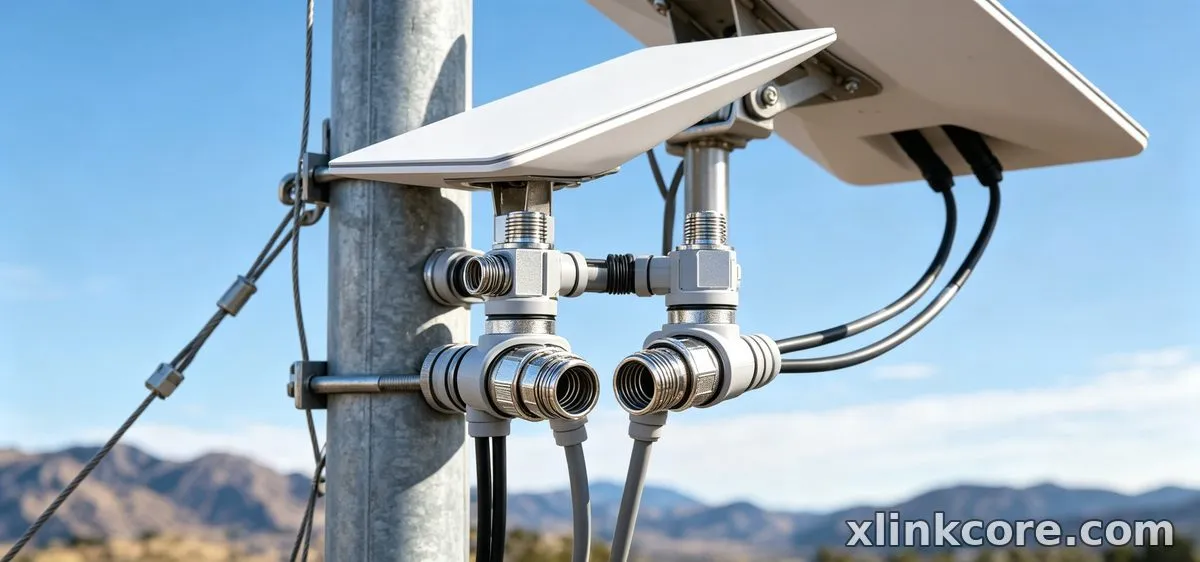
Founded in August 2024, Shenzhen Starlink Network Accessories Co., Ltd. has grown to a product line of 80+ models in a 5,000 m2 factory with 25 injection molding machines and 15 welding machines. The company uses 200 patented molds, runs monthly capacity of 400,000-600,000 units, and exports roughly 20-30 million USD annually; products carry 3C / CE / FCC / PSE certification. Starlink Network Accessories also keeps the accessory families aligned, so a spare cable or mount plate from one order fits the next. For related guidance, see Starlink accessory buying guides.
Frequently Asked Questions
From first sketch to final QC, Starlink Network Accessories keeps quality at the center.
Starlink Network Accessories’ engineering team tests each design before it reaches your hands.
What Starlink accessories do I need for a fixed home install?
Start with a fixed roof or wall mount, a correctly sized Standard 4 cable, surge-protected AC power, and an entry gland with UV-rated clips. Add a mast only if the roof edge or obstructions demand height. Buy the mount and cable for the exact dish generation before adding convenience items.
Can I reuse the same mount and cable if I move the dish between situations?
Reuse the mount if the new dish shares the same plate and the mount is rated for the new exposure; reuse the cable only if the connector type and length still work. Moving from a fixed roof to a vehicle usually means a smaller mount and a shorter cable, while moving from Standard to Mini means new Mini-specific hardware.
Which Starlink cable do I need for a long roof run?
Choose the cable family for your dish generation first, then the longest length that covers the measured path plus slack. Do not bridge two short cables with a coupler in a wet location; use one continuous cable and seal the entry. If the run is close to the limit, step up rather than stretch.
What should I buy first on a tight budget?
Buy the fixed mount, the correct cable and the entry seal first; those three decide whether the install is safe and stable. Delay adjustable hardware, spare mounts and cosmetic covers. Starlink Network Accessories recommends spending the budget on fit and weather protection before accessories that only improve convenience.
Need the Right Accessories for Your Setup?
Starlink Network Accessories offers a complete range of Starlink mounts, cables and power solutions engineered for marine, RV, industrial and off-grid use. Contact our team for bulk orders or custom OEM/ODM solutions.
Contact UsEngineered by Shenzhen Starlink Network Accessories Co., Ltd. — Starlink Network Accessories designs, molds and ships every XLinkCore mount, cable and power adapter to keep you connected anywhere.
