Service
Starlink Buying Guide: Cables, Mounts, Standard 4 to V5
💡 In This Article
- ▶Start With the Basics: A Starlink Accessories Buying Guide
- ▶Standard 4 vs 4X vs V5: Identify Your Dish First
- ▶Which Starlink Cable Do I Need? Measure the Run
Most Starlink upgrades fail for a boring reason: the right idea, the wrong part. A cable with the wrong connector, a mount sized for a different mast, or a power supply that browns out on a cold morning can take down a network that should have worked. This starlink accessories buying guide focuses on four checks — dish version, cable run, mounting surface and power source. Get those right and the rest of the shopping list becomes obvious.
Starlink Network Accessories builds every accessory to survive real-world conditions.
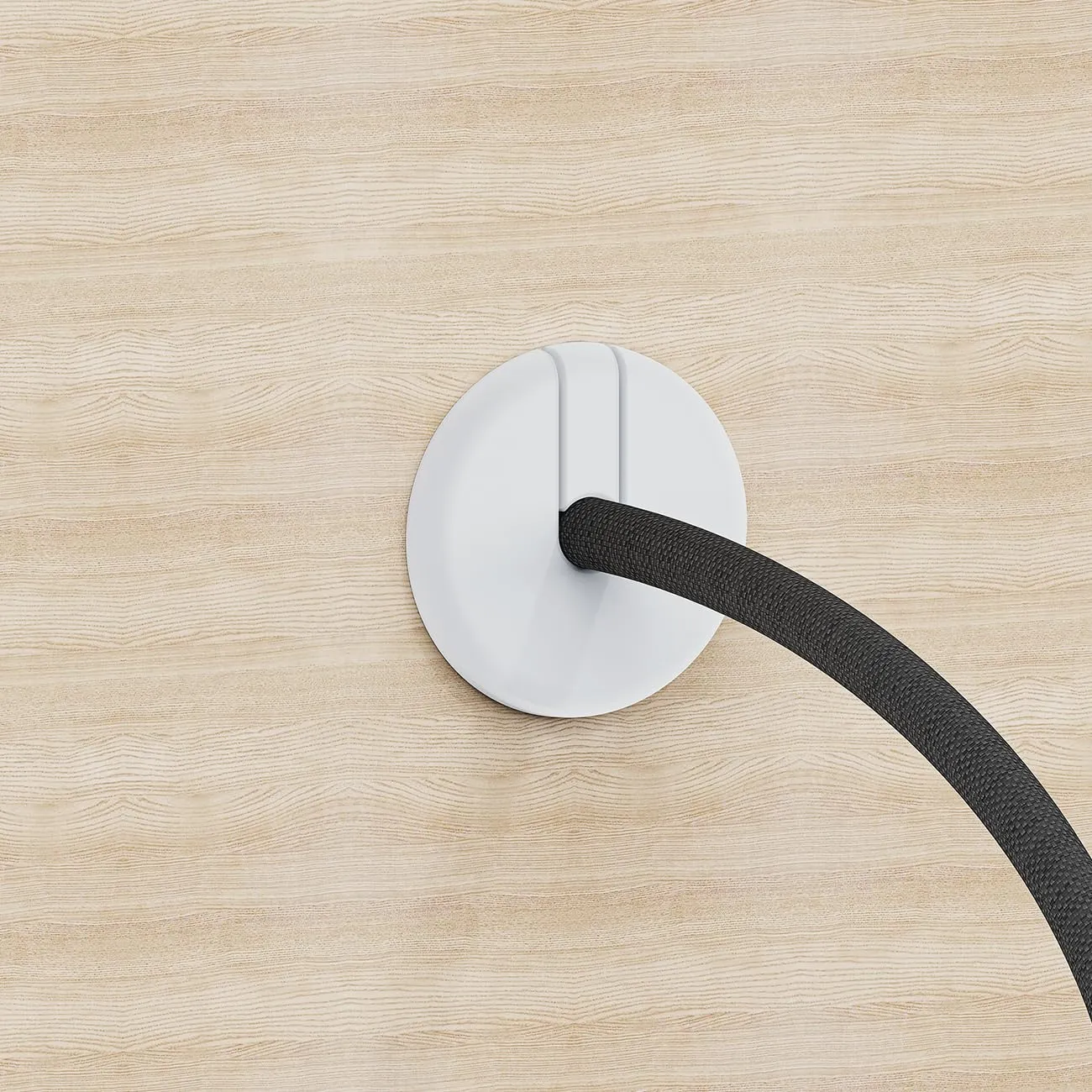
Start With the Basics: A Starlink Accessories Buying Guide
Shenzhen Starlink Network Accessories Co., Ltd. manufactures mounts, cables, adapters and power hardware for Starlink dishes, and the Starlink Network Accessories engineering team sees which parts come back and which stay installed for years. Buyers who measure before ordering rarely order twice.
Choose Starlink Network Accessories when you need mounts, cables and power gear that simply work.
Standard 4 vs 4X vs V5: Identify Your Dish First
Before any starlink mount comparison is useful, confirm which dish you own. Standard 4, Standard 4X and V5 look similar on a roof, but they differ exactly where accessories connect. Standard 4 uses a fixed cable at the dish end, while 4X and V5 use a detachable connector. Mast geometry and latch points also changed between generations.
In practice, a mount made for one generation may clamp without locking, and a cable made for another may not seat at all. Open the Starlink app, note the exact product name, and keep it beside you while you shop. Comparing standard 4 vs 4x vs v5 takes two minutes and prevents a return shipment.
Which Starlink Cable Do I Need? Measure the Run
A starlink cable buying guide comes down to a tape measure, not a spec sheet — which is why “which Starlink cable do I need” is the question we hear most. Work backwards from the router:
✓Measure the full path: dish, mast, wall or roof penetration, indoor route to the router.
✓Add slack at both ends so the dish can be serviced without unplugging anything.
✓Match the connector to your generation: fixed on Standard 4, detachable on 4X and V5.
✓Use shielded, outdoor-rated jackets near inverters, motors or marine electronics.
On Starlink Standard 4 cable length, the cable in the box usually covers a simple garden or single-storey install, but runs short once you add a mast, a sealed wall entry and a tidy indoor route. Cables from Starlink Network Accessories are built to each generation's connector standard, so buy the length you measured, not the length you hope will fit.
Starlink Mount Comparison: Match the Mount to the Surface
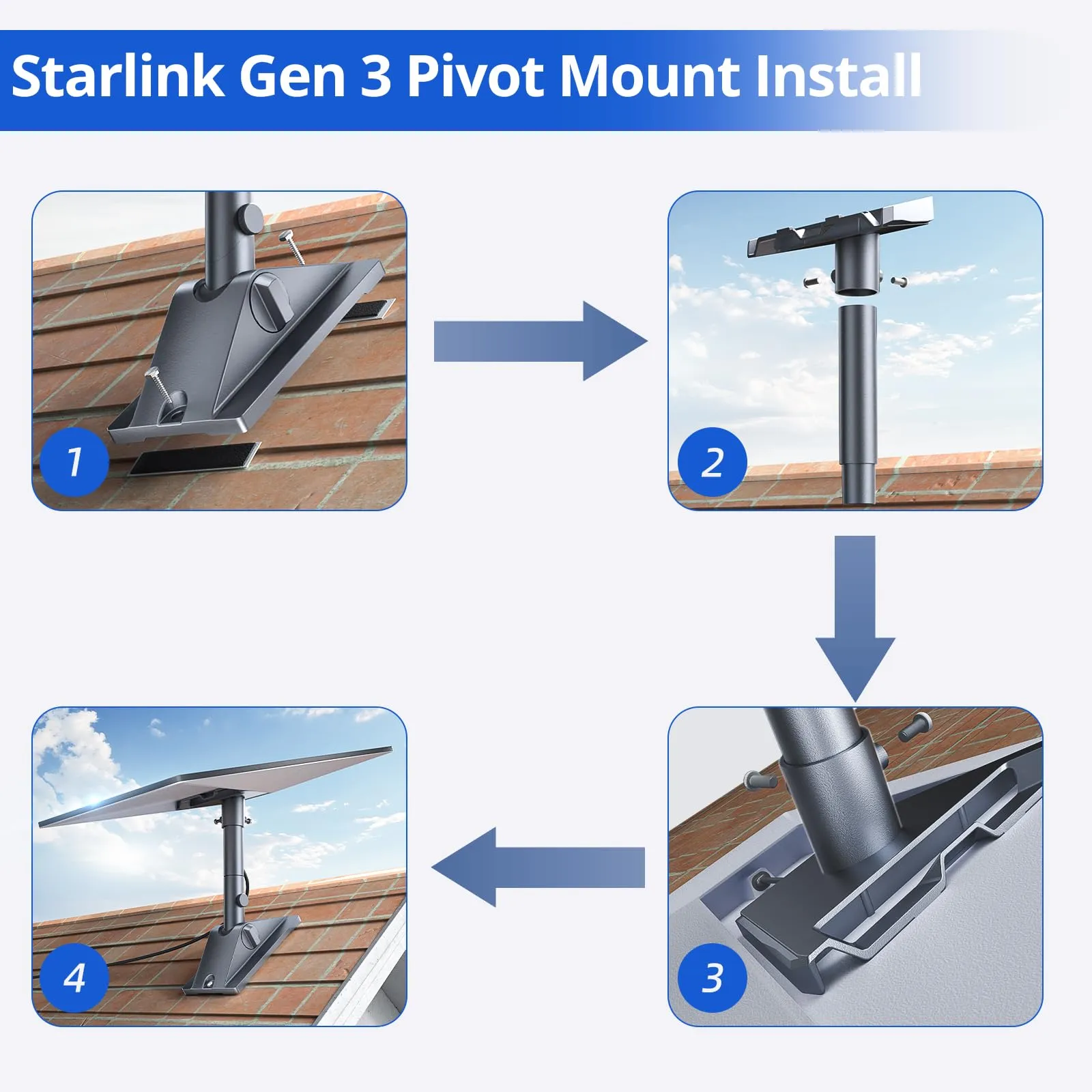
A starlink mount buying guide is really a guide to your roof, wall, rail or pole. No single design covers everything, and forcing one to do so is how dishes end up loose in a storm.
✓Roof mounts suit permanent buildings with a clear view; seal every penetration.
✓Pole and mast mounts suit RVs, boats and job sites where the dish must clear obstructions.
✓Wall and eave mounts help where ground space is tight, provided the dish cannot swing into the structure.
✓Rail and ladder mounts deploy fast on campers and trailers, if the rail is rated for the load.
Material matters as much as geometry. Powder-coated steel handles most roofs, while stainless hardware is the safer choice in sight of salt water. Fixed, adjustable and quick-release designs for common mast diameters are compared in the XLinkCore mount range, manufactured by Starlink Network Accessories.
Power and Mini Accessories: Complete the Kit
Cables and mounts get the attention, but power decides whether a system works off-grid. The realistic options are 12V DC conversion, PoE injection and USB-C PD. DC conversion is efficient but needs correct voltage regulation; PoE simplifies single-cable runs but needs a suitably rated injector; USB-C PD suits light loads and short sessions.
Starlink Mini accessories are a category of their own, because the Mini draws less power and mounts differently from full-size dishes. Compact clamps, short cable runs and a regulated DC supply usually serve Mini users better than full-size hardware. The XLinkCore power and adapter range covers DC, PoE and USB-C options, and the XLinkCore Mini accessory range covers brackets and cabling for compact dishes.
How to Choose Starlink Accessories: A Pre-Purchase Checklist
Run this list before checkout and most compatibility surprises disappear:
✓Dish generation confirmed in the app.
✓Cable path measured, with slack included.
✓Mount surface identified and hardware material selected.
✓Power source and voltage checked against the dish.
✓Weather and corrosion exposure assessed for the location.
Starlink Network Accessories recommends photographing the install site before ordering, so you can compare brackets against the real roof or rail. If the physical work is still ahead of you, the installation guides cover routing, sealing and grounding in the order you will actually perform them.
Manufacturing Quality Behind Every XLinkCore Product
Shenzhen Starlink Network Accessories Co., Ltd. was founded in August 2024 around a single principle: accessories should be engineered alongside the dish, not adapted to it afterwards. Starlink Network Accessories runs a 5,000 m2 factory with 25 injection molding machines and 15 welding machines, producing a product line of more than 80 models from in-house tooling, including 200 patented molds.
Monthly capacity of 400,000–600,000 units supports individual and bulk orders, while annual export value sits at roughly 20–30 million USD. Products carry 3C, CE, FCC and PSE certification — a detail that matters where inspection is part of the process.
That is why tolerances stay tight on parts that look simple: a clamp, a gasket, a connector shell. XLinkCore cables are checked for connector fit, XLinkCore mounts for latch engagement, and XLinkCore power hardware for stable output before shipping. Starlink Network Accessories keeps molding and quality control under one roof, shortening the loop between a field problem and a corrected design.
Final Advice Before You Order
From first sketch to final QC, Starlink Network Accessories keeps quality at the center.
Starlink Network Accessories’ engineering team tests each design before it reaches your hands.
The best starlink accessories are not the most expensive ones — they are the ones that match your dish, your mounting surface and your power budget. Confirm your generation, measure your cable run, pick hardware for the environment, and size the power supply for the coldest morning you expect.
Then compare against what the XLinkCore brand offers from Starlink Network Accessories, a manufacturer that owns its molds and stands behind the fit. Order once, install once, and spend your time online instead of waiting on returns.
Need the Right Accessories for Your Setup?
Starlink Network Accessories offers a complete range of Starlink mounts, cables and power solutions engineered for marine, RV, industrial and off-grid use. Contact our team for bulk orders or custom OEM/ODM solutions.
Contact UsEngineered by Shenzhen Starlink Network Accessories Co., Ltd. — Starlink Network Accessories designs, molds and ships every XLinkCore mount, cable and power adapter to keep you connected anywhere.
